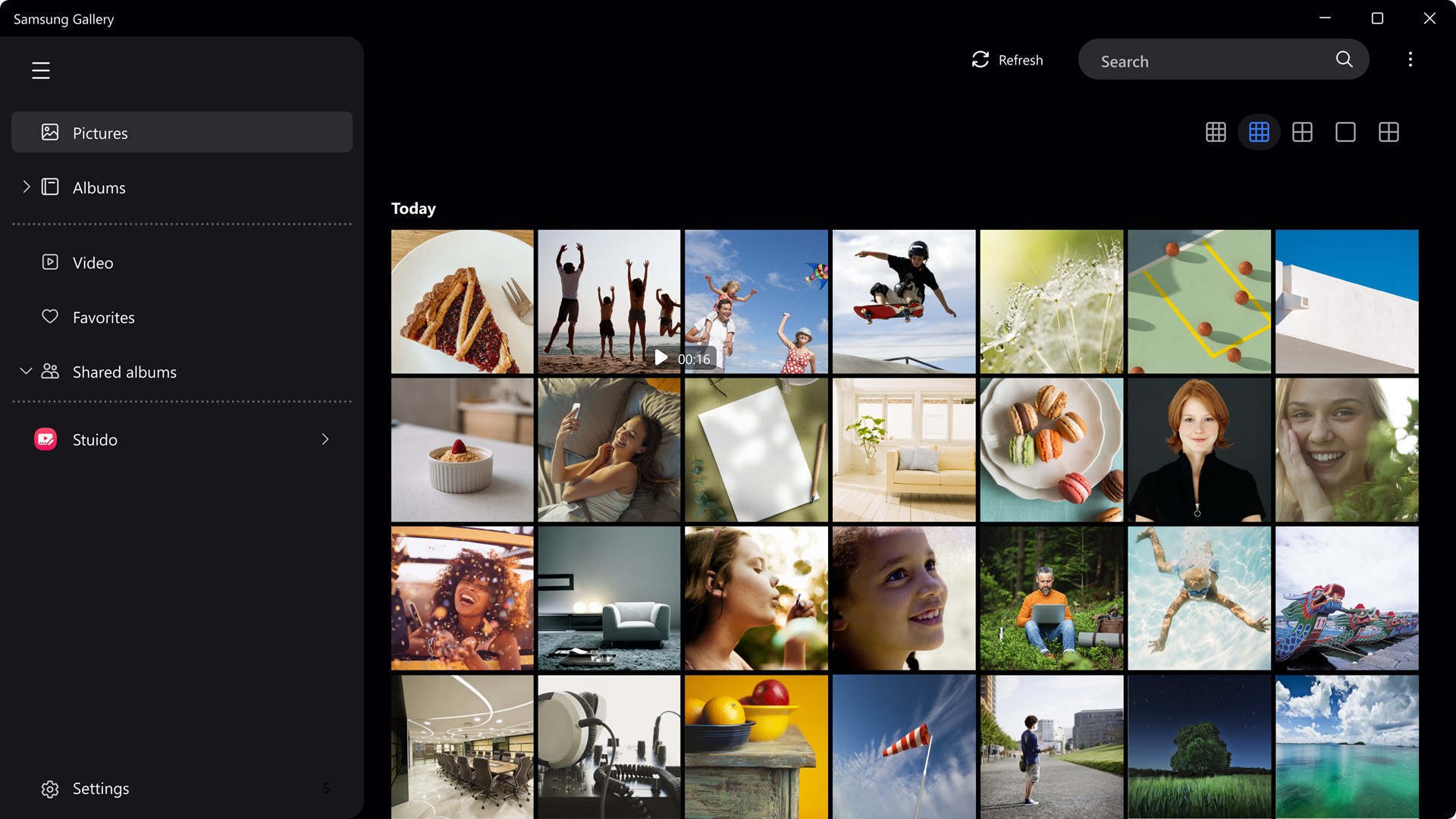
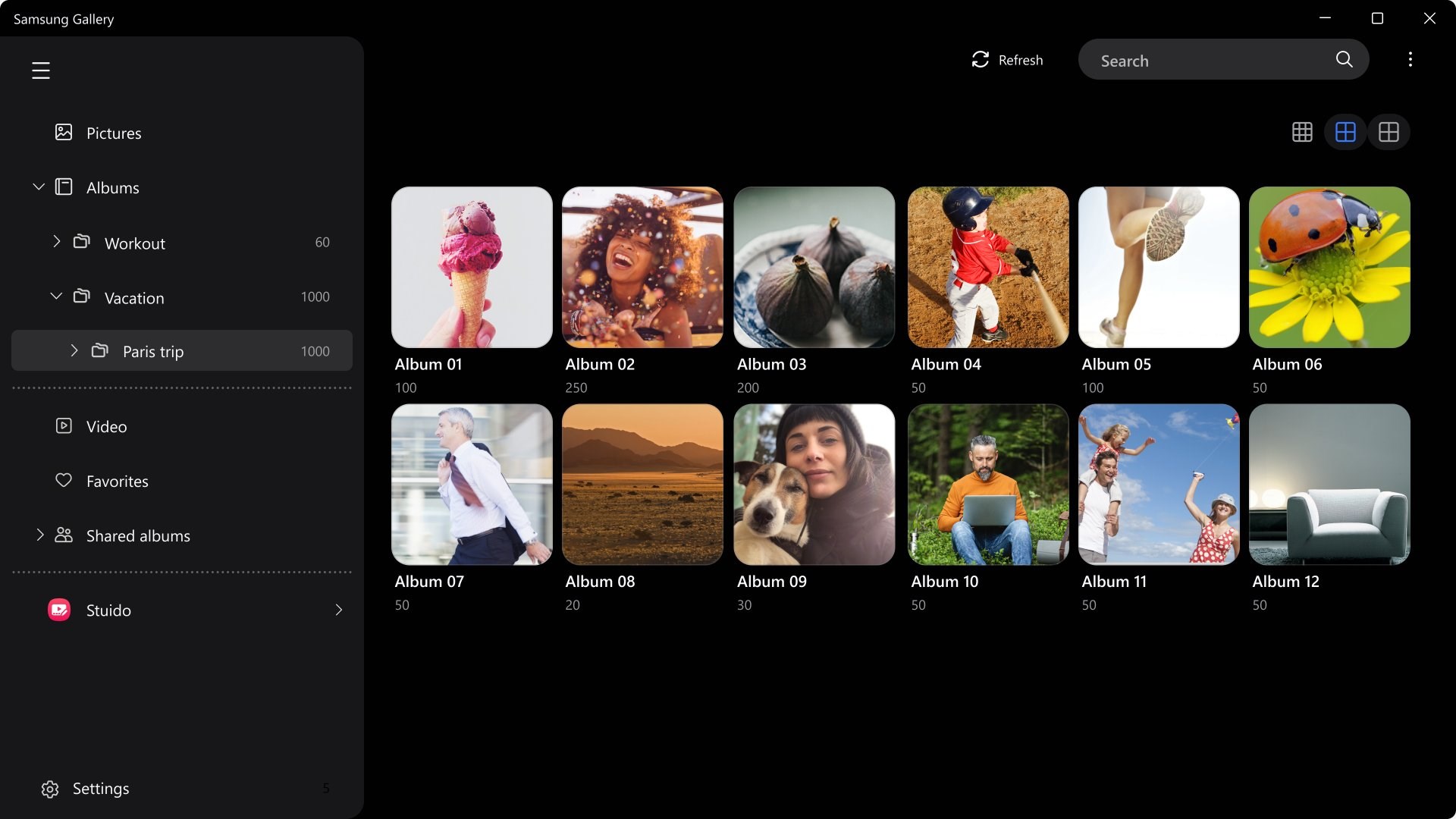
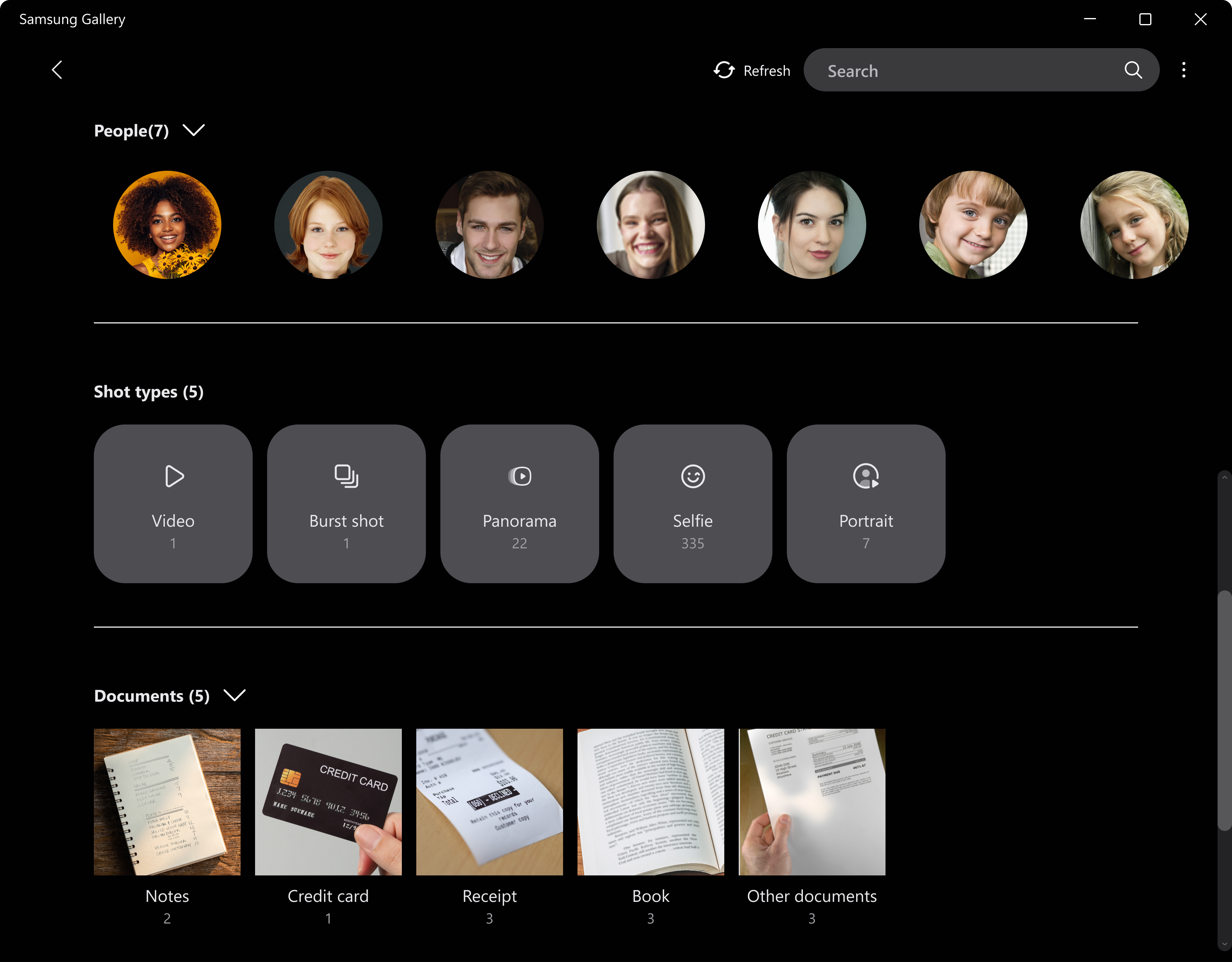
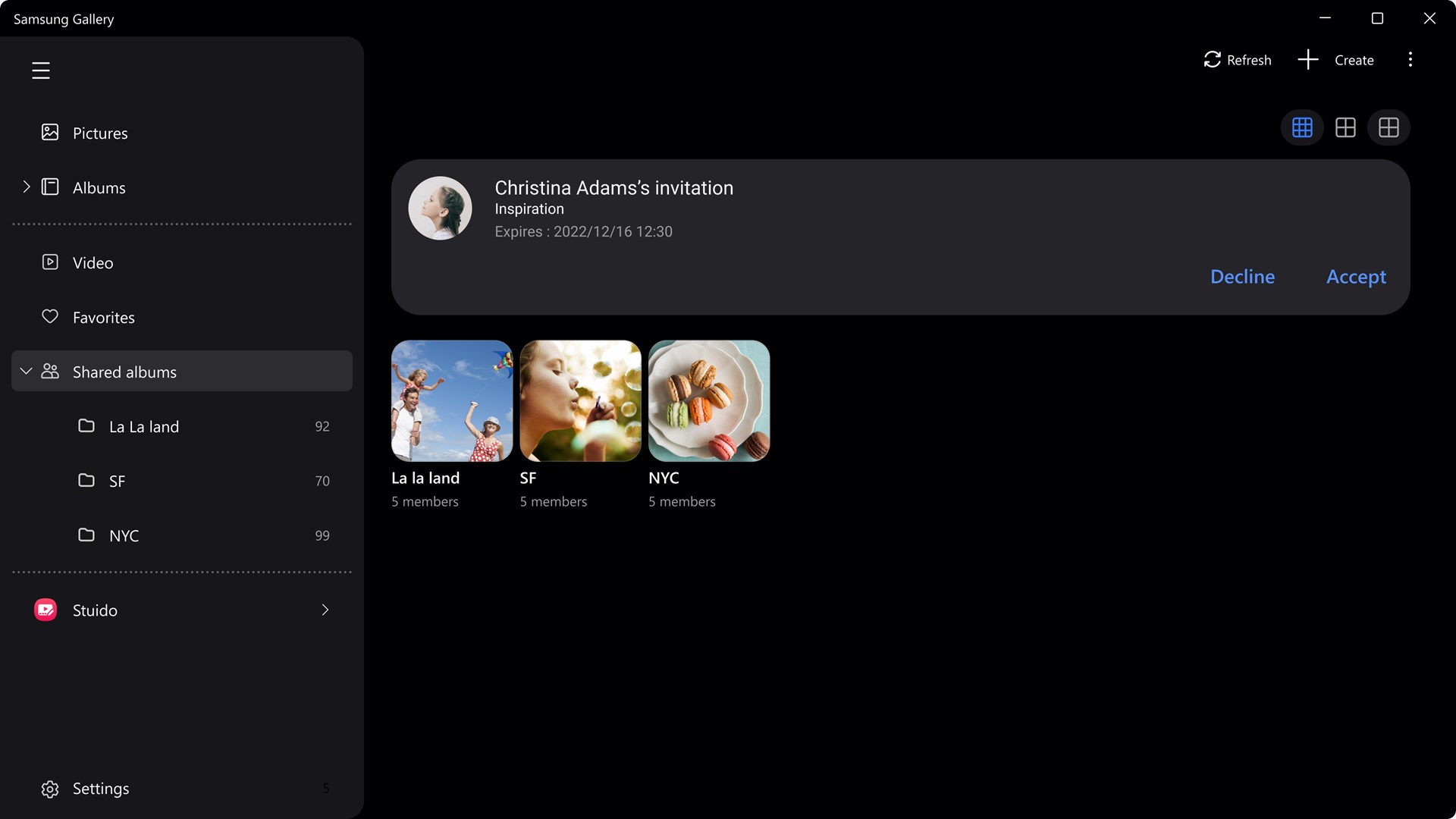
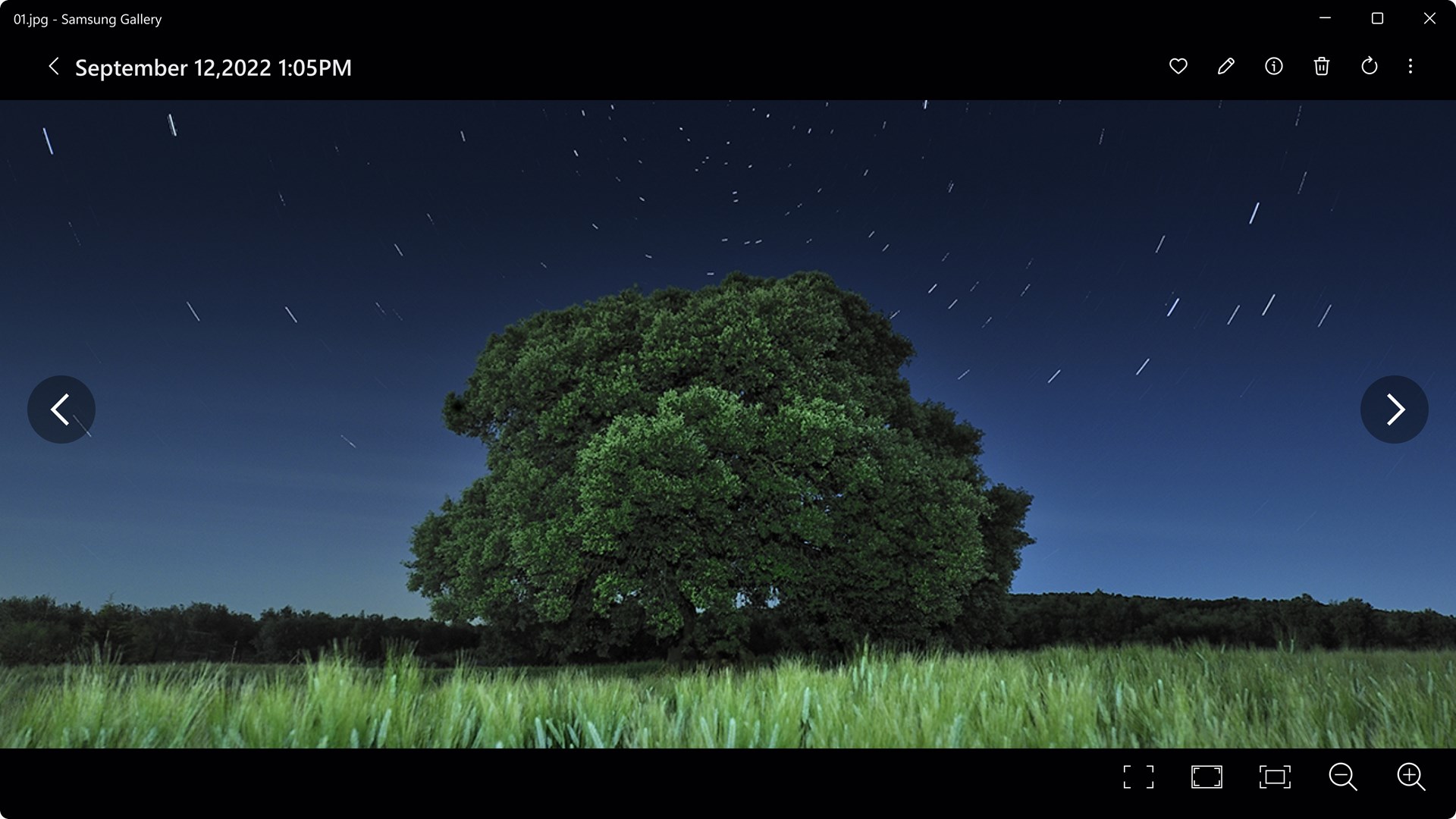
You can view and edit photos on your computer’s larger screen. You can also tap the Search icon to view photos sorted by category and search for text within photos. [Key functions] - View & Manage Photos: Easily view and manage content. - Manage Albums: Sort and organize photos within each album. - Find Photos: Enter a keyword to quickly find the photo you're looking for. - Shared Albums: Create an album that can be shared with other Samsung account users. - Remaster Pictures: Enhance photo quality using the Remaster feature. - Edit Pictures: Easily edit your photos by selecting the content you want to modify. ※ The feature to remaster pictures and Photo Editor are available only on Samsung devices.
Photo & Video · Windows · Free
Rating: 4.0 out of 5, based on 867 user ratings.