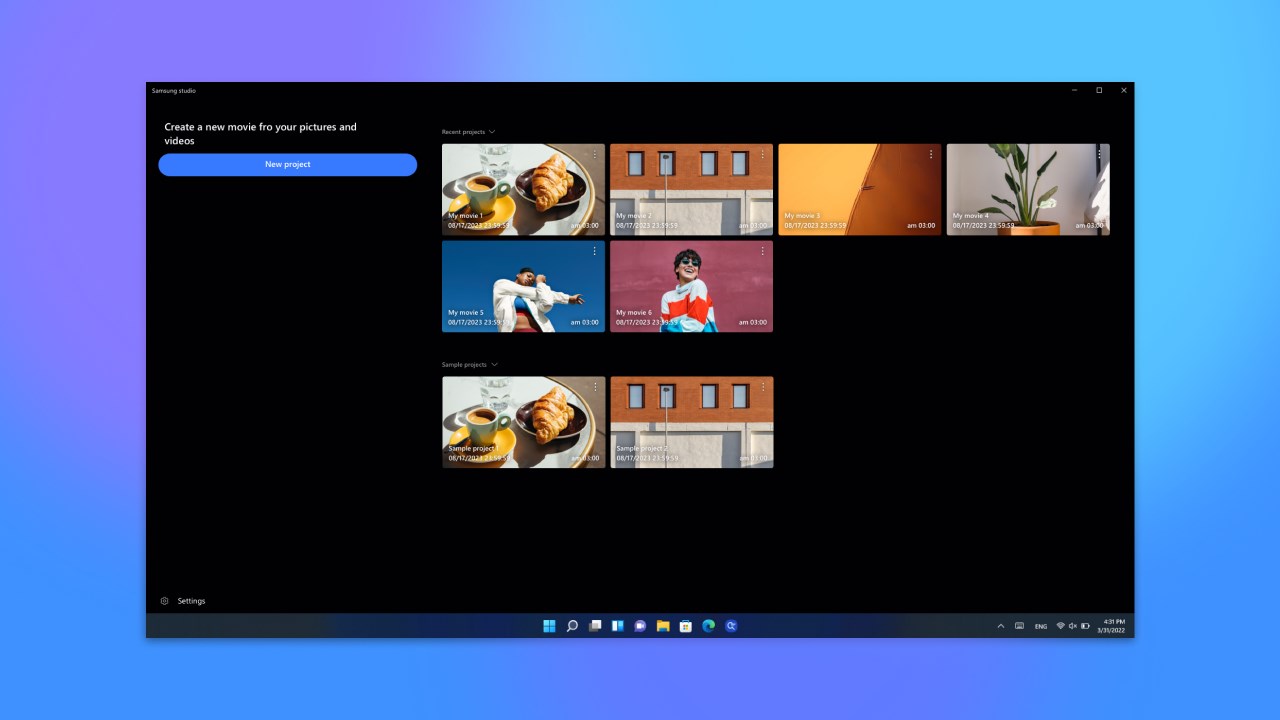
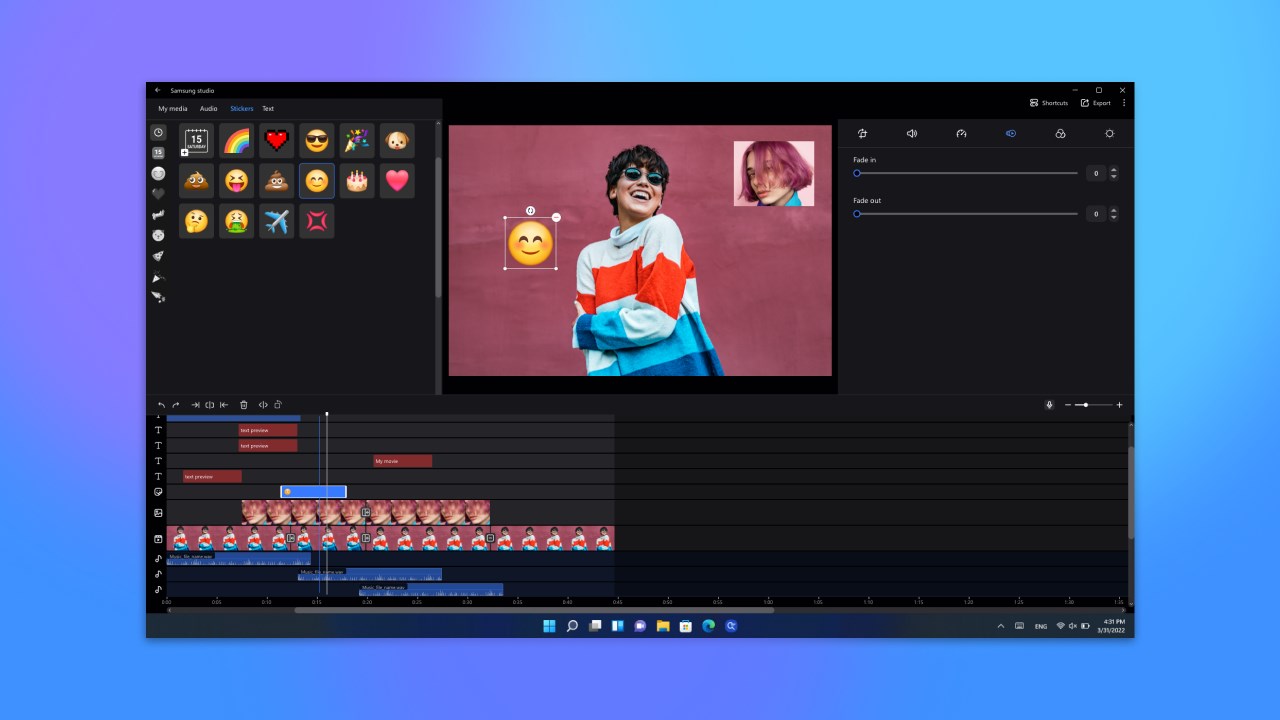
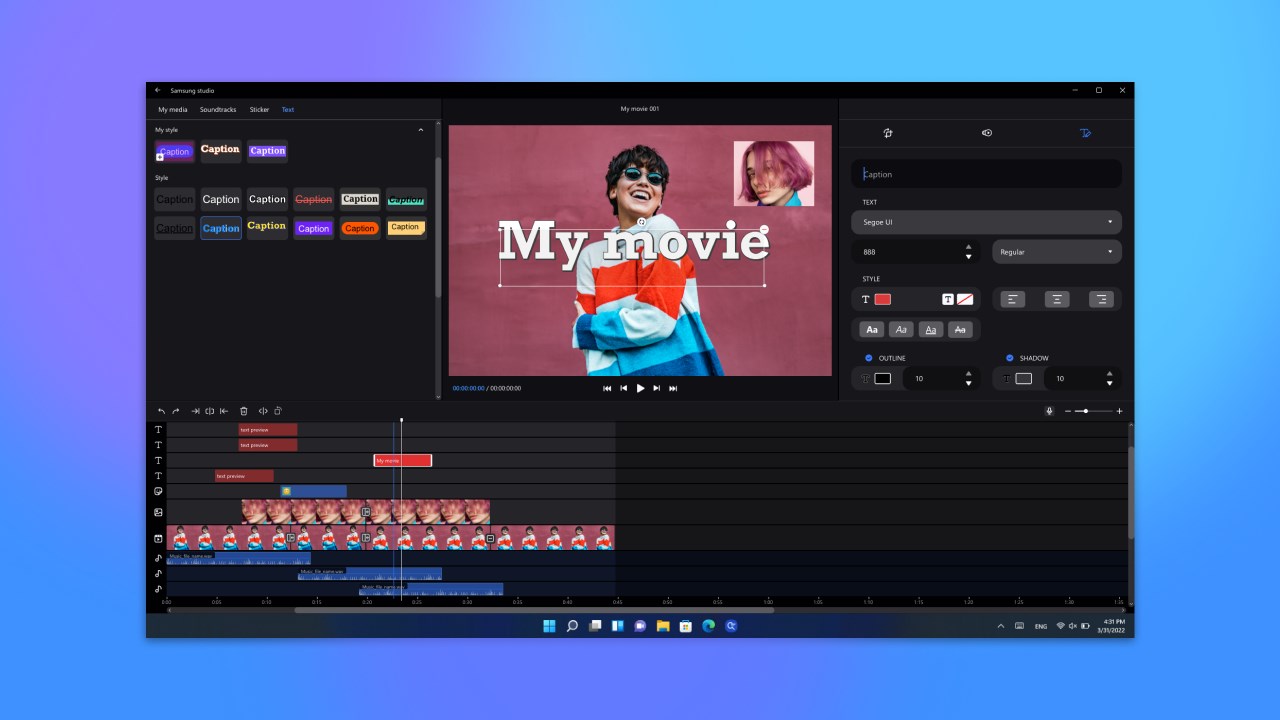
Create videos easier and faster than before with the Samsung Studio app’s concise and versatile editing features. It’s now possible to edit in more detail. Try the newly changed, enhanced project-based Samsung Studio app. • Edit multiple videos in detail Easily create videos by adding/editing/deleting photos/videos, etc. Even when there are multiple videos added, you can see when each video starts and ends at a glance on the timeline. What’s more, more detailed editing is now possible using the keyboard/shortcut keys/mouse. • Multi-layer support From the multi-layer format editing screen, easily add items such as text and stickers and adjust their position and length. Easily work on multiple videos using the same editing screen without switching screens. It’s also possible to edit/play up to 4 photos/videos simultaneously on one screen. • Add background music and adjust volume Various basic background music and downloadable background music are provided. What’s more, you can add audio stored on your PC to a track and edit the playback point, end point, volume, etc. • Project-based editing Even after pausing a long session of video editing, you can reload the project and continue where you left off. • How to use Samsung Studio in Samsung Gallery If the Samsung Gallery app version is 8.5 or higher and the video editing icon is visible, then you can click the video editing icon in the Samsung Gallery app to use the Samsung Studio app, which is specifically designed for editing a single video. Samsung Studio can only be used on Samsung Galaxy Books.
Photo & Video · Windows · Free
Rating: 4.3 out of 5, based on 147 user ratings.