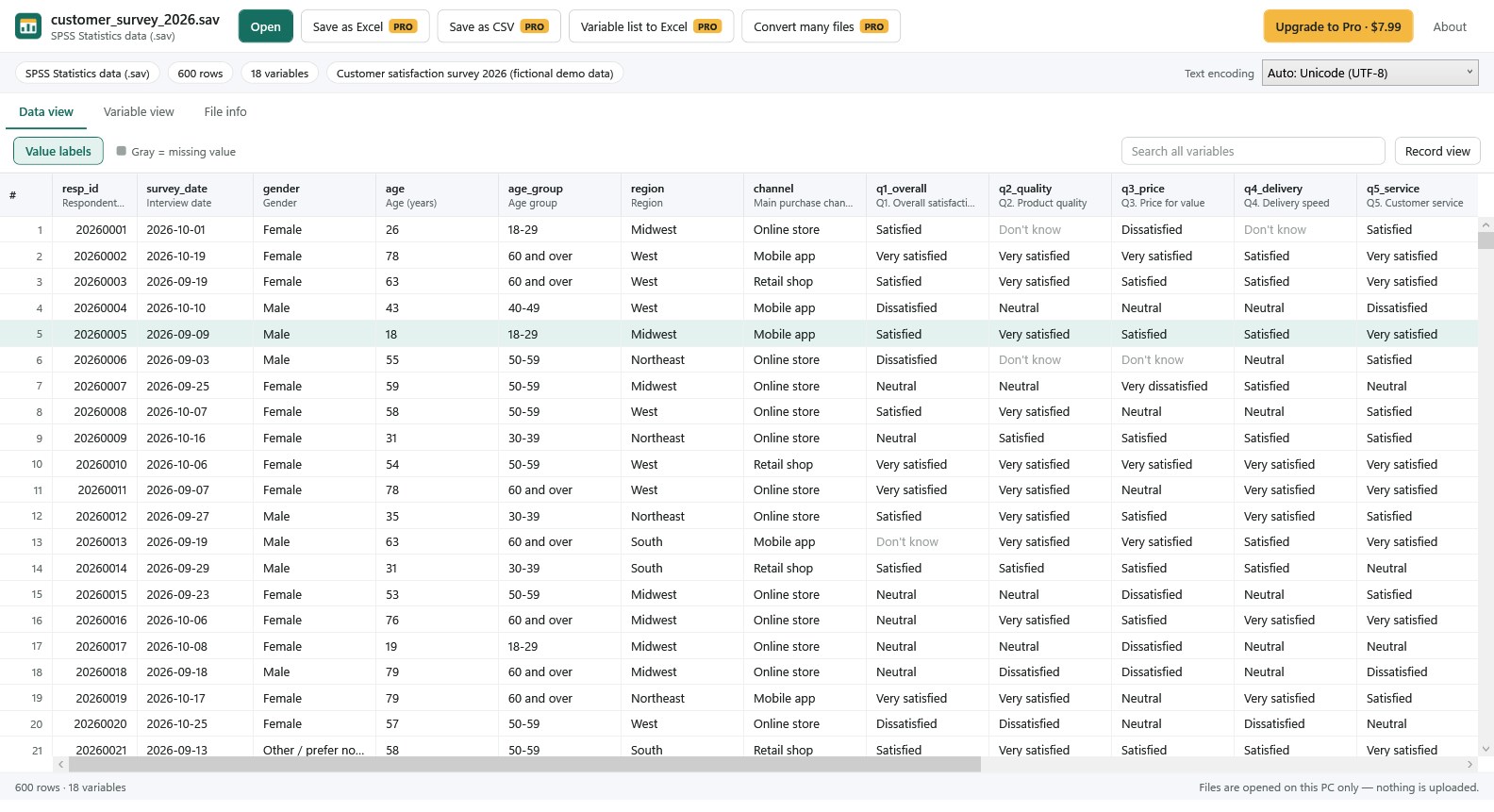
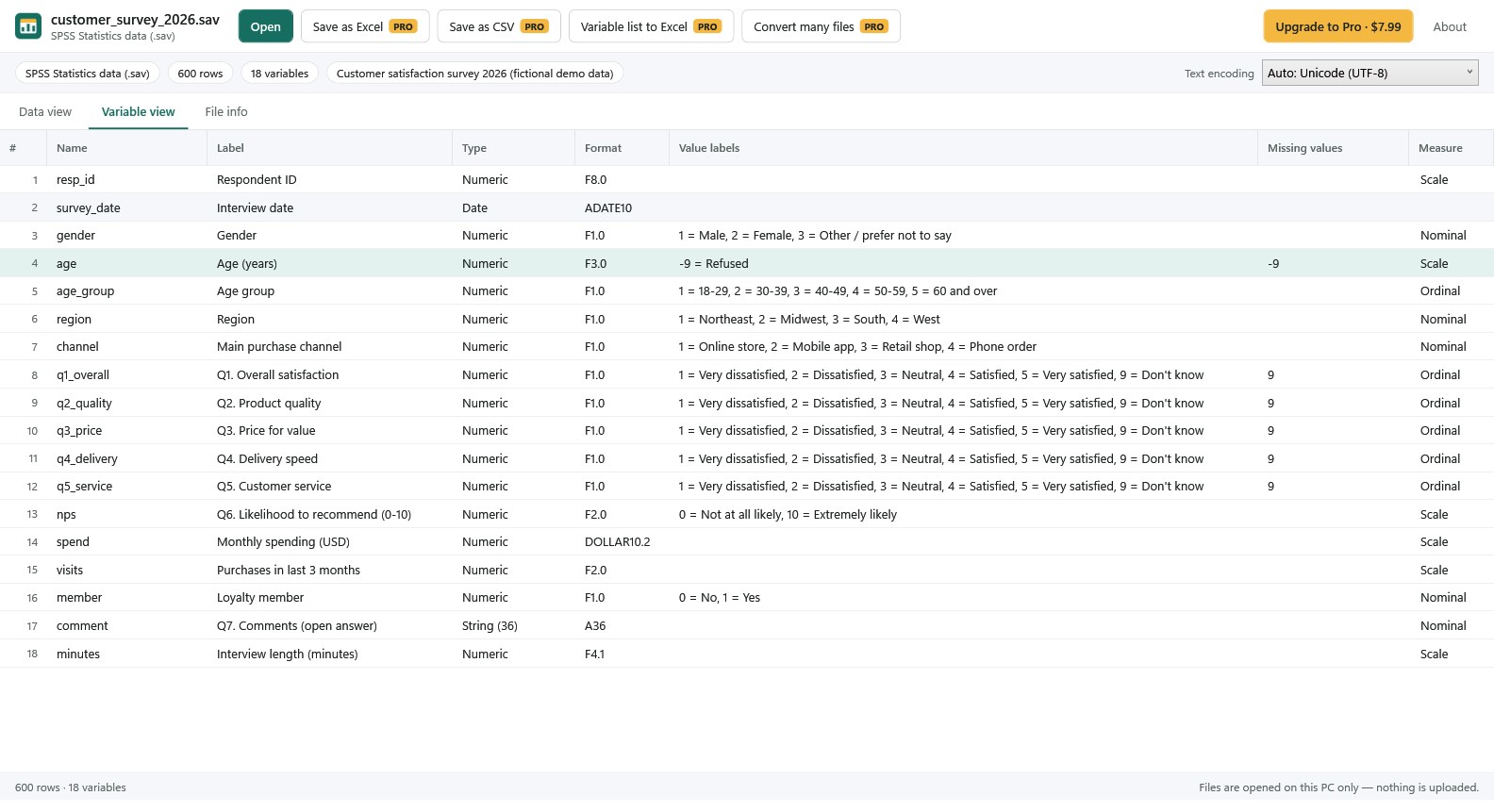
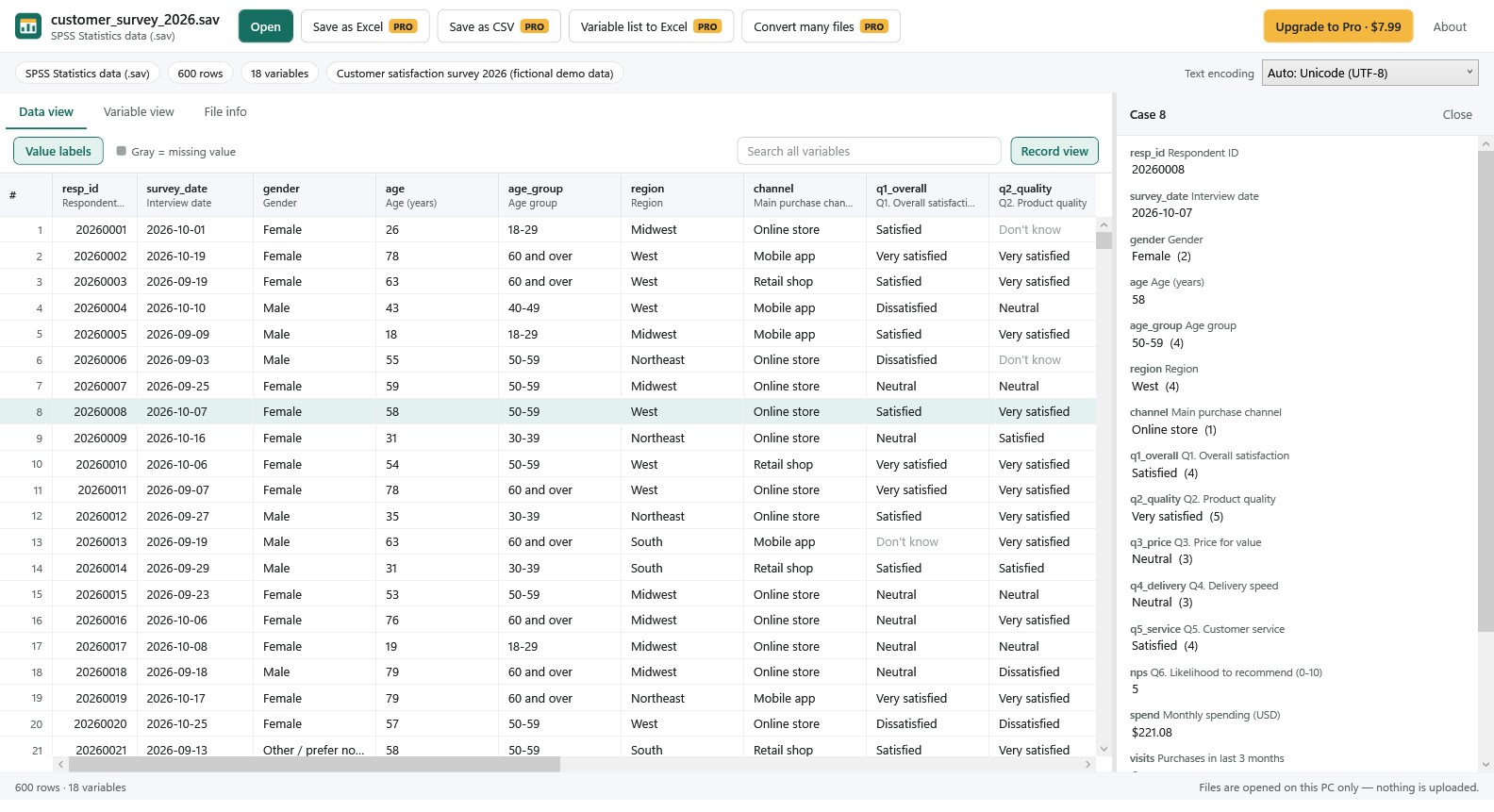
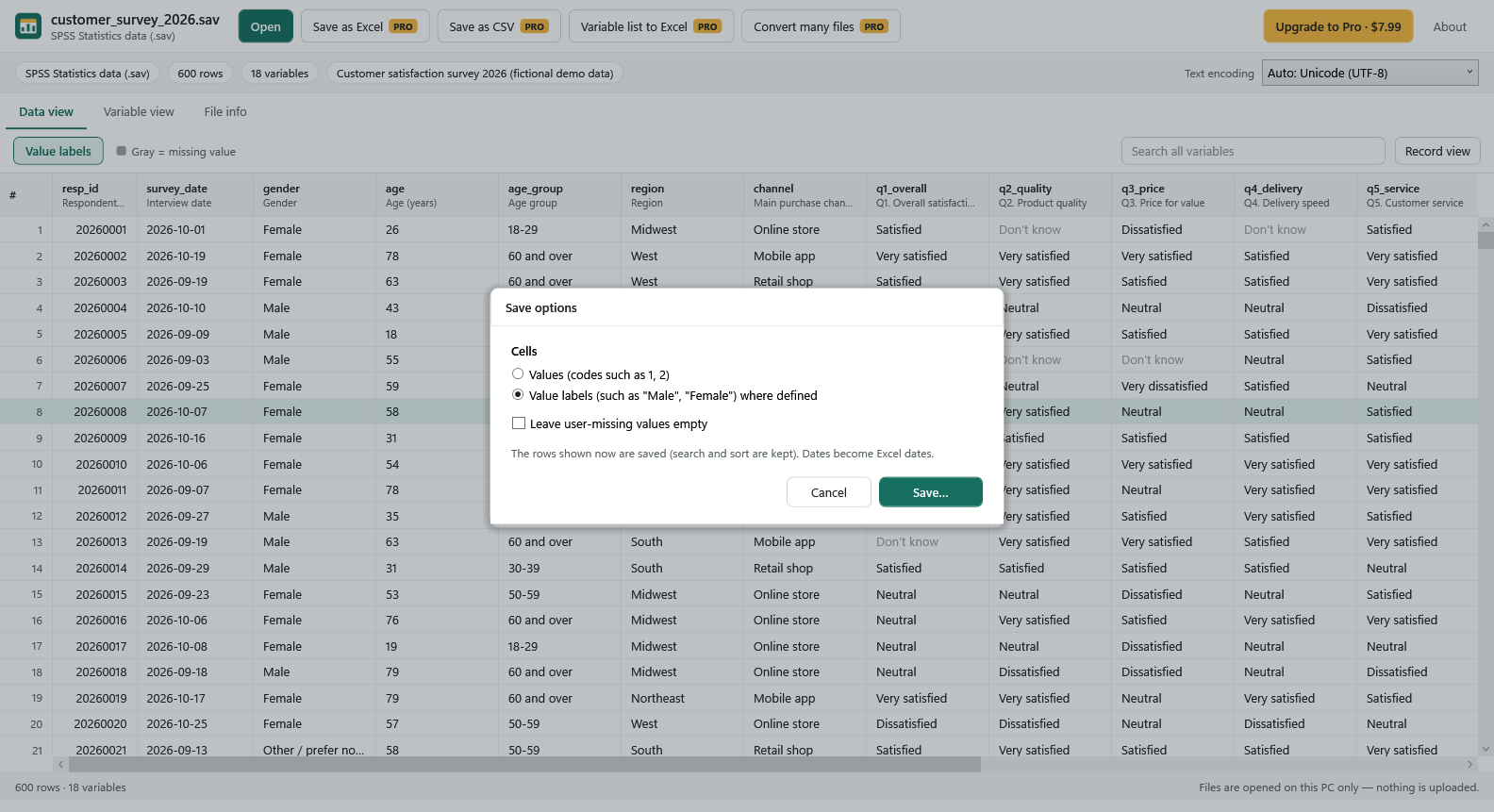
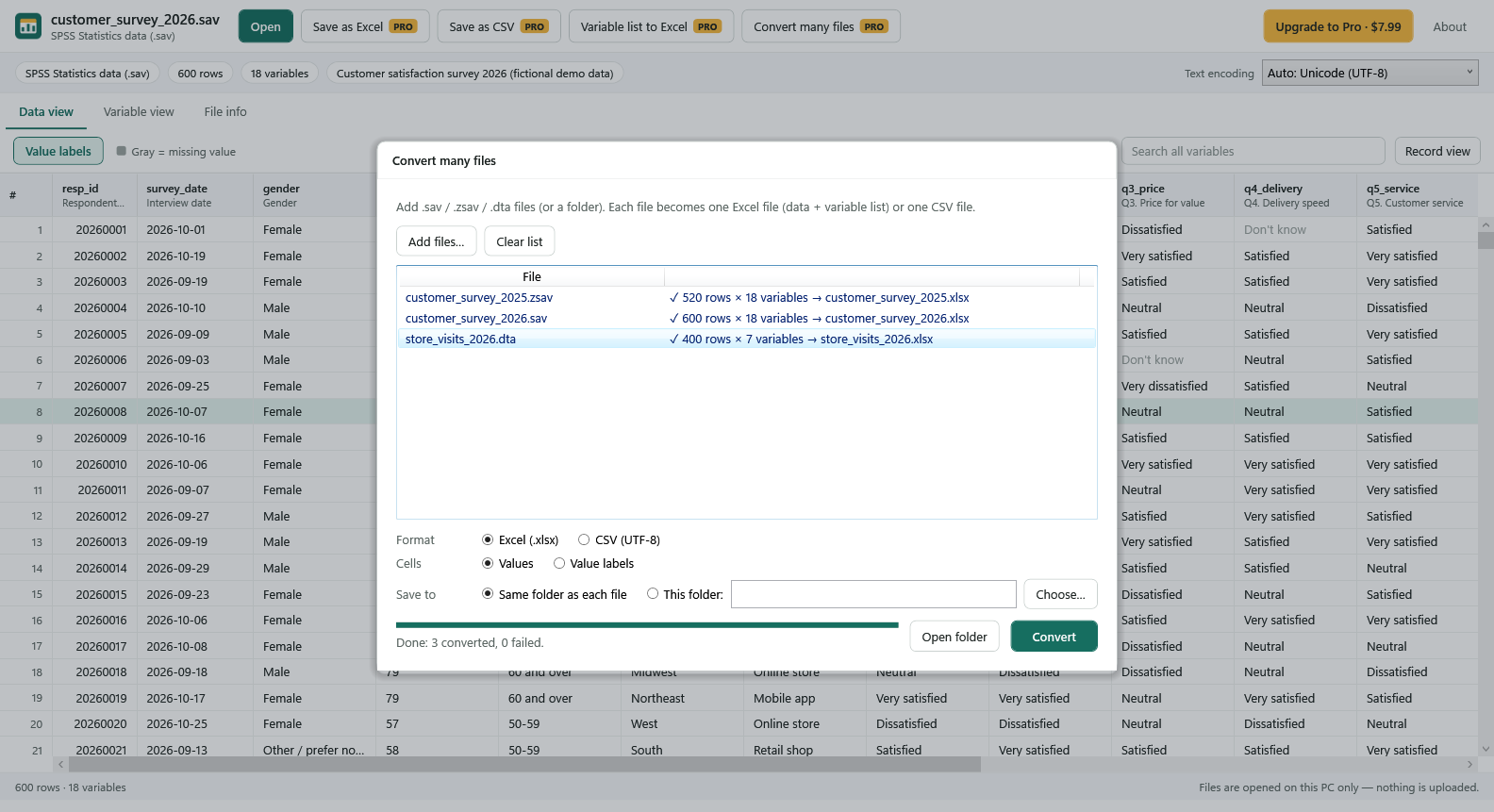
Got a .sav or .dta file but no SPSS or Stata licence? SAV & DTA File Viewer opens the data right on your PC — double-click the file and see the table, no statistics package, no upload. FREE • Open SPSS .sav and .zsav files and Stata .dta files (old formats up to current Stata) • Data view with variable names and labels, sorting and search across every variable • Value labels switch — show codes (1, 2) or labels ("Male", "Female") with one click • Missing values shown in gray, including SPSS user-missing values and Stata .a–.z • Variable view: type, format, label, value labels, missing values and measure level • File info: row and variable count, file label, notes and text encoding • Record view shows every variable of one case • Choose the text encoding for older files if characters look wrong • Fast with big files — 100,000 rows × 200 variables open in about 1–2 seconds in our tests • Copy a cell or a row • Works offline. Your files never leave your PC PRO — one-time purchase, no subscription • Save as Excel (.xlsx) or CSV, with values or value labels; dates become real Excel dates • Save the variable list (codebook) with value labels to Excel • Copy many rows at once with headers • Convert many files at once Good to know • This is a viewer and converter. It does not edit data, run statistics or make charts. • SAS (.sas7bdat, .xpt), SPSS portable (.por) and SPSS output (.spv) files are not supported in this version. • If a file is cut off or damaged, the app tells you, and opens the rows it can read when possible. IBM SPSS Statistics is a trademark of IBM Corp. Stata is a trademark of StataCorp LLC. Excel is a trademark of the Microsoft group of companies. SAV & DTA File Viewer is made by SoyaTools and is not affiliated with or endorsed by IBM, StataCorp or Microsoft.
Productivity · Windows · Free