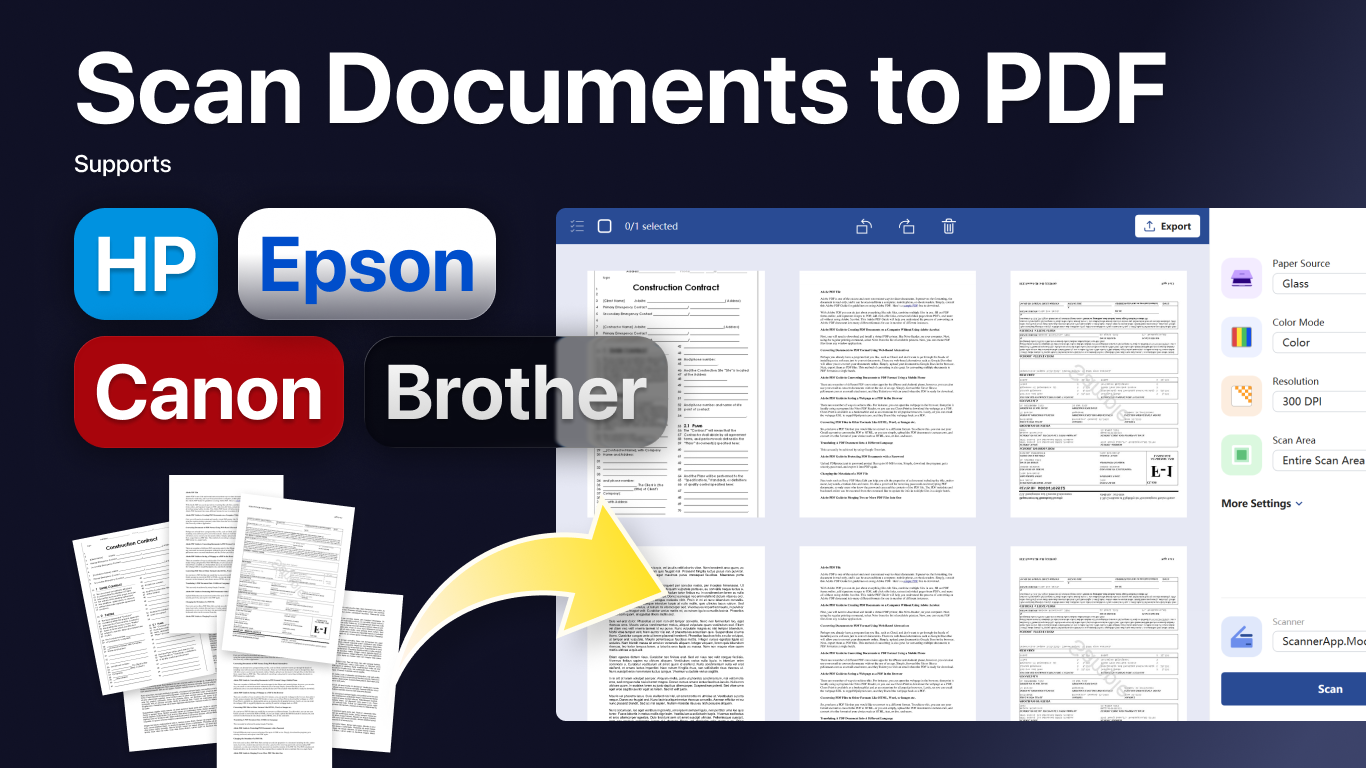
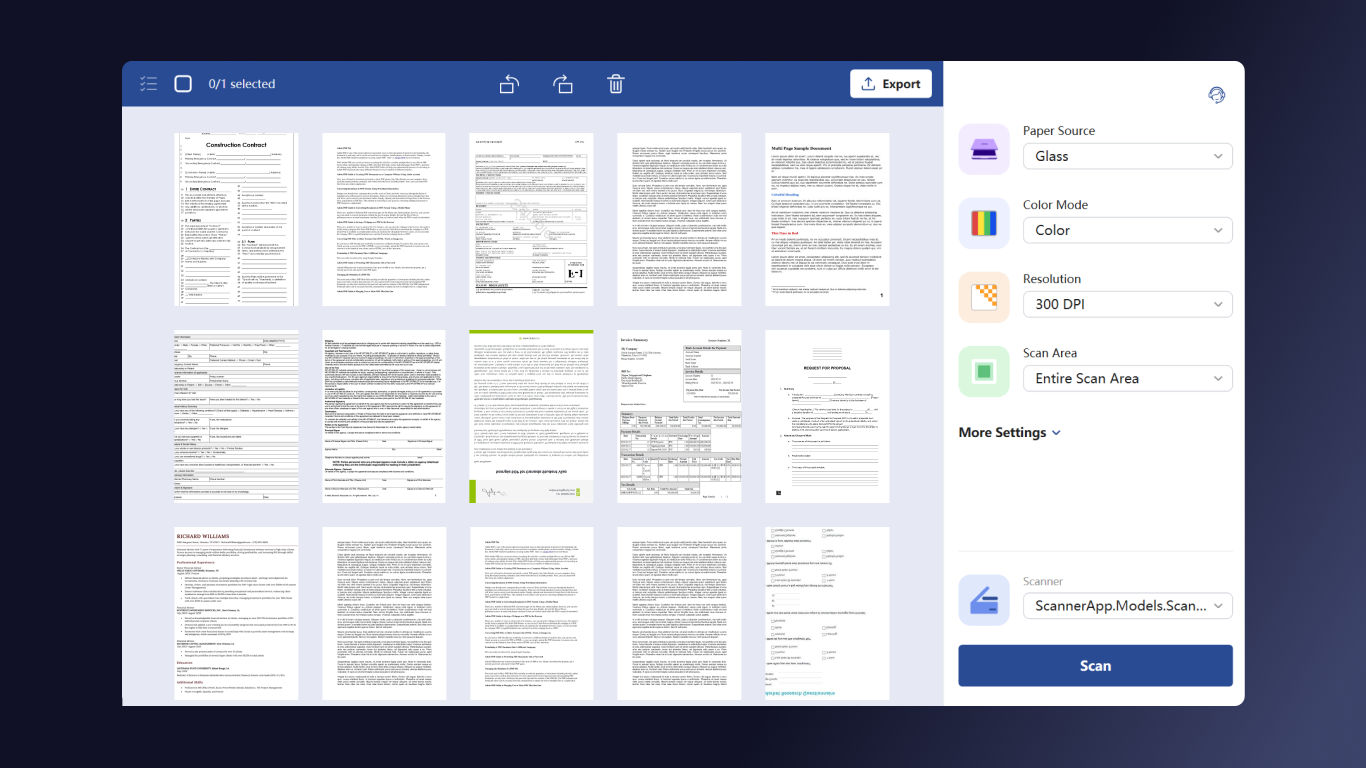
Scan + is a simple and efficient scanner app for Windows that helps you scan documents, photos, receipts, forms, and everyday paperwork with flexible scan settings and easy file export. Built for users who need a reliable document scanner and PDF scanner on Windows, Scan + lets you choose the scan source that matches your device, including flatbed/glass, document feeder, and duplex scanning modes. You can customize color mode with Color or Gray, select the resolution you need from 75 DPI to 1200 DPI, and choose paper sizes such as Entire Area, A4, A3, B5, and B4 for different scanning tasks. Scan + also gives you practical image controls before and after scanning. Adjust brightness and contrast to improve readability, then manage scanned images with viewing, sorting, and delete options to keep your files organized. Whether you are scanning office documents, contracts, study materials, invoices, or personal records, the app helps you create clean digital copies quickly. Scan + supports many popular scanner brands on the market, including Brother, Canon, Epson, Fujitsu, ScanSnap, HP, Xerox, Kodak Alaris, and Plustek. When your scan is ready, export it in the format that works best for you. Save scans as PDF for document sharing and archiving, or export as PNG and JPG for image workflows and everyday use. Key features: - Scanner app for Windows with flexible scan settings - Scan documents with flatbed, feeder, and duplex scanning support - Color scan and grayscale scan modes - Resolution options from 75 DPI to 1200 DPI for high resolution scanning - Paper size support including Entire Area, A4, A3, B5, and B4 - Brightness and contrast adjustment - View, sort, and delete scanned images - Export scanned files as PDF, PNG, and JPG Scan + is a practical Windows scanner for home, school, and office use, designed to make document scanning and scan to PDF workflows fast, clear, and easy.
Productivity · Windows · Free
Rating: 4.8 out of 5, based on 26 user ratings.