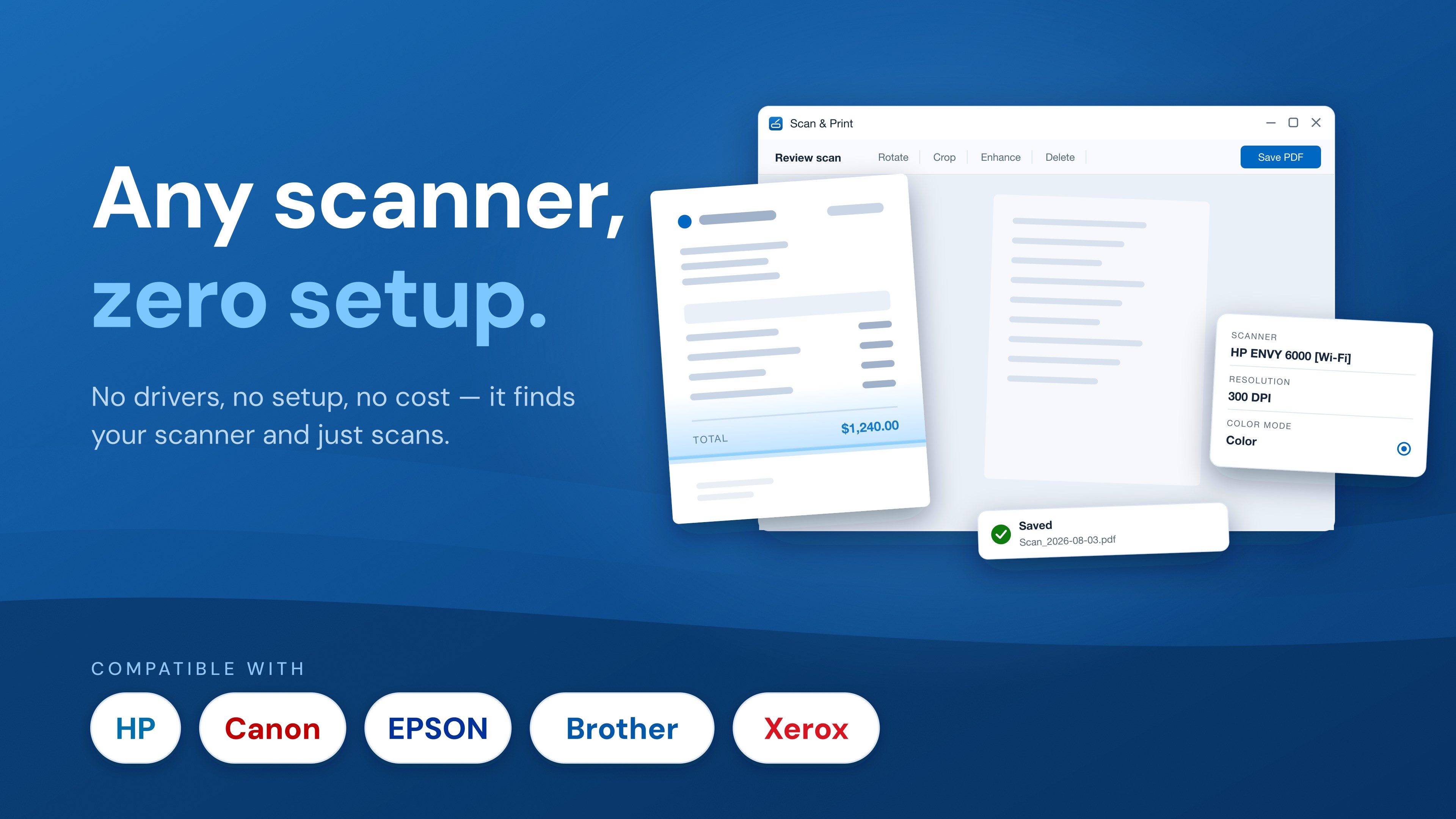
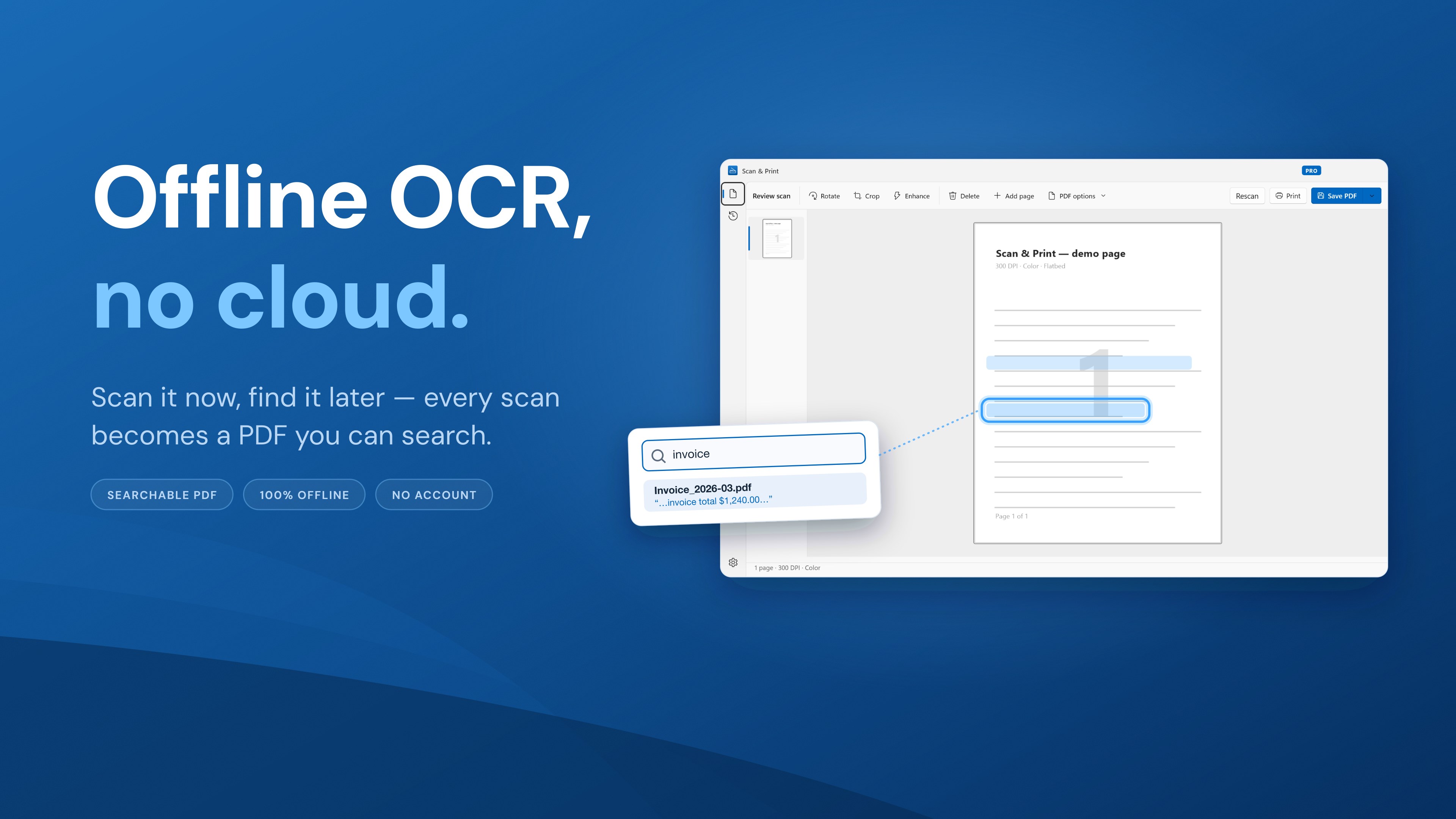
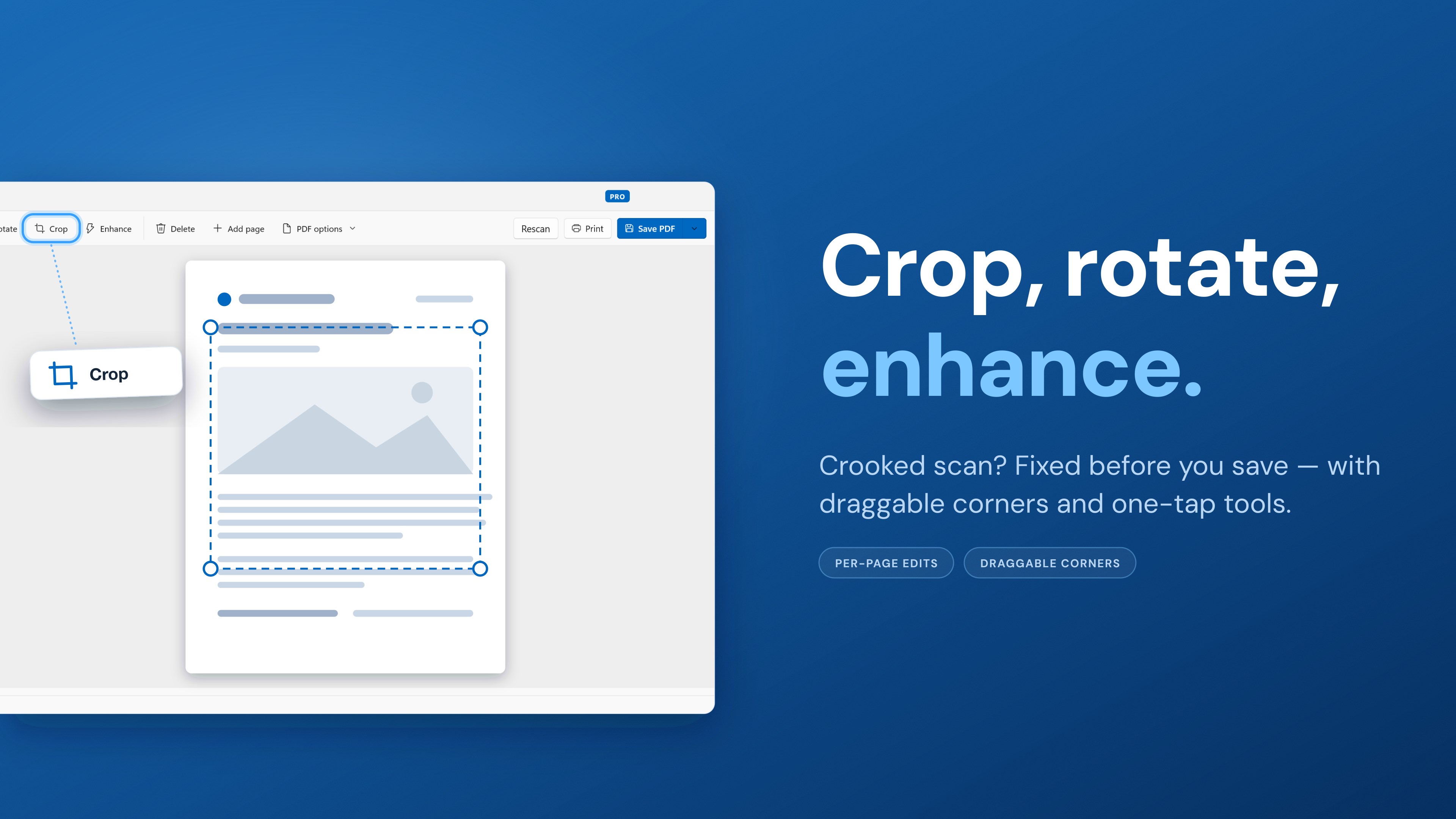
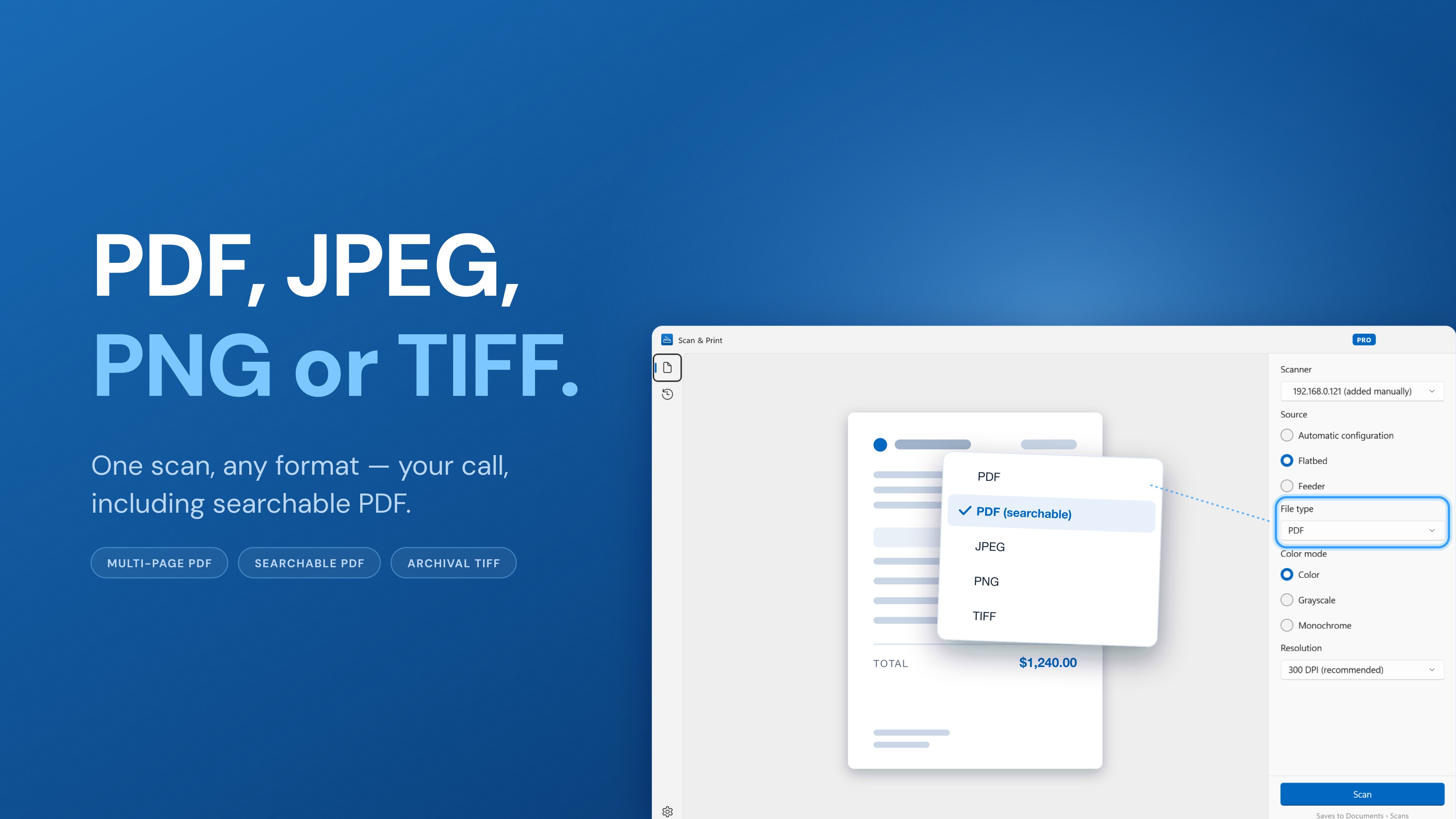
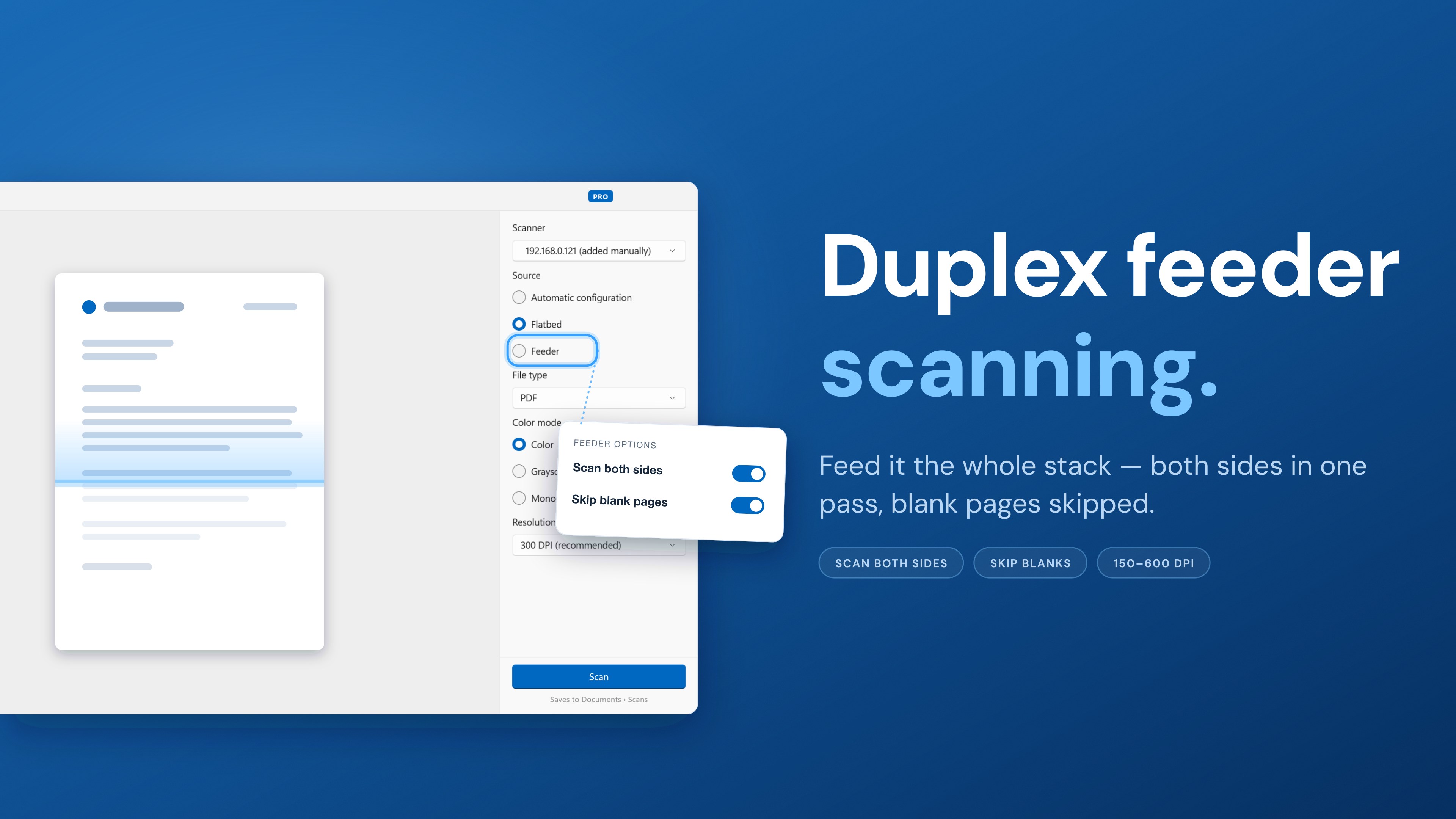
Scan paperwork into clean, searchable PDFs in seconds. Scan & Print finds your scanner — USB or Wi-Fi — and turns a pile of pages into one file you can actually search, entirely on your PC. Your scans never leave it. WORKS WITH YOUR SCANNER • Compatible with scanners and all-in-one printers from HP, Canon, Epson, Brother, Fujitsu, Ricoh, Kodak, Xerox, Lexmark, Samsung, Panasonic, Plustek, and more — any device with a WIA driver • Wireless scanning from Wi-Fi and network scanners over eSCL (AirScan) — often with no driver installation at all • Finds USB and network scanners automatically. Scanner not showing up? Add it by IP address or hostname — the connection is verified before it's saved • Supports flatbed scanners, sheet-fed document scanners with an automatic document feeder (ADF), portable scanners, and multifunction printers (MFPs) • One scan app for every device — no juggling HP Scan and Capture, Epson ScanSmart, Canon IJ Scan Utility, and Brother iPrint&Scan for everyday document scanning • Remembers your last-used scanner and settings, so the next scan is one click away SCAN ANYTHING • Receipts for expense reports, invoices, bills, and tax forms • Contracts, letters, legal documents, ID cards, and insurance cards • Books, class notes, homework, recipes, and old photos • Go paperless — digitize paper into organized digital files you can search, back up, and share SCAN THE WAY YOU NEED • Flatbed or automatic document feeder (ADF), chosen automatically or by hand • Scan both sides at once — duplex (double-sided) scanning with blank-page skipping on feeder scans • Color, grayscale, or black & white at 150, 200, 300, or 600 DPI • Watch pages arrive as live thumbnails while scanning — and cancel anytime without losing the pages you already have FIX PAGES BEFORE SAVING • Rotate pages, crop with draggable corners, and apply one-tap Enhance for cleaner, easier-to-read documents • Delete a bad page or rescan without starting over • Review every page in a thumbnail rail before you export SAVE IN THE FORMAT YOU NEED • Scan to PDF — combine multiple pages into a single multi-page PDF document • Searchable PDF with a true invisible text layer, so every scan becomes a document you can search and copy text from • Scan to JPG (JPEG), scan to PNG, or archive as multi-page TIFF • Tidy automatic filenames, collision-safe saving, and an Open folder shortcut the moment saving finishes BUILT-IN TEXT RECOGNITION (OCR) • Recognizes text in more than 100 languages completely offline with the built-in Tesseract OCR engine — English, Spanish, French and German built in, the rest a one-click download — no cloud service, no account, no upload • Straightens rotated and upside-down pages automatically before recognizing them, so the text layer is never gibberish • Searchable PDFs let you find any scanned document later just by remembering a word in it • If nothing can be recognized, your scan is still saved as images — you never lose pages to a failed step PRINT WHAT YOU SCAN • Print a scanned document straight from the review screen, or reprint one from your history • Open and print an existing PDF through the standard Windows print dialog STAY ORGANIZED • History of saved scans with date, page count, size, and file-type badges — reopen a file or jump to its folder in one click • Set your own defaults: file type, resolution, color mode, and save folder • Light and dark themes, at home on Windows 11 FREE AND PRO • Scan to TIFF, JPEG and PNG for free — no ads, no account, no watermarks • Scan & Print Pro unlocks PDF export, searchable PDF (OCR) and 600 DPI scanning — yearly or lifetime, billed through Microsoft Store • Works offline: scanning and text recognition run on your PC, and your documents are never uploaded anywhere Works on Windows 10 (version 2004 or later) and Windows 11, on Intel, AMD, and ARM PCs — including Copilot+ and Snapdragon devices. HP, Canon, Epson, Brother, Fujitsu, Ricoh, Kodak, Xerox, Lexmark, Samsung, Panasonic, and Plustek are trademarks of their respective owners, used here only to indicate compatibility. Scan & Print is not affiliated with or endorsed by these companies.
Utilities · Windows · Free
Rating: 4.4 out of 5, based on 103 user ratings.