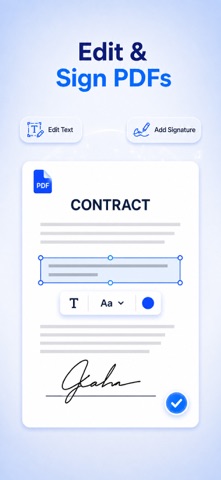
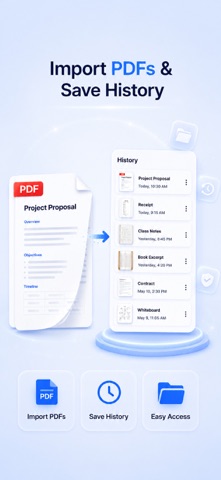
Scan, edit, convert, and manage your documents—all in one powerful PDF app. Scanner & Editor: PDF Tools makes it easy to turn paper documents and images into PDFs, edit existing files, combine multiple documents, add signatures, and export files in the format you need. Key Features • Scan Documents Capture documents with your camera and create clear, high-quality digital copies. • Edit PDFs Add and edit text, insert signatures, annotate pages, and make changes to your PDF documents. • Merge Files Combine multiple PDFs, scanned pages, or images into one organized document. • Convert Documents Convert files between PDF and image formats. • Sign Documents Create and add your signature to forms, contracts, and other PDF files. • Export in Multiple Formats Export your completed documents as PDFs or images. • Manage Your Files Access your document history and continue editing previously uploaded or created files. Why Choose Scanner & Editor: PDF Tools? • No Account Required: Start scanning and editing without signing up. • All-in-One Toolkit: Scan, edit, merge, sign, convert, and export in one app. • Simple and Efficient: A clean, native experience designed for everyday document tasks. Upgrade to a premium subscription to unlock all supported features and use them without usage limits. Subscription options and pricing are displayed in the app before purchase. Privacy Policy: https://sites.google.com/view/privacypolicyfortextpicker Terms of Service: https://sites.google.com/view/termsofservicefortextpicker Contact Us: textpicker@outlook.com
Utilities · iPhone, iPad · Free
Rating: 4.5 out of 5, based on 26 user ratings.