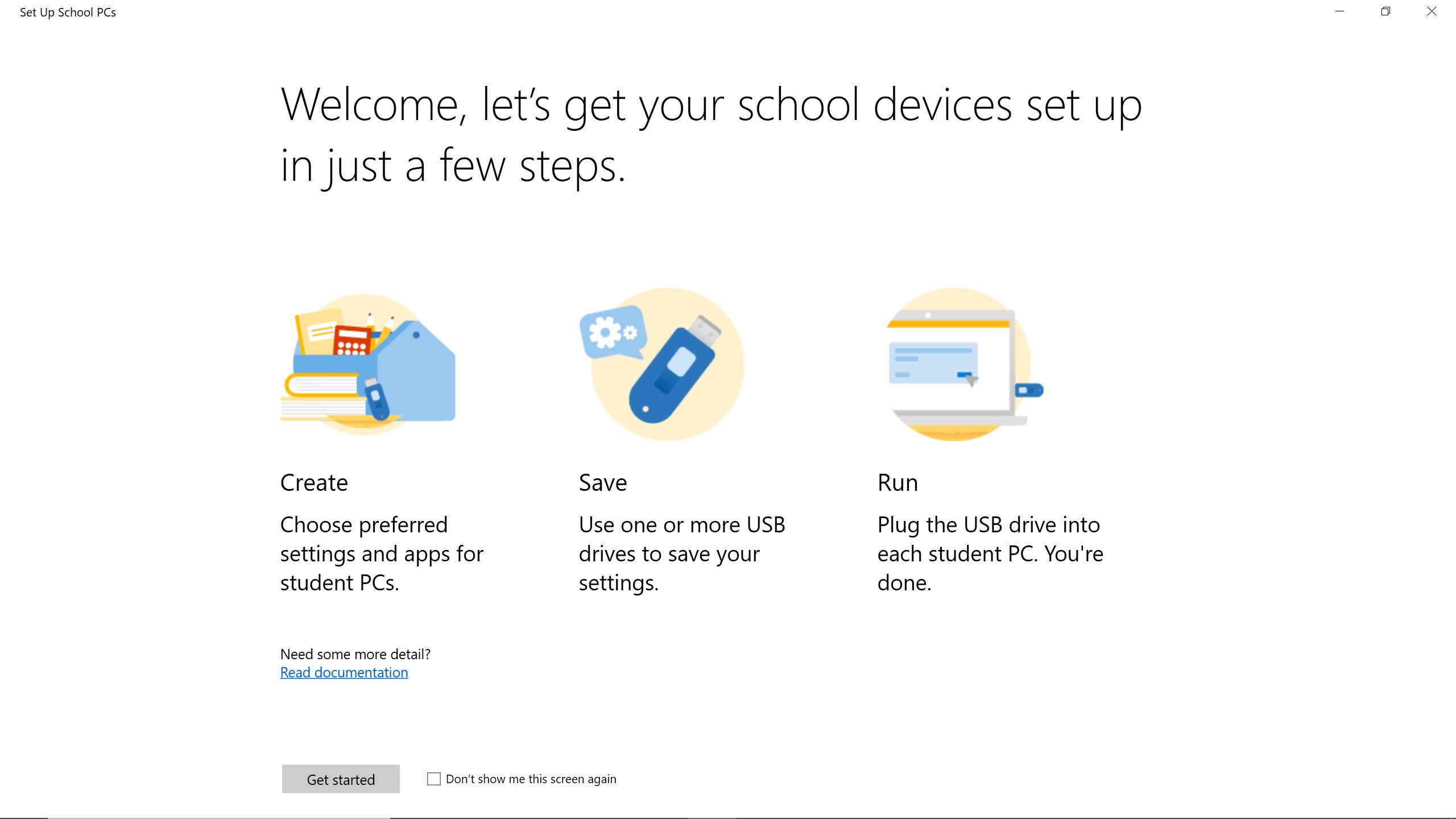
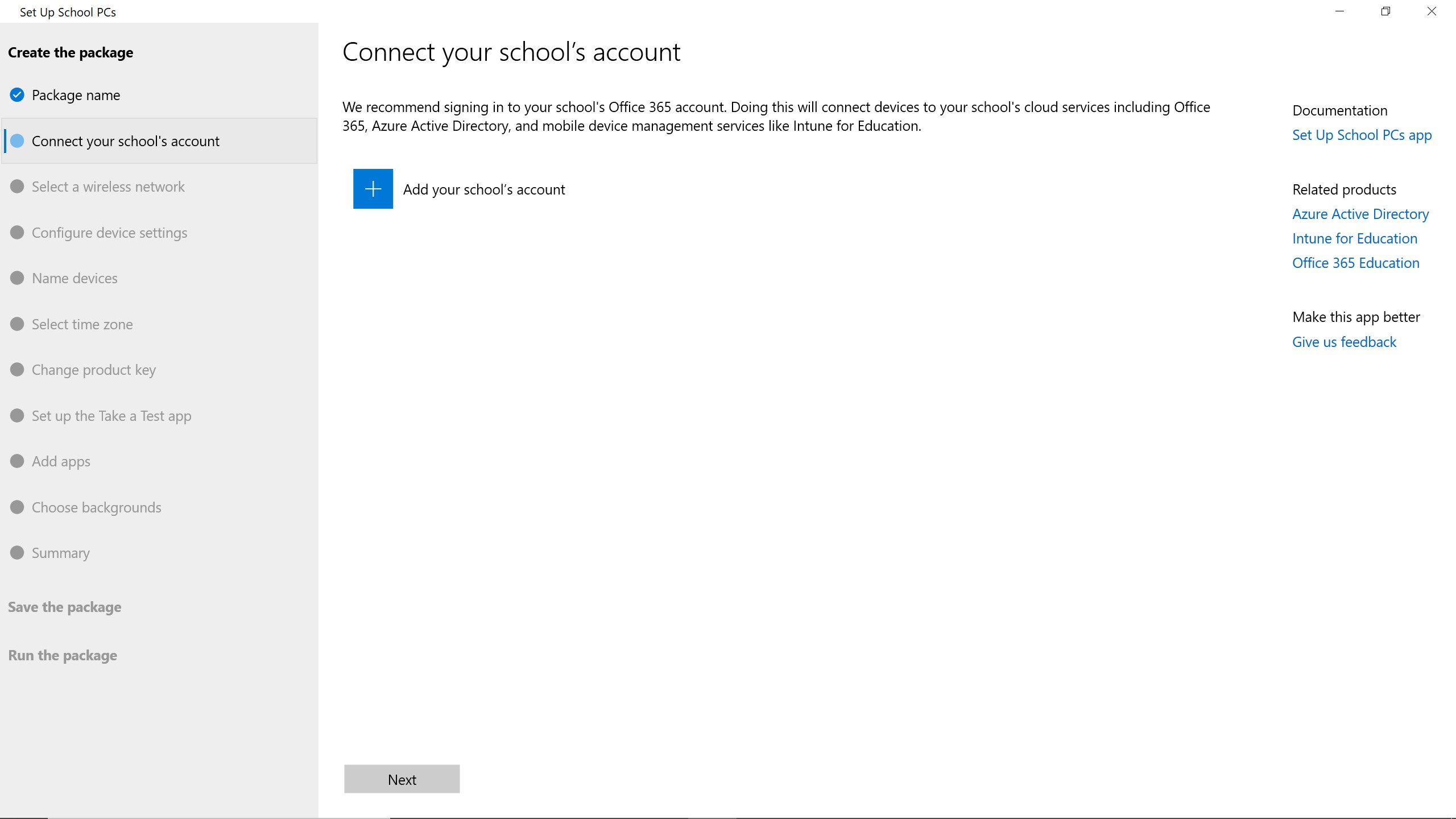
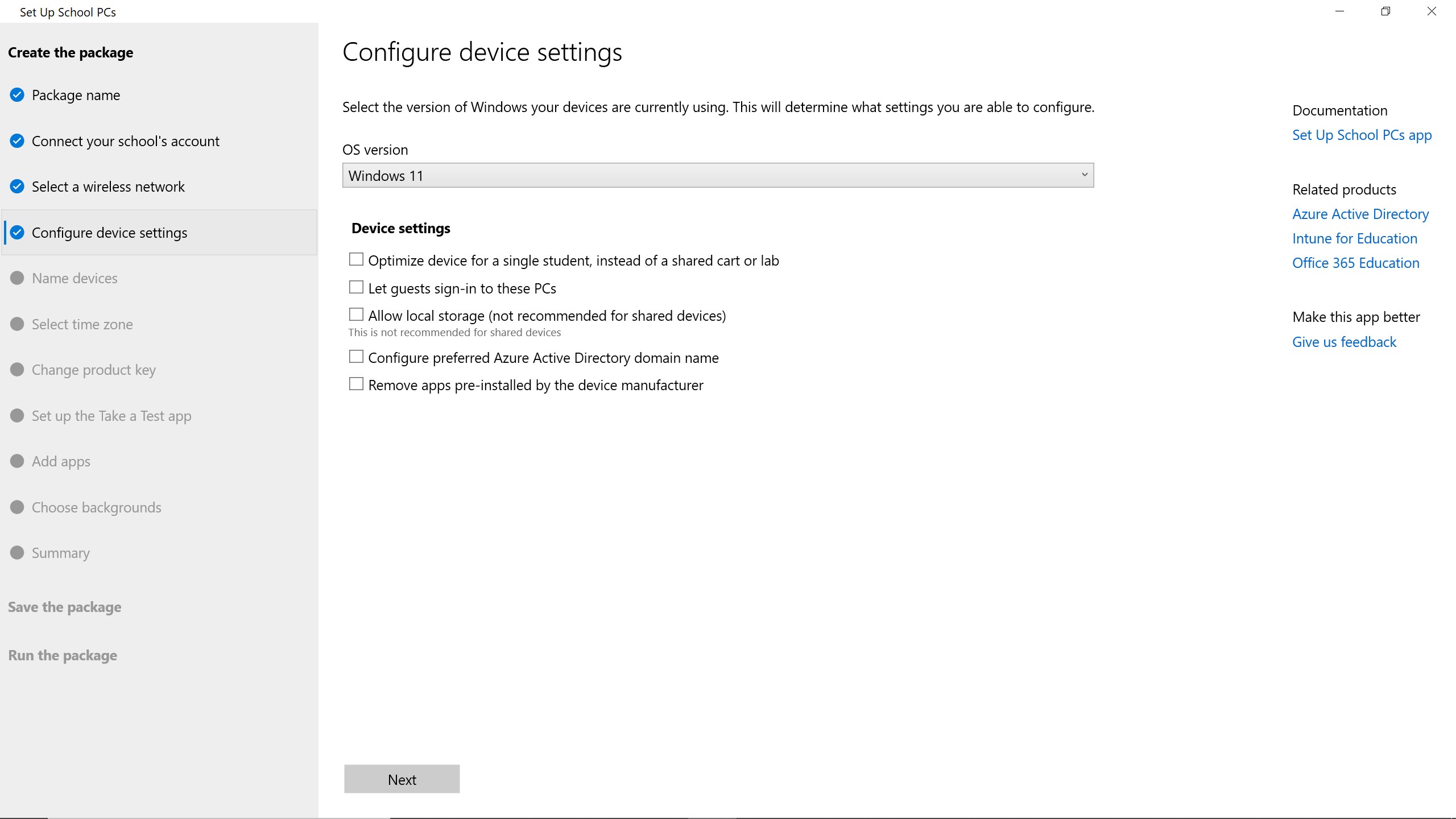
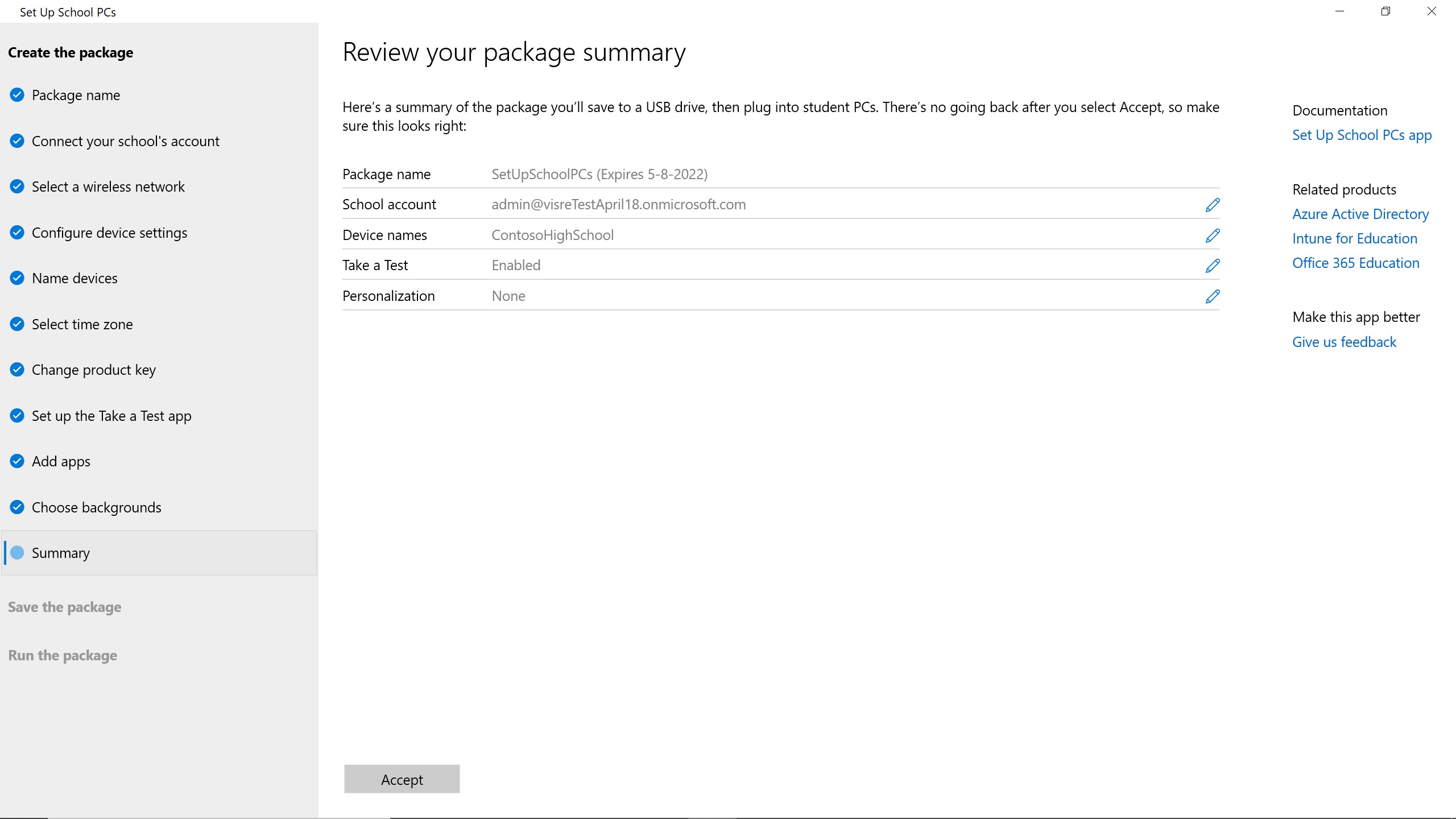
Set Up School PCs makes it easy to set up Windows devices with Microsoft’s recommended education settings, using a quick USB setup. This app guides you through the creation of a student PC provisioning package and helps you save it to a USB drive. From there, just plug the USB drive into student PCs. Student PCs will automatically join your school network and be configured with settings to be configured with settings optimized for education.
Education · Windows · Free
Rating: 4.5 out of 5, based on 47 user ratings.