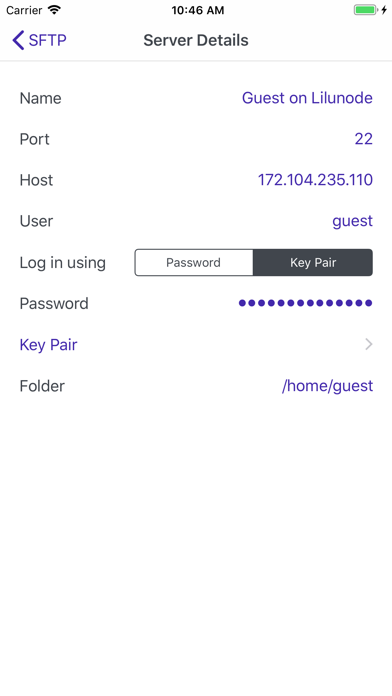
Use SFTP to access files and folders in the cloud or on the home network, served by the SSH/Secure File Transfer Protocol. SFTP provides the connection, making the remote files available for the rest of the phone: for all apps that are using the standard iOS file selector, including the Files app itself. After installing SFTP, open the app, and add your remote servers. Then, from the Files app, go to Browse/Locations and enable the new location provider called "SFTP". The free version connects to one server and logs in with a password. SFTP Pro adds an unlimited number of servers and the key pair login. SFTP Pro is a one-time purchase, not a subscription.
Productivity · iPhone, iPad · Free
Rating: 2.9 out of 5, based on 14 user ratings.