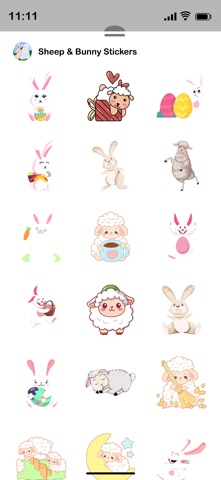
Download Sheep & Bunny Stickers for iMessage and enjoy. How To Install iMessage App and Use Stickers : - Open iMessage from your iPhone. - Click on the Appstore icon to open app drawer. - Tap Appstore icon again on the lower left corner. From there, tap on button labelled 'Visit Store' to access the Messages App Store. - Select the your stickers app . - Just with a single tap send stickers. - Also simply long touch and peel off the stickers to add them with your texts!! or existing stickers. - Scale & Rotate stickers by using a second finger before you place it on a bubble.
Stickers · iPhone, iPad · $0.99