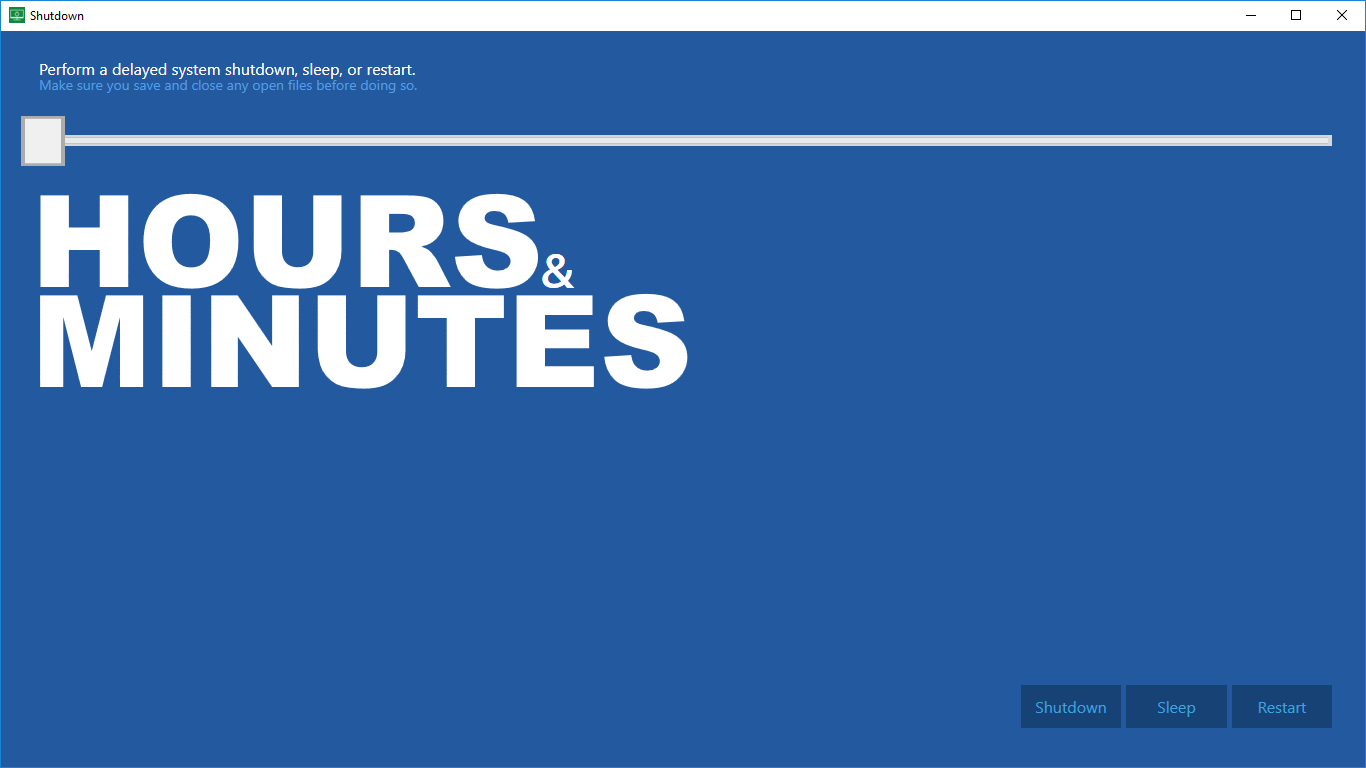
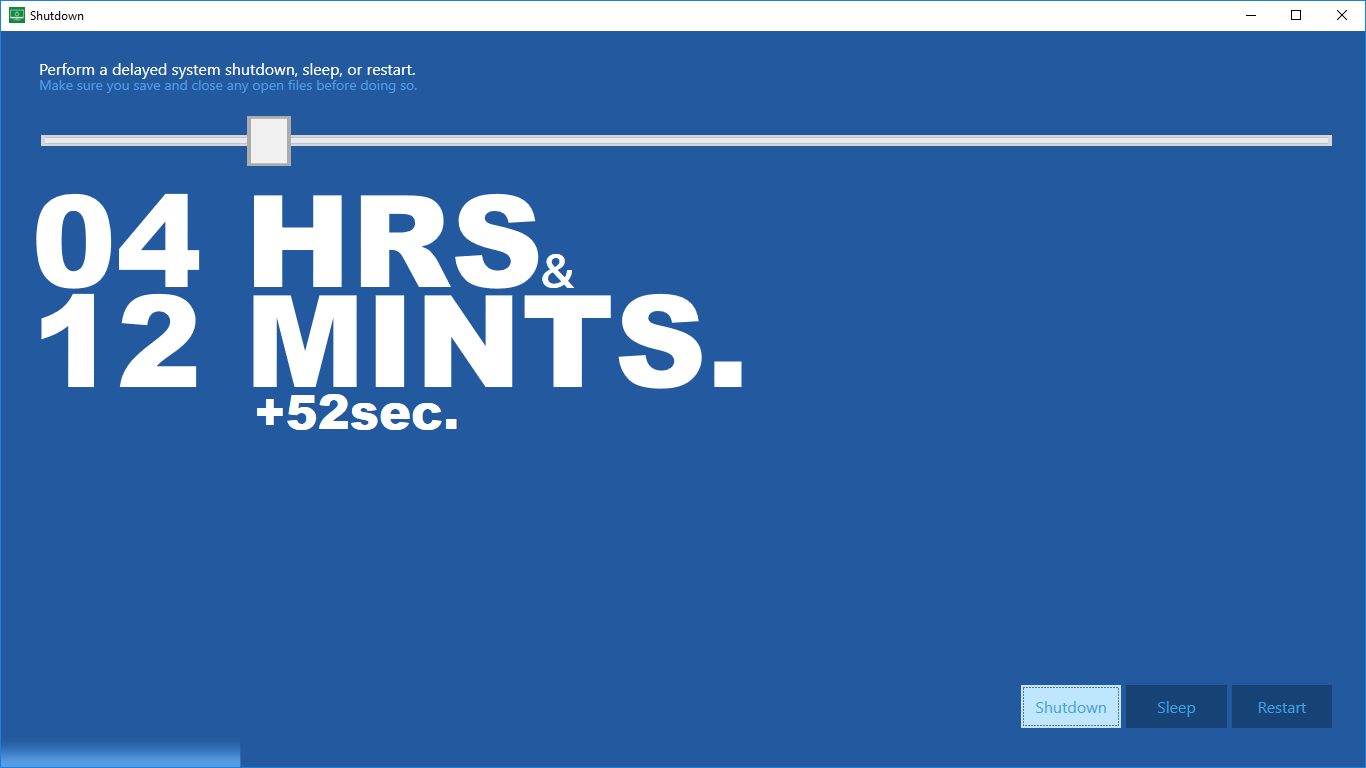
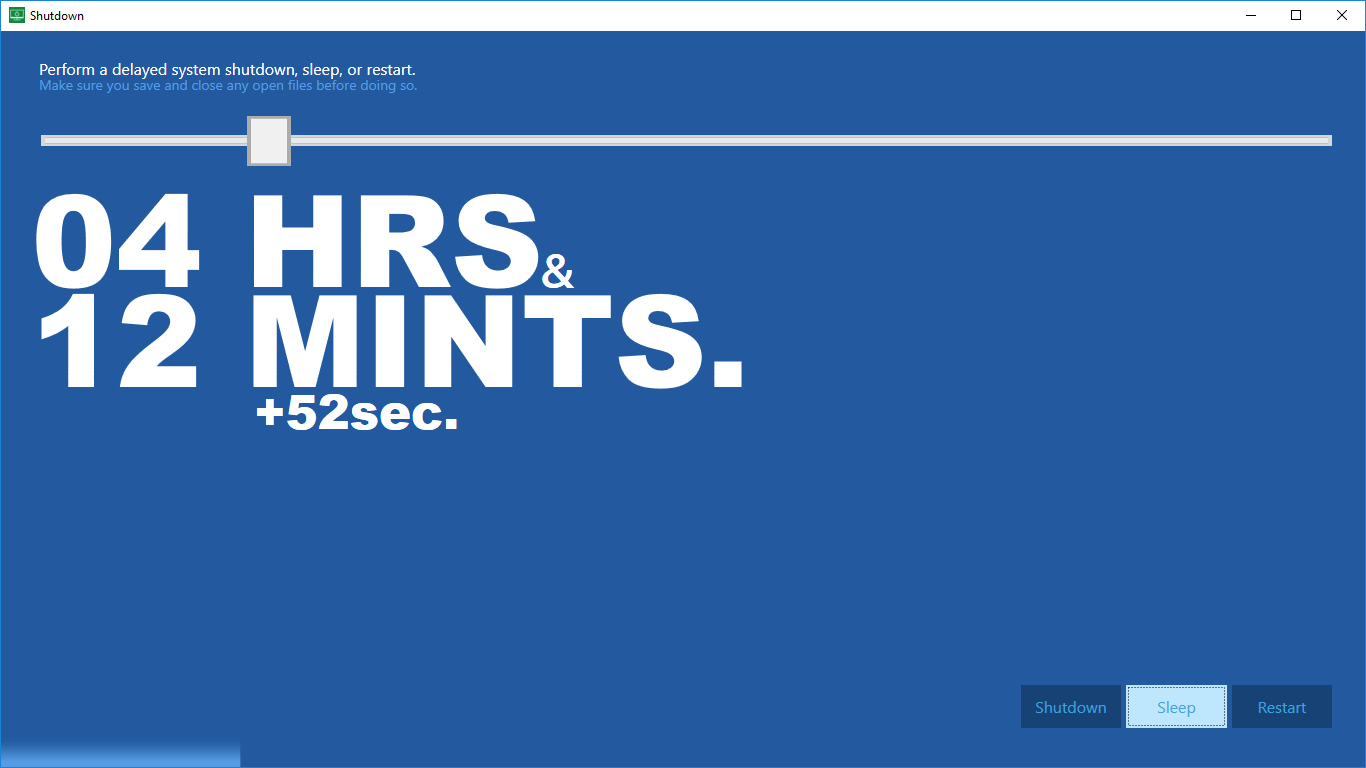
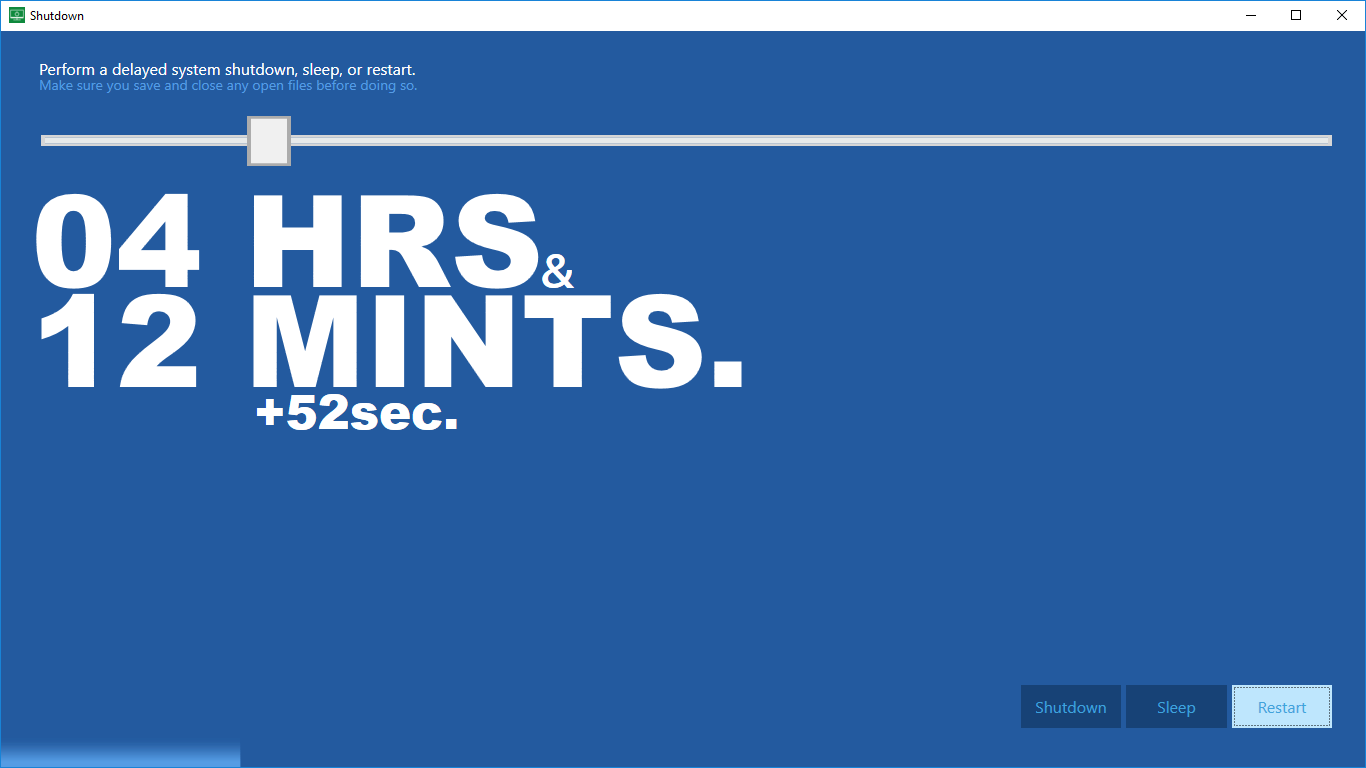
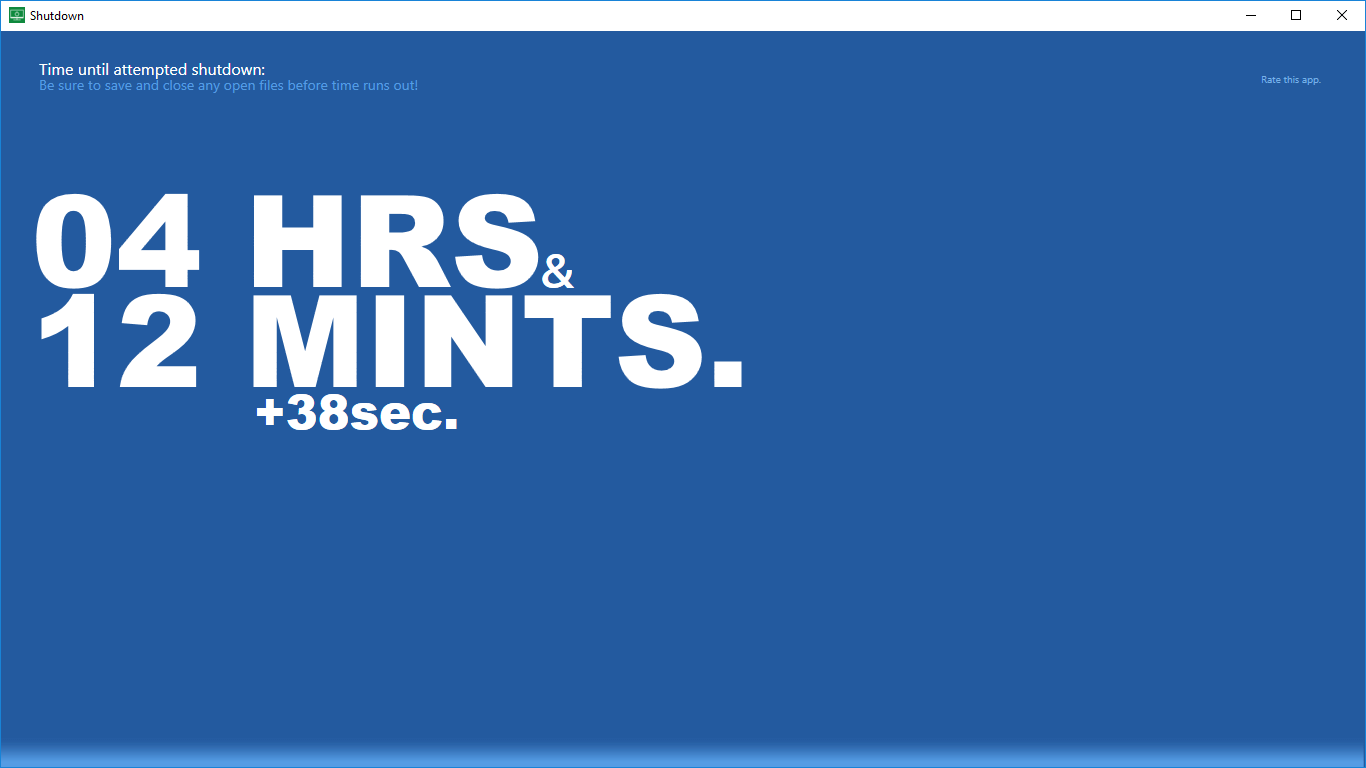
★ Shutdown performs a delayed auto system power off after a certain time has passed ★ This ultra-small app shuts your computer off automatically after a given period (max. 24 hours). Or, have your pc go to sleep, or restart after a while. No need to use a keyboard! Shutdown is designed specifically so that the timer can be set just using a mouse or touch. Great for those extra lazy moments in which you do not want to look for your keyboard, e.g. in the dark during movie-time. ★ Typical Usage ★ ✔ During a movie you doze off, and do not want to risk being woken up by some action going on, e.g. a bit later on or by the next movie in your playlist. Solution: Use Shutdown and set the timer to the duration of the movie and relax: Your pc will be shut down automatically after the movie. ✔ Say: you’re running late for coffee with friends, but you're still copying a bunch of files. Set the timer long enough so the computer will be auto shut down when you're away, all files copied. Super productive! ✔ You prefer to have your pc or tablet sleep after the timer expires. Or, to have it restart instead of shut down. These options are possible as well. ★ Features ★ ✔ Automatically shut down your computer after a certain time has passed. Or, restart or sleep, whatever you need! ✔ Shutdown is a super tiny app: just a bit of memory and storage is sufficient to automatically shut down your system! ✔ No administrator privileges needed (though your user needs sufficient 'standard' rights to shut down the computer) ✔ Easy to use and understand ✔ No need to use a keyboard! ✔ What you see is what you get, no further in-app purchases! ✔ Automatically shutdown or restart your pc, or let it go to sleep after a set time.
Utilities · Windows, iPhone, iPad · $1.99
Rating: 4.6 out of 5, based on 97 user ratings.