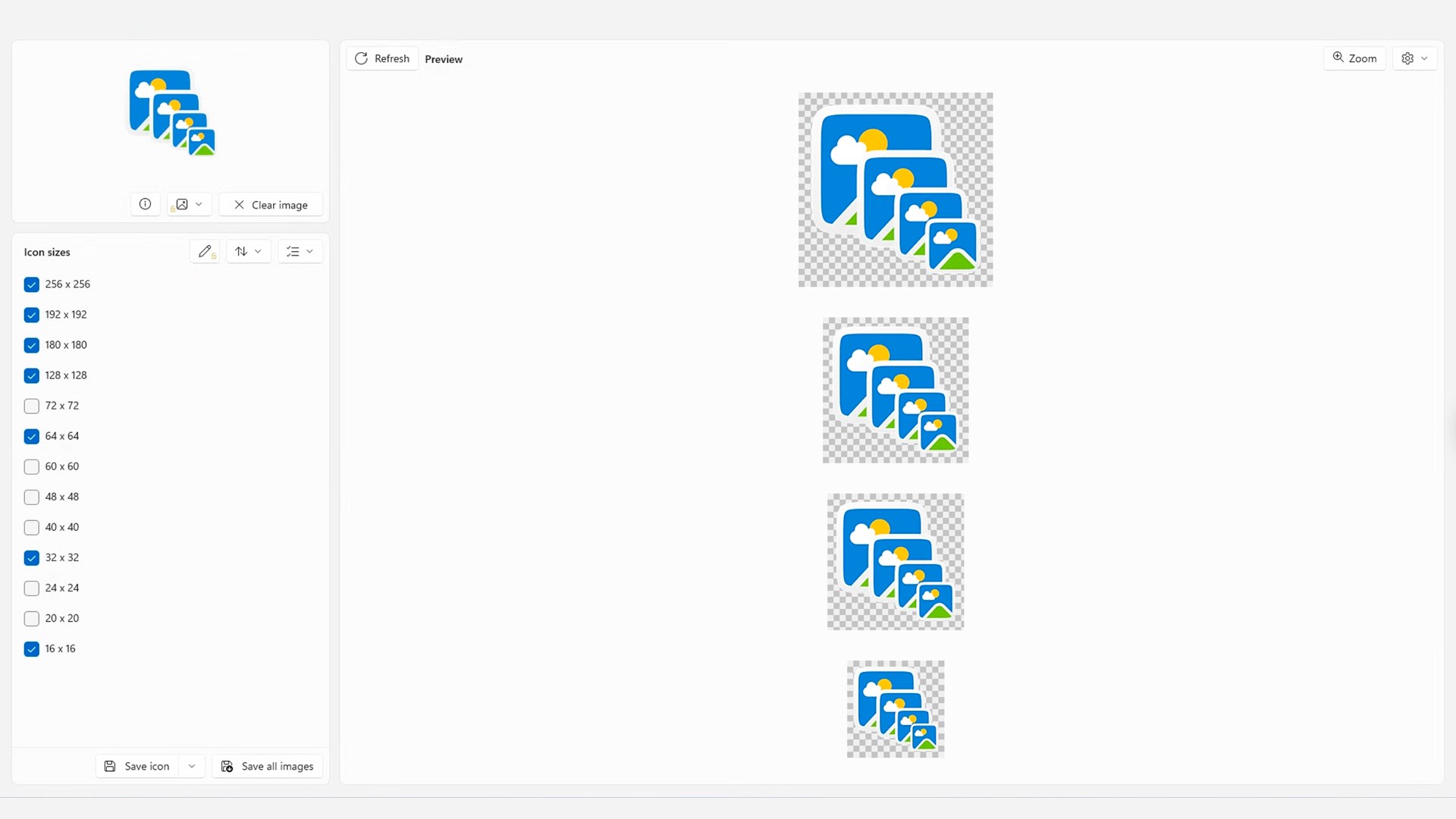
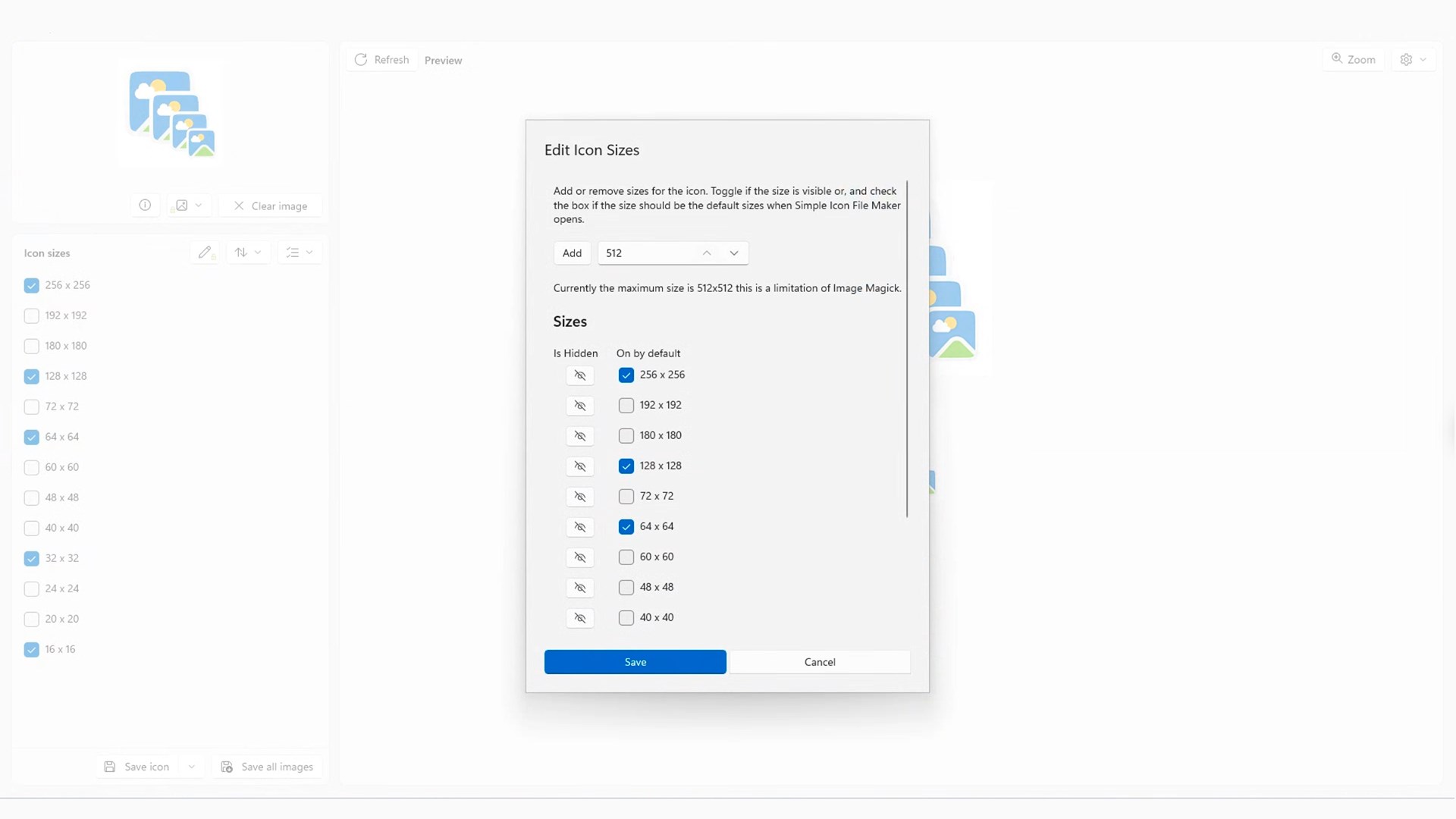
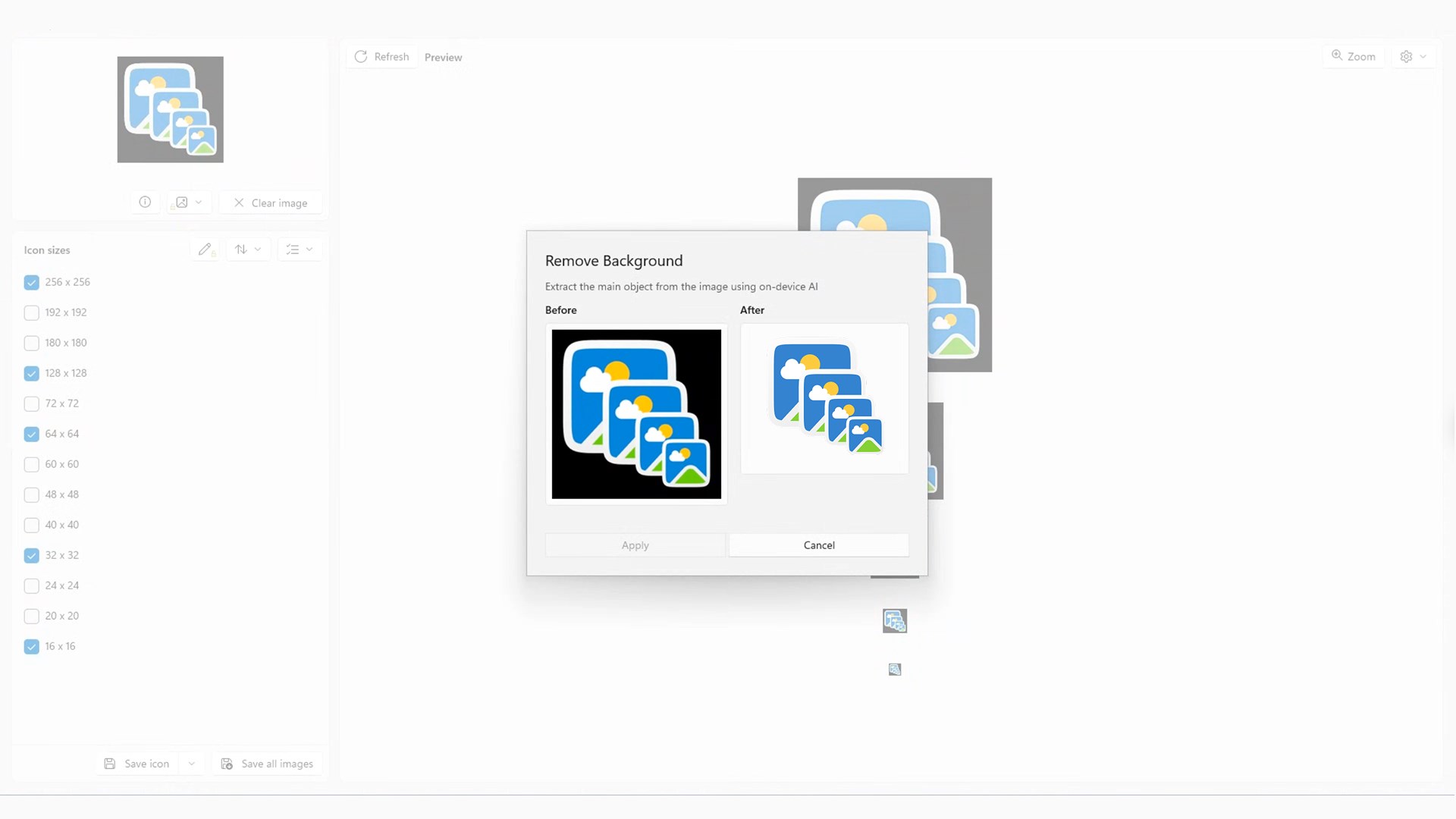
Turn any image into app icons, .ICO files and Windows cursors in just a few clicks! With Simple Icon File Maker for Windows you turn your Windows 10 or Windows 11 PC into a complete app icon generator. Drop in a source image and generate a full set of icons in all the sizes you need, ready for your app, your website or your desktop. No complex image editor, no manual resizing, no guesswork on dimensions: the app automatically centers your source image inside a square if it is not already square, so your icons look sharp and perfectly aligned everywhere they appear. Whether you are a developer building an app, a designer working on a website favicon, or simply someone who wants to customize their Windows desktop with a personal cursor, Simple Icon File Maker has you covered. Key Features: - Generate icons in multiple sizes at once, from a single source image, with just a few clicks. - Automatic square centering: non-square images are centered inside a square canvas, with no cropping surprises. - Create and save .ICO files, the native Windows icon format, ready to drop straight into your projects. - Icon creator for app icons, desktop shortcuts and website favicons. - Favicon generator for websites: create the small icon that appears in your browser tab. - Save any image as a Windows cursor (.cur) file, and open and view your existing cursors. - Resize images quickly and save them in the sizes you need. - Preview your icons before saving, so you always know what you are exporting. - Clean and simple interface: everything is a few clicks away, with no learning curve. - Works fully on your PC, on your desktop or laptop running Windows 10 and Windows 11. Subscribe to access to premium app features; subscription details are the following: - Length: Monthly or yearly - Free trial: Available only on selected subscriptions - Your payment will be charged to your Microsoft Store account upon confirmation of purchase - You can manage your subscriptions and turn off auto-renewal in your Microsoft Store Account settings after purchase - Your subscription will automatically renew unless you cancel it at least 24 hours before the end of the current period - The cost of renewal will be charged to your Microsoft Store Account within 24 hours prior to the end of the current subscription period - If you cancel a subscription, it will remain active until the end of the current billing period. Auto-renewal will be disabled, but no refunds will be provided for the remaining period - Any unused portion of a free trial period, if offered, will be forfeited upon purchasing a subscription Privacy Policy: https://magic-cake-e95.notion.site/Windows-Simple-Icon-File-Maker-Privacy-Policy-3cdcf6557a0880efa2bedb265d4d7b3b Terms & Conditions: https://magic-cake-e95.notion.site/Windows-Simple-Icon-File-Maker-Terms-Conditions-3cdcf6557a0880299d6ed11ec0c8ce3e If you have any questions, please contact us at simpleiconefilemaker@outlook.com
Developer Tools · Windows · Free