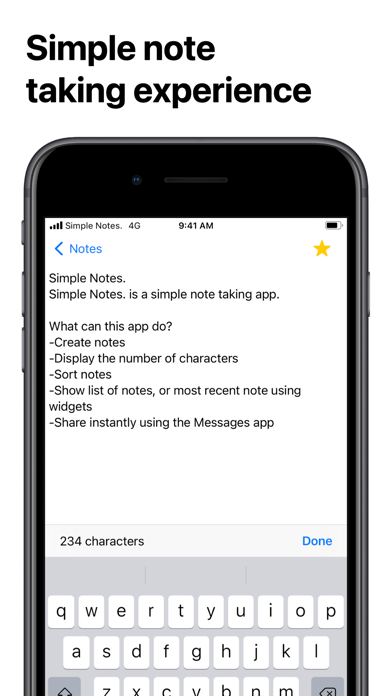
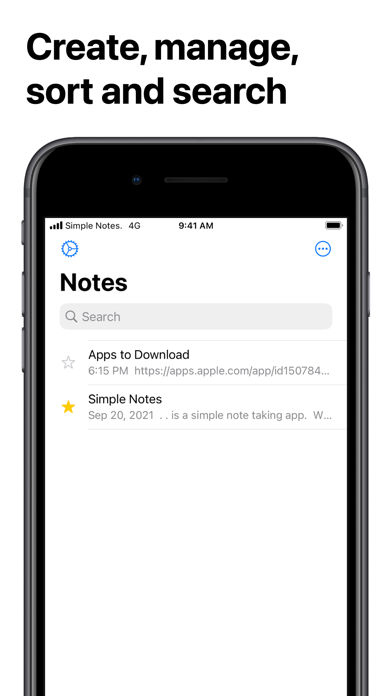
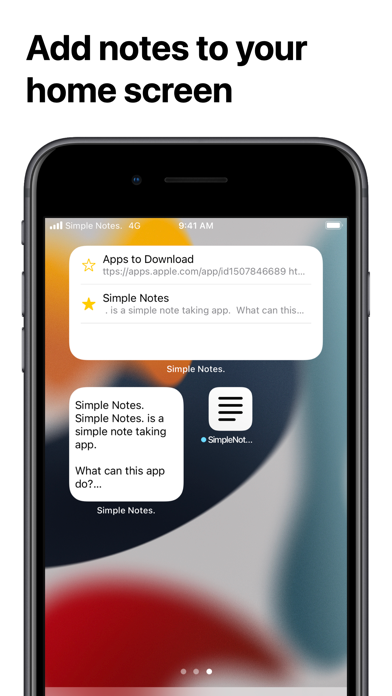
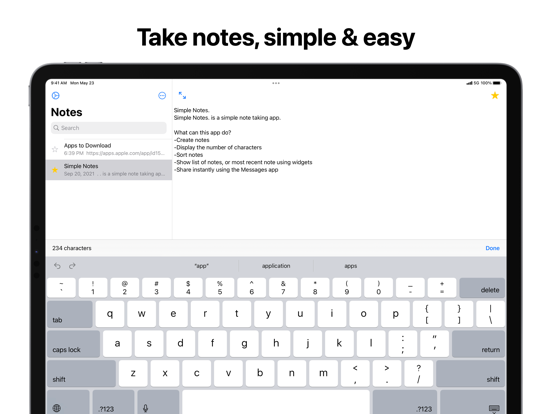
Simple Notes. is exactly what it sounds like: a simple app for taking notes. It focuses on everyday essentials. No grids, camera, or audio—just text, with easy ways to organize and share it. Write a note and it saves automatically as you type. The first line becomes its title. Search your notes, star favorites, sort by favorites, date, or title, and tap the counter to switch between character and word counts. Keep notes close with widgets. Show a note you choose or browse a list of recent notes. Tap a note in a widget to open it in the app. FEATURES - Create and automatically save text notes - Count characters or words - Search, star, and sort notes - View a selected note or recent notes with widgets - Share notes as text or as a .txt file - Add a note to a Messages conversation, with the option to include its title - Create or retrieve notes with Shortcuts app - Create note or search using Siri HOW TO USE Create a note: Tap “Create New Note” and start typing. Your changes save automatically. Delete a note: Swipe left on it and tap Delete. Sort notes: Tap the menu button and choose Favorites, Date, or Title. Share in Messages: Open Simple Notes. from the Messages app drawer, choose a conversation and a note, then tap Send. Use the switch at the top to include or leave out the title. Have a suggestion? Please leave a review on the App Store or send feedback through the app.
Productivity · iPhone, iPad, Android · Free
Rating: 4.7 out of 5, based on 64 user ratings.