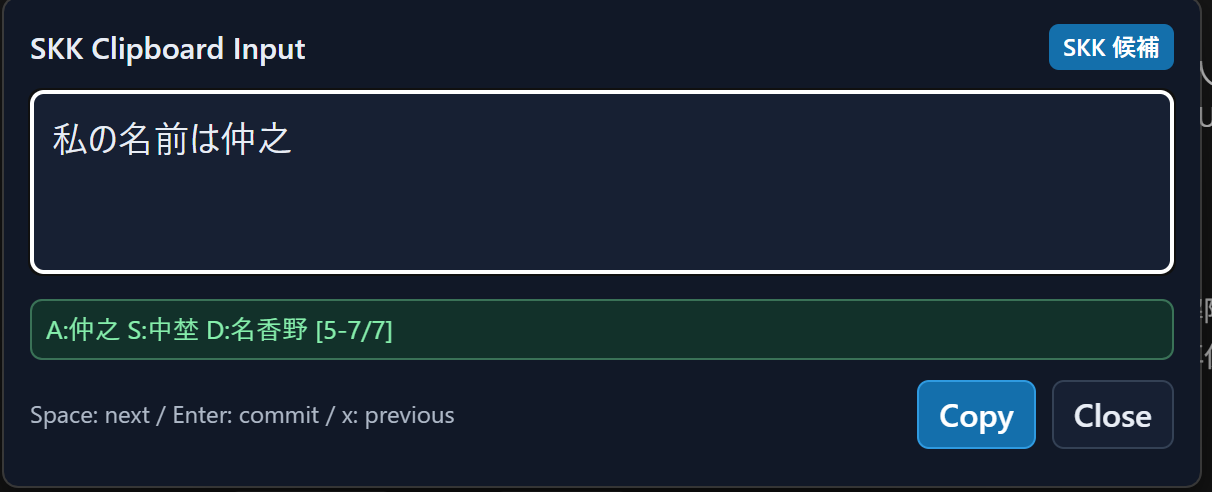
skk-popup is a lightweight Japanese input utility for people who use the SKK input method. Press Ctrl+Shift+K from any Windows app to open a compact input popup, type and convert Japanese text, then press Enter or Copy to send the confirmed text to the clipboard. The popup closes and returns focus to the window you were using, and it can paste the text automatically. Features: - Global keyboard shortcut - SKK kana input, conversion, candidate selection, and user dictionary support - Clipboard copy and optional automatic paste - Automatic focus restoration - Configurable hotkey and paste behavior
Productivity · Windows · Free