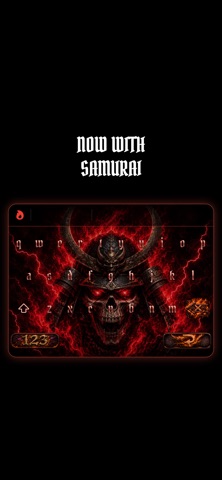
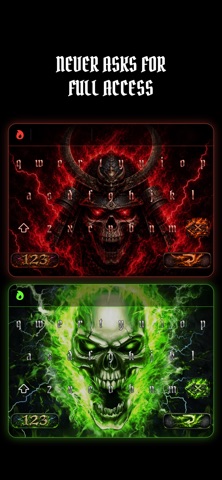
A gothic keyboard that sounds as good as it looks. Every key makes a sound, flames burn off the letters as you type, and it works in every app. It never asks for Full Access. EVERY KEY MAKES A SOUND • Letters, space, backspace, return, send and search each have their own sound. • Plays over your music and videos without pausing them. The silent switch mutes it. TYPES THE WAY YOU'RE USED TO • Autocorrect with one tap undo. Undo a fix once and it leaves that word alone from then on. • dont, im and ill become don't, I'm and I'll. • Suggestions above the keys. Tap one to use it. • Auto caps, and double space for a period. • Hold a letter for accents (é, ñ, ü) or a symbol for more (€, £, °). • Full numbers and symbols pages. 36 LANGUAGES Each language is its own keyboard. Add the ones you want in Settings and switch with the globe key, the same way Apple's keyboards work. Every one uses your iPhone's own dictionary. English, Spanish, French, German, Italian, Portuguese, Dutch, Swedish, Danish, Norwegian, Polish, Finnish, Indonesian, Romanian, Turkish, Czech, Slovak, Hungarian, Croatian, Bosnian, Serbian (Latin and Cyrillic), Slovenian, Lithuanian, Latvian, Estonian, Icelandic, Catalan, Galician, Basque, Malay, Albanian, Russian, Ukrainian, Bulgarian and Macedonian. YOUR TYPING STAYS YOURS Skull Keys never asks for Full Access. No internet, no tracking, no analytics. iOS itself keeps the keyboard away from your information. SETUP 1. Open Skull Keys and tap Open Settings 2. General > Keyboard > Keyboards 3. Add New Keyboard > Skull Keys 4. In any text field, hold the globe key and pick Skull Keys Type like an alpha.
Utilities · iPhone, iPad · Free
Rating: 5.0 out of 5, based on 9 user ratings.