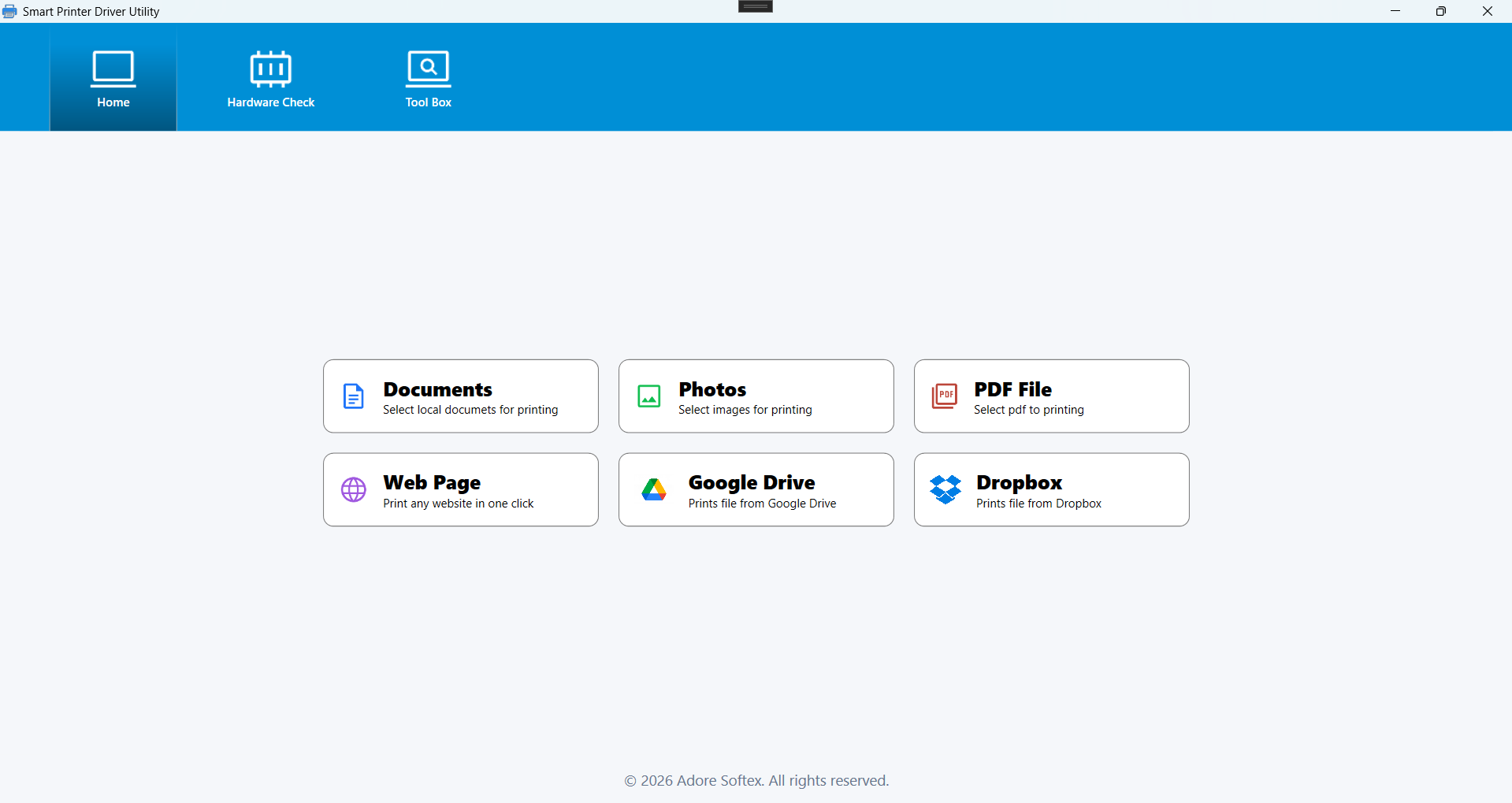
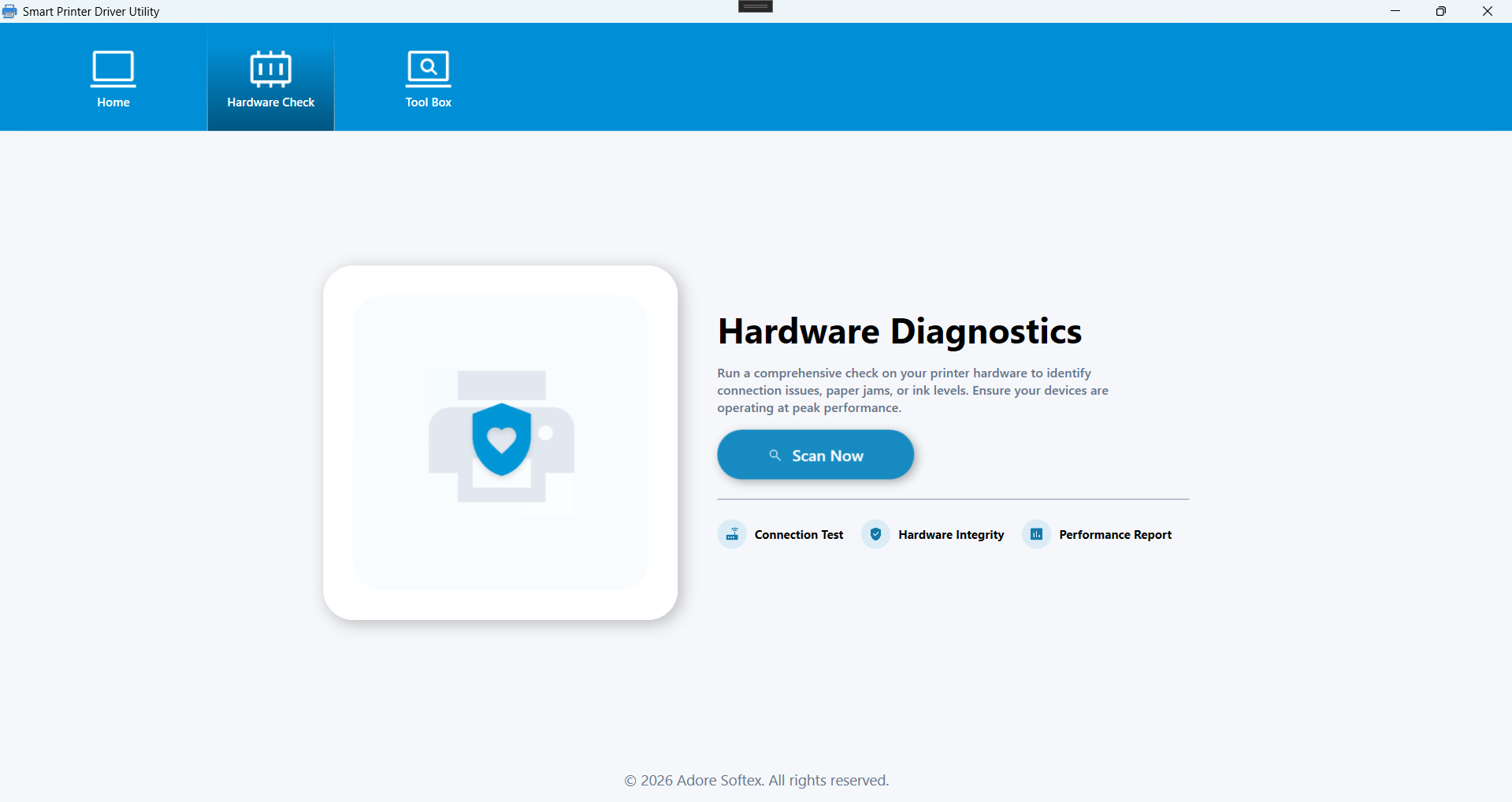
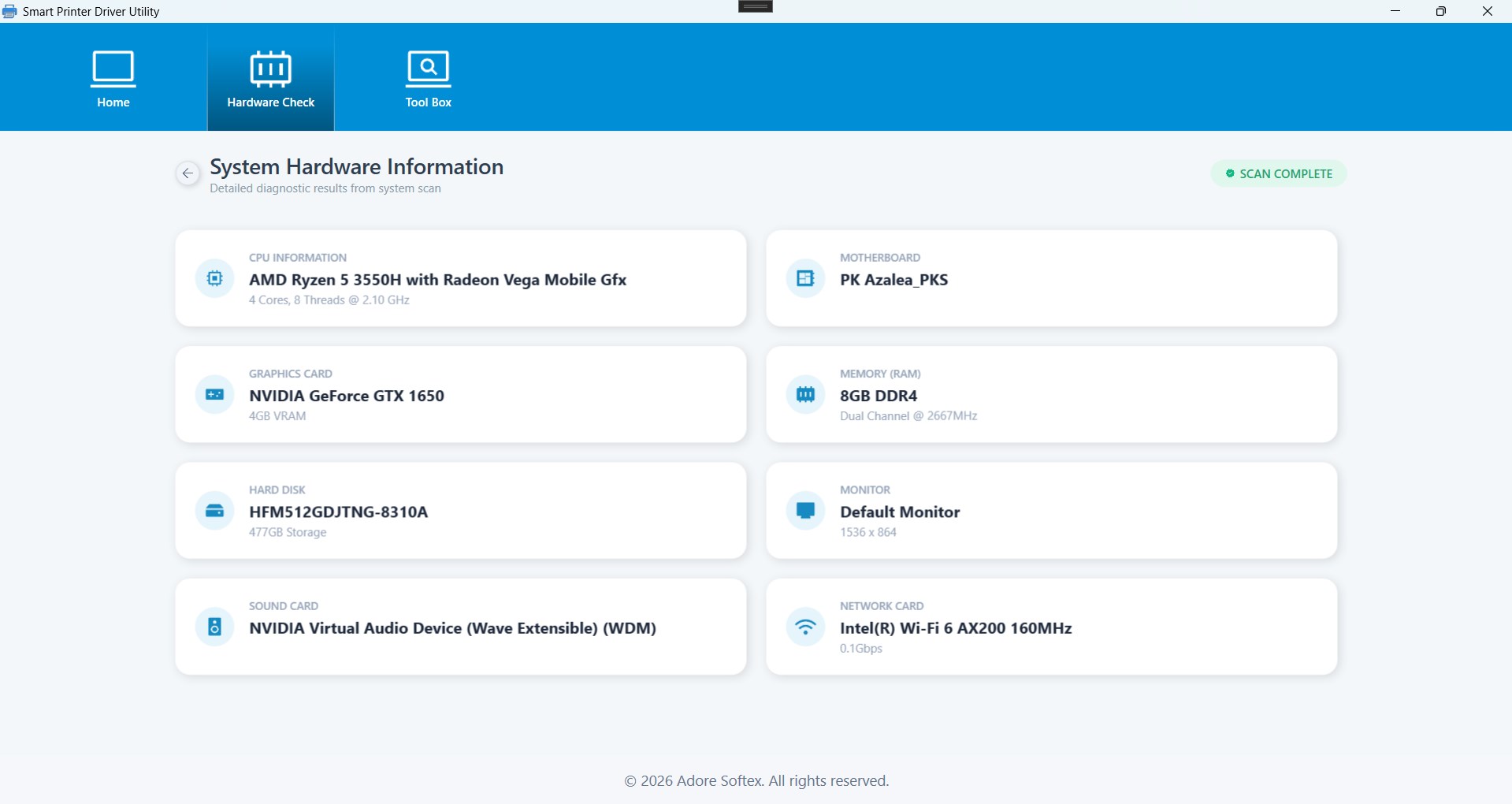
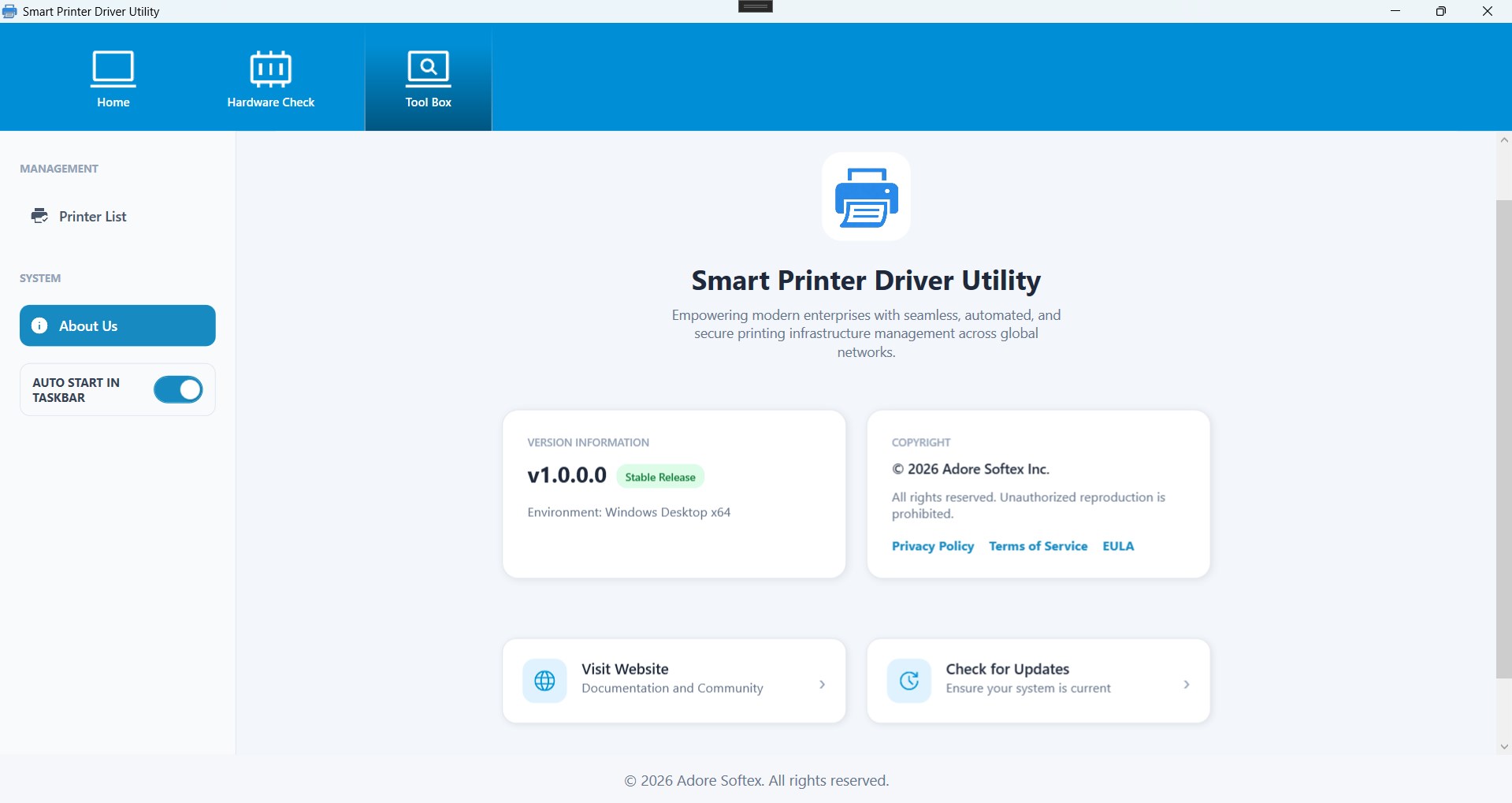
Description A utility to view and manage printers and print jobs on your PC. The app displays connected printers and device information and provides basic printing controls. Printing features Detect connected printers and show device names and status View and manage print queues (pause, resume, cancel jobs) Print a test page Access printer properties and device information Set or change the default printer Preview basic print settings (paper size, orientation, copies) Configure simple print options (duplex, color mode) Check printer connectivity and run basic diagnostics Save printer configuration details Provide links to manufacturer support pages when available Privacy & permissions The app reads printer and system information to provide these features. See our privacy policy for details. Support Visit our support page or contact support via the app. Note: This app is not affiliated with printer manufacturers.
Utilities · Windows · Free