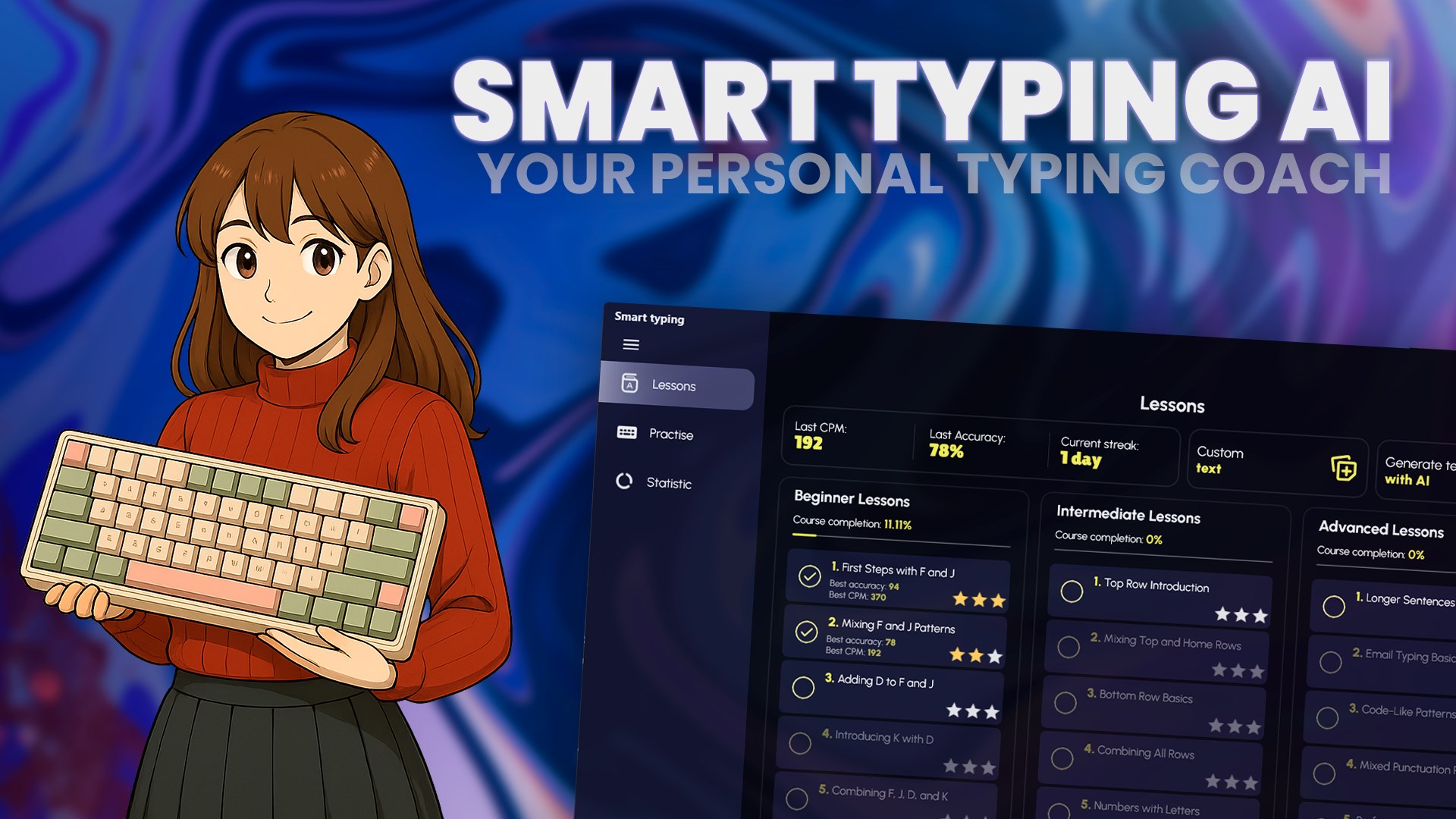
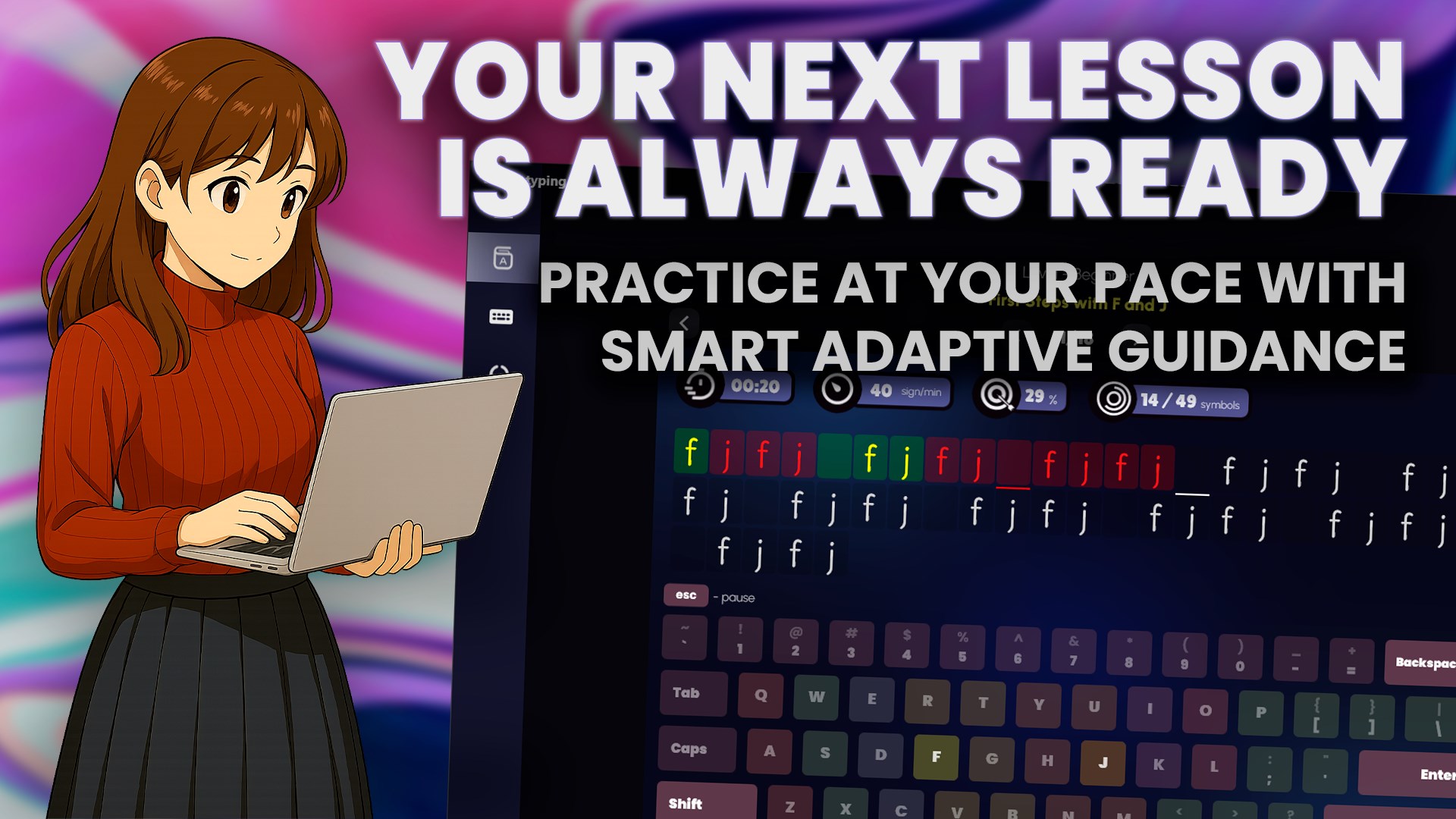
Type Faster, Smarter Smart Typing Tutor is an interactive touch-typing course and speed-test game for Windows. Whether you’re a complete beginner or a coding pro, master every key with color-guided drills, AI-generated texts, and real-time WPM/CPM analytics. Key Features • Personalized lessons – adaptive drills, from home-row to advanced code & email snippets • Real-time stats – instant WPM, CPM, accuracy, streaks & heat-map of weak keys • Color-coded keyboard guide – shows the next key & correct finger (Shift combos included) • AI exercise generator – paste any text or let the built-in AI create fresh practice topics • Speed-test & game modes – race against the clock, earn stars, unlock badges • Cross-device cloud sync – pick up your progress on any Windows PC, tablet, or Xbox • Dark mode & high-contrast themes – type longer with less eye strain • Mia, your coach – friendly tips that keep kids & adults motivated Who Benefits? • Beginners & kids – step-by-step “F & J” onboarding with big visuals • Students & writers – turn essays into practice to lift WPM for school or NaNoWriMo • Developers & professionals – dedicated code, shell & email drills improve everyday workflow Bonus Tools • Open-text practice – paste any paragraph to drill it instantly • Deep stats dashboard – identify slow characters, track streaks & celebrate milestones • Accessibility-ready – supports narrator, large-print fonts, and one-hand modes 🔒 Free vs Premium Features Smart Typing Tutor includes a free tier with: • Full access to beginner lessons • Limited intermediate content • Basic AI-generated and custom text exercises • Core statistics and typing modes Upgrade to Premium to unlock: • All intermediate & advanced lessons • Unlimited AI-generated and custom exercises • Full performance history & analytics • Additional game modes and customization options • Ad-free experience and priority updates
Productivity · Windows · Free
Rating: 4.5 out of 5, based on 22 user ratings.