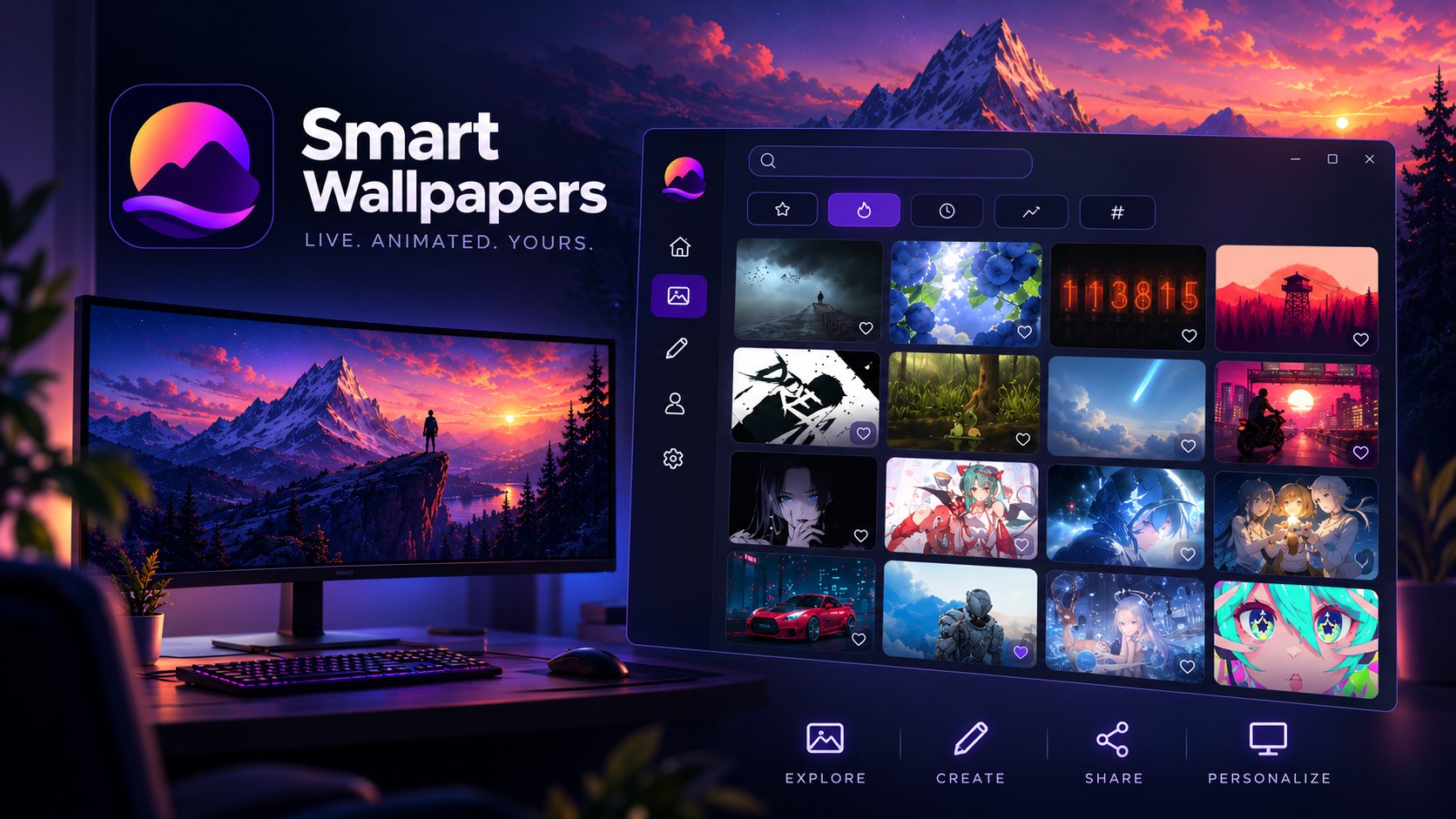
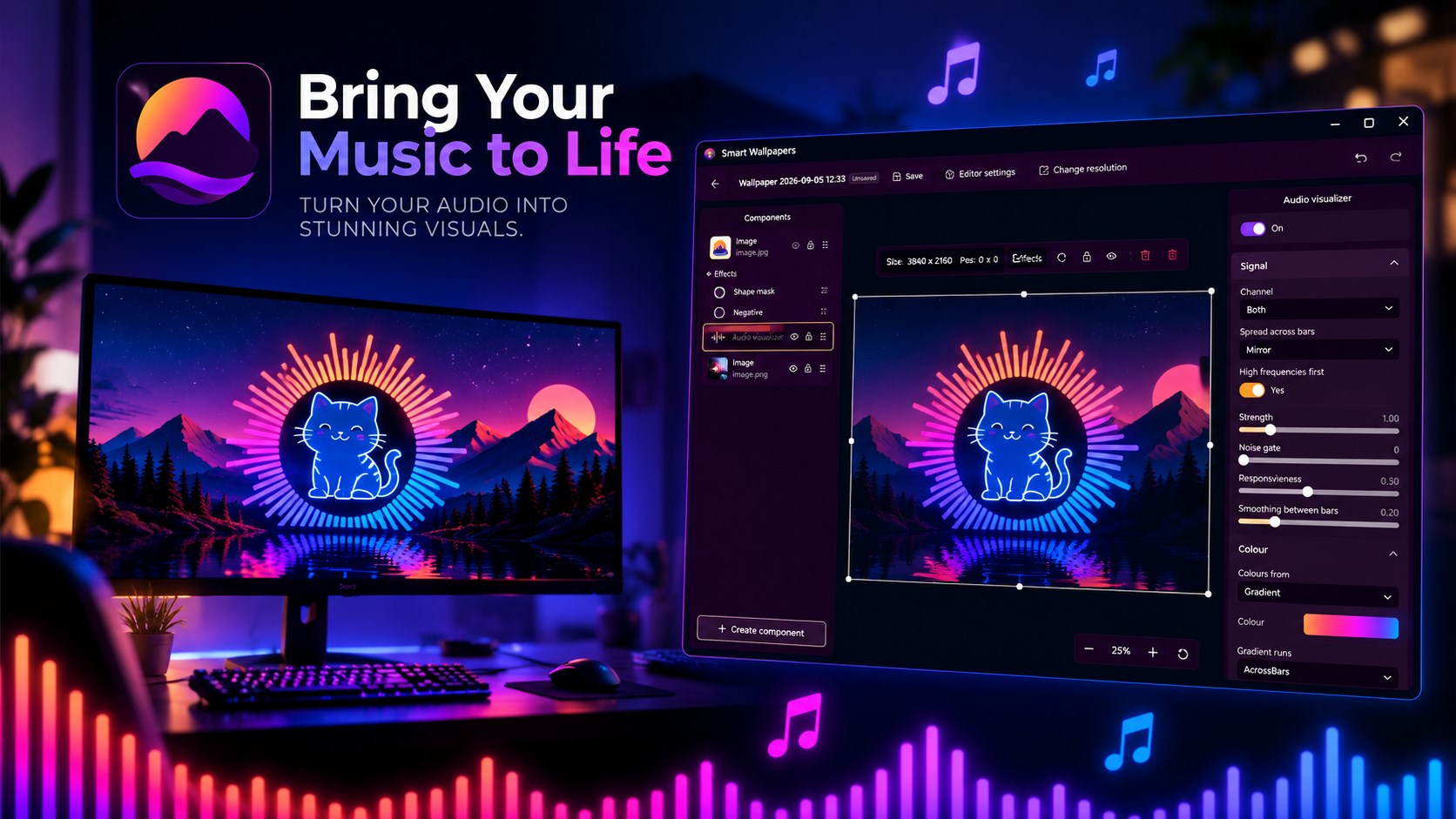
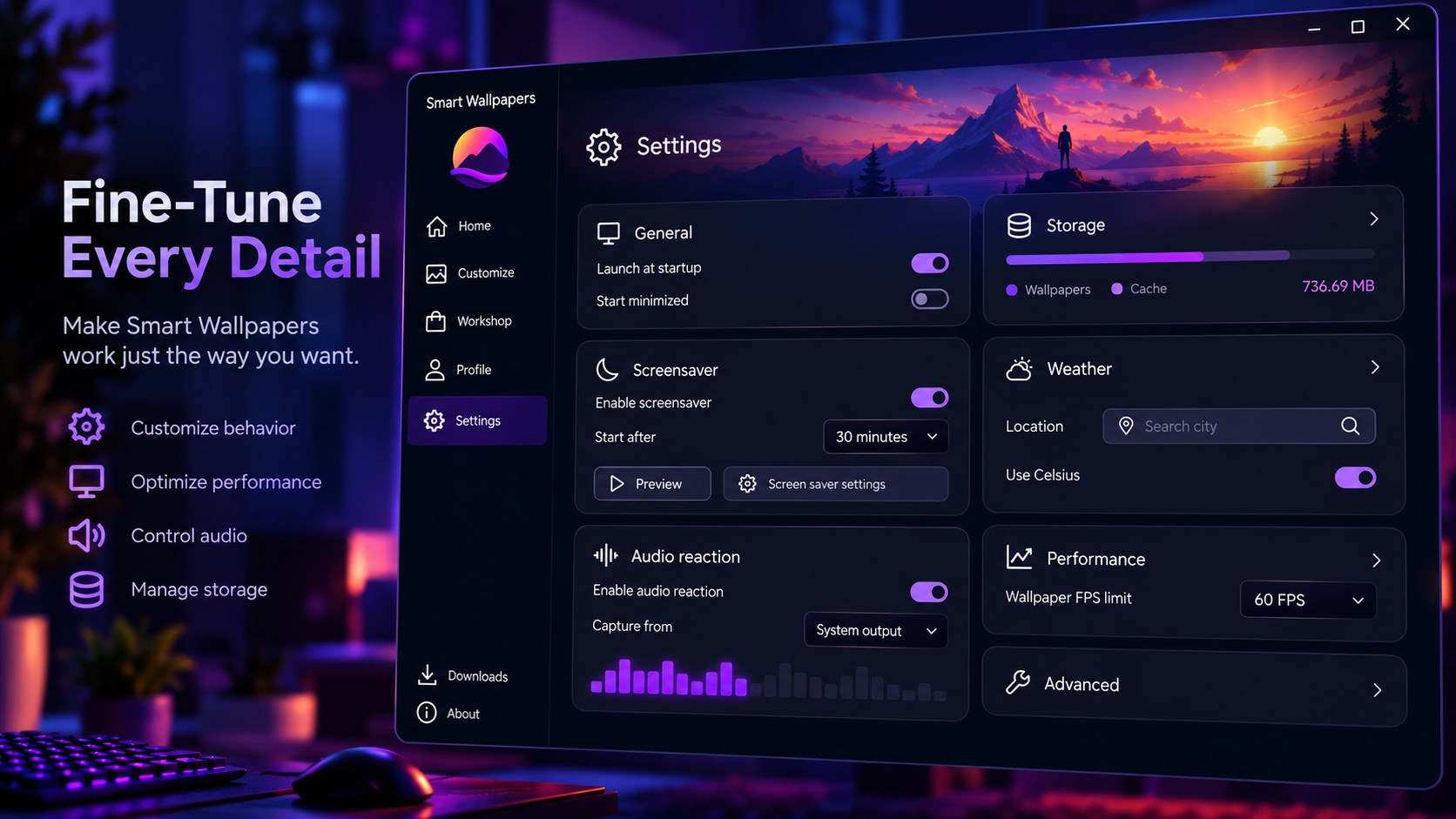
Your desktop is the screen you look at all day. Smart Wallpapers turns it from a static picture into something that moves, reacts, changes, and feels like yours. Run wallpapers made by other people through the Workshop, or create your own scenes from photos, videos, web pages, text, clocks, shapes, particles, music visualizers, and more. TWO WAYS IN Discover. Browse the Workshop, preview a wallpaper, and put it on your desktop. Video, interactive web pages, and animated scenes all work the same way. Create. Build your own wallpaper in the editor. Start with a simple wizard or open the advanced editor when you want more control. THE EDITOR Build a scene on a canvas that matches your screen. Add images, text, clocks, shapes, particles, videos, web content, music visualizers, album art, and playback controls. Everything can be positioned, resized, rotated, animated, masked, filtered, and layered. Ready-made presets let you create common effects without configuring everything from scratch. Wallpapers can also change automatically based on the time, date, season, battery level, weather, or other triggers. A single wallpaper can look different in the morning, at night, or when it starts raining. EFFECTS & ANIMATION Bring scenes to life with GPU-powered visual effects and animations. Make elements fade, pulse, rotate, bounce, change colour, react to music, or respond to your mouse. Add blur, bloom, film effects, outlines, glow, distortion, and other visual treatments. Perspective effects can make individual elements tilt or shift as you move the cursor. AI TOOLS AI is built directly into the editor to help you create and modify artwork. Generate images for your scene, extend backgrounds, remove or replace objects, separate subjects into layers, add depth, restyle artwork, match colours, and generate text variations for your wallpapers. You can go from an idea to a finished wallpaper without leaving the editor. EVERY MONITOR Use a different wallpaper on every display, stretch one scene across multiple monitors, or duplicate the same wallpaper everywhere. Smart Wallpapers remembers your monitor layouts, so your setup can automatically change when you connect or disconnect displays. SCREENSAVER Turn your wallpapers into a full-screen screensaver after a period of inactivity. Choose when it starts, and dismiss it with your mouse or keyboard. Smart Wallpapers can also handle the interaction with the built-in Windows screensaver. BUILT TO STAY OUT OF THE WAY Wallpapers run independently so one problematic scene doesn't bring down the whole app. Smart Wallpapers automatically pauses wallpapers when you're gaming, using a maximized application, running on battery saver, or when the display is turned off. You can also control wallpapers directly from the system tray. WORKSHOP Discover wallpapers created by the community. Browse featured, trending, latest, most downloaded, and most liked wallpapers, or search by name and hashtags. Preview wallpapers before downloading them and publish your own creations for others to use. YOUR LIBRARY Keep everything you create and download in one place. Search, favourite, organise, and manage your wallpapers, while the download and storage tools take care of the rest. MORE User accounts, profiles, and Premium features Fonts bundled with wallpapers so they look right on other PCs Weather data for weather-reactive wallpapers Startup, minimized launch, and notification controls Support for multiple monitor configurations REQUIREMENTS Windows 10 version 1809 or later. Web wallpapers require the WebView2 runtime. A GPU is recommended for scenes with heavy effects or particles. AI features require an internet connection. Basic brush-based image editing works offline.
Lifestyle · Windows · Free
Rating: 4.9 out of 5, based on 16 user ratings.