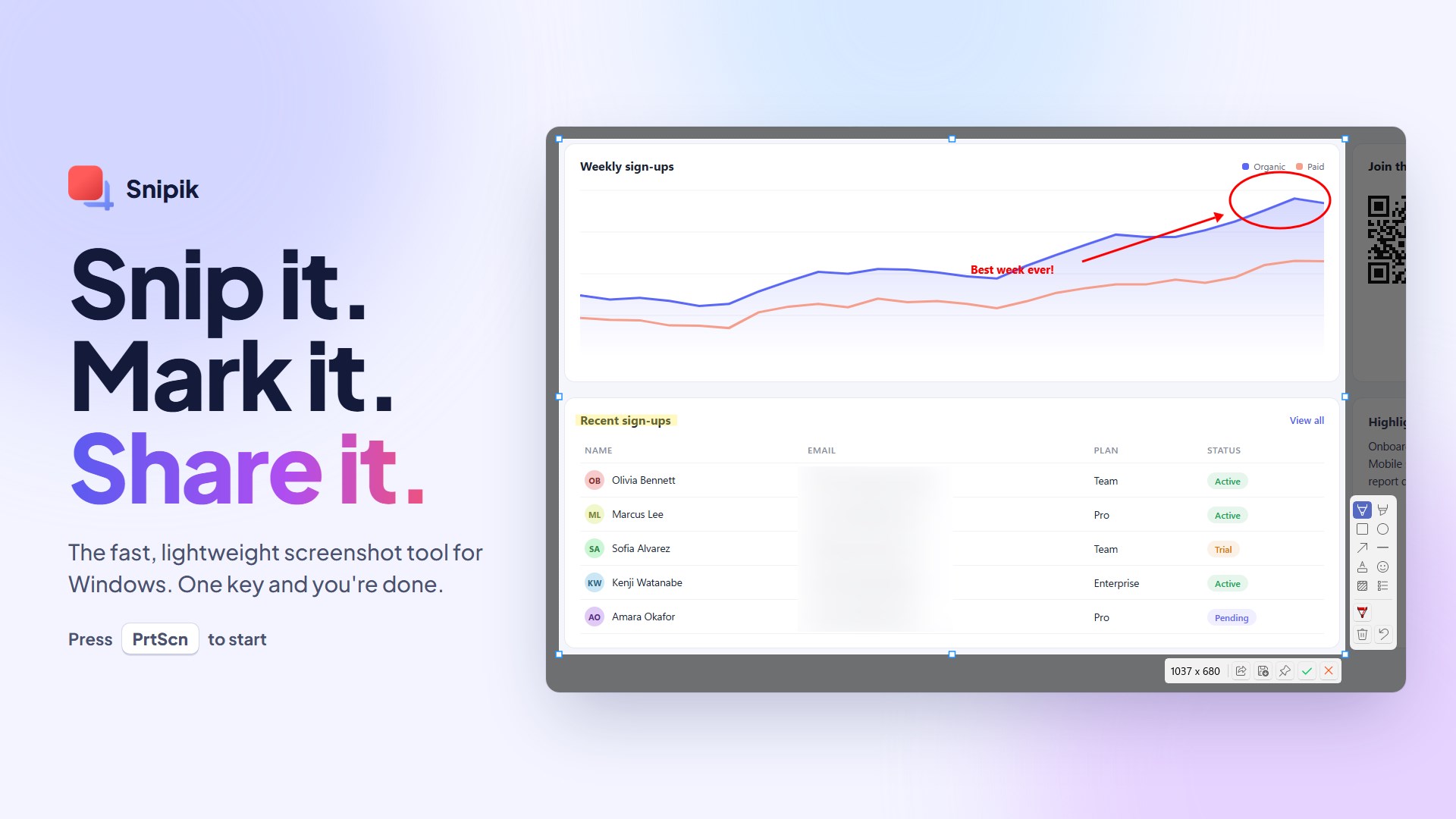
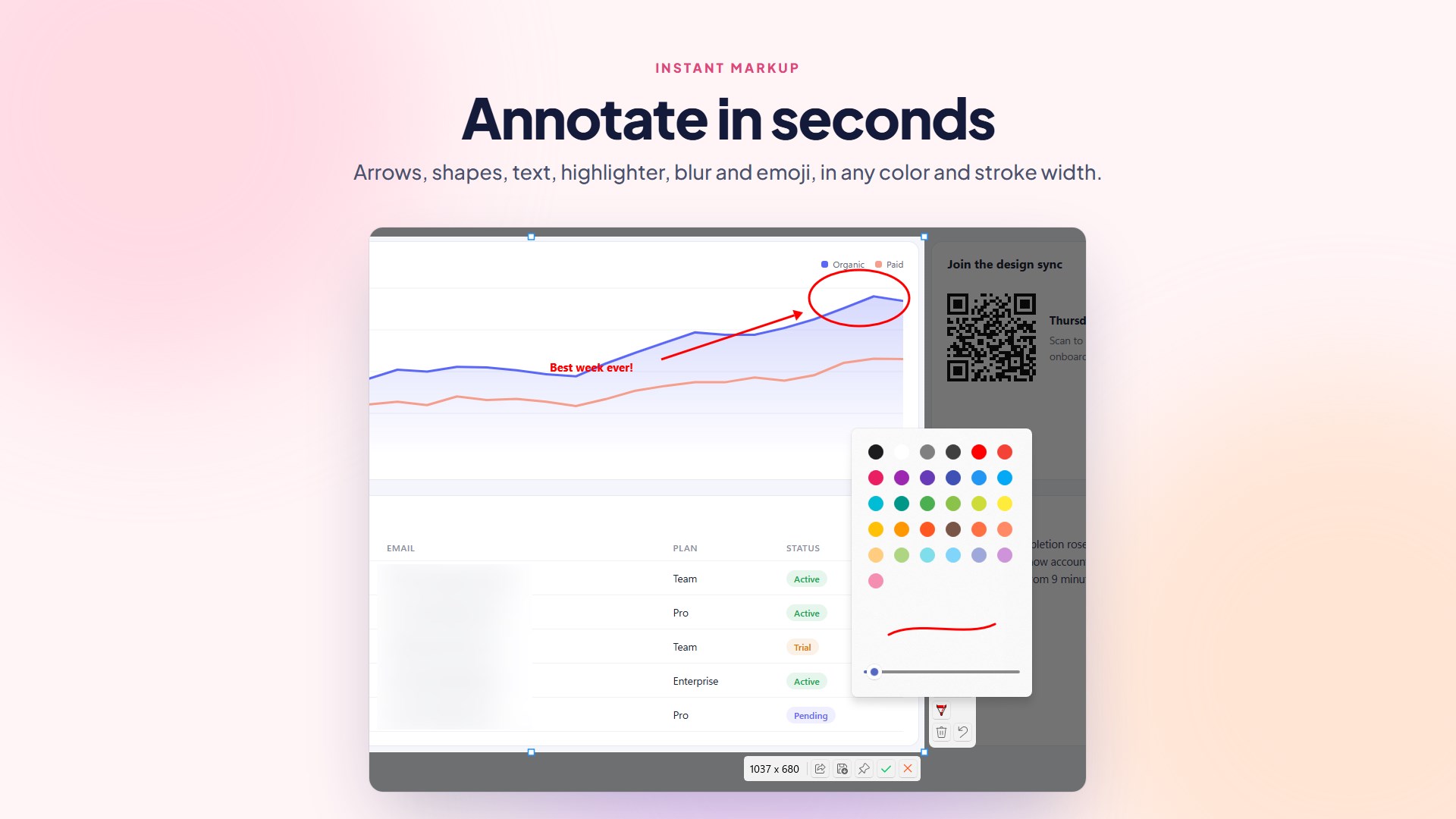
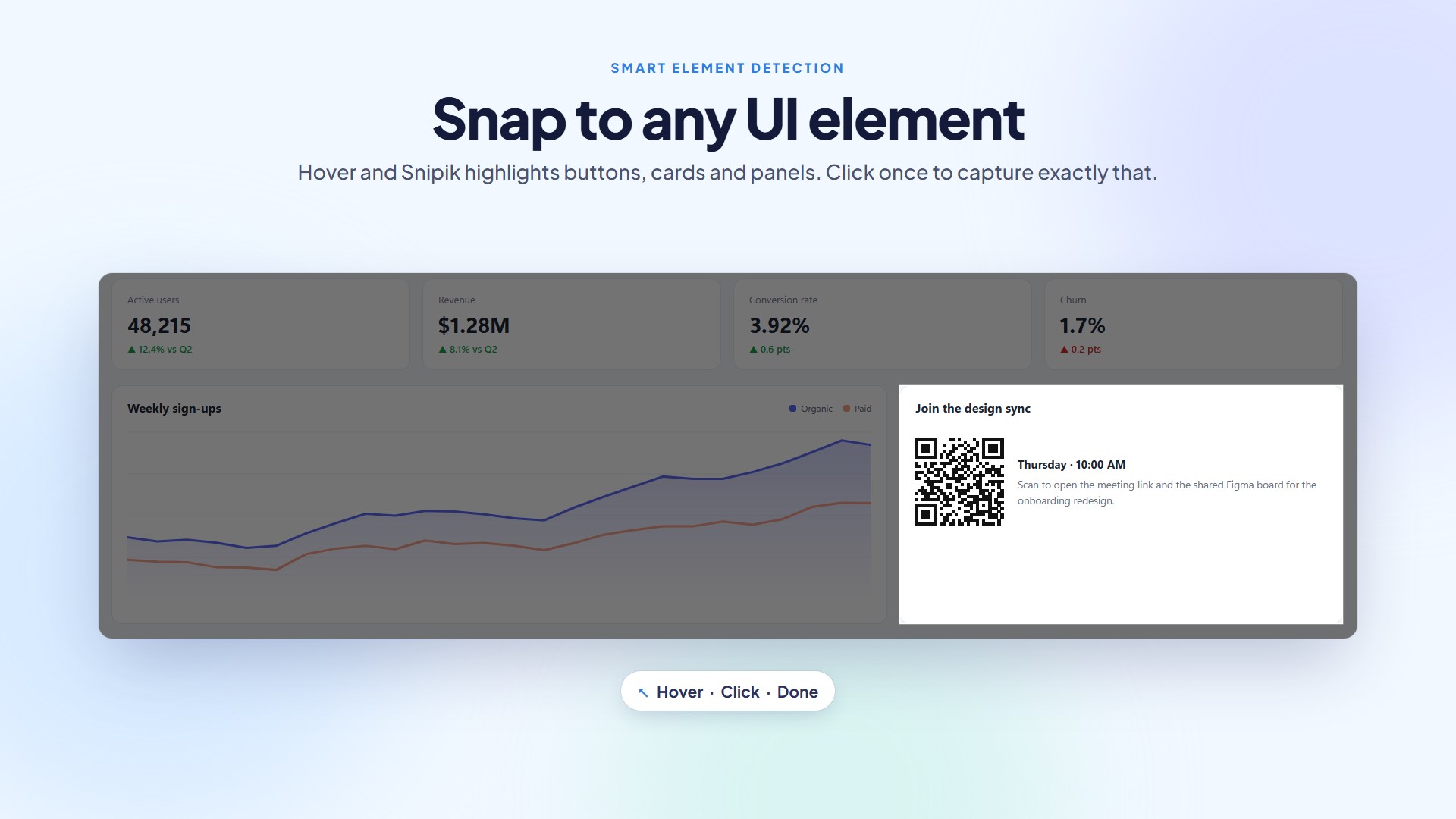
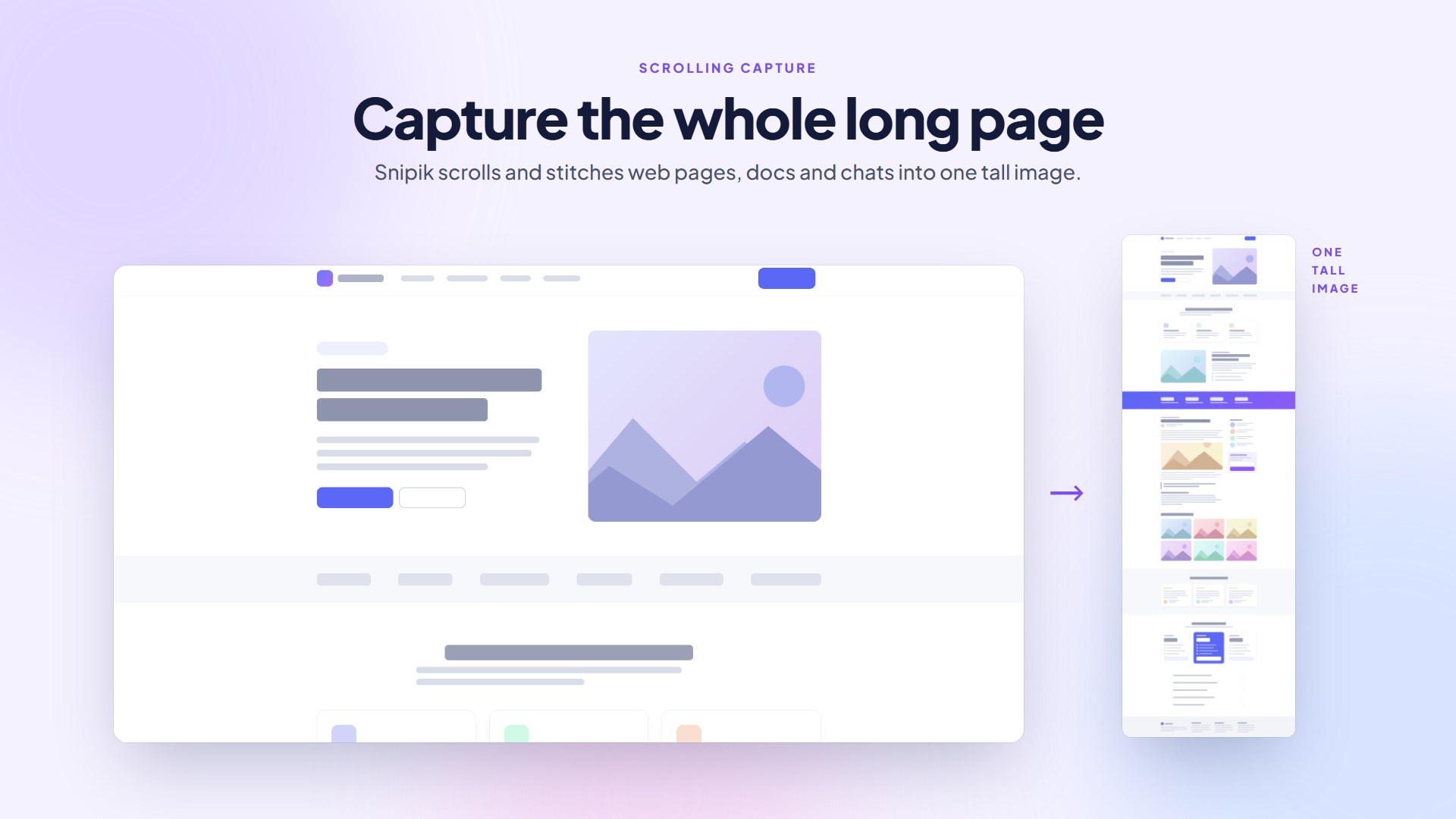
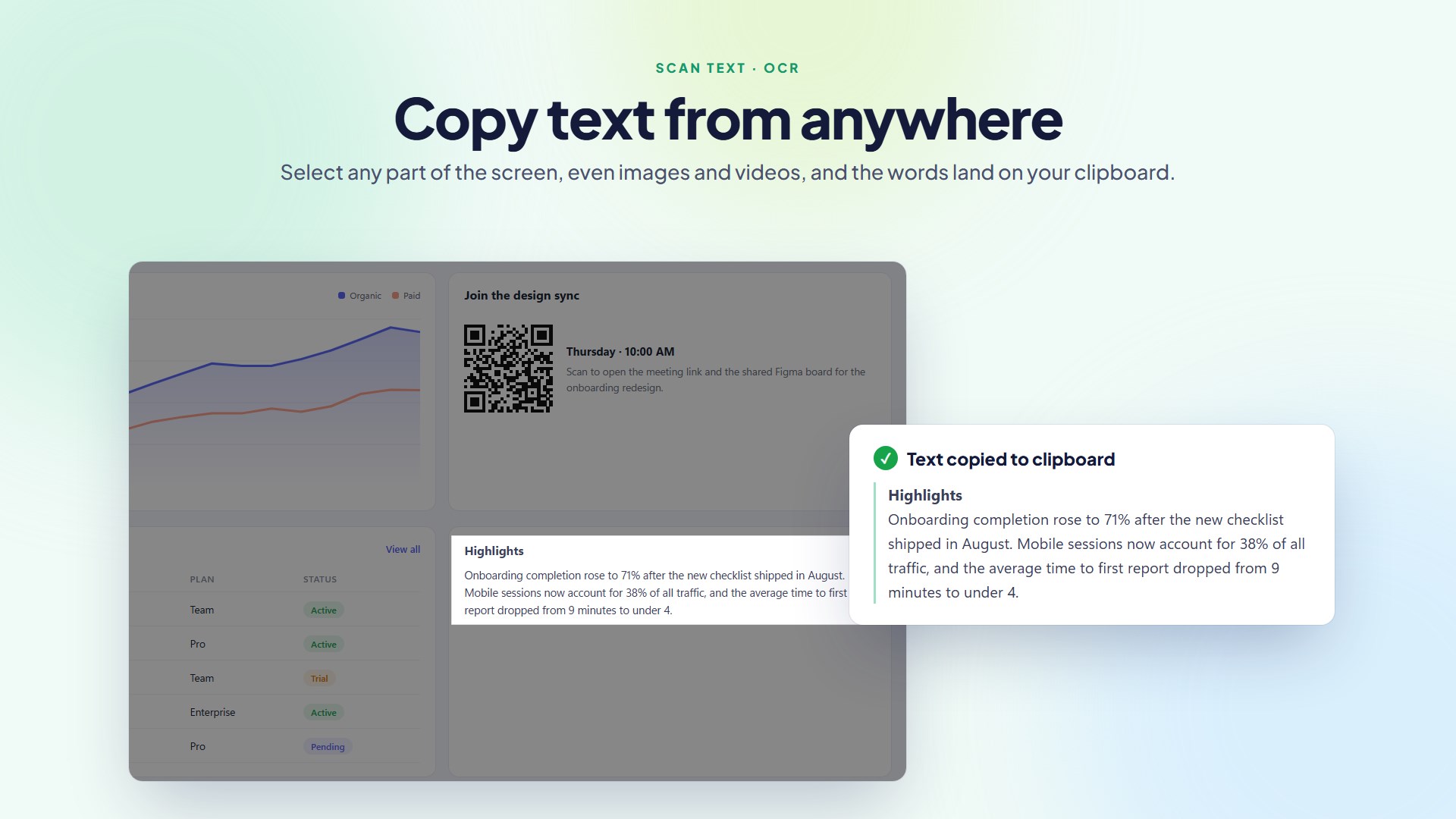
Screenshot and snipping tool for Windows that captures a region, window, monitor or full screen, takes scrolling screenshots of long pages, auto-detects UI areas, annotates with pen, shapes, arrows, text, highlight, blur/pixelate, emoji and numbered steps, extracts text with OCR, scans QR codes, pins screenshots on top, and auto-saves or copies with global hotkeys. Perfect for work, school, development, documentation, and everyday use. Key Features 📸 Flexible Screen Capture Capture any region of your screen Capture the active window Capture the entire screen Multi-monitor support ✏️ Built-in Annotation Draw with pen or highlighter Add arrows, rectangles, circles, and text Blur or pixelate sensitive information Crop before saving 🔍 OCR Text Recognition Extract text directly from screenshots Copy recognized text instantly Supports multiple languages 📱 QR Code Scanner Detect QR codes from screenshots Read QR codes from images Copy or open detected links 📋 Easy Sharing Copy images to the clipboard Save as PNG or JPEG Quick sharing workflow ⚡ Designed for Productivity Fast startup Keyboard shortcut support Clean and modern Windows interface Optimized for Windows 11 Why Snipik? Unlike traditional screenshot tools, Snipik combines screen capture, OCR, QR scanning, and annotation into a single lightweight application, so you can work faster without switching between multiple apps. Whether you're creating tutorials, reporting bugs, documenting projects, studying, or simply saving information from your screen, Snipik helps you get the job done quickly. Free Features Enjoy a powerful screenshot experience at no cost: - Region, Window, Full Screen & Monitor Capture - Basic Annotation Tools - Scan QR Codes - Extract Text from Screenshots (OCR) - Zoom Indicator for Pixel-Perfect Selection - Smart Element Detection for Faster Capture Pro Features Unlock advanced productivity tools: - Scroll Capture for Long Web Pages & Documents - Step Annotation for Tutorials & Guides - Freeform Blur - Mosaic Blur - Custom Keyboard Shortcuts Upgrade to Pro to unlock all advanced features with no restrictions.
Utilities · Windows · Free
Rating: 4.8 out of 5, based on 46 user ratings.