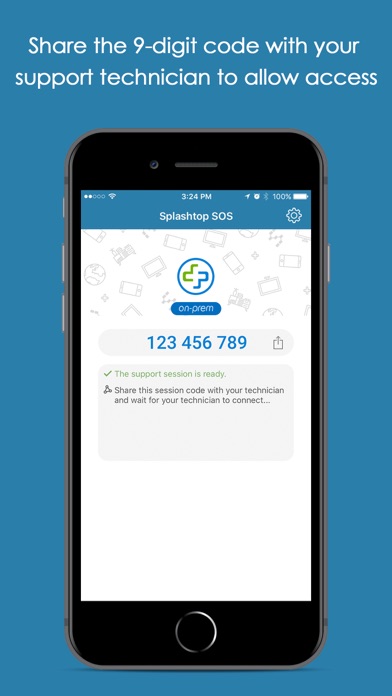
Get remote support for your iPhone/iPad from your remote technician! Users can real-time screen share to remote technician with a Splashtop Splashtop On-Prem account. Technician will be able to provide assistance to guide the user. Session connection is securely protected using industry standard encryption. Quick Guide: 1. Download and launch SOS app on your iPhone/iPad. 2. Share the 9-digit session code to your remote technician who has a Splashtop On-Prem account.
Business · iPhone, iPad, Android · Free
Rating: 5.0 out of 5, based on 1 user ratings.