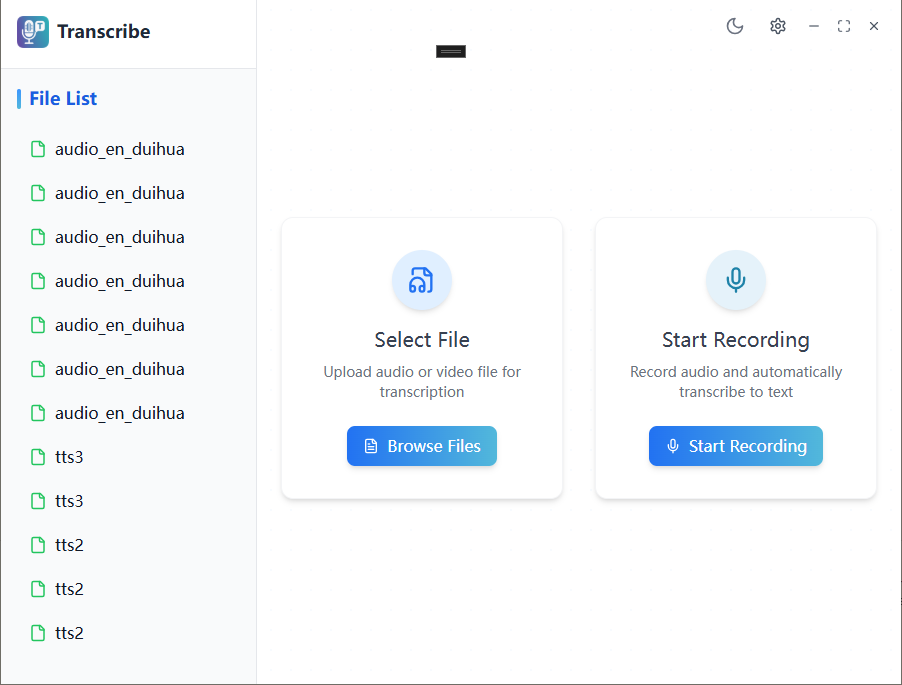
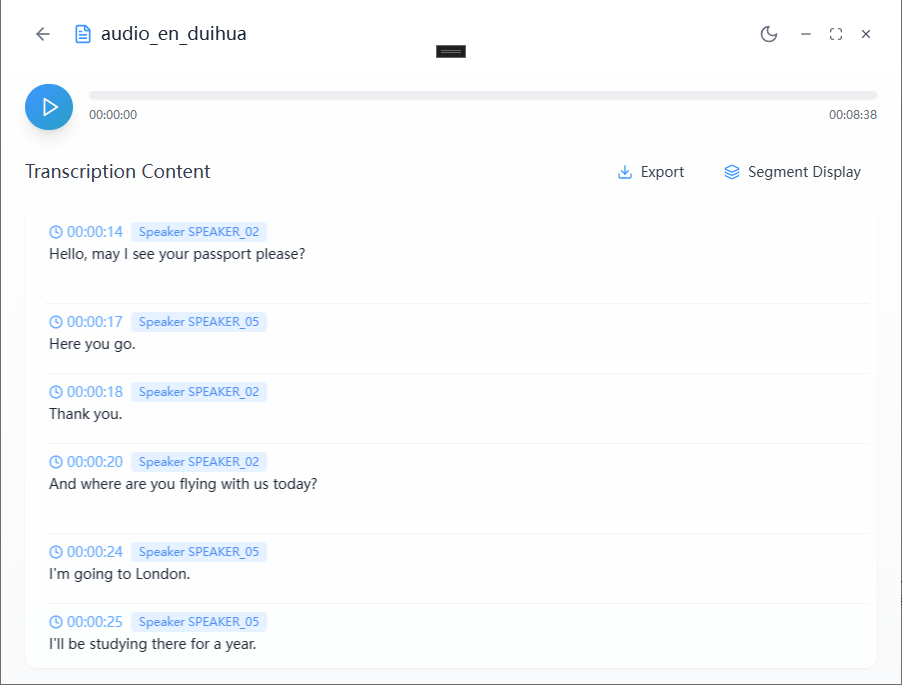
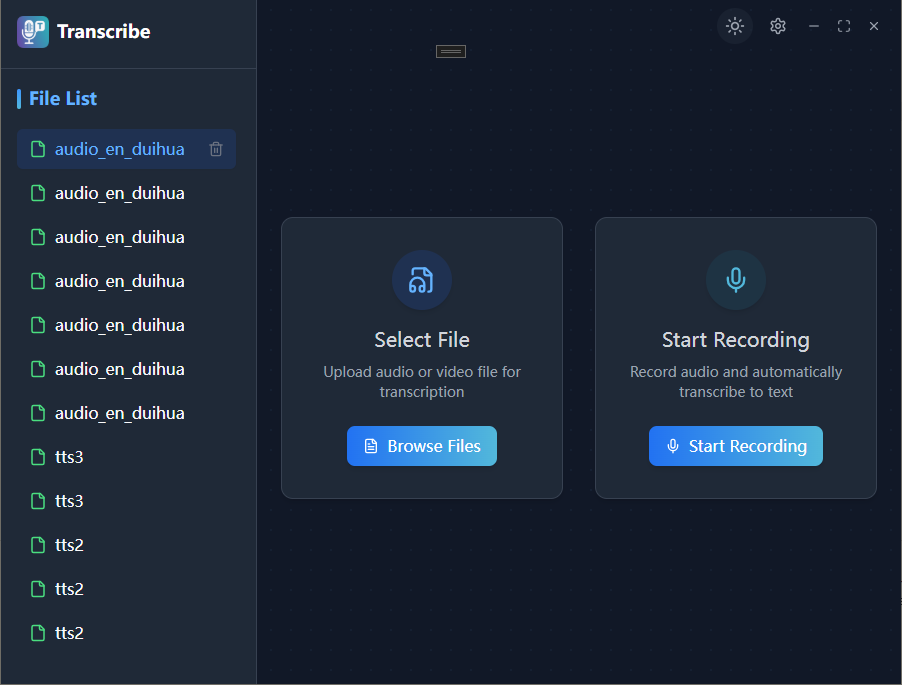
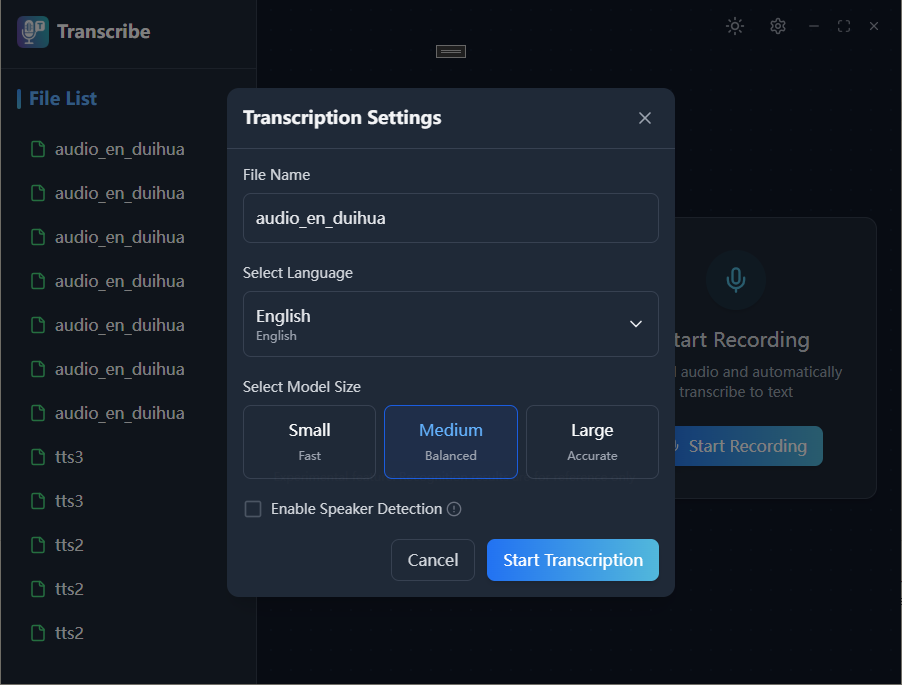
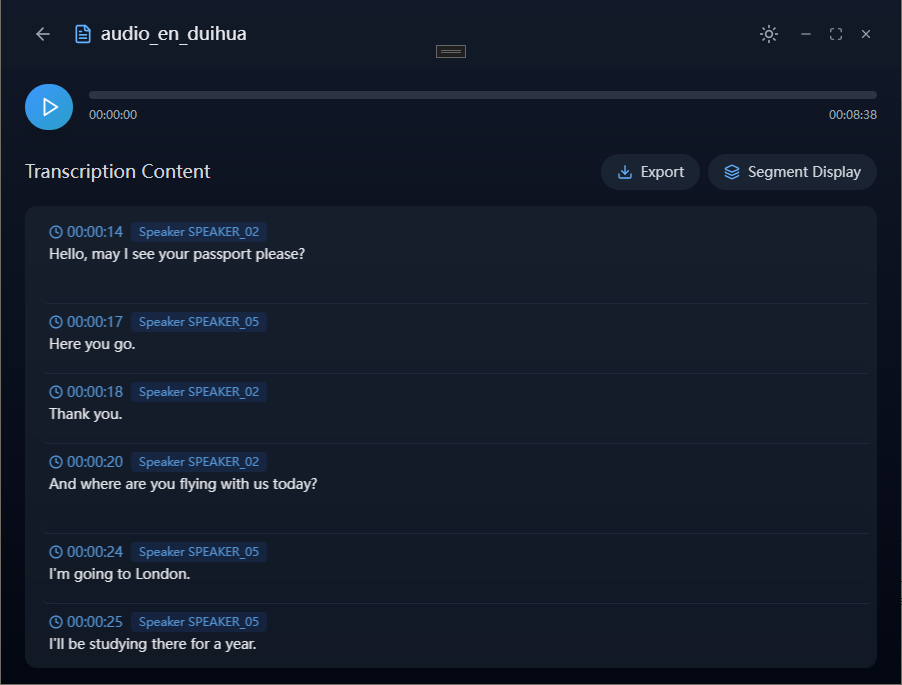
Effortlessly Convert Video and Audio to Text to Boost Your Productivity! 🎥🎧💼 Transcribe is an intelligent transcription app designed for users who need efficient recording and text extraction. Say goodbye to manually typing or replaying audio and video files. 📜✍️ Whether it's a meeting 🧑💼, lecture 📚, interview 🎤, or online course 💻, Transcribe captures every word with precision. Powered by advanced speech recognition technology 🧠, it ensures fast, accurate transcriptions with minimal manual editing required. ⏱️ Why Choose Transcribe? 🤔 * Smart Speech Recognition: Powered by a state-of-the-art AI engine 🤖, Transcribe automatically recognizes multiple languages and accents 🌏, making it easy to transcribe audio and video files effortlessly. 🎶 * High Accuracy: With a transcription accuracy of up to 98.8% 🎯, Transcribe ensures precise speech recognition and intelligent error correction, reducing the need for manual edits 📝. * Supports Multiple Formats: Whether it's MP3 🎵, MP4 🎬, WAV 🌊, or other formats, Transcribe handles them all with ease 💪. * One-Click Export: Transcribed text can be easily exported into various formats such as TXT 📝, SRT ⏺️, VTT 🖥️, LRC 🎶, and more, perfectly suited for your needs. 📂 * Multi-Language Support: Whether it's English , Chinese , or any other language 🌐, Transcribe helps you quickly transcribe content in a wide range of languages, facilitating global communication 🌍. Additional Features ⚡ * Unlimited Transcription Duration: Transcribe handles files of any length ⏳, making it perfect for long meetings 🗣️, podcasts 🎙️, or lectures 🎓 without restrictions on time 🕓. * Fast Transcription Speed: Transcribe can complete up to 1 hour of audio or video transcription in as little as 2 minutes ⏱️, allowing you to get results faster than ever 🚀. * High Transcription Accuracy (Up to 98.8%) 🎯: With industry-leading accuracy, Transcribe delivers near-perfect transcriptions every time. 💯 ⚠️ You can use any feature in the software, but if you exceed the trancribe limit, you will need to purchase VIP. You can choose to subscribe monthly, semi-annually, or annually. Payment will be deducted from your Microsoft account at the time of renewal. Any question please contact:sasa615201@gmail.com
Productivity · Windows · Free