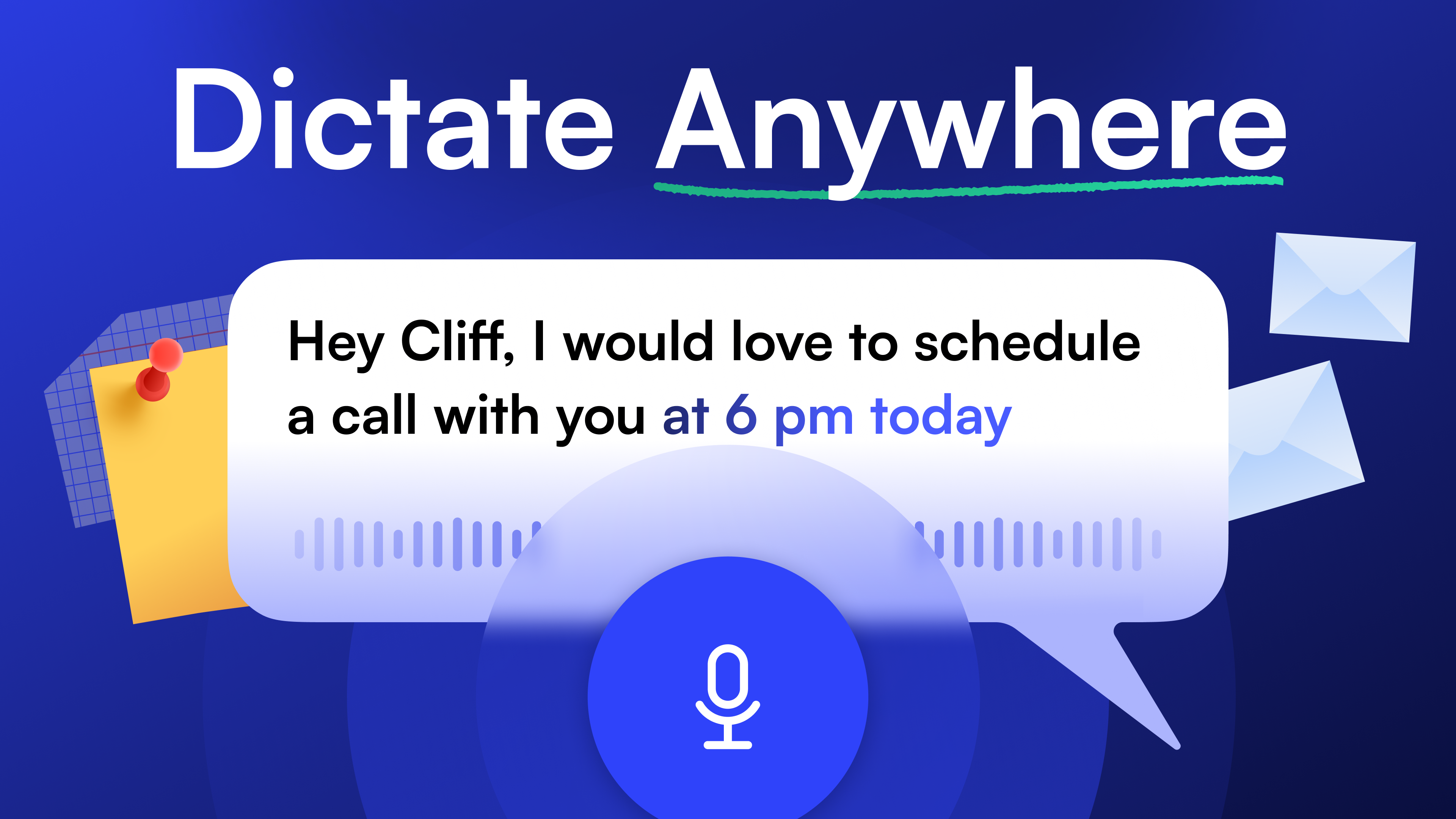
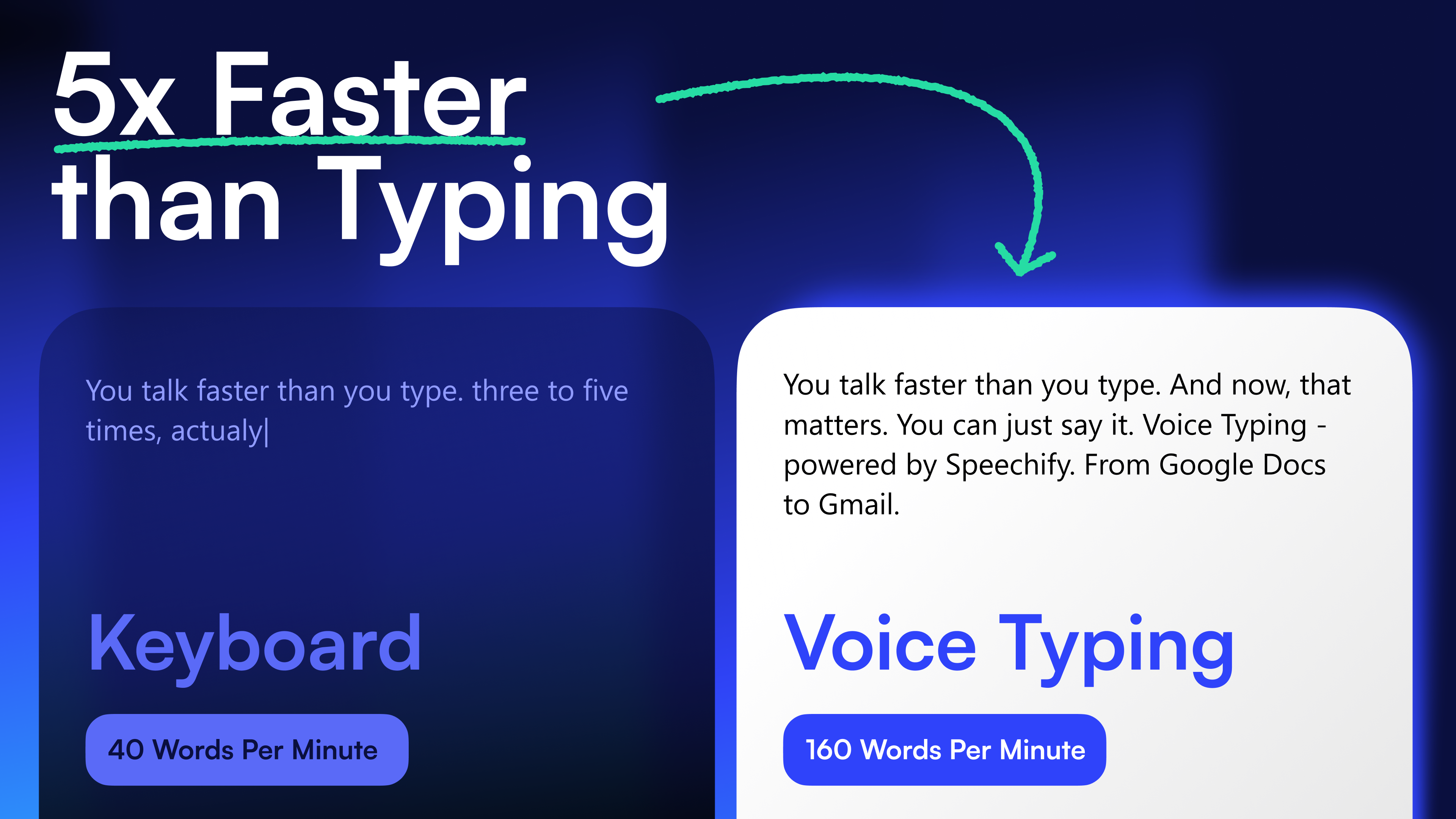
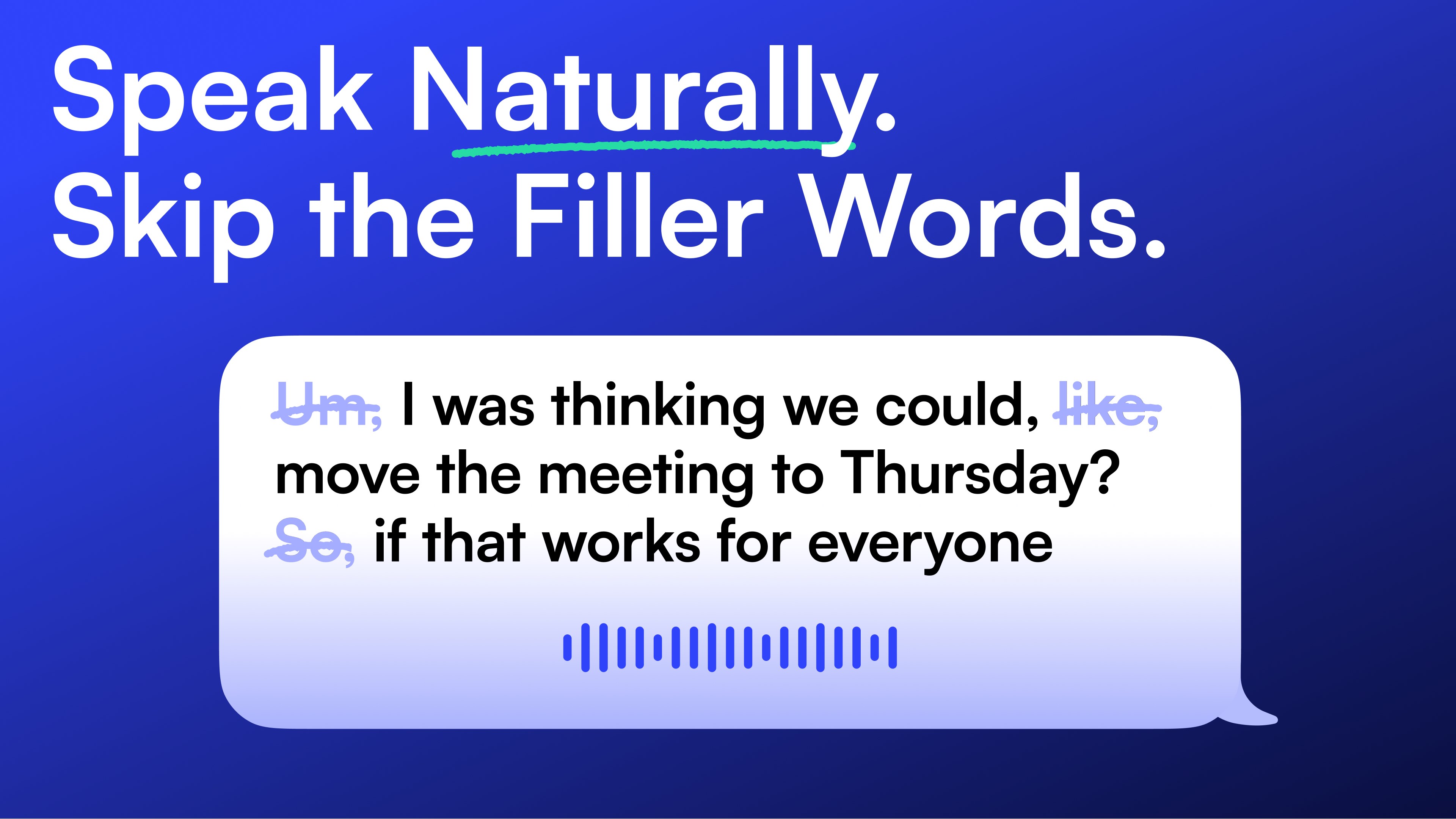
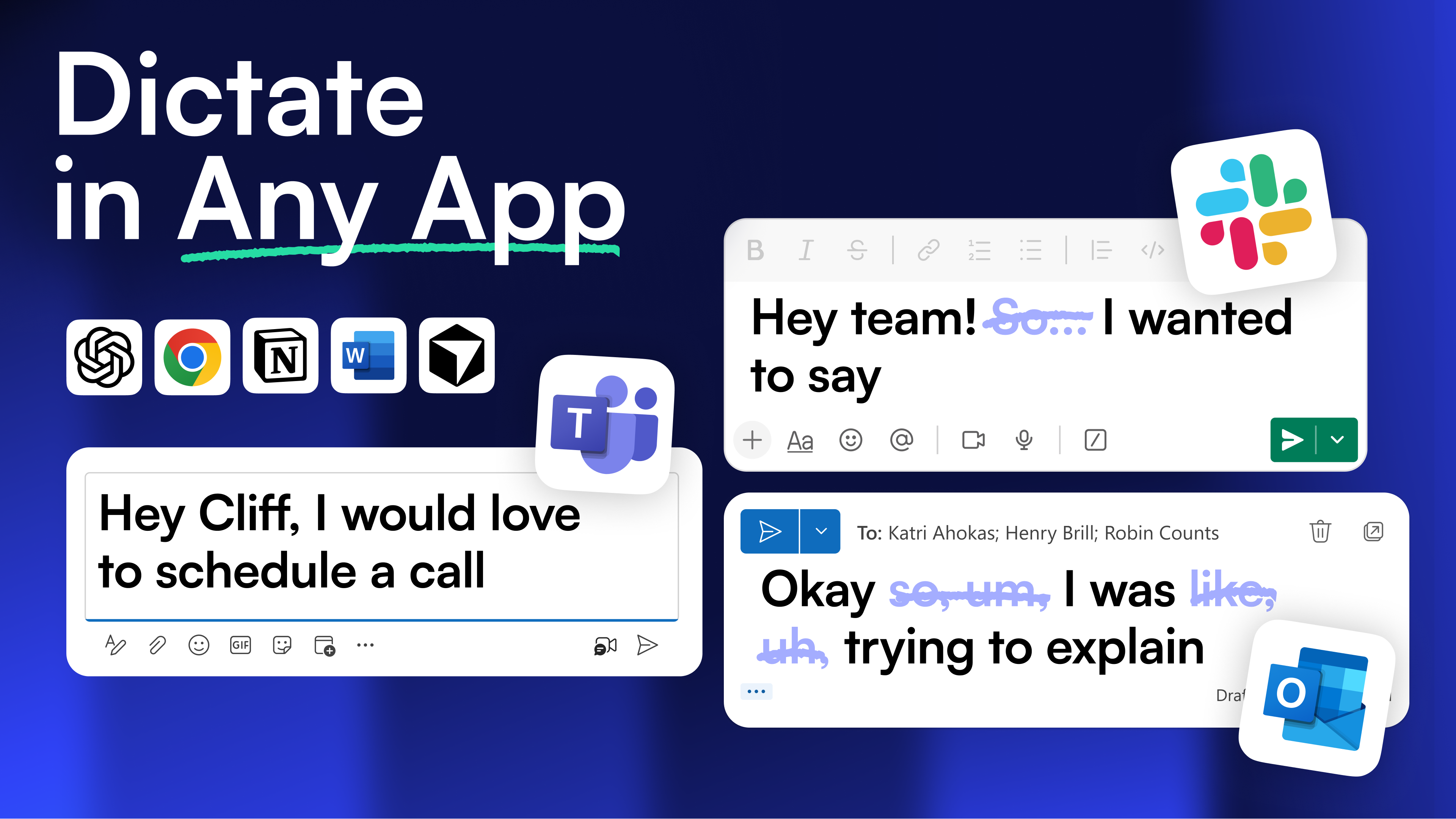
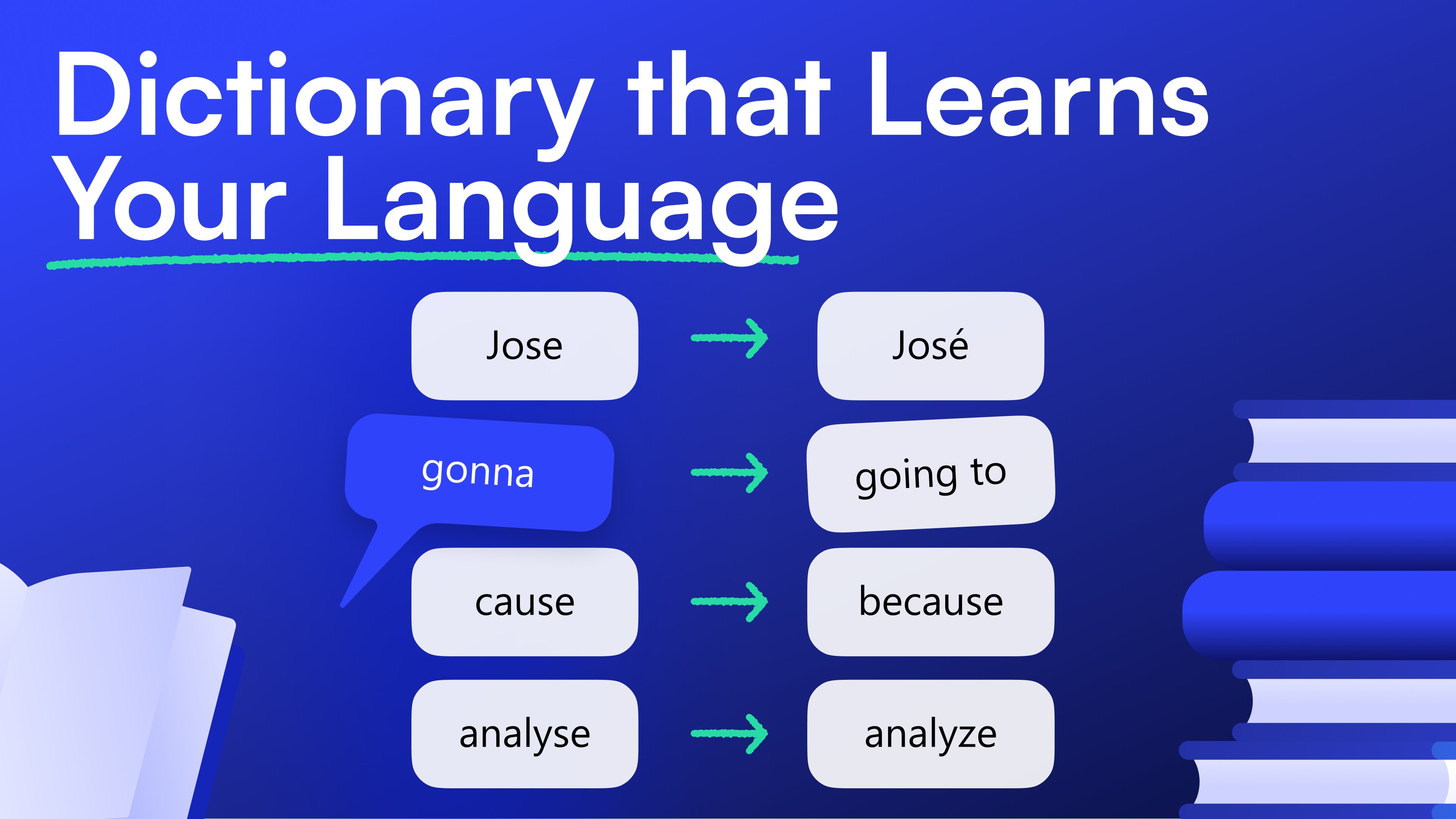
Speechify lets you dictate everything and listen to anything, so you move through your inbox and your reading list faster than ever. Voice Typing — Speak Instead of Type When it is time to write, speak instead of type. Voice typing with Speechify lets you dictate directly into Outlook, Word, Slack, Notion, Chrome, or any other app you already use. Speak naturally and Speechify transcribes, cleans up filler words, and handles punctuation and grammar automatically. Emails take just seconds. Whether you are answering messages, writing reports, or brainstorming notes, voice typing turns your speech into clear, polished text faster than any keyboard. Text to Speech — Listen While You Work Open an email, a document, or any text on your screen and Speechify reads it aloud while you organize files or multitask between windows. Speed up to 4.5× to skim or slow down to study. You control the pace the same way you would a podcast. Offline Text to Speech & Dictation — No Internet Required On-device offline AI means the voice reading and dictation models run entirely on your computer. No Wi-Fi required. No audio or text routed to a server. For users who handle sensitive documents or simply work in places without signal, this is a meaningful difference. Hundreds of Natural AI Voices in 60+ Languages Hundreds of voices are available, including recognizable celebrity voices, and every one of them is designed to sound natural and human. Speechify automatically detects your language and lets you read and dictate in 60+ languages, switching between them seamlessly whenever the work calls for it. Built for Productivity Speechify keeps the text highlighted on screen as it plays so you can follow along visually and audibly at the same time. Listen to your own notes and documents on repeat to retain more. When you need to respond, switch to voice typing and dictate your reply without leaving the screen — read by ear, write by voice, and get through more work in less time. Enterprise-Grade Privacy Speechify is SOC 2 Type II certified. Download Speechify for Windows Voice typing and text to speech are free to try — no credit card needed to get started.
Productivity · Windows, iPhone, iPad, Android · Free
Rating: 4.8 out of 5, based on 313 user ratings.