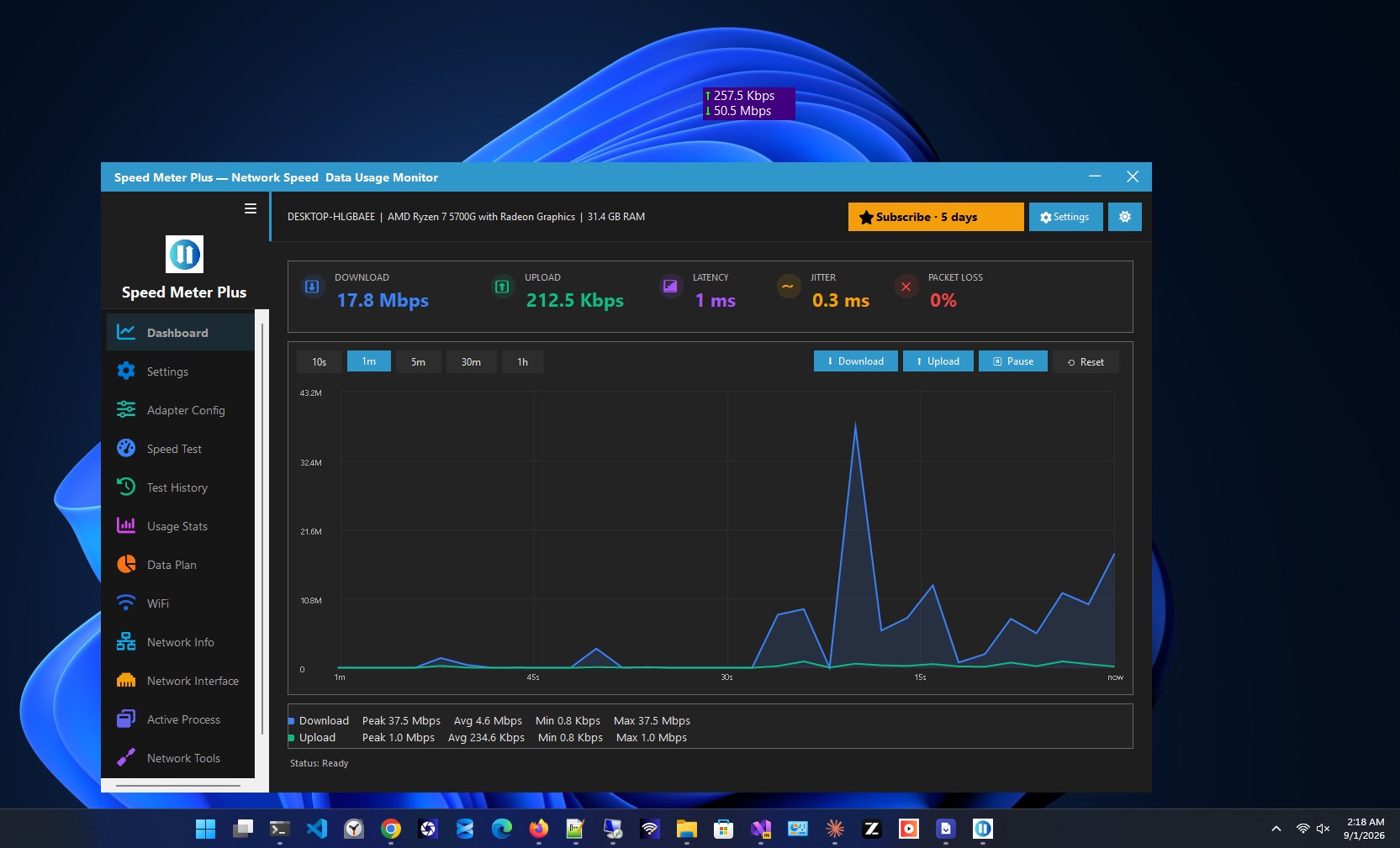
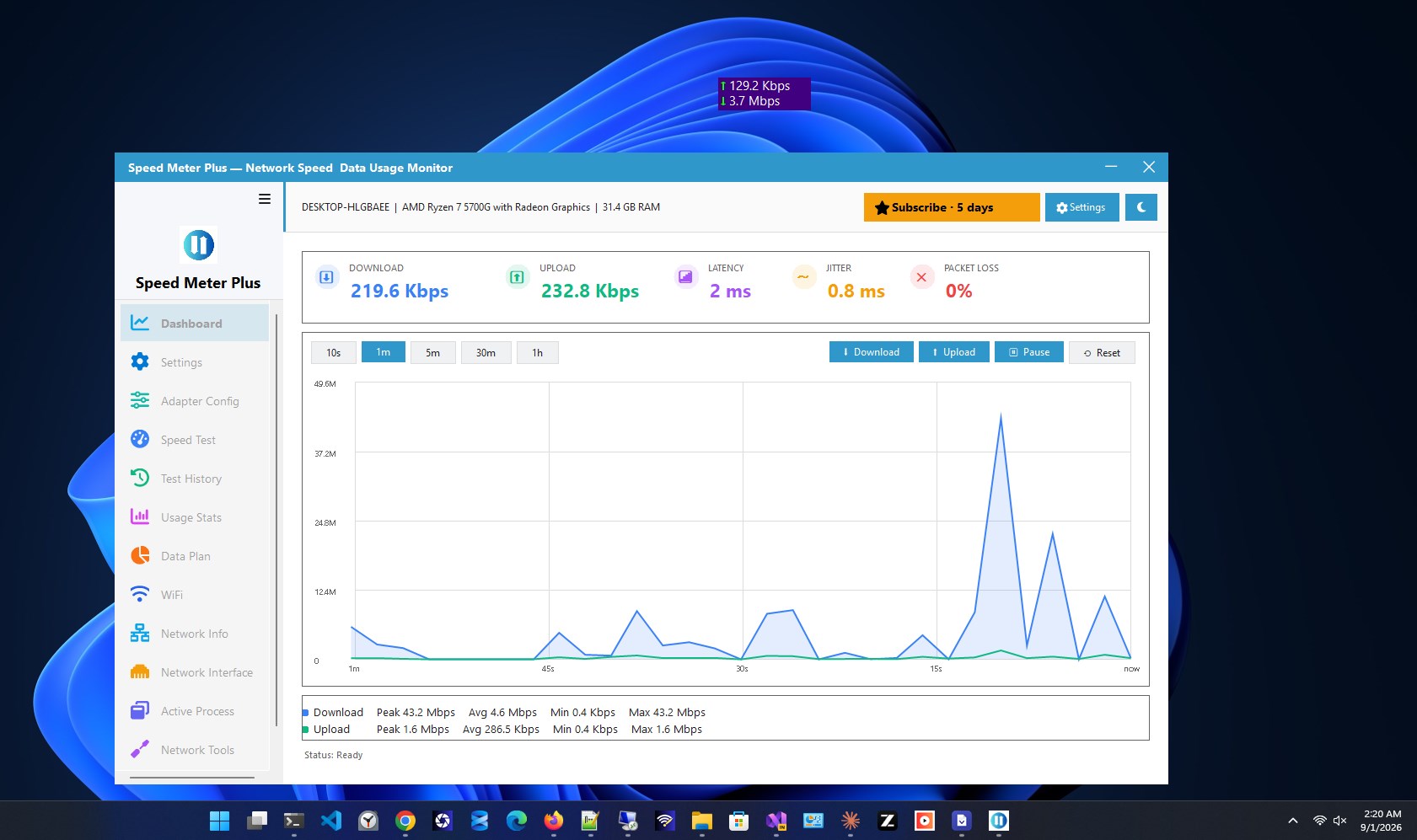
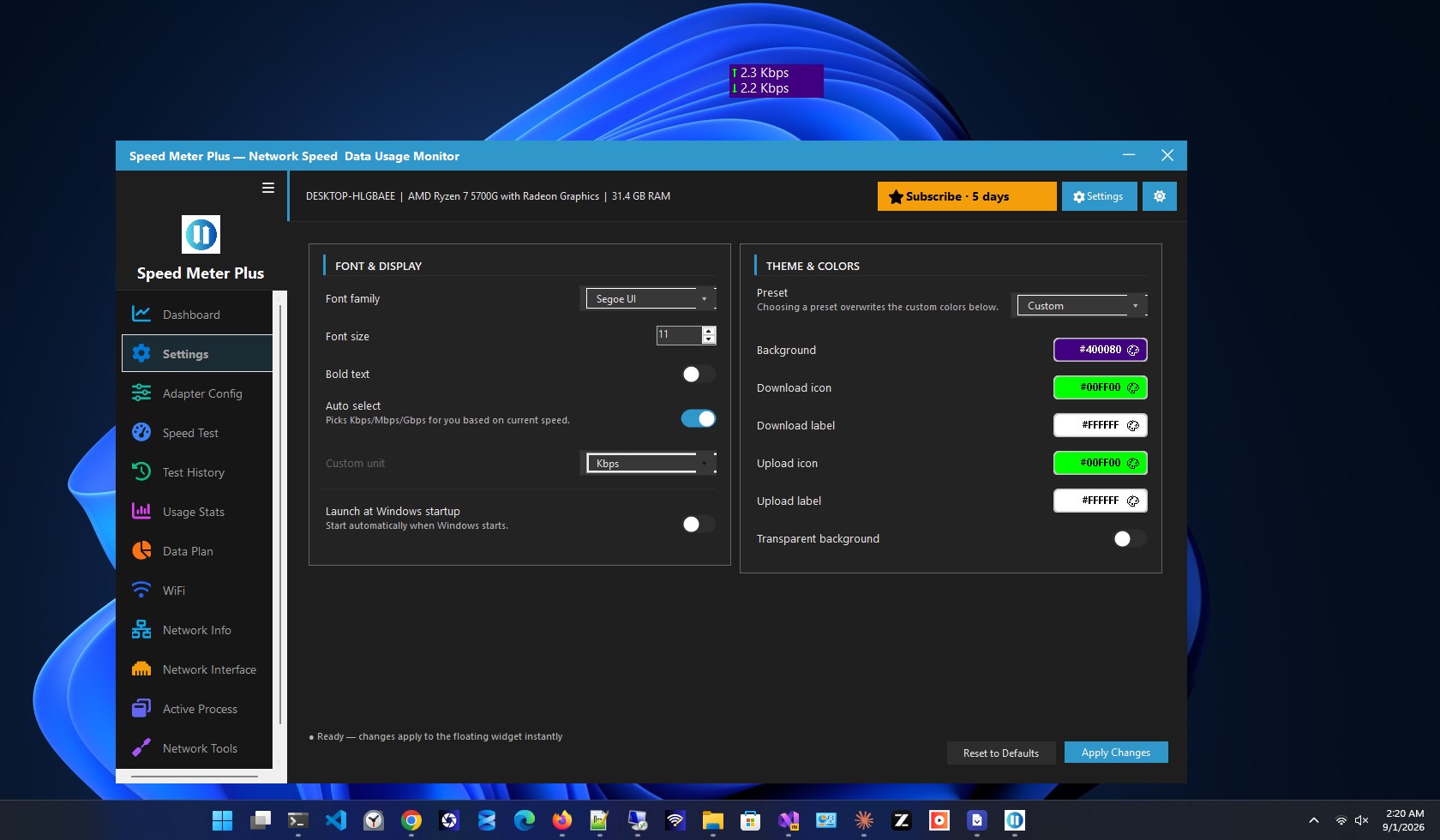
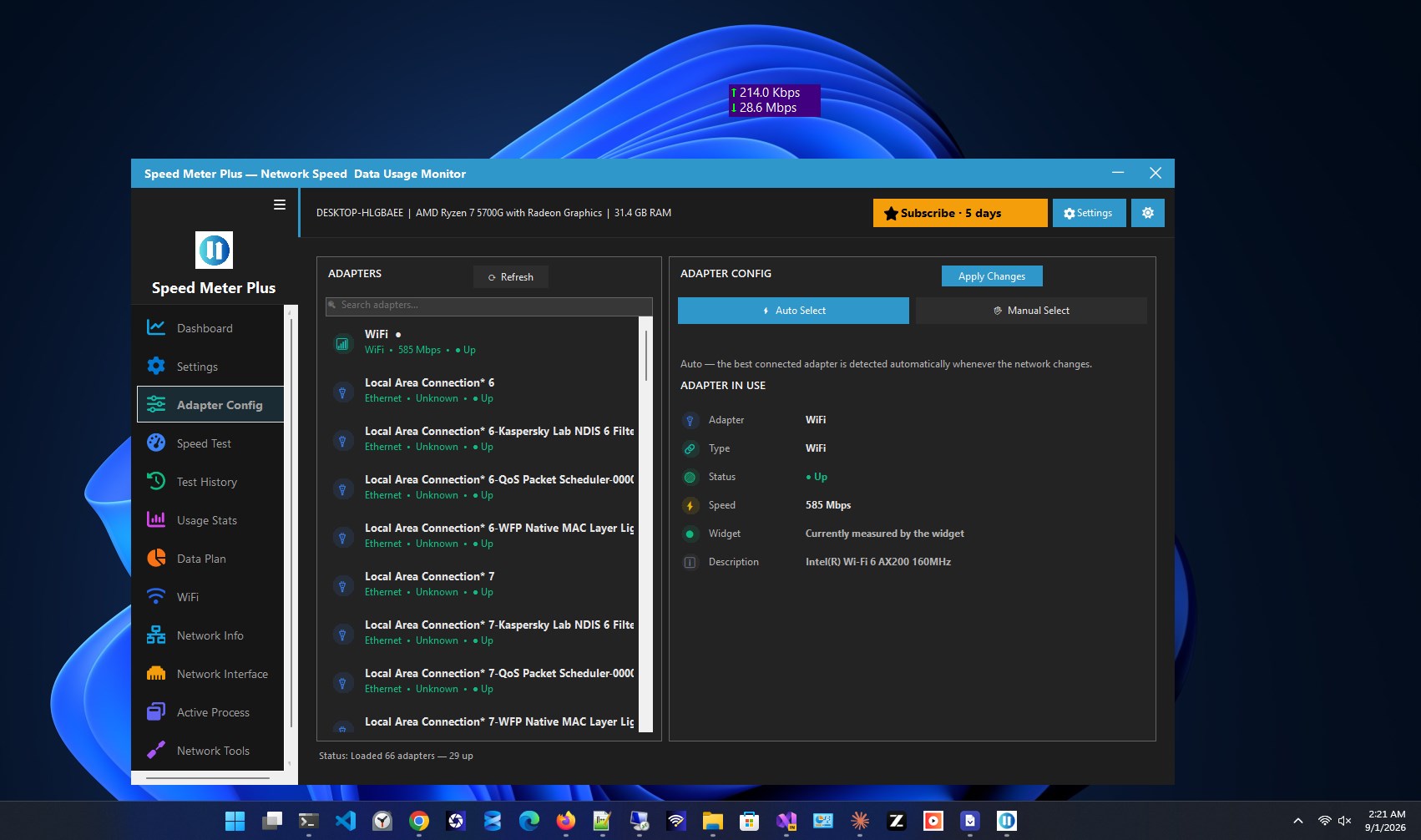
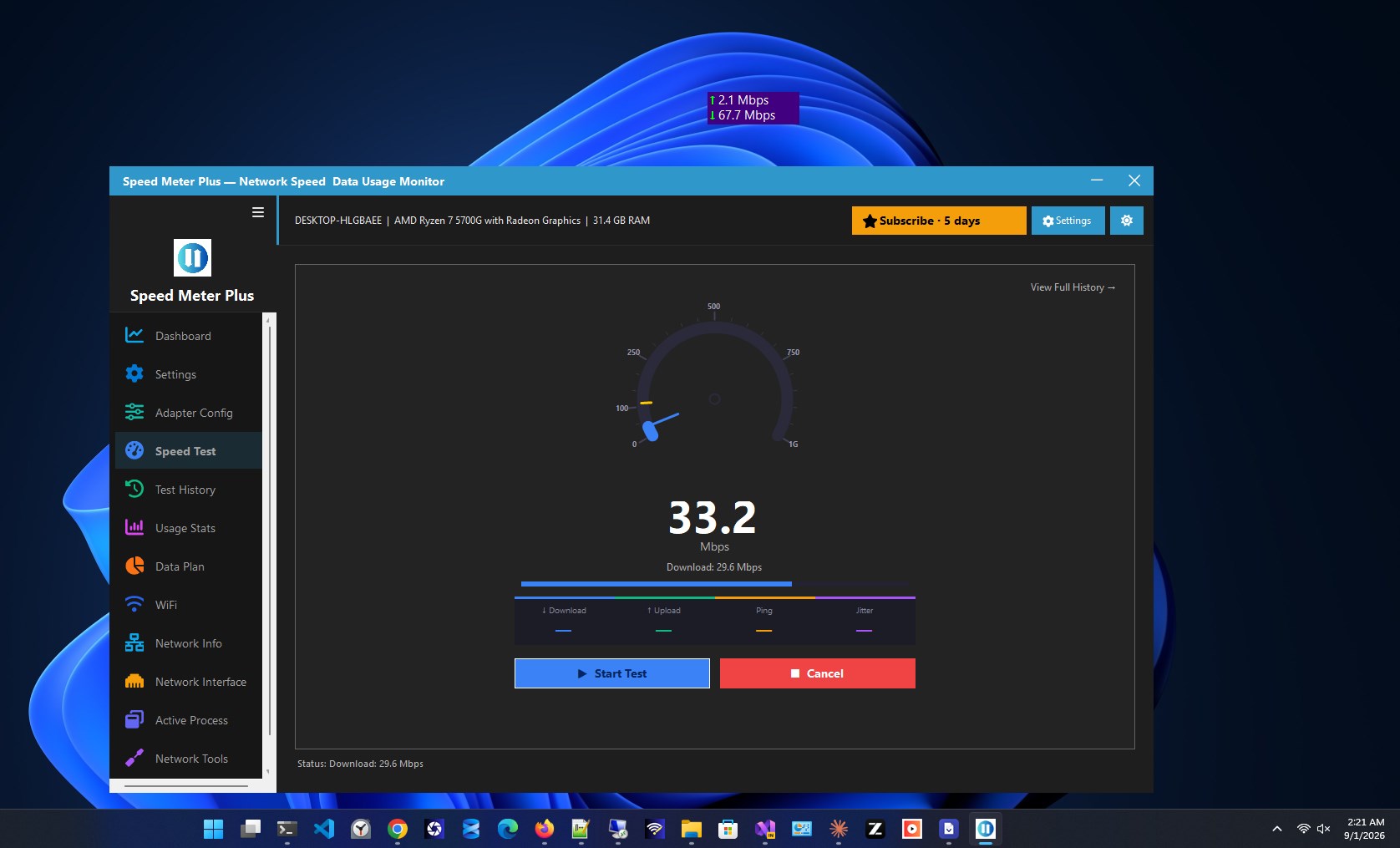
See your real-time internet speed — right on your screen, always. Speed Meter Plus puts a live download and upload speed widget on your Windows desktop that floats above every window, sits in your system tray, and never gets in your way. Free forever, with a Premium upgrade that unlocks a full suite of network monitoring, diagnostics, and usage tracking tools. Whether you are a gamer checking latency, a remote worker monitoring bandwidth, or an IT professional diagnosing a slow connection — Speed Meter Plus gives you the answers instantly, without opening a browser or typing a single command. ━━━━━━━━━━━━━━━━━━━━━━━━━━━━━━━━━━━━━━━━ ✅ FREE — INCLUDED IN EVERY INSTALL ━━━━━━━━━━━━━━━━━━━━━━━━━━━━━━━━━━━━━━━━ Everything below is free, forever — no trial, no expiry, no credit card. 🚀 LIVE SPEED WIDGET A compact, always-visible widget shows your real-time download and upload speed at a glance. Drag it anywhere on your screen. It stays exactly where you put it — across restarts, across monitor changes, always there. 📌 ALWAYS-ON-TOP The widget floats above every other window — games, browsers, video calls, editors. Your connection speed is always visible, no matter what you are doing. 🔔 SYSTEM TRAY ICON Net Speed Meter lives quietly in your Windows system tray. Speed readout always visible. Notifications for connection changes. One click to open the full app — without cluttering your taskbar. ⚙️ SETTINGS & ADAPTER CONFIG Choose which network adapter to monitor — essential for machines with multiple adapters, active VPNs, or virtual network interfaces. Configure update intervals, display format, and UI preferences exactly how you want. 🎨 DARK & LIGHT THEMES Full Dark and Light theme support. Matches your Windows color mode automatically, or set it manually — your choice. ━━━━━━━━━━━━━━━━━━━━━━━━━━━━━━━━━━━━━━━━ ⭐ PREMIUM — UNLOCK EVERY TOOL $14.99/year · billed through the Microsoft Store · cancel anytime ━━━━━━━━━━━━━━━━━━━━━━━━━━━━━━━━━━━━━━━━ 📊 DASHBOARD A complete overview of your current network activity and key stats — live speeds, daily usage summary, connection status, and quick access to every tool in one place. Your network, at a glance. 📉 DATA PLAN TRACKER Set your monthly data allowance and track exactly how much you have used and how much remains. Get notified before you hit your limit. Built for metered connections, mobile hotspots, and capped broadband plans where every gigabyte counts. 📶 WI-FI DETAILS See everything about your connected Wi-Fi network — signal strength, SSID, security type, channel, frequency band, and saved network passwords — all without opening Windows Settings or running netsh. ⚡ SPEED TEST Run an on-demand internet speed test measuring download speed, upload speed, and ping — powered by Cloudflare's global network for accurate, consistent results. No browser tab needed. No third-party website. Just tap and go. 📂 TEST HISTORY Every speed test result is saved locally on your PC. Track your connection performance over days, weeks, and months. Spot patterns. Document slow periods. Build evidence for ISP support calls. 📈 USAGE STATS Daily and monthly data usage breakdown — see exactly how much data your device has consumed today, this week, and this month. Identify your heaviest usage periods at a glance and stay in control of your data consumption. 🖧 NETWORK INFO Your full local network details in one view — IP address, DNS servers, default gateway, subnet mask, and connection type. Everything a network engineer or power user needs, without opening a command prompt. 🔌 NETWORK INTERFACE Detailed per-adapter statistics for every network interface on your device — bytes sent and received, packet counts, error rates, and connection state. Essential for multi-adapter setups, VPN users, and anyone running virtual machines. 🔍 ACTIVE PROCESS MONITOR See exactly which apps and processes are using your network right now. Per-process real-time download and upload speeds — instantly identify what is consuming your bandwidth and why your connection feels slow. 🔧 NETWORK TOOLS Built-in Ping, Traceroute, and DNS Lookup — diagnose connection issues, trace the route to any host, and resolve DNS records without ever opening a command prompt or installing a separate tool. ⏱️ STOPWATCH A precision session timer and network activity tracker. Measure exactly how long a session runs and how much data is transferred during it — useful for billing, reporting, and monitoring timed downloads. ━━━━━━━━━━━━━━━━━━━━━━━━━━━━━━━━━━━━━━━━ 🎨 DESIGNED FOR MODERN WINDOWS ━━━━━━━━━━━━━━━━━━━━━━━━━━━━━━━━━━━━━━━━ Full Dark and Light theme support. DPI-aware at every scaling level from 100% to 200%. Always-on-top widget that works alongside every app — games, browsers, video editors, remote desktop sessions. Built for Windows 10 and Windows 11. Clean, fast, and lightweight — Net Speed Meter uses minimal system resources even while monitoring your network continuously. ━━━━━━━━━━━━━━━━━━━━━━━━━━━━━━━━━━━━━━━━ 🔒 PRIVATE BY DESIGN ━━━━━━━━━━━━━━━━━━━━━━━━━━━━━━━━━━━━━━━━ Net Speed Meter does not collect your personal data. All real-time speed readings, adapter statistics, per-process usage data, and network information are read directly from Windows — locally, on your device, never transmitted to us. Speed test results and usage history are stored exclusively on your PC. No account is required for the free edition. No ads. No telemetry. No background data collection. When you run a speed test, your device connects to Cloudflare's infrastructure — the same connection any browser would make. Nothing runs in the background without your action. ━━━━━━━━━━━━━━━━━━━━━━━━━━━━━━━━━━━━━━━━ 👥 WHO IS IT FOR? ━━━━━━━━━━━━━━━━━━━━━━━━━━━━━━━━━━━━━━━━ 🎮 Gamers — monitor ping and bandwidth while playing without alt-tabbing 💼 Remote workers — track bandwidth usage on metered or hotspot connections 🛠️ IT professionals — diagnose slow connections with built-in network tools 🏠 Home users — see what is eating your data and stay under your plan limit 📡 Network engineers — per-adapter stats, DNS lookup, traceroute, and more 🎓 Students — monitor data usage on campus or mobile connections ━━━━━━━━━━━━━━━━━━━━━━━━━━━━━━━━━━━━━━━━ Net Speed Meter is developed by Zero Byte Software Solutions — the same team behind IP Address & Network Tools and Screen Capture Plus, trusted by thousands of Windows users on the Microsoft Store. Free widget, forever. Premium tools, $14.99/year. Cancel anytime.
Utilities · Windows · Free