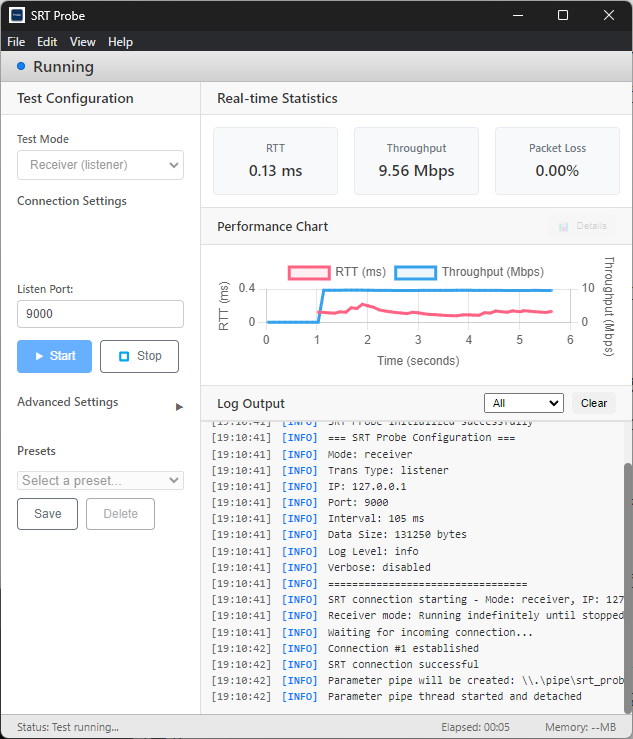
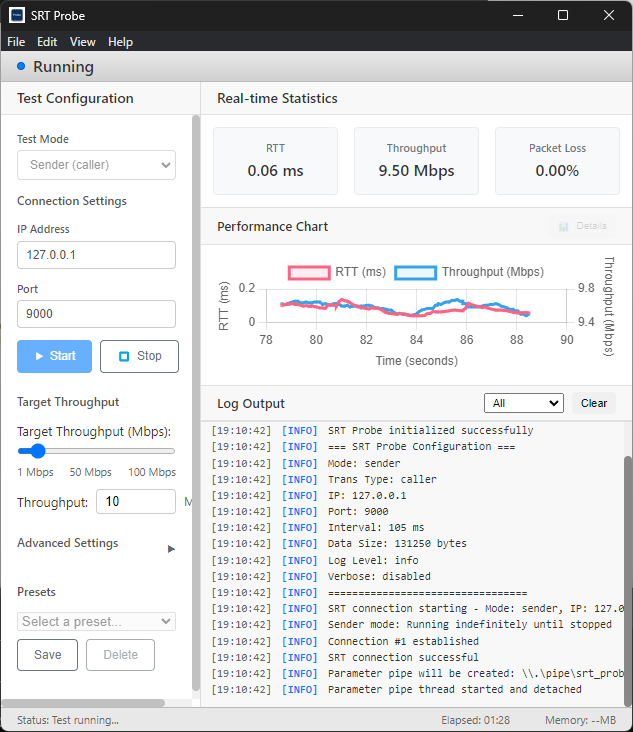
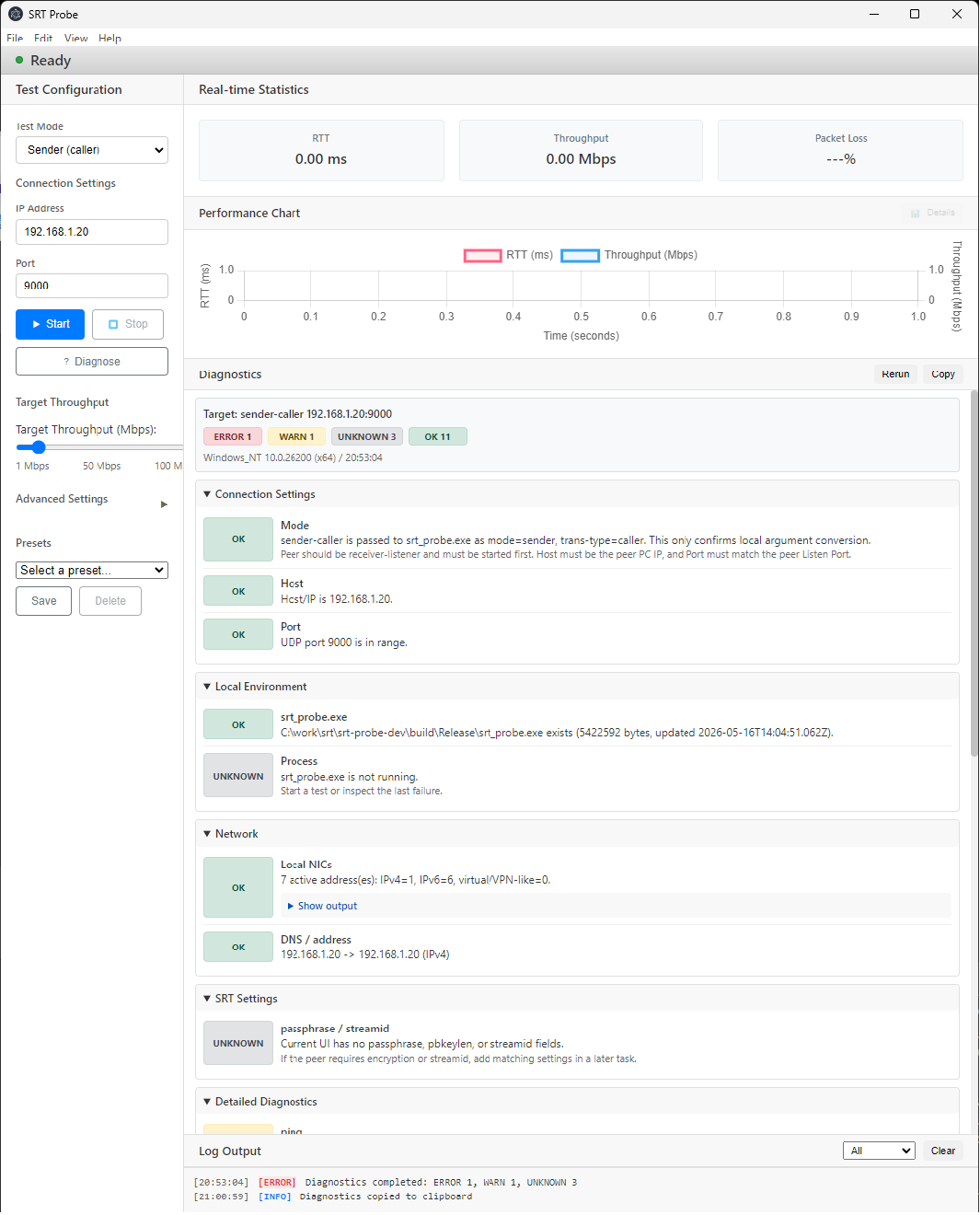
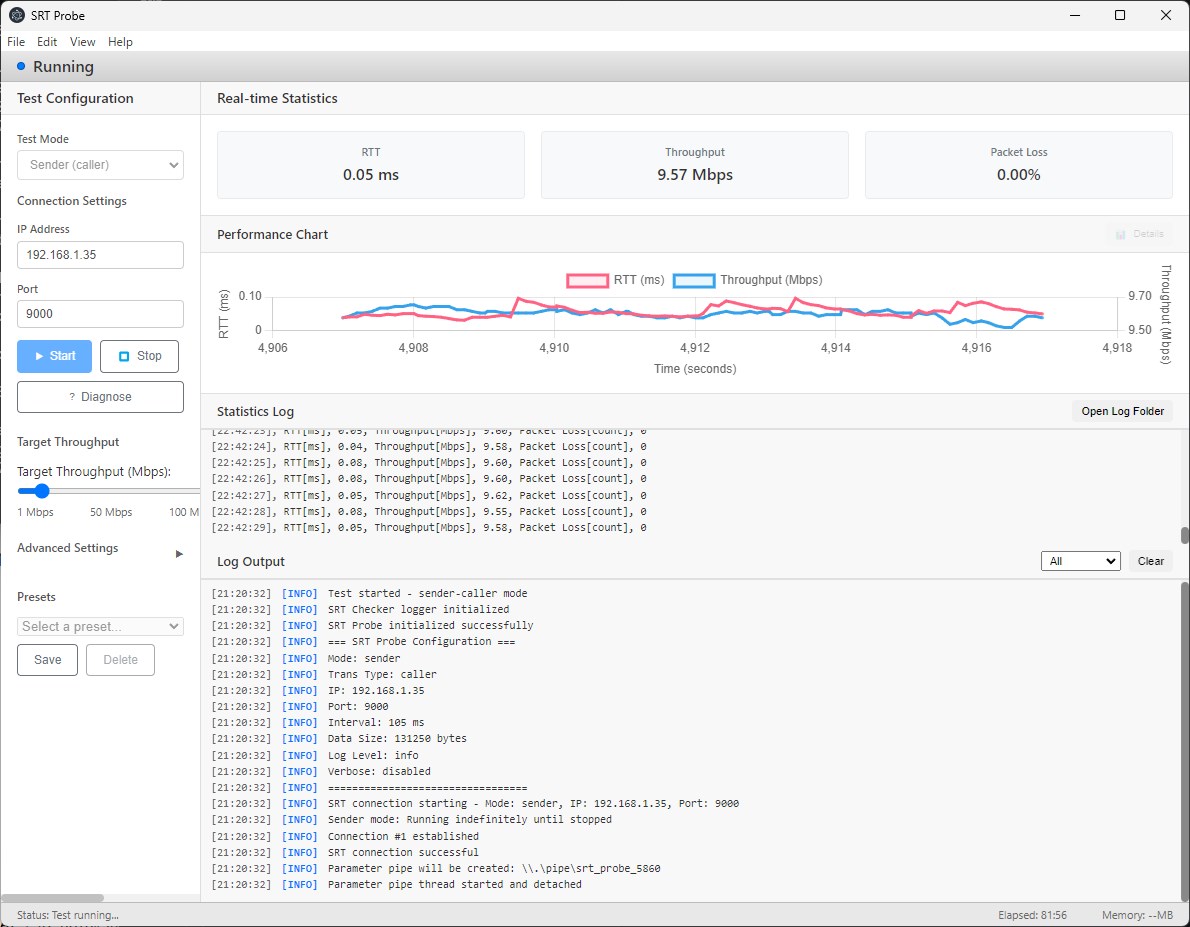
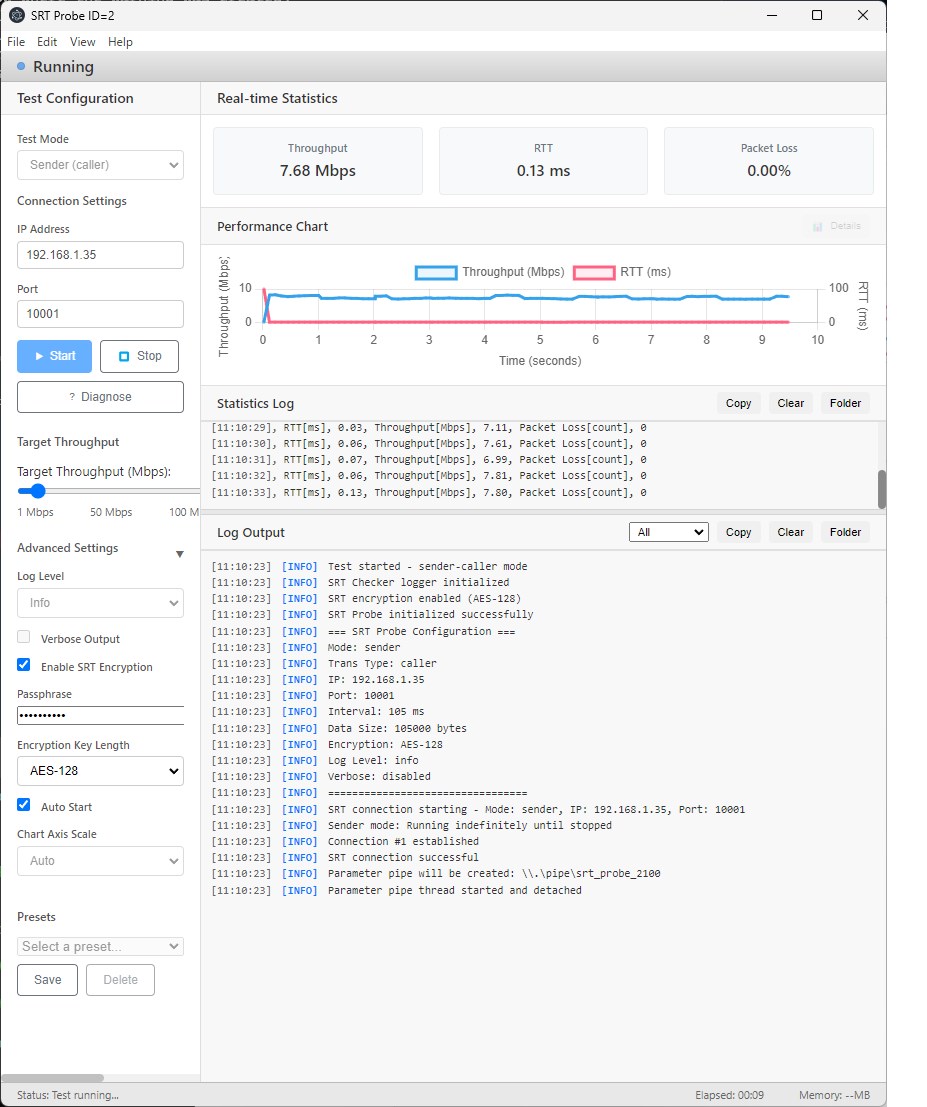
SRT Probe is a network quality measurement tool for checking SRT (Secure Reliable Transport) communication status on Windows. It is useful for pre-deployment verification, connection checks, and troubleshooting for live streaming and real-time video transmission systems. The app supports both sender and receiver roles, and can test SRT communication with caller, listener, and rendezvous connection modes. From the GUI, you can configure a DNS host name, IPv4 or IPv6 address, port, target throughput, log level, SRT encryption settings, and related options, then monitor RTT, throughput, and packet loss in real time. Version 1.0.9 adds DNS host name and IPv6 address support for connection targets. In listener mode, it supports listening with IPv4 0.0.0.0 or IPv6 ::. Diagnostics for IPv4 and IPv6 connections help check name resolution, routes, ping, trace route, MTU, and related items. Statistics logs and regular logs can be viewed in the app, copied, automatically saved to files, and opened from the log folder buttons. The diagnostics feature helps investigate SRT connection issues by checking connection settings, local encryption settings, backend executable, process status, network information, Windows Firewall, and related runtime details. Use cases: - Pre-checking SRT streaming environments - Testing caller / listener / rendezvous connections with DNS, IPv4, or IPv6 - Testing encrypted SRT communication with matching passphrase settings - Monitoring RTT, throughput, and packet loss - Reviewing logs, summaries, and diagnostics during streaming issues - Comparing network quality across different test conditions
Photo & Video · Windows · Free