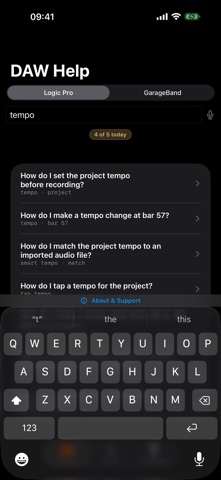
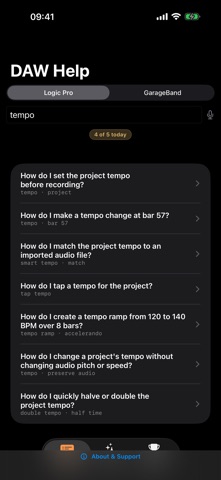
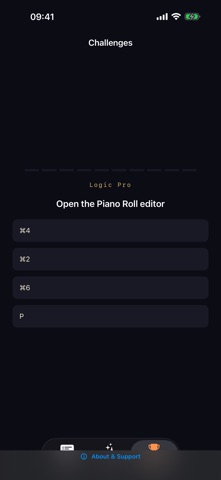
Type what you want to do and get the steps, with the key commands. Seven major desktop DAWs are covered, and it all works offline, so you can ask mid-session without opening a browser. Fully on-device: no cloud, no account. Search by the job, not by the menu it hides under: set the project tempo, change the sample rate, add a tempo change at bar 57, rescan plug-ins. Each answer gives numbered steps and the shortcut if there is one. • How-to answers for routing, mixing, automation, MIDI and project setup • Ask in plain English; an on-device language model writes the answer • Search the reference by keyword when you already know the term • Two DAW libraries included from the start For producers and engineers who switch between DAWs, and for anyone moving to a new one. Pro, or SUS4 All-Access across the whole range, adds the libraries for the other five DAWs and removes the daily limit on questions. Made in the UK by working musicians. Pro is an optional auto-renewable monthly subscription. It renews until cancelled in your App Store account settings, at least 24 hours before the period ends. Terms of Use: https://4chords.studio/terms/ Privacy Policy: https://4chords.studio/privacy/ Terms of Use (EULA): https://www.apple.com/legal/internet-services/itunes/dev/stdeula/
Music · iPhone, iPad · Free