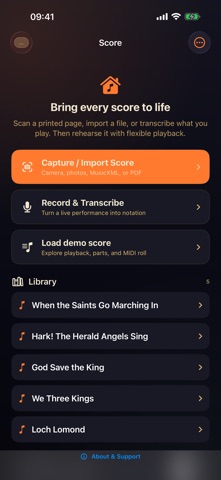
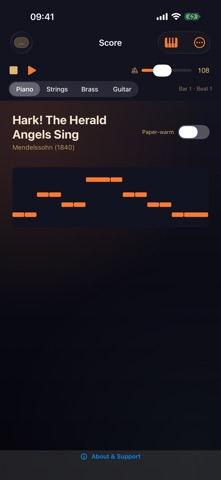
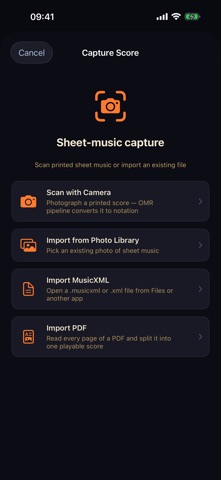
Photograph a printed score or open a PDF, and hear it played back. Scanning is best-effort: the app flags notes to check, so you can fix a pitch or a length before you press play. Fully on-device: no cloud, no account. Import MusicXML, open a PDF, or scan a page with the camera. Play it back at 30 to 240 BPM, switch to a piano roll, or show one staff when you only need your part. • Scan printed sheet music with the camera, or open a PDF • Import MusicXML (.musicxml and .xml) • Treble, bass, alto and tenor clefs, and grand staff • Playback from 30 to 240 BPM • Piano-roll view and single-staff view • Record and Transcribe: play into the mic and get a score • Export MusicXML or PDF for your notation software For choir members learning a part, students checking a piece, and teachers preparing a lesson. Pro, or SUS4 All-Access across the whole range, removes the limit on score imports. Made in the UK by working musicians. Terms of Use (EULA): https://www.apple.com/legal/internet-services/itunes/dev/stdeula/
Music · iPhone, iPad · Free