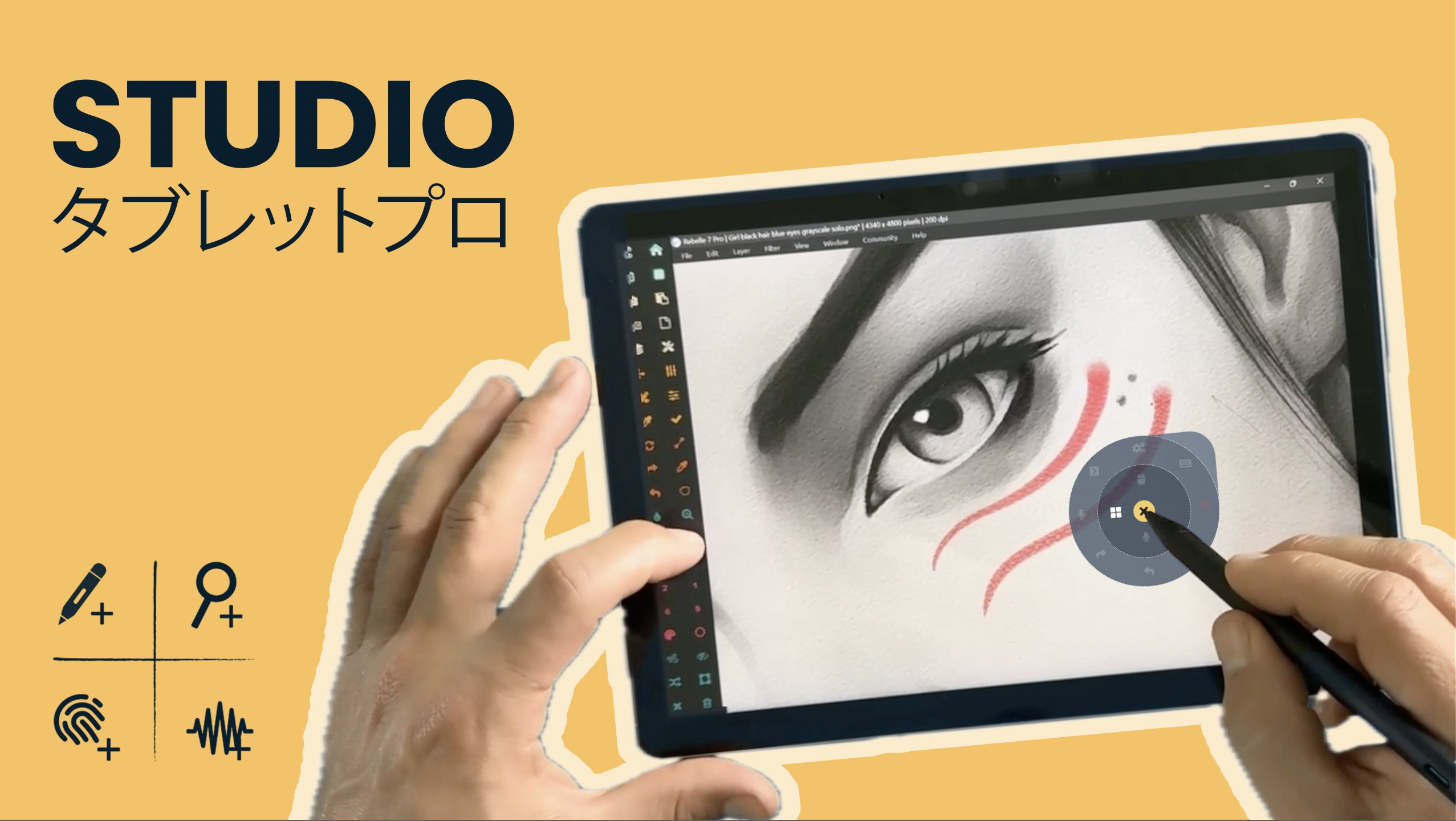
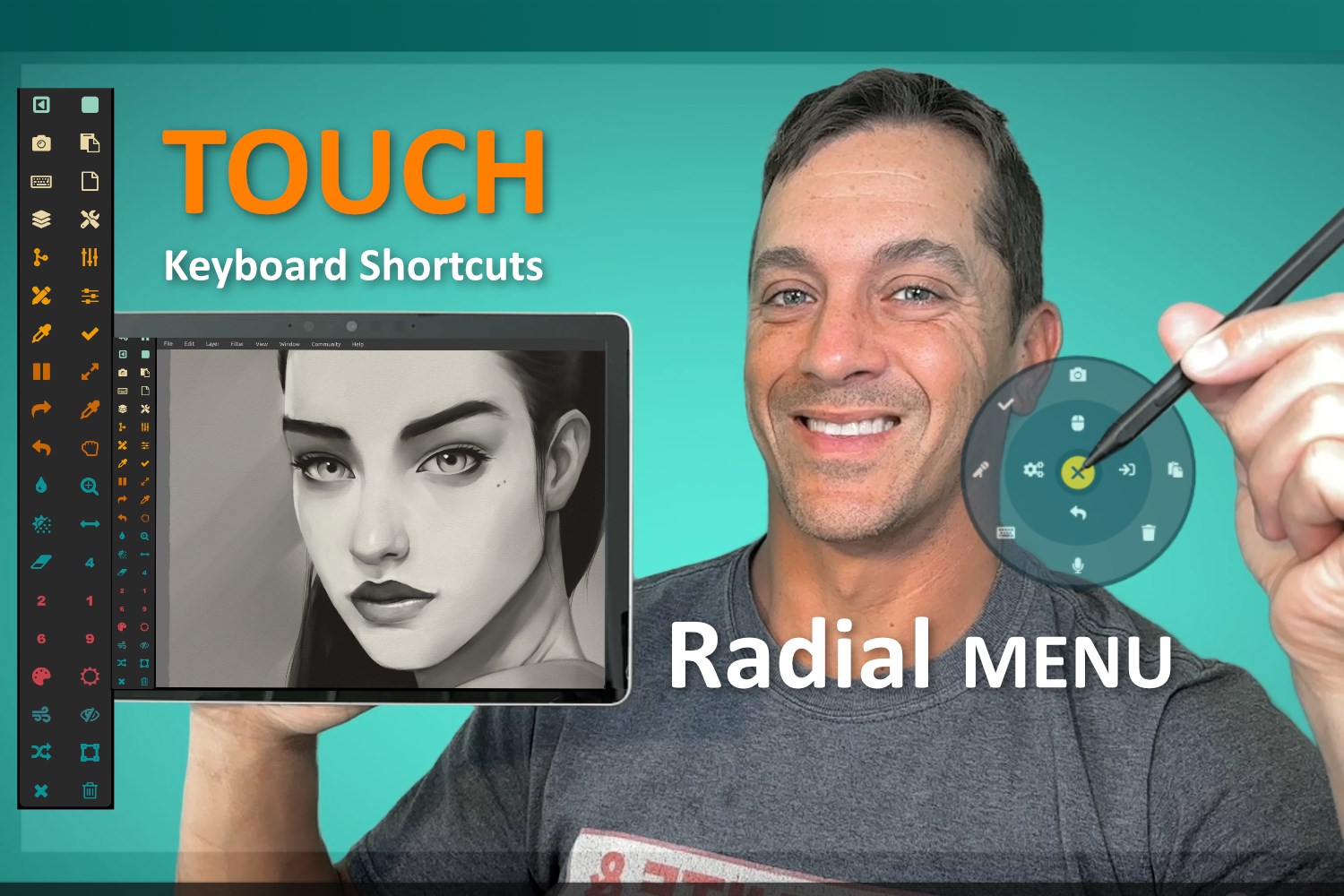
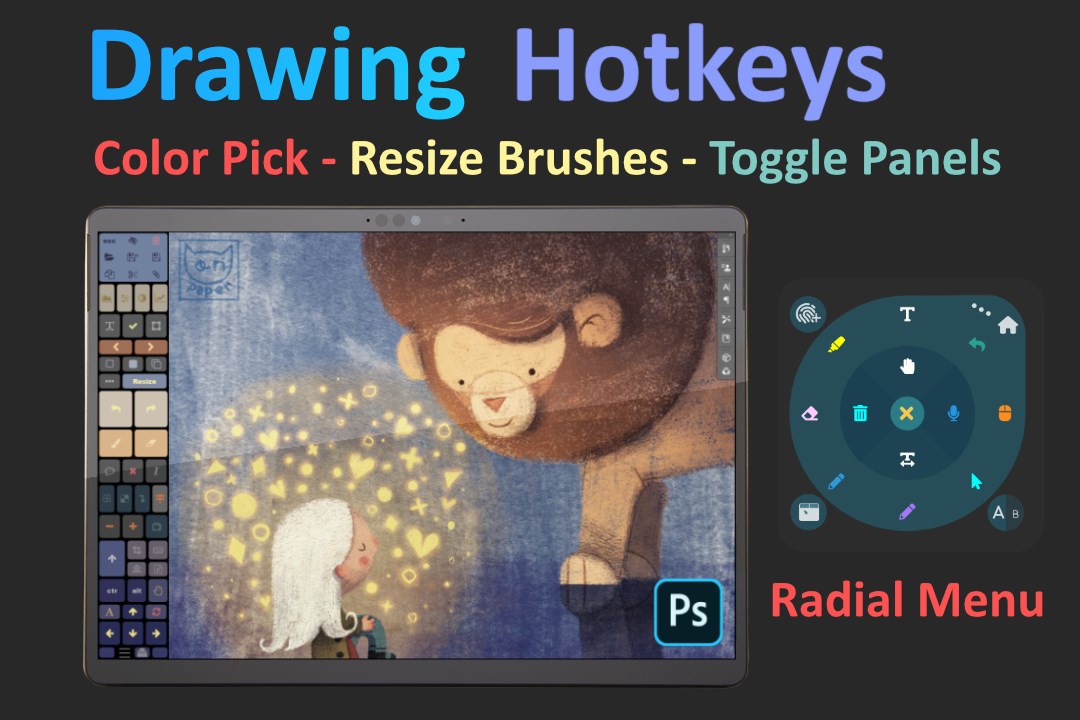
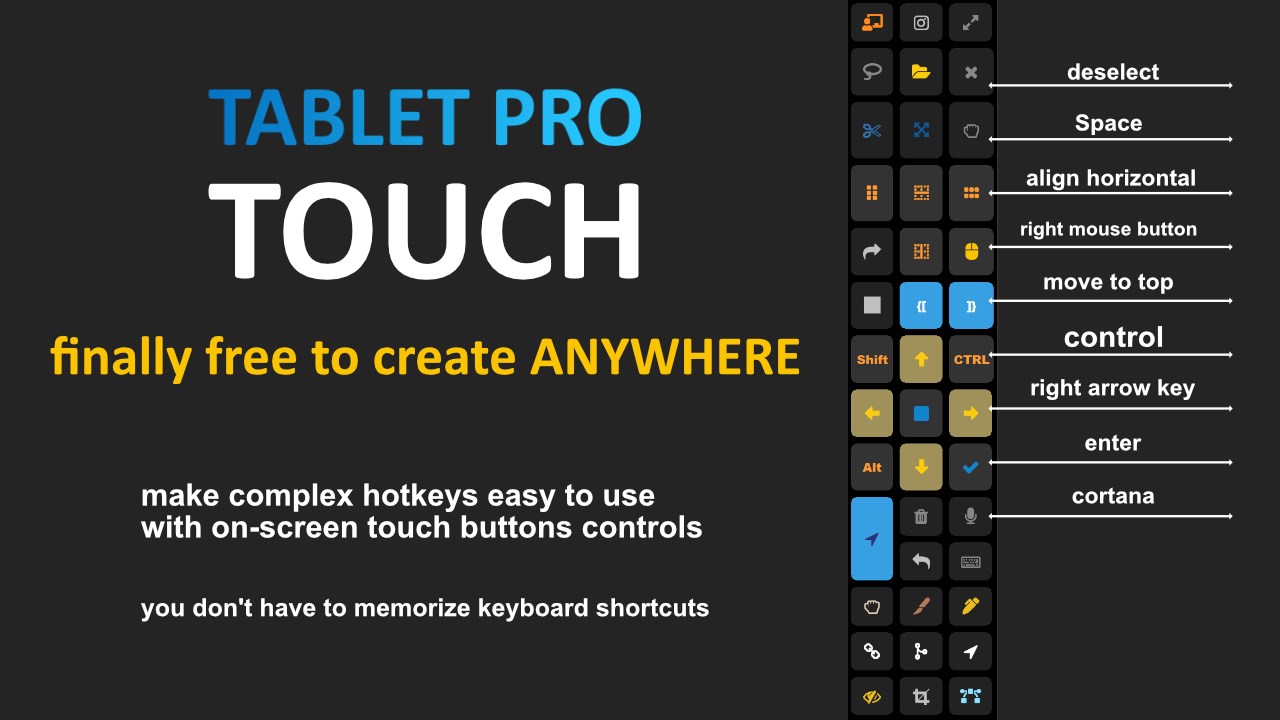
Tablet Pro STUDIO gives you better TOUCH, voice, and stylus tools for Windows. Keep your most-used shortcuts, commands, and controls ready at your fingertips with on-screen buttons, radial menus, pen actions, and voice triggers designed for desktop apps. Use Photoshop, Clip Studio Paint, Rebelle, Krita, Blender, ZBrush, and more with faster access to the tools you use most—without digging through menus or constantly reaching for a keyboard. Start simple: tap on-screen buttons for your favorite shortcuts. Go further when you’re ready: use pen-tip radial menus, voice commands, and a full-screen trackpad for powerful one-handed control. What You Get Your Most-Used Tools at Your Fingertips Place your favorite shortcuts and commands right on the screen, where they’re always available when you need them. Better Touch & Stylus Controls for Windows Use touch buttons, stylus actions, clicks, modifiers, and hotkey combos in desktop apps that were never built for touch. Radial Menus at the Pen Tip Open customizable radial menus right where you’re working for fast, natural, one-handed control. Voice Commands That Actually Help Trigger shortcuts, open apps, paste text, click screen locations, and automate repetitive actions with your voice. Full-Screen Trackpad Control Turn your display into a smooth, precise trackpad for mouse-level control anywhere on the screen. Zoom for Tiny Desktop Interfaces Pinch to zoom the Windows desktop so small buttons, crowded toolbars, and dense UI are easier to use. Prebuilt Profiles + Tutorials Get started quickly with guided tutorials and ready-made setups for popular creative apps, then customize everything to fit your workflow. Try It, Then Upgrade 3-Day Full Trial Try every feature with no feature locks. Flexible Pricing Choose monthly, yearly, or lifetime access.
Lifestyle · Windows · Free
Rating: 4.2 out of 5, based on 65 user ratings.