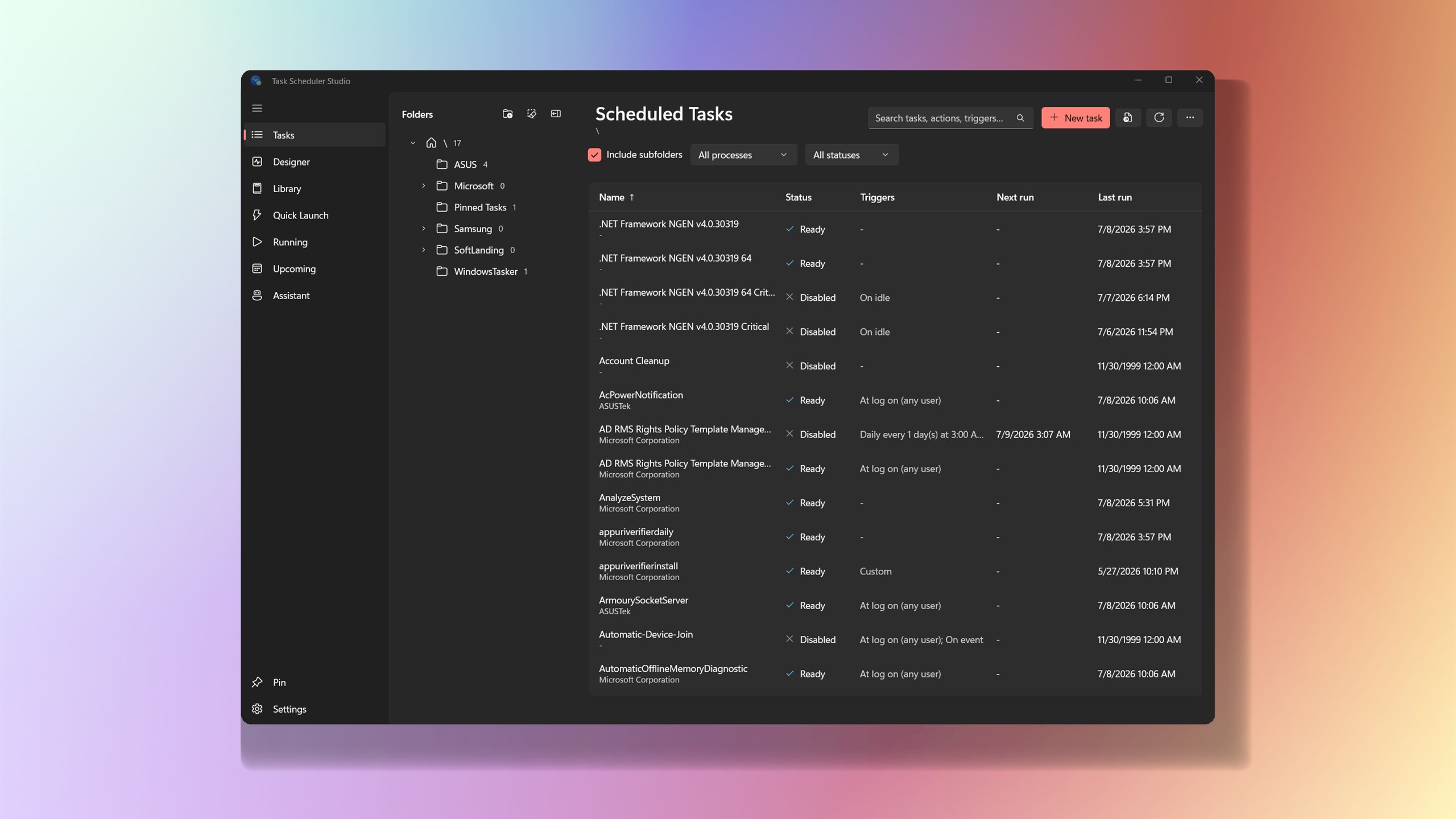
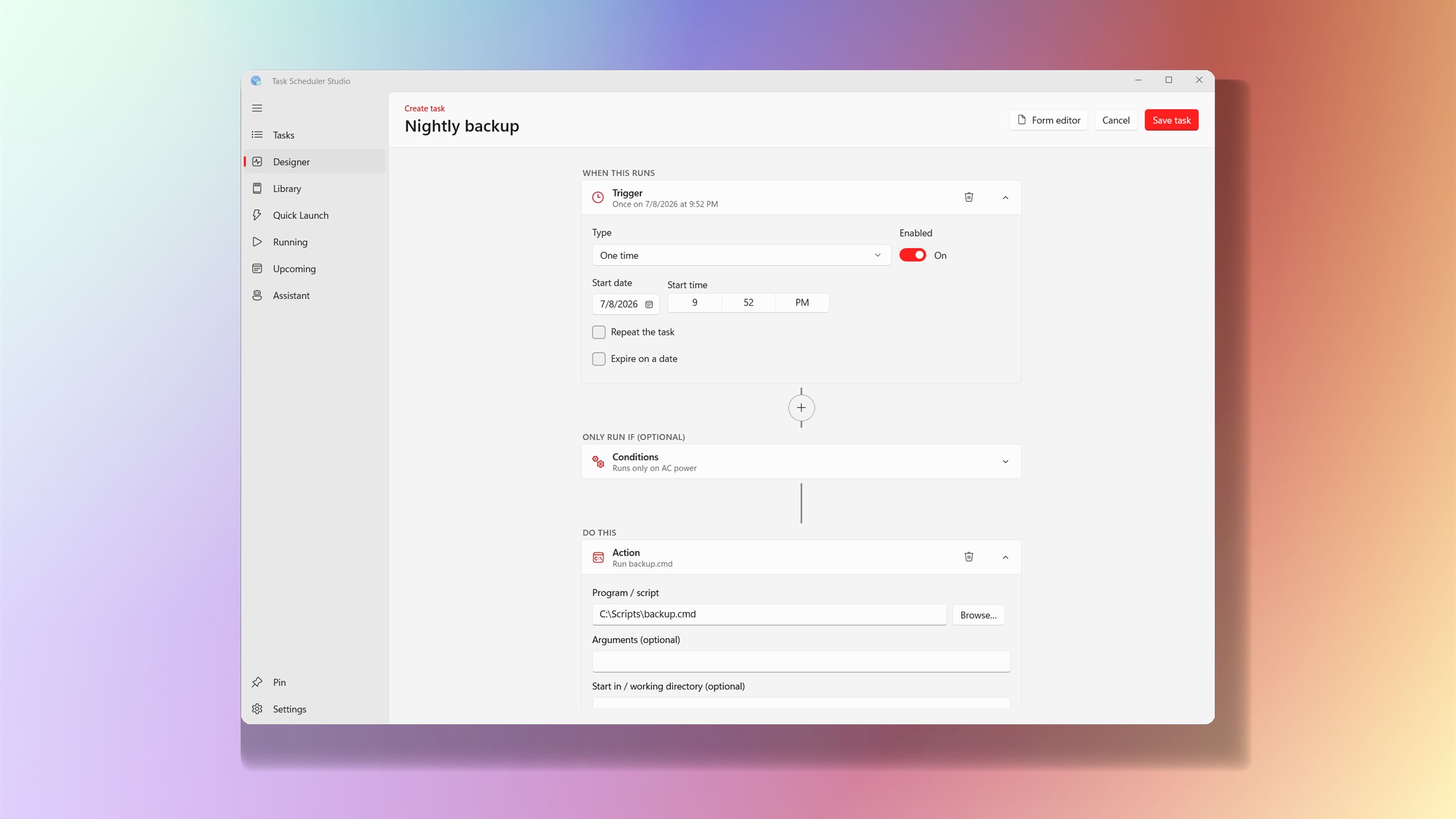
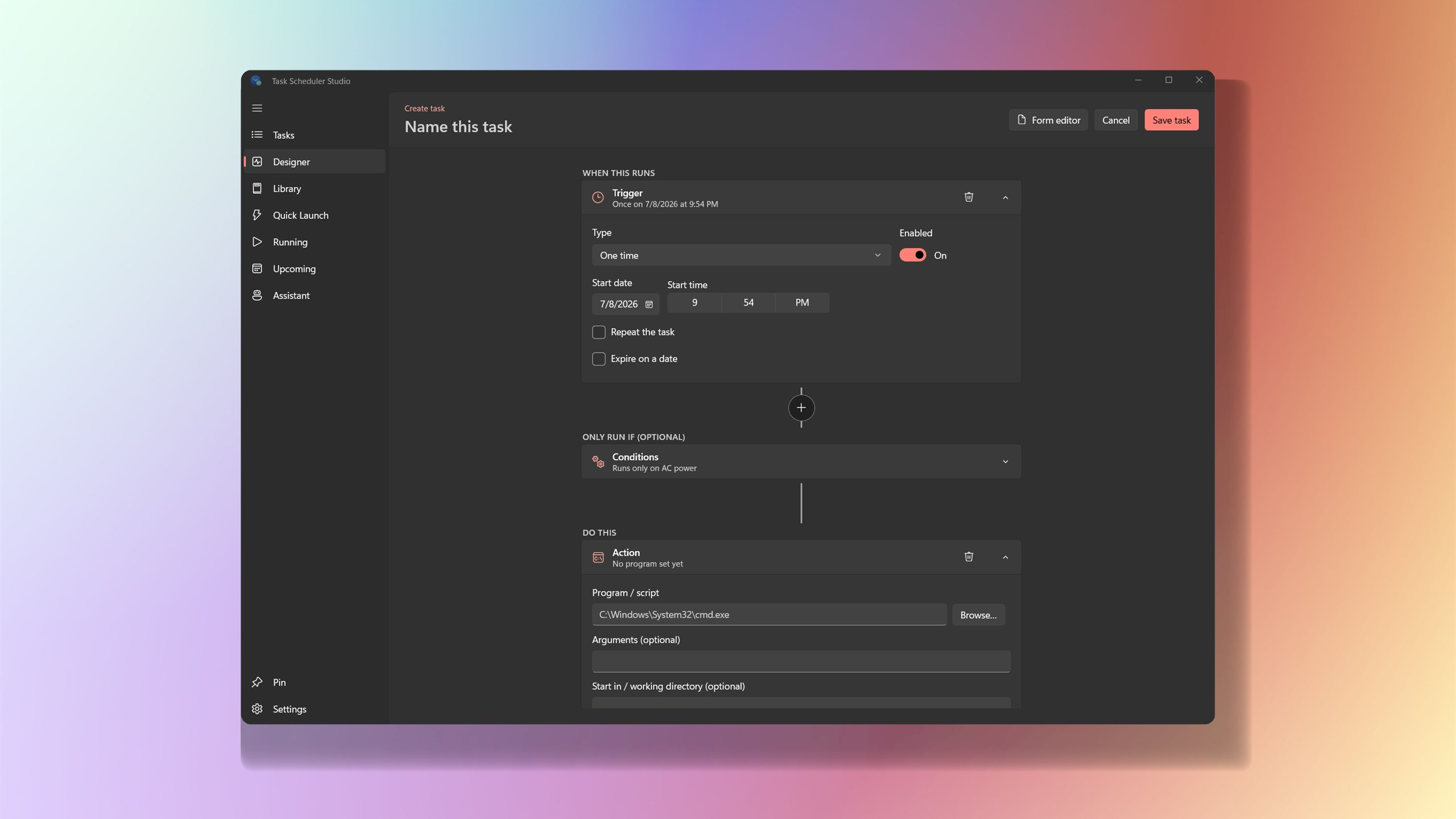
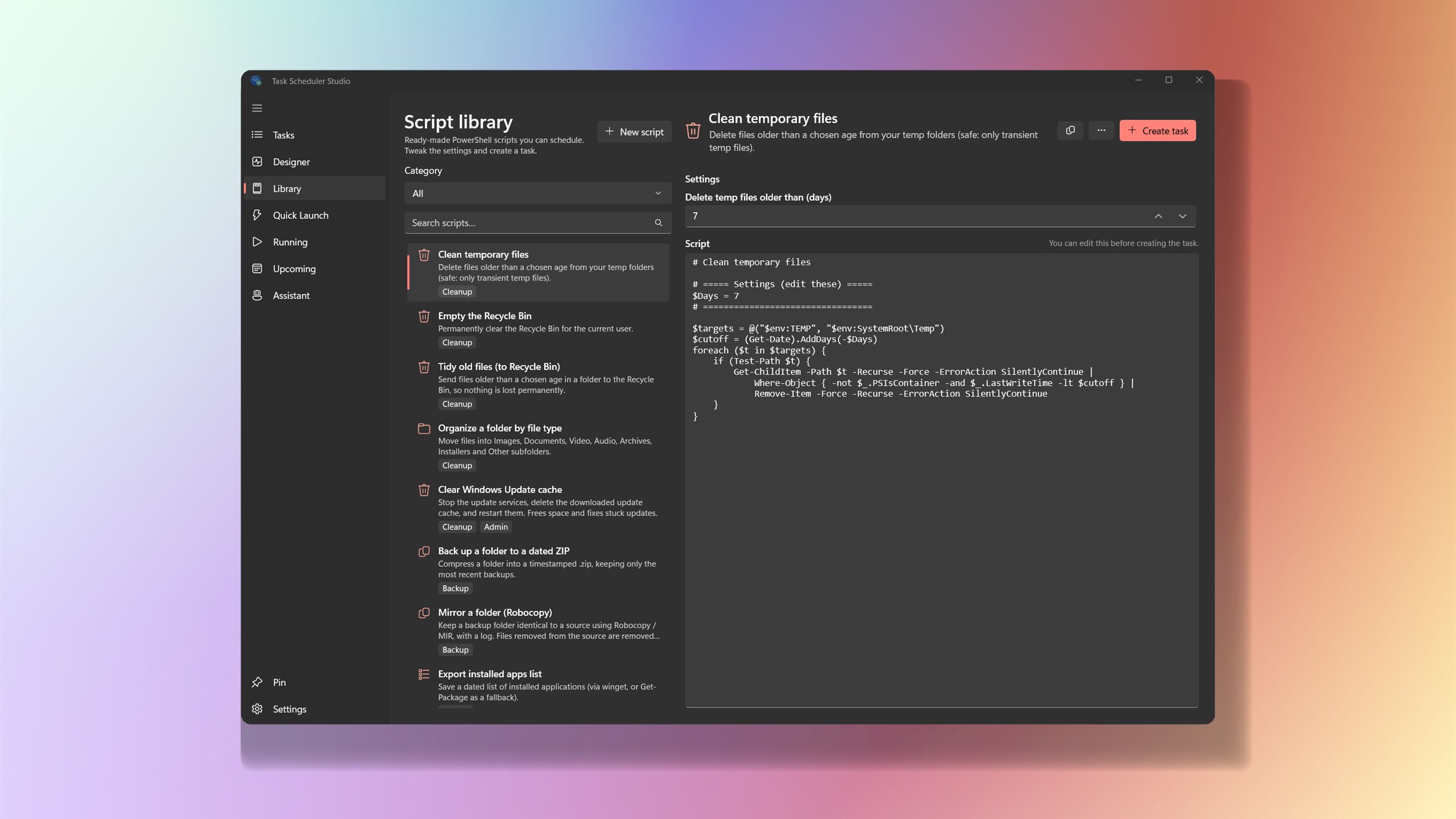
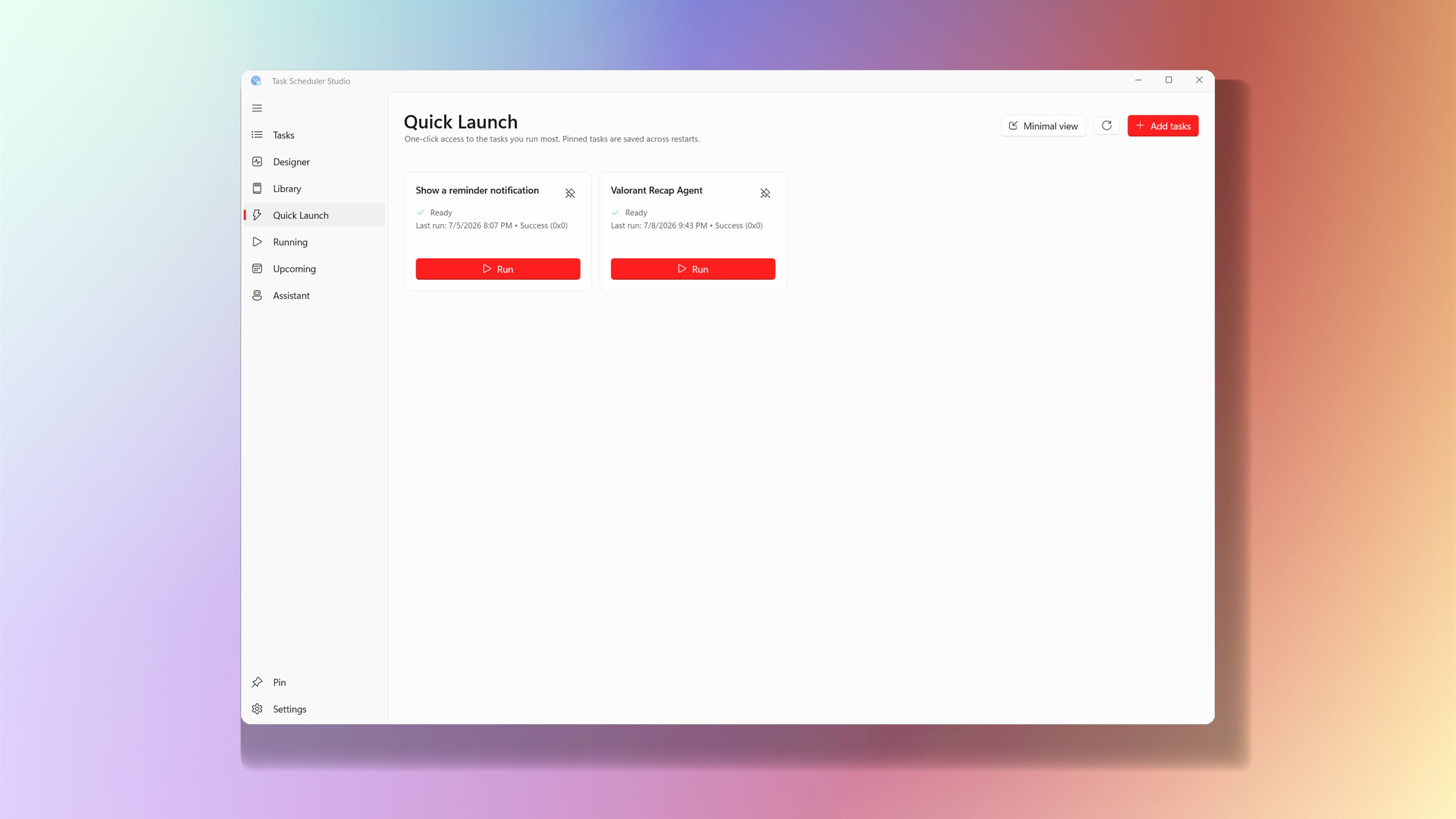
Task Scheduler Studio is a modern WinUI 3 reimagining of the built-in Windows Task Scheduler. It reads and writes the live Windows Task Scheduler store through the Task Scheduler V2 COM API, so everything you create is a normal scheduled task: visible in taskschd.msc, queryable with schtasks, and fully interoperable with the built-in tool. There is no separate database. Create a task in either tool and it appears, runs, and edits identically in the other. The app pairs that engine with a clean Fluent interface and, optionally, AI. A built-in GitHub Copilot assistant lets you create and manage tasks in plain English, and a bundled local MCP server exposes the same engine to your favorite AI agents, so both the UI and agents always behave identically. What you can do • Browse a folder tree and a searchable, sortable task list, with a rich detail pane showing triggers, actions, raw XML, and per-task run history. • Create and edit tasks in a tabbed editor, visual editor, or drop down to raw Task Scheduler XML for full fidelity with anything the forms do not cover. • Build triggers visually: one-time, daily, weekly, monthly, at startup, at logon, on idle, on an event, or on session-state change, with repetition intervals and expiry. • Set run conditions (power, network, idle) and run as a different user (interactive, stored password, S4U, or SYSTEM). • Duplicate tasks, start from templates, run multi-select bulk actions, and back up or restore a whole folder of tasks as a zip of XML. • See what runs next in an Upcoming view, and get a toast when a task you started finishes. • Pin routine tasks as one-tap Quick Launch buttons, or use the optional floating desktop widget. • Create and manage tasks in plain English with the built-in GitHub Copilot assistant, which runs a guided, locked-down flow restricted to scheduled-task work. • Let AI agents manage your tasks through the bundled local MCP server, backed by the same shared engine. • Personalize the look with Mica Alt, Mica, or Acrylic backdrops and System, Light, or Dark themes, remembered across restarts. Disclaimer: Task Scheduler Studio was created by a Microsoft employee as an individual personal project and proof of concept. It is not an official Microsoft product, service, or offering, and it is not affiliated with, endorsed by, or supported by Microsoft. All work and opinions are the developer's own.
Utilities · Windows · Free