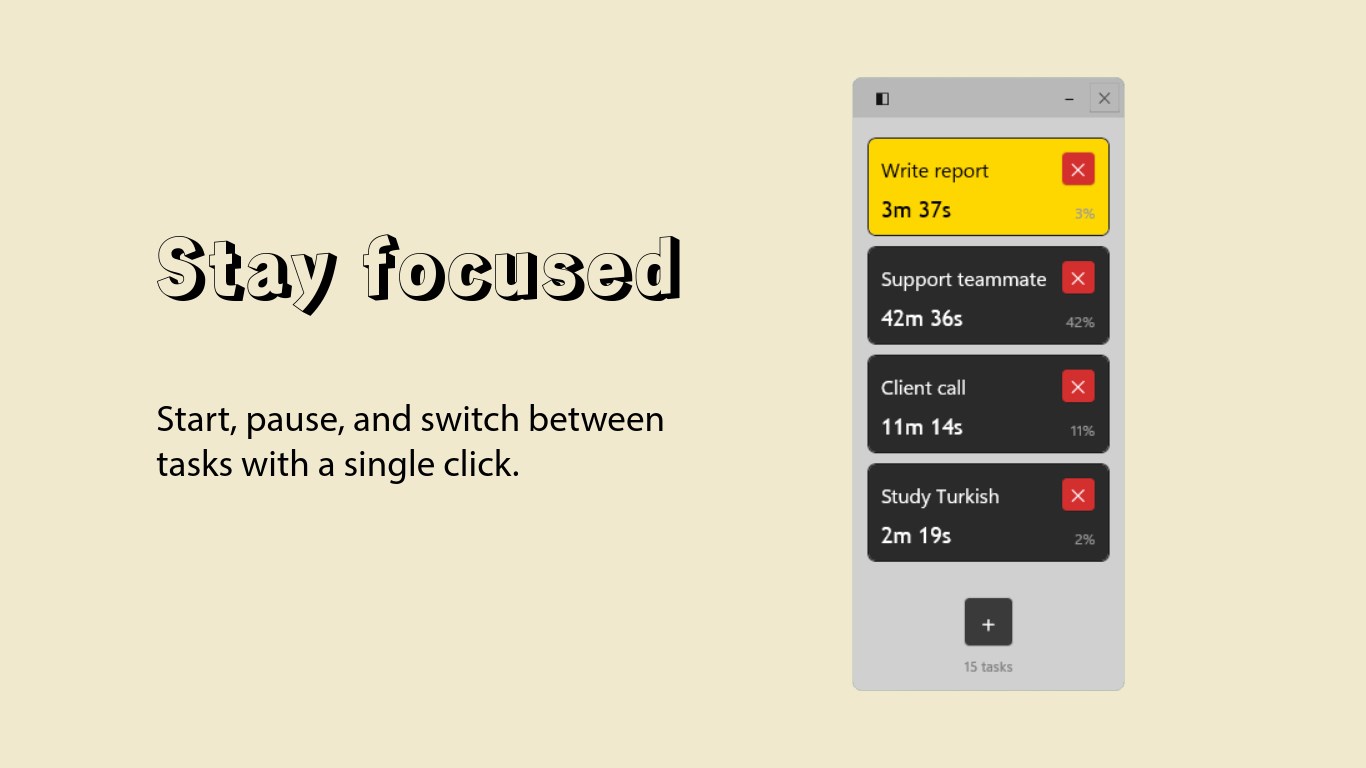
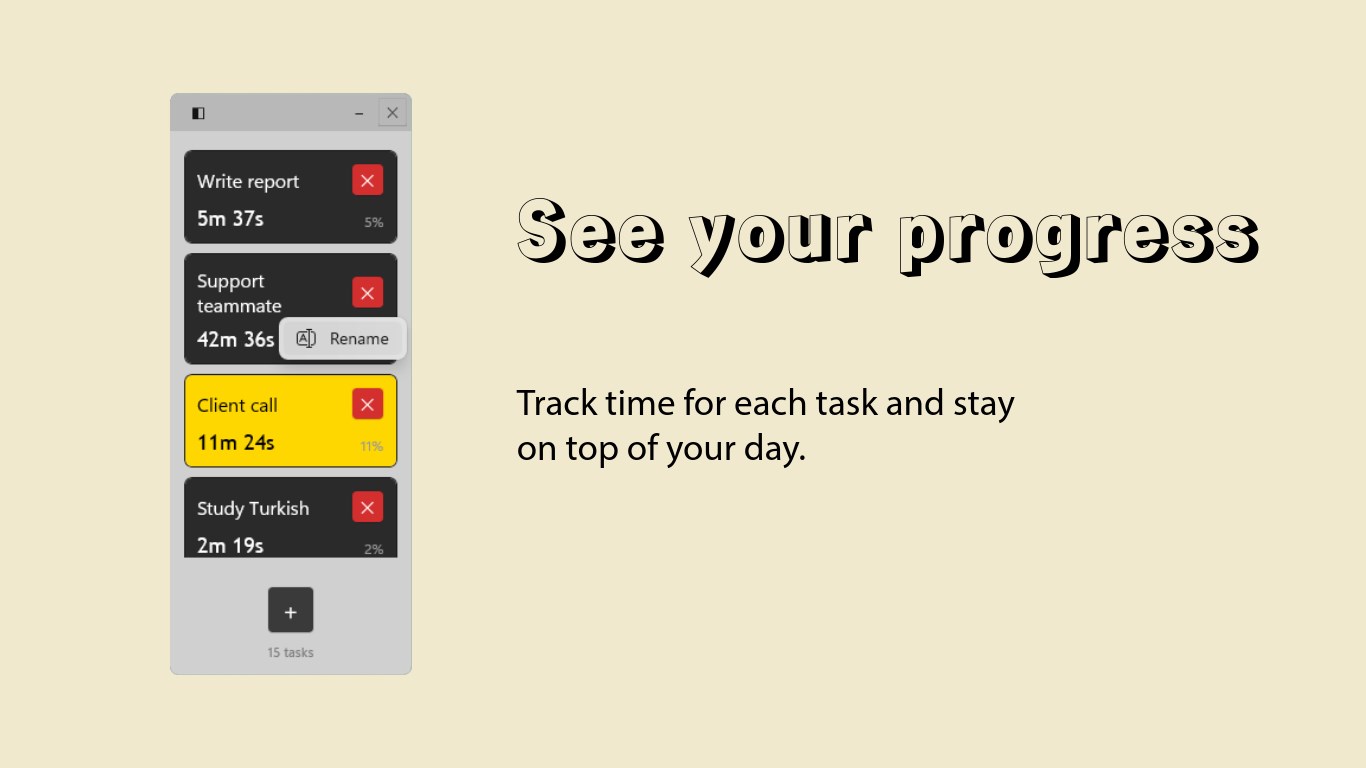
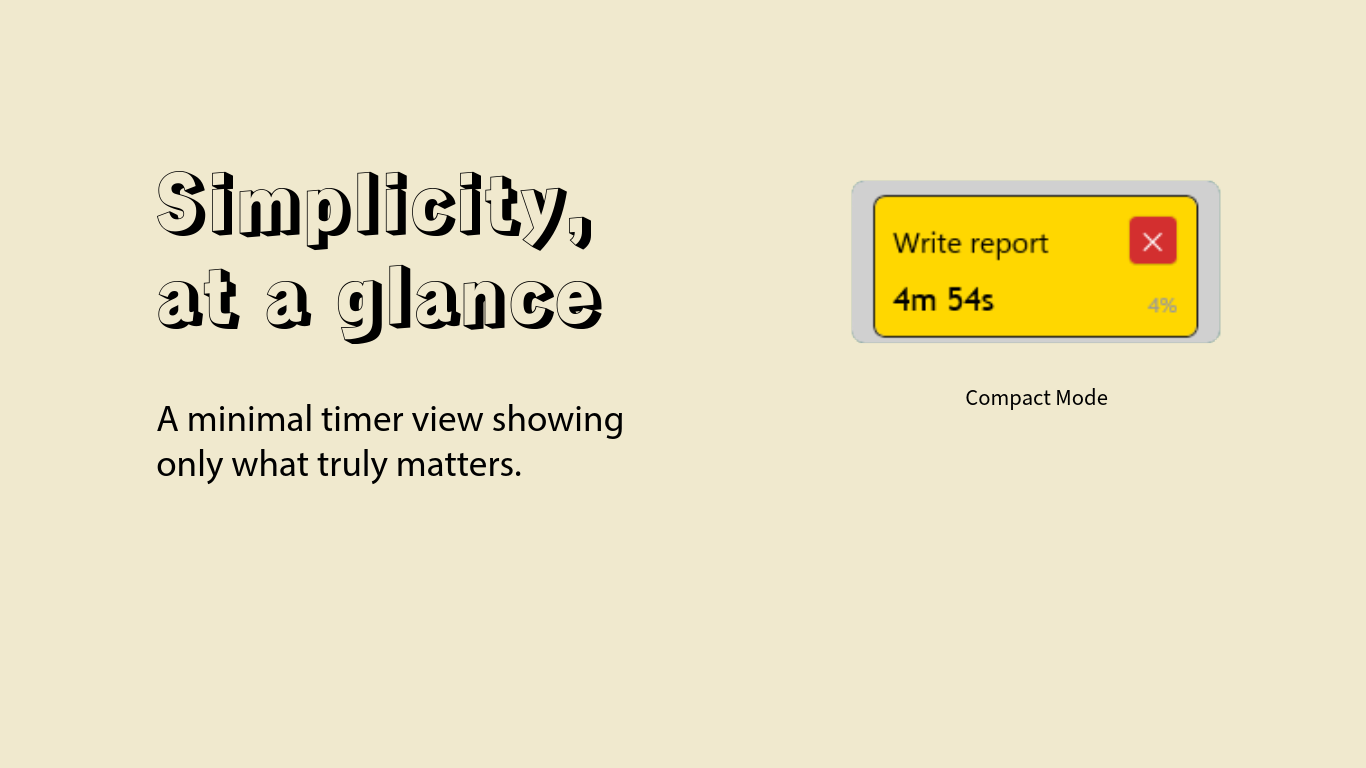
TaskTimerWidget is a lightweight, elegant desktop widget designed to help you track time across multiple tasks effortlessly. KEY FEATURES Simple Task Management - Create, rename, and delete tasks with just a few clicks Real-Time Timer - Track elapsed time for each task with precision One Active Task - Focus on what matters, only one task runs at a time Visual Feedback - Active tasks are highlighted in gold for instant recognition Percentage Display - See how much time each task takes relative to your total time Drag & Drop Reordering - Organize your tasks by simply dragging them Right-Click Rename - Quickly rename tasks with a context menu Always Visible - Compact widget stays on top of your desktop without being intrusive Data Persistence - Your tasks and times are automatically saved locally Offline First - Works completely offline, no internet required Clean UI - Minimalist design with smooth interactions PERFECT FOR Developers tracking time on different projects, freelancers managing billable hours, students organizing study sessions, and anyone who wants to understand where their time goes. PRIVACY 100% Local - All data stays on your device No Tracking - We don't collect any analytics or telemetry No Ads - Clean interface with no advertisements No Account - Start using immediately, no sign-up required HOW IT WORKS 1. Click the + button to create a new task 2. Click on a task to start/pause the timer 3. Click another task to switch - previous task auto-pauses 4. Right-click to rename tasks 5. Drag tasks to reorder them 6. Your data is saved automatically See exactly how you spend your time with percentage breakdowns showing each task's share of your total tracked time. TaskTimerWidget features a clean, modern interface with dark task cards on a light background, gold highlighting for active tasks, smooth hover effects, and a compact window that won't clutter your workflow.
Productivity · Windows · Free