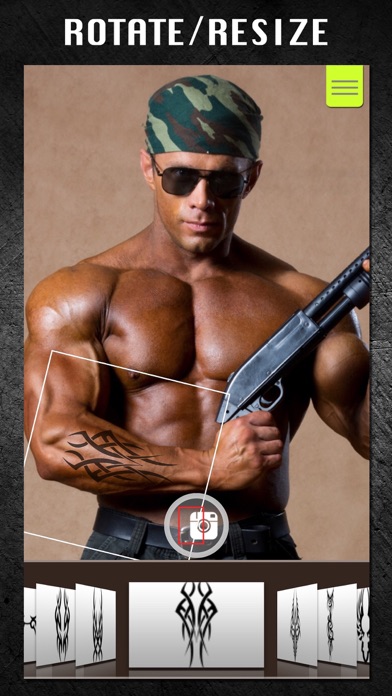
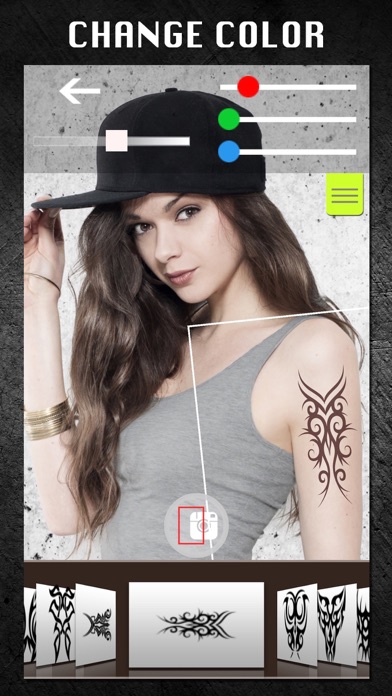
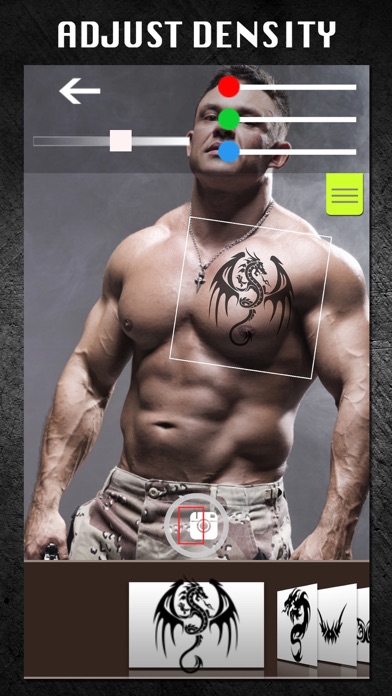
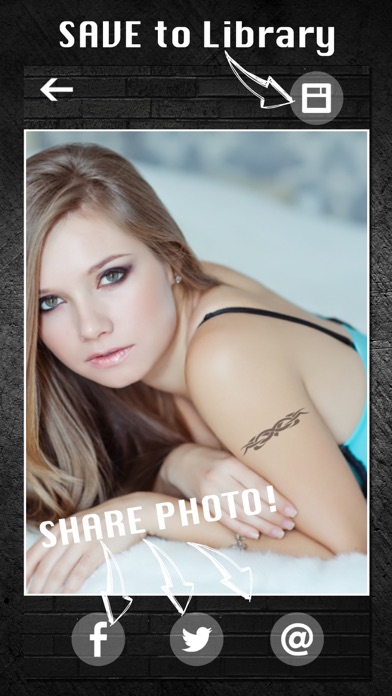
Put tattoos on your pictures! You can create amazing tattoo photograph in a few taps. Enjoy professionally designed COOL tattoos! How to use: 1. Take a shot, or import a photo 2. Choose a tattoo 3. Rotate and resize a tattoo to fit a body 4. Change color 5. Save or share! Features: -> Easy-to-use 1-touch operation -> Collection of professionally designed tattoos -> Change tattoo colors -> Rotate and resizing tattoo -> Use existing photo or take a new shot -> Share your tattoo photos on Twitter, Facebook or email -> Save tattoo photos to Photo Library
Photo & Video · iPhone, iPad · Free