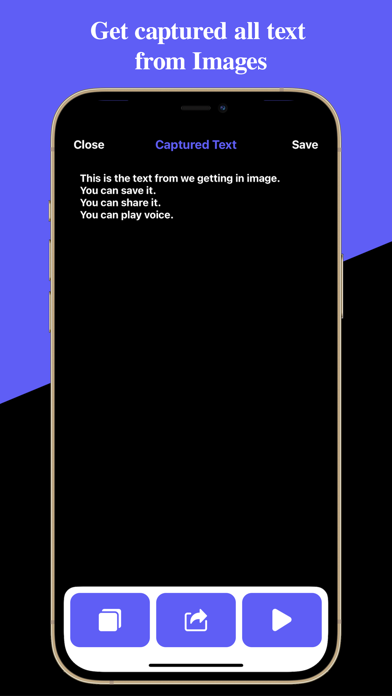
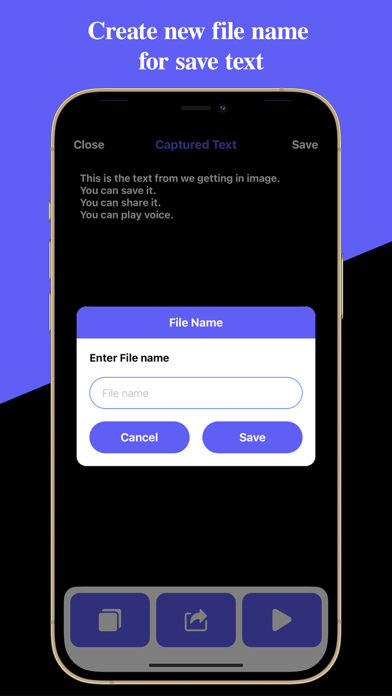
You do not have to worry about typing on the keyboard while viewing the document. You do not need to memorize the contents of the output documents. Text Capture: Images to Text app will do it for you. Text Capture: Images to Text app supports the following features: ● Extract text from pictures. - Capture documents with the camera and quickly and accurately convert them into text within seconds. - You can easily extract text from a picture by simply shooting without complicated operations. - Document images already taken from the gallery can also be converted to text. ● Recognized photos and text are automatically saved in your app's history. - Recognition history is saved automatically, without having to remember when you recognized it. - Recognition history allows you to check previously recognized pictures and text. - By entering the keywords you are looking for, you can search for recognition history and find documents easily. - By grouping by date, you can check the recognition history at a glance. - A summary of the recognized text is displayed so you can check the contents of the document immediately. ● Share pictures and recognized text. - Send to your business partners, friends and acquaintances using email, MMS. - Recognized text can be edited. Edit and share what you need. ● Recognized text can be copied to the clipboard and used in other apps. - Copy the recognized text to the clipboard and paste it into the document editor app. Privacy Policy: https://glistensolution.com/Apps/App_Privacy.html Terms of use: https://glistensolution.com/Apps/App_TOS.html
Productivity · iPhone, iPad · Free
Rating: 4.0 out of 5, based on 4 user ratings.