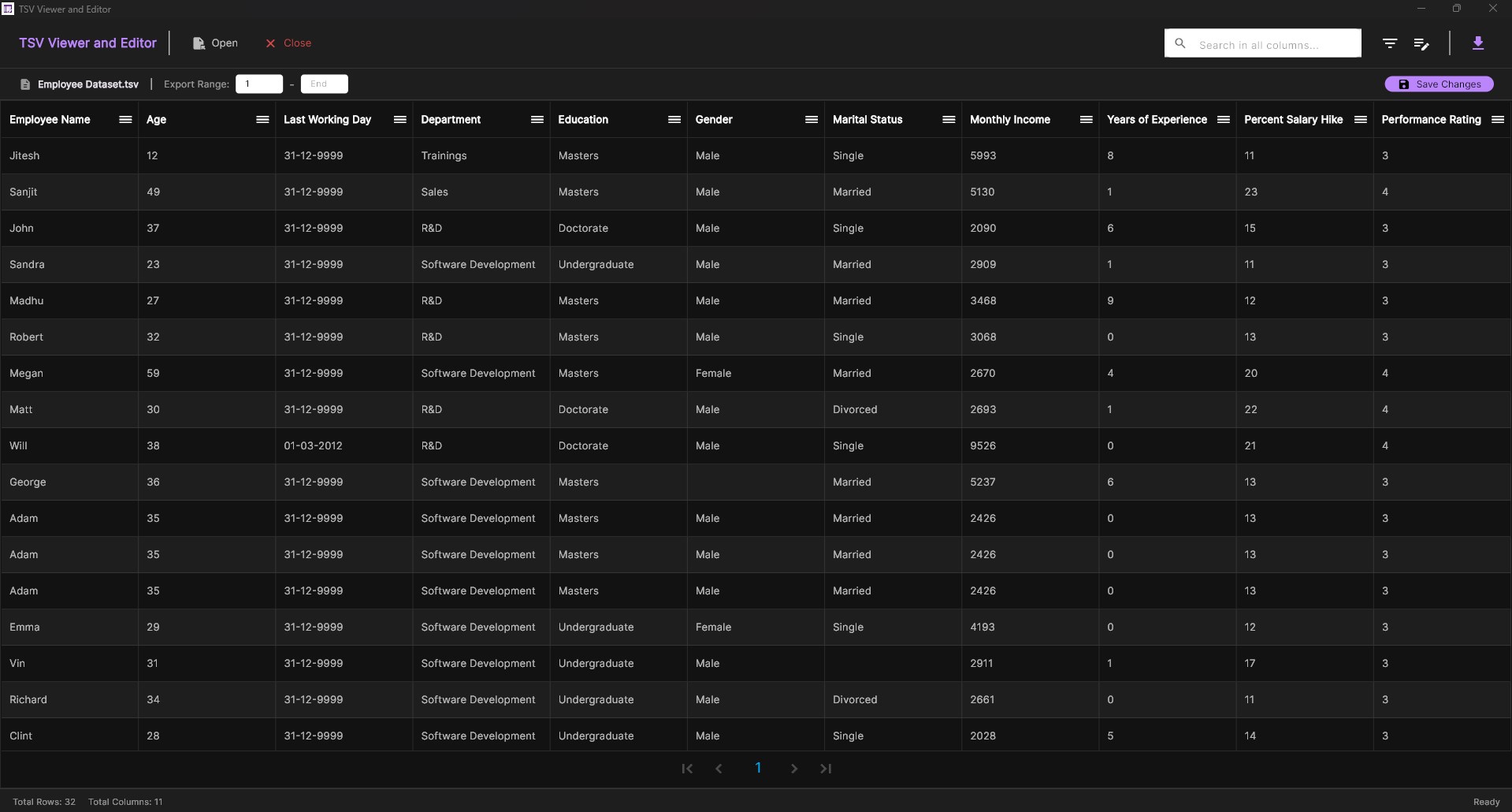
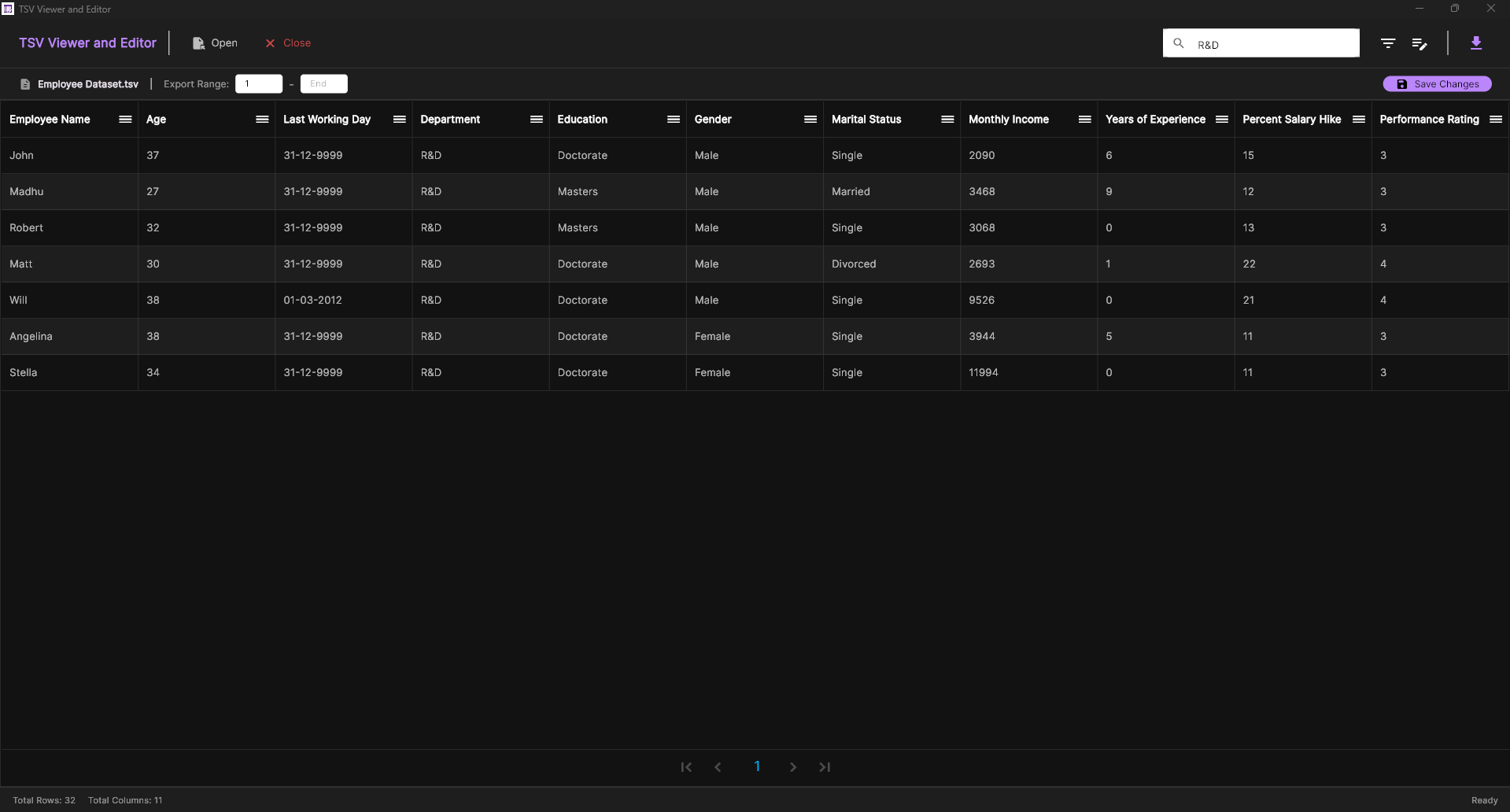
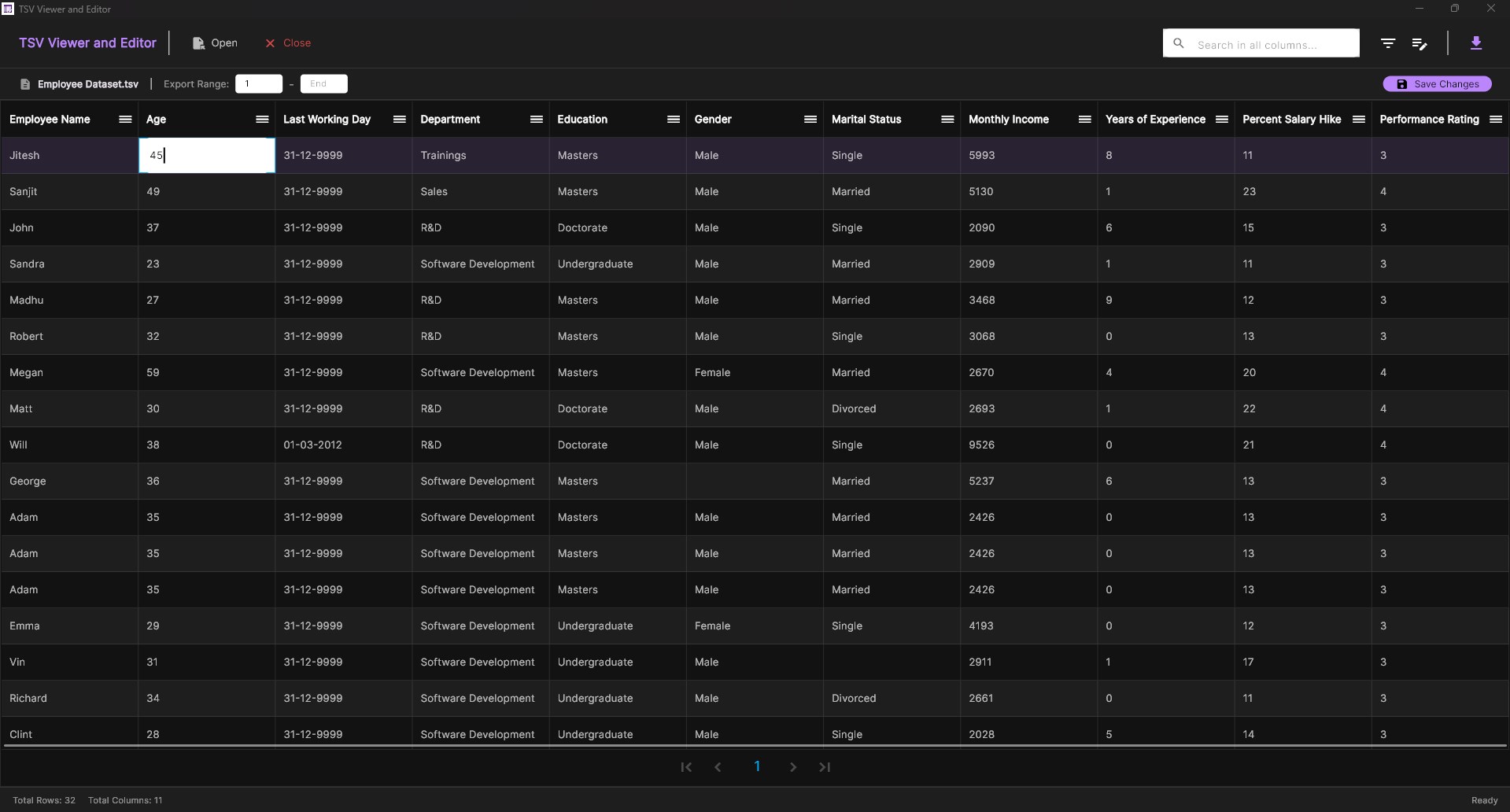
TSV Viewer and Editor is the most powerful, high-performance, and professional tool designed specifically for power users, developers, and data analysts working with Tab-Separated Values (TSV) files on Windows. Built with a high-performance core and a premium, modern interface, this application offers an uncompromising experience for managing large datasets with speed and precision. In today’s data-driven world, generic text editors often fail to handle the structure and scale of TSV files, leading to sluggish performance, layout breaking, or data corruption. TSV Viewer and Editor solves these problems by treating your data as it should be: a clean, navigable, and editable grid. Whether you are dealing with log files, database exports, or scientific datasets, our application ensures that every tab and every record is handled with absolute data integrity. Engineered for Performance: At the heart of TSV Viewer and Editor is a custom native C++ engine. This allows the application to index and render massive files that would crash standard spreadsheet software. By efficiently mapping file data directly into memory, we provide near-instantaneous scrolling and cell navigation, ensuring that even files with hundreds of thousands of rows remain completely responsive. Professional Editing Suite: Editing TSV files has never been more intuitive. Our grid system allows for direct cell editing with high-contrast text visibility, ensuring perfect clarity even in our signature Dark Mode. All edits are handled using a safe-commit system, preventing accidental data loss and ensuring that your original file structure is perfectly preserved during every save operation. Advanced Data Extraction & Export: TSV Viewer and Editor isn't just about viewing; it’s a versatile data bridge. With our robust export suite, you can instantly transform your TSV files into a wide variety of formats, including CSV, JSON, Markdown, XML, and even SQL Insert statements. Need only a specific chunk of data? Use our granular range-export feature to extract precise sections from your file without having to manipulate the entire dataset manually. Privacy First: 100% Local & Secure: Your data security is our highest priority. Unlike online converters or cloud-based tools, TSV Viewer and Editor operates entirely offline. All processing, rendering, and exporting happen exclusively on your local machine. Your files nunca leave your computer, ensuring compliance with strict privacy standards and protecting your most sensitive intellectual property. Modern, Premium UX: We believe productivity tools should look as good as they perform. TSV Viewer and Editor features a sleek, high-contrast Dark Mode with vibrant purple accents, optimized for long working sessions and reduced eye strain. The interface is clean, distraction-free, and designed to stay out of your way while providing all the advanced functionality you need at your fingertips.
Utilities · Windows · Free