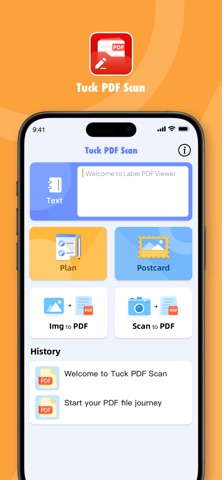
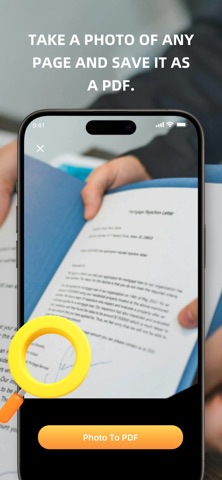
Some things work better as a PDF. Tuck PDF Scan turns what is on your phone - text, images, photos, or a template - into one file you can send, print, or keep. Features: Text into PDF Write or paste your text, then save it as a PDF. Notes, letters, forms, lists - anything you would rather send as a document. Images into PDF Choose images from your library and put them into a single PDF. One file instead of a pile of attachments. Photos into PDF Point your camera at a page and keep it as a PDF. A receipt, a whiteboard, a contract - whatever is in front of you. Start from a template Pick a card or a planner layout, add your own words, and save it as a PDF. Birthday cards, thank-you notes, weekly plans - start from a layout instead of a blank page. Tuck PDF Scan does one thing: it turns what you already have into a PDF. No menus to learn, no settings to dig through. Open the app, choose a source, save the file.
Productivity · iPhone, iPad · Free