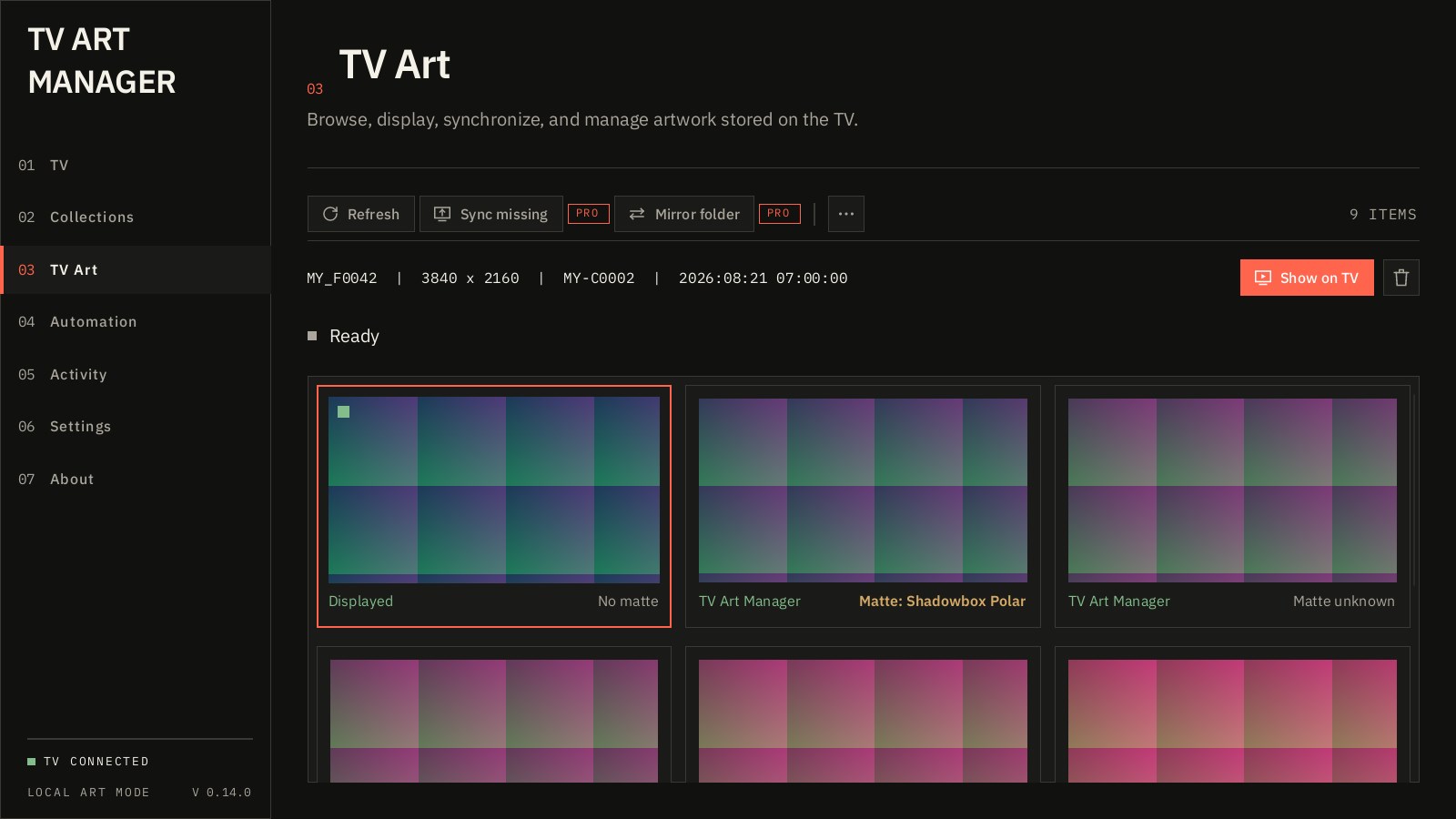
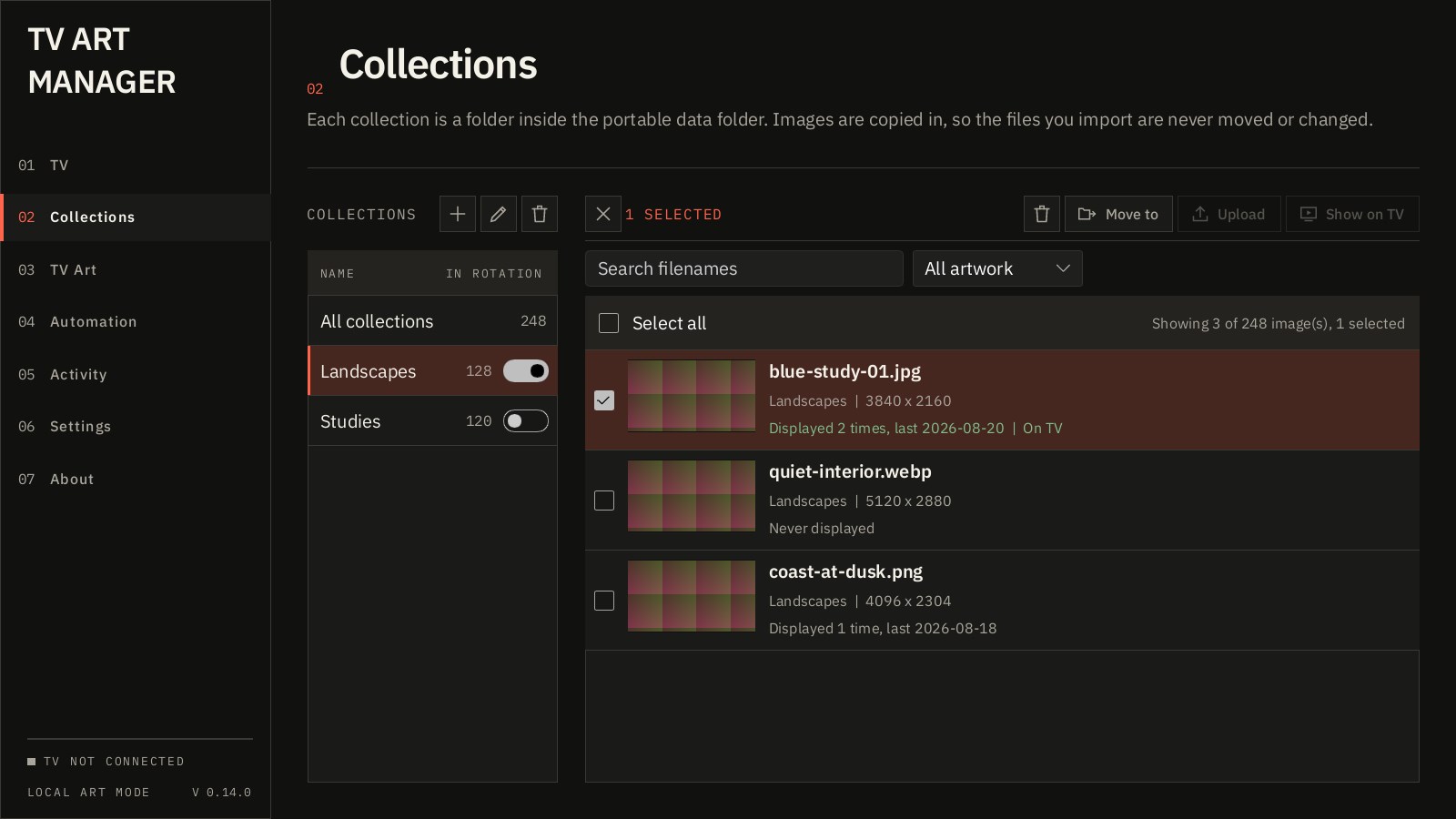
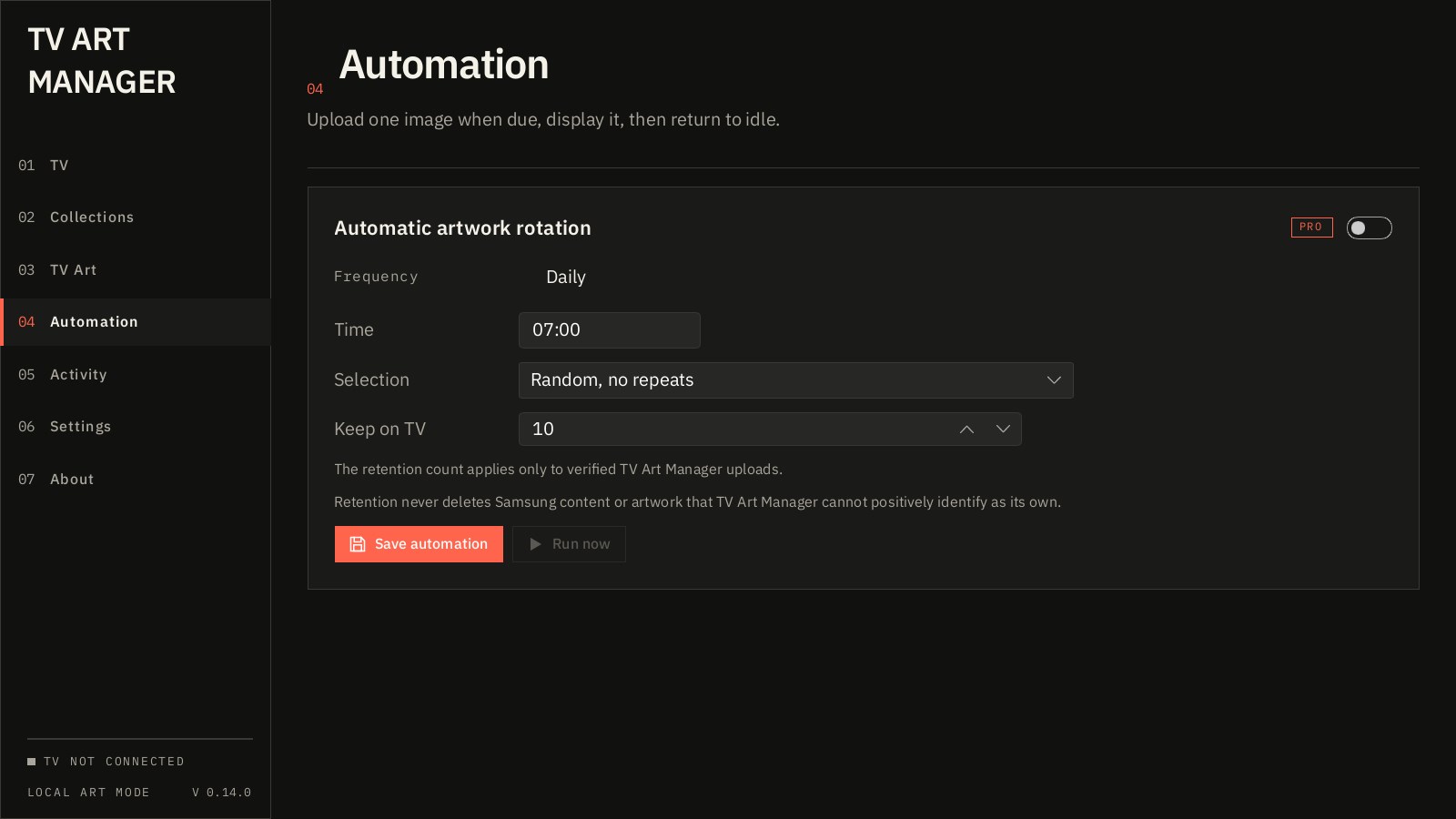
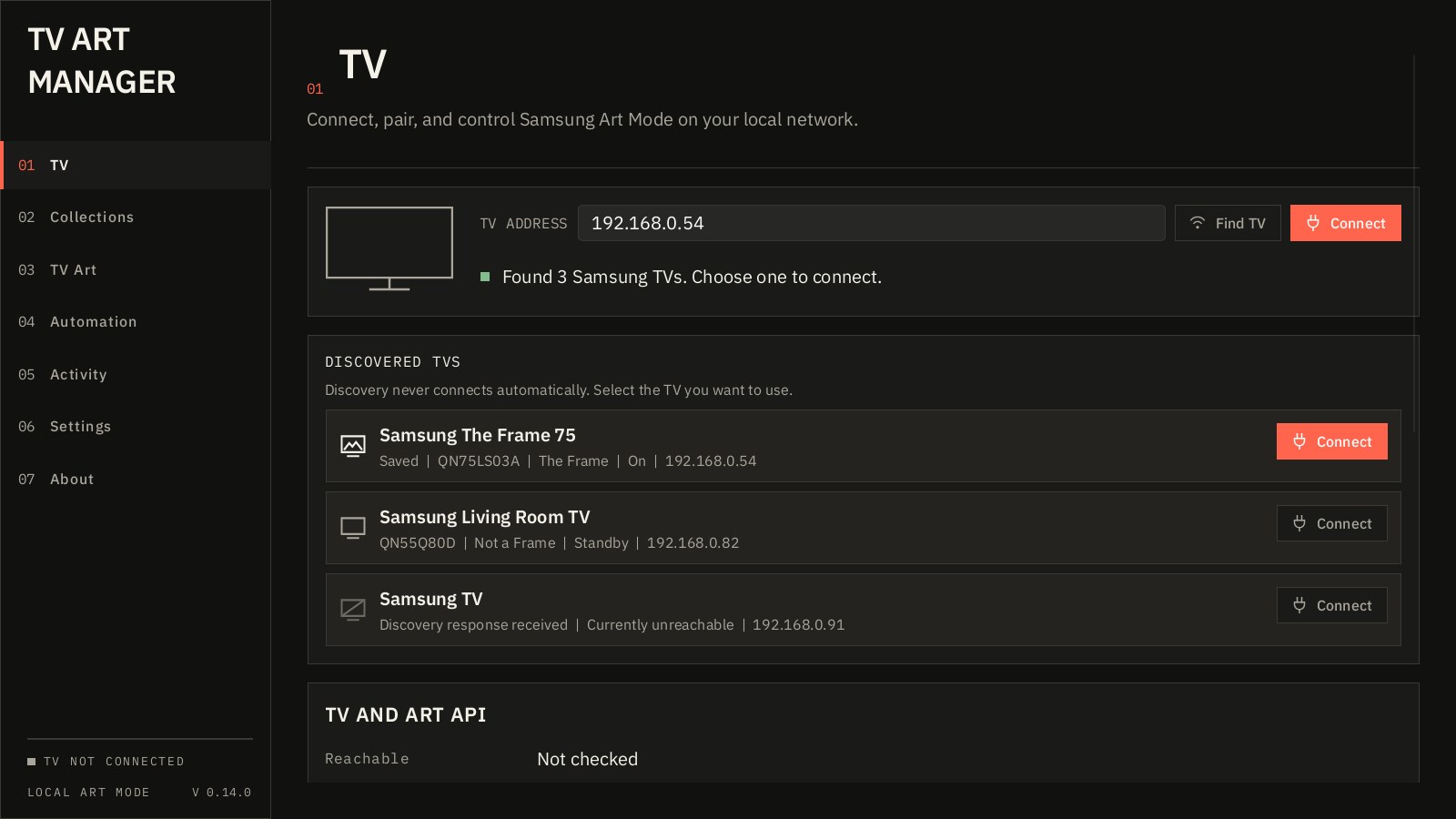
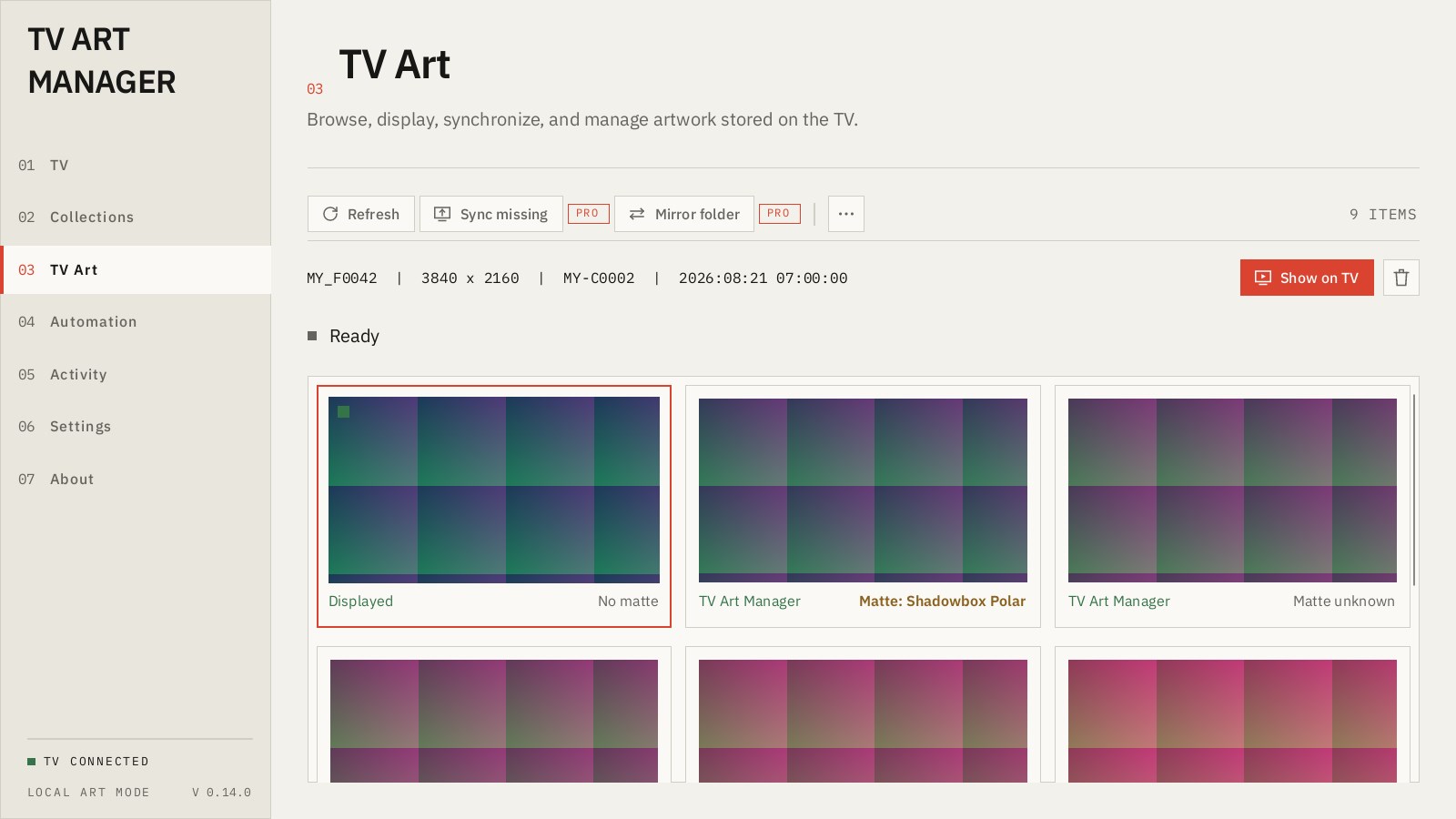
TV Art Manager puts your own images on a Samsung The Frame, from your Windows PC, over your home network. Drop images or whole folders into named collections. Each one is prepared as a 3840 by 2160 JPEG, filled and centered, and sent straight to the TV's Art Mode with the matte off, so the picture reaches every edge of the screen. Your originals are copied and never touched. No cloud, no phone, no account. The app talks to the TV the same way the SmartThings app does, on your own network. Nothing about you or your images leaves the house. There is no sign-in and no telemetry. The TV, managed from a desk. See everything stored on the TV with the piece on screen marked, show any artwork, and delete what you no longer want, with a confirmation every time. Samsung's own artwork is never touched. Free is the whole manual tool. Connect, collect, prepare, upload, show and manage, one image at a time, as often as you like, forever. Pro is for the TV that looks after itself. A one-time purchase adds batch upload, sync and mirror, daily rotation with TV retention, duplicate cleanup, tray operation and starting with Windows. The key is checked offline, works on every PC you own, and never expires. Payment is handled by Paddle, our reseller, in your browser. TV Art Manager is an independent product and is not affiliated with, endorsed by, or connected to Samsung Electronics. Samsung and The Frame are trademarks of Samsung Electronics Co., Ltd., used only to describe the hardware this app works with. Art Mode is an undocumented interface; when a TV refuses something, the app shows you the TV's exact answer.
Photo & Video · Windows · Free