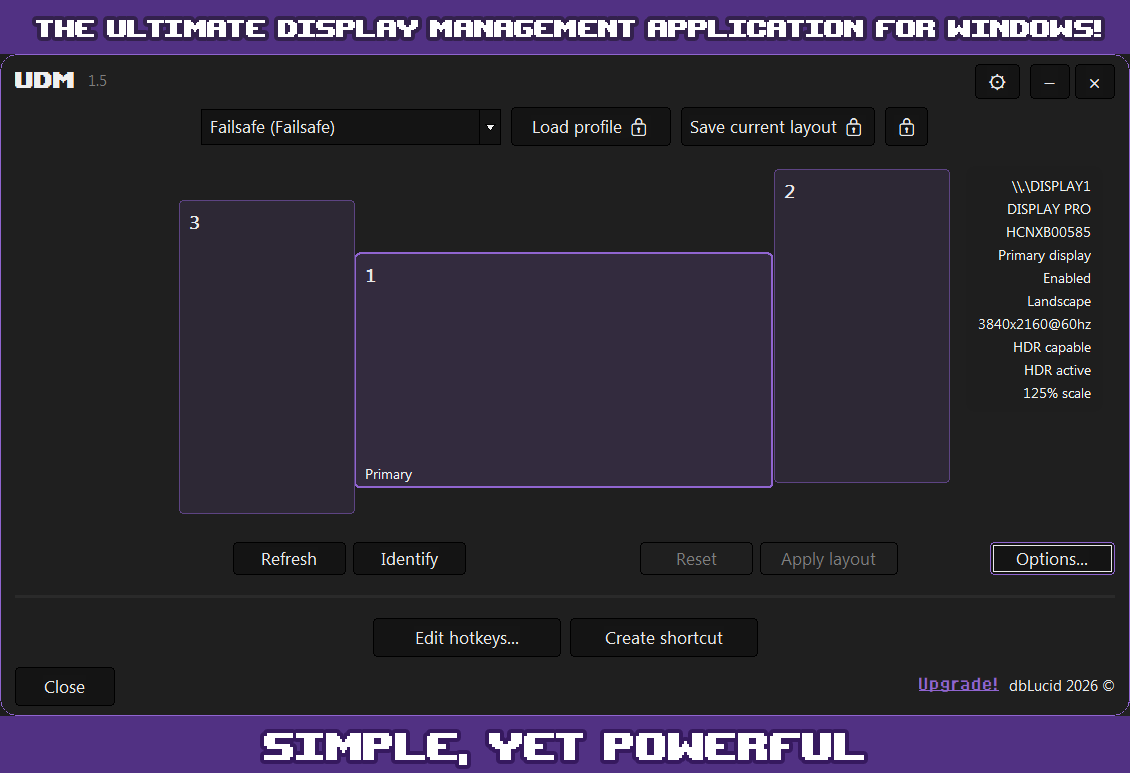
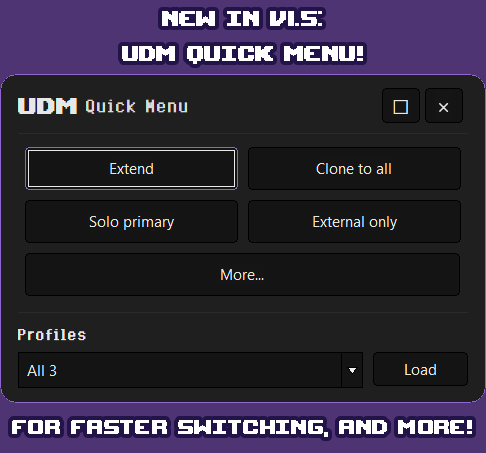
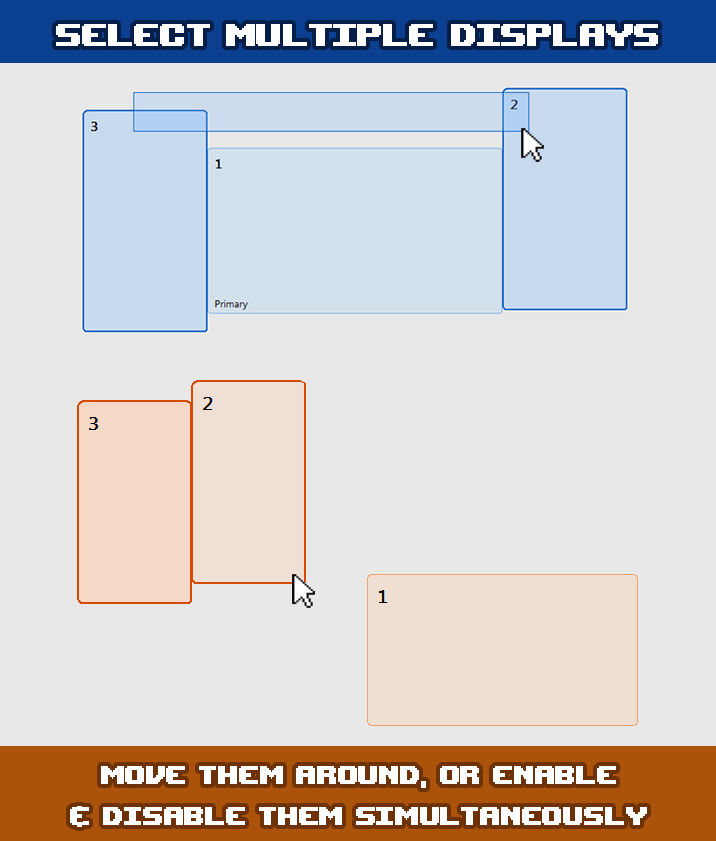
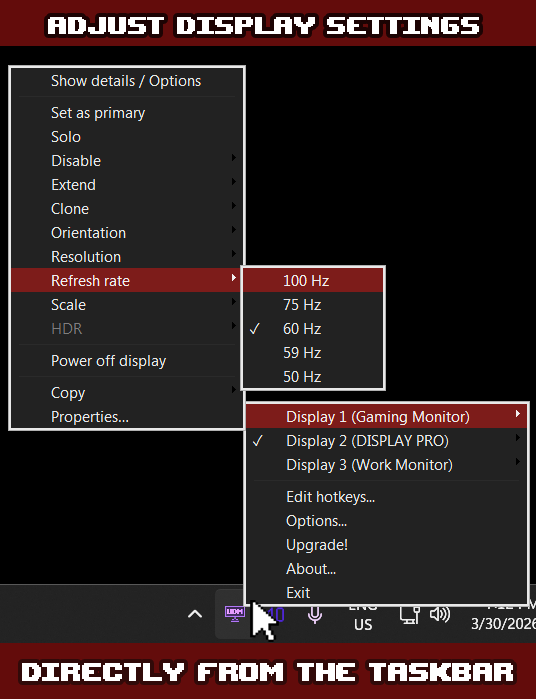
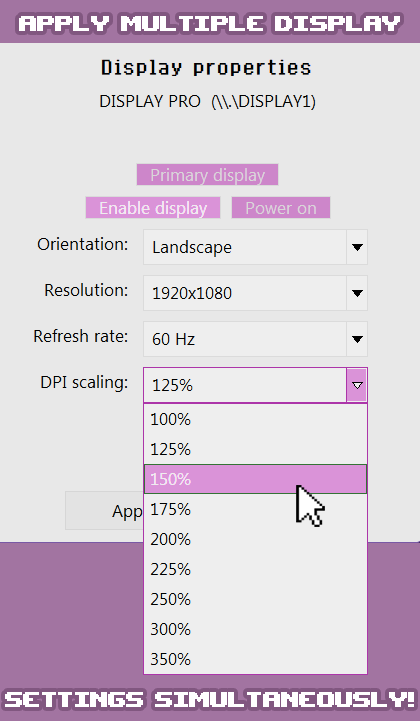
UDM is a powerful display management tool that gives you total control over your displays! Whether you're a designer, programmer, streamer, a single monitor user, a professional, or just tired of Windows rearranging your displays — UDM keeps your display settings right at your fingertips while also preventing Windows from ruining your layout. Quickly and easily manage resolution, refresh rate, orientation, DPI scaling, HDR, and monitor power from a clean interface. Enable, disable, reposition, and clone specific displays or multiple displays at once with just a few clicks. UDM detects connected and previously known displays automatically, and handles connections and disconnections gracefully — including virtual displays. A rich tray menu gives you quick access to per-monitor actions without ever opening the main window. UDM includes a visual Layout Editor for arranging your monitors by dragging them into position, with snapping, multi-select & drag, and Smart Display Tabs help you manage inactive displays. UDM PRO unlocks profiles to save and restore your entire display layout — including resolution, refresh rate, scale, HDR state, positioning, cloned/ duplicated displays, and even monitor power state. PRO also adds a dedicated monitor list with sortable columns, UI customization, custom hotkeys, advanced settings, and first access to the newest & best features UDM has to offer!
Utilities · Windows · Free