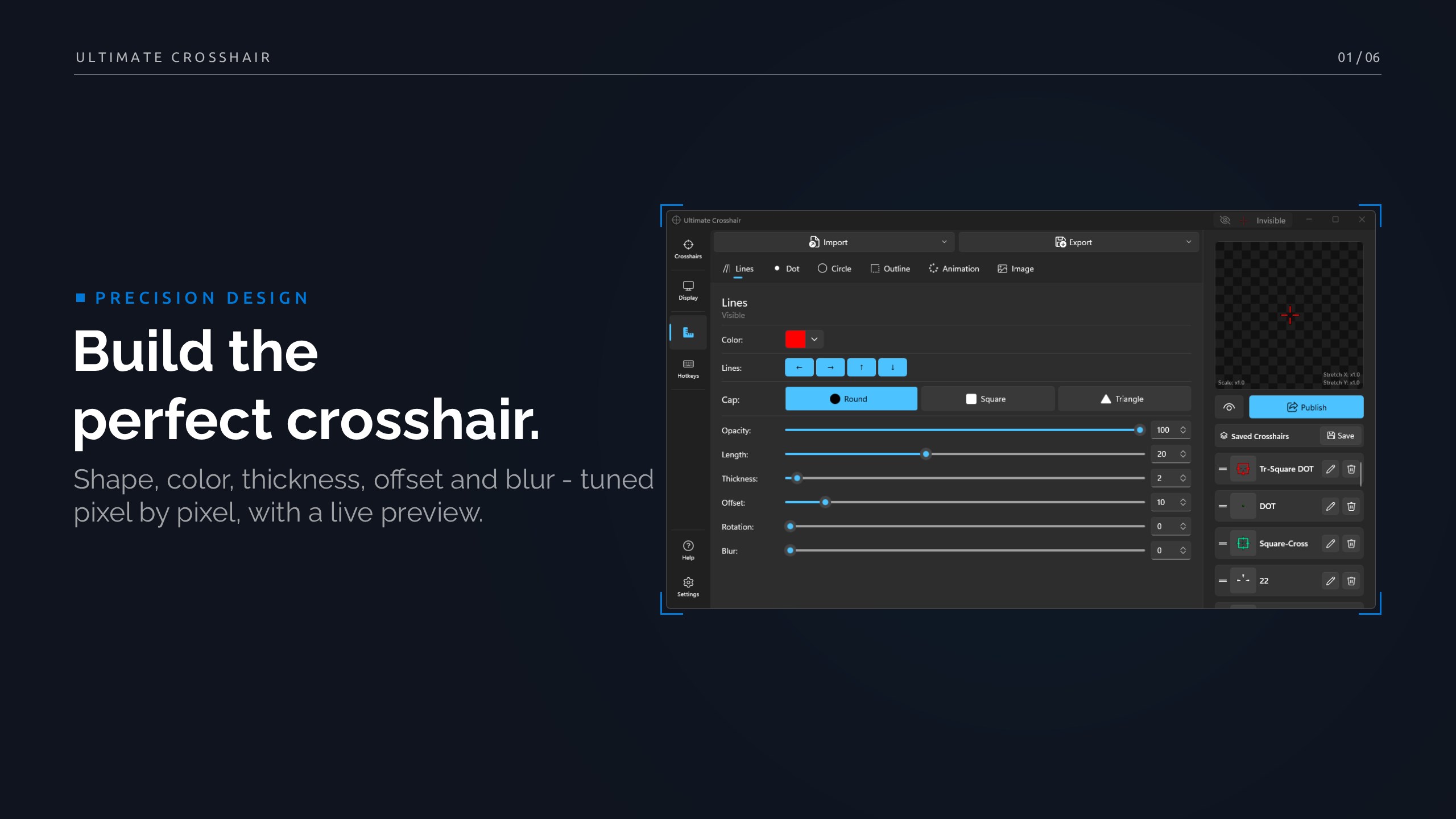
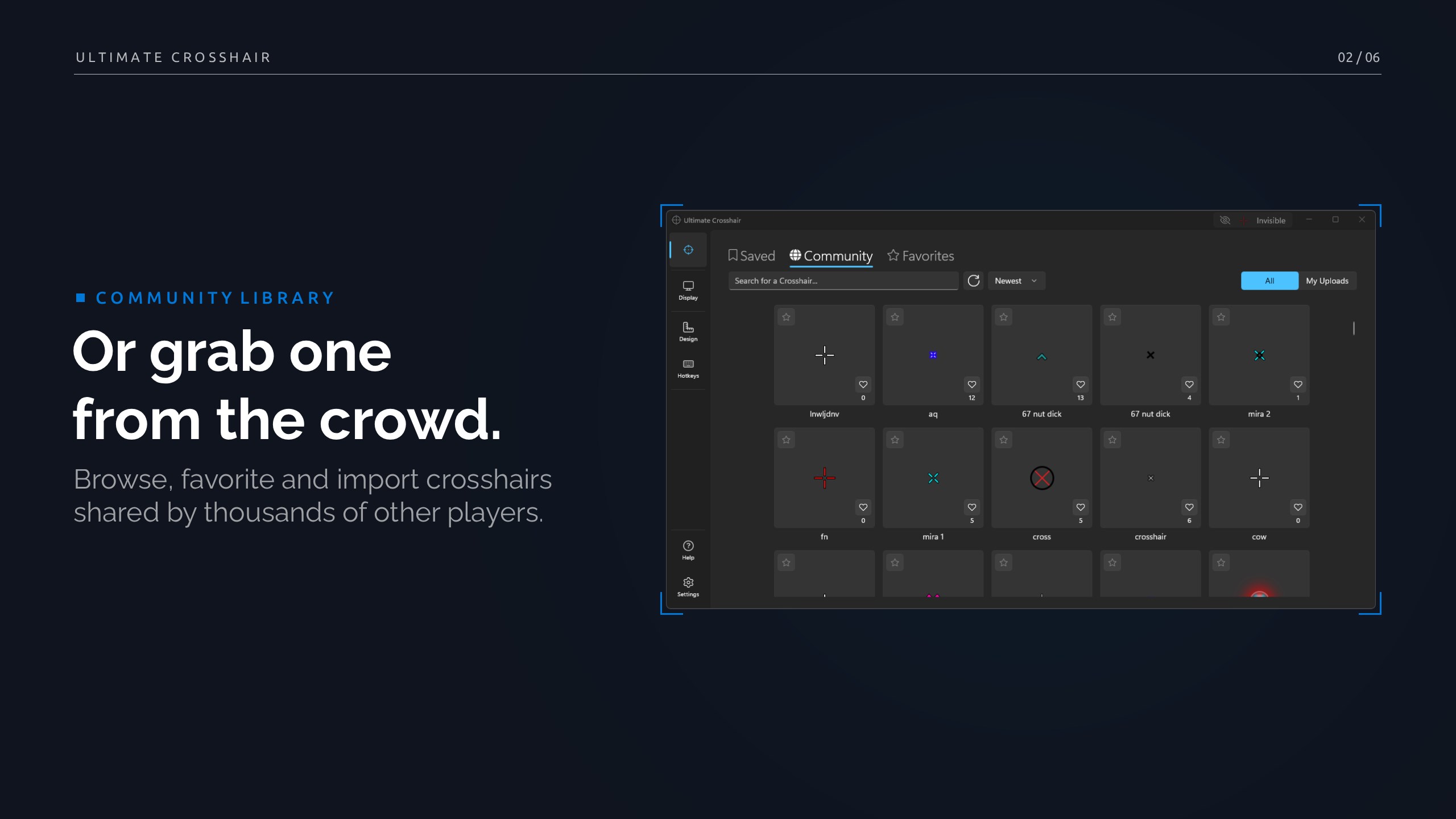
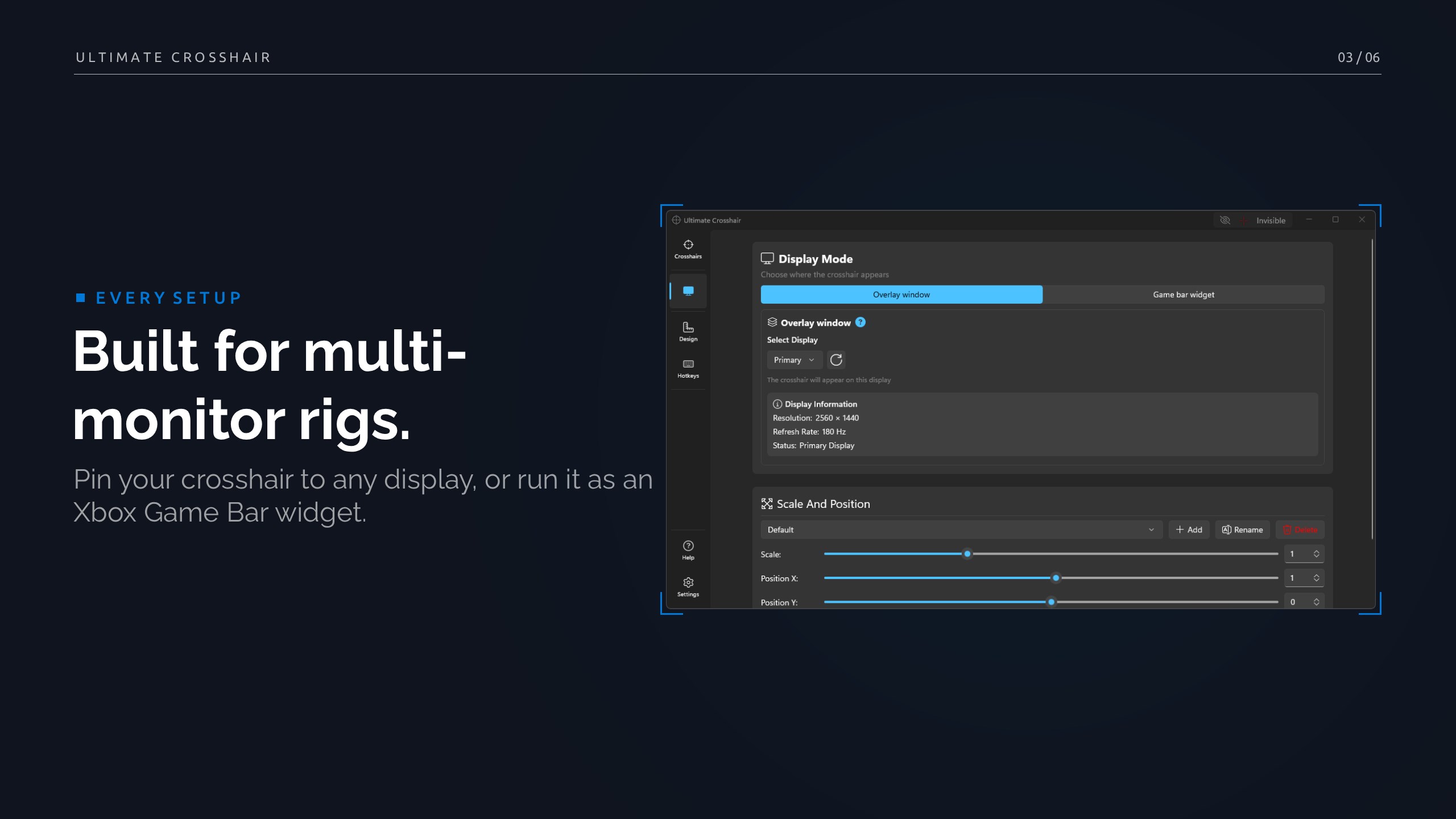
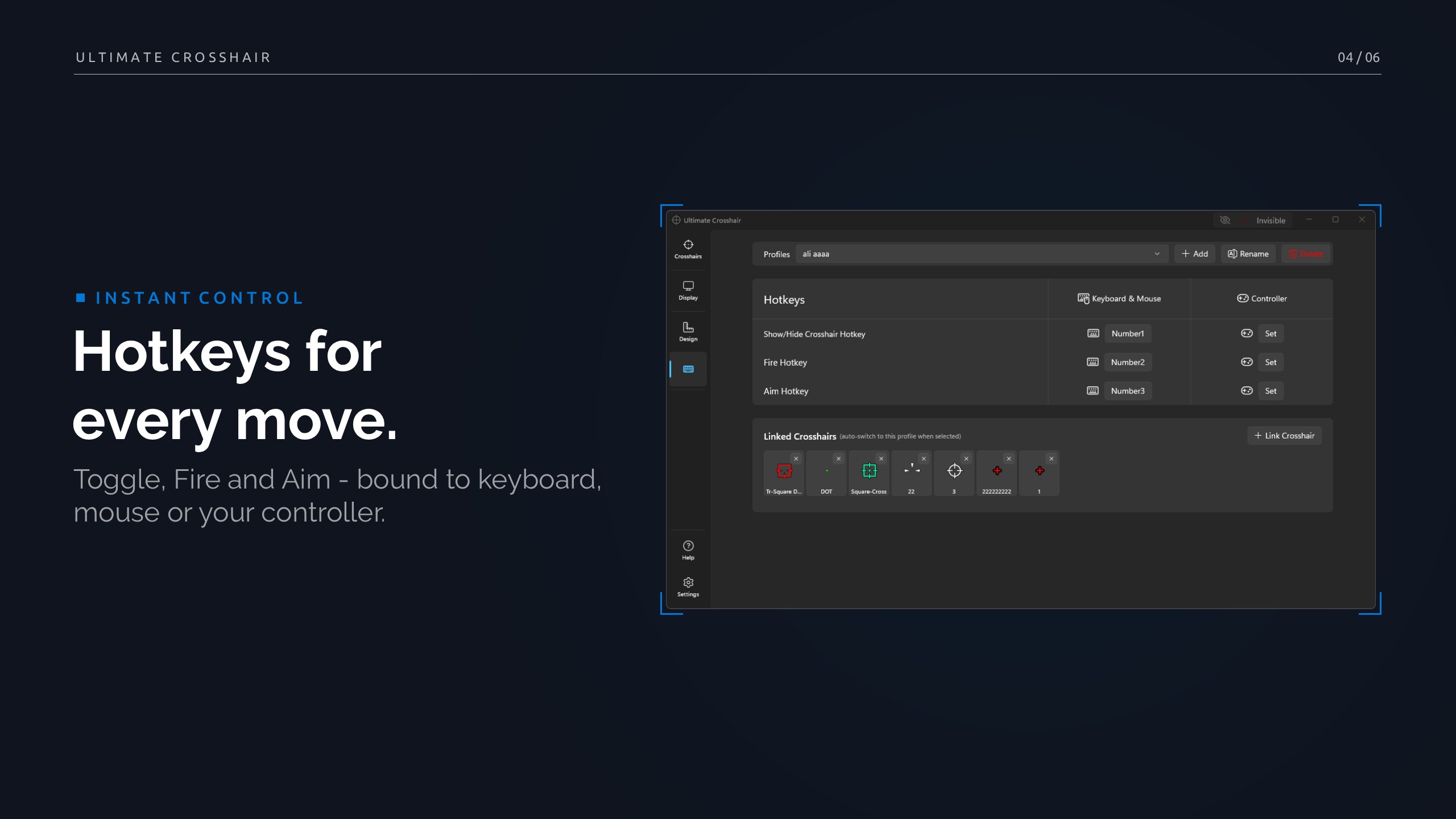
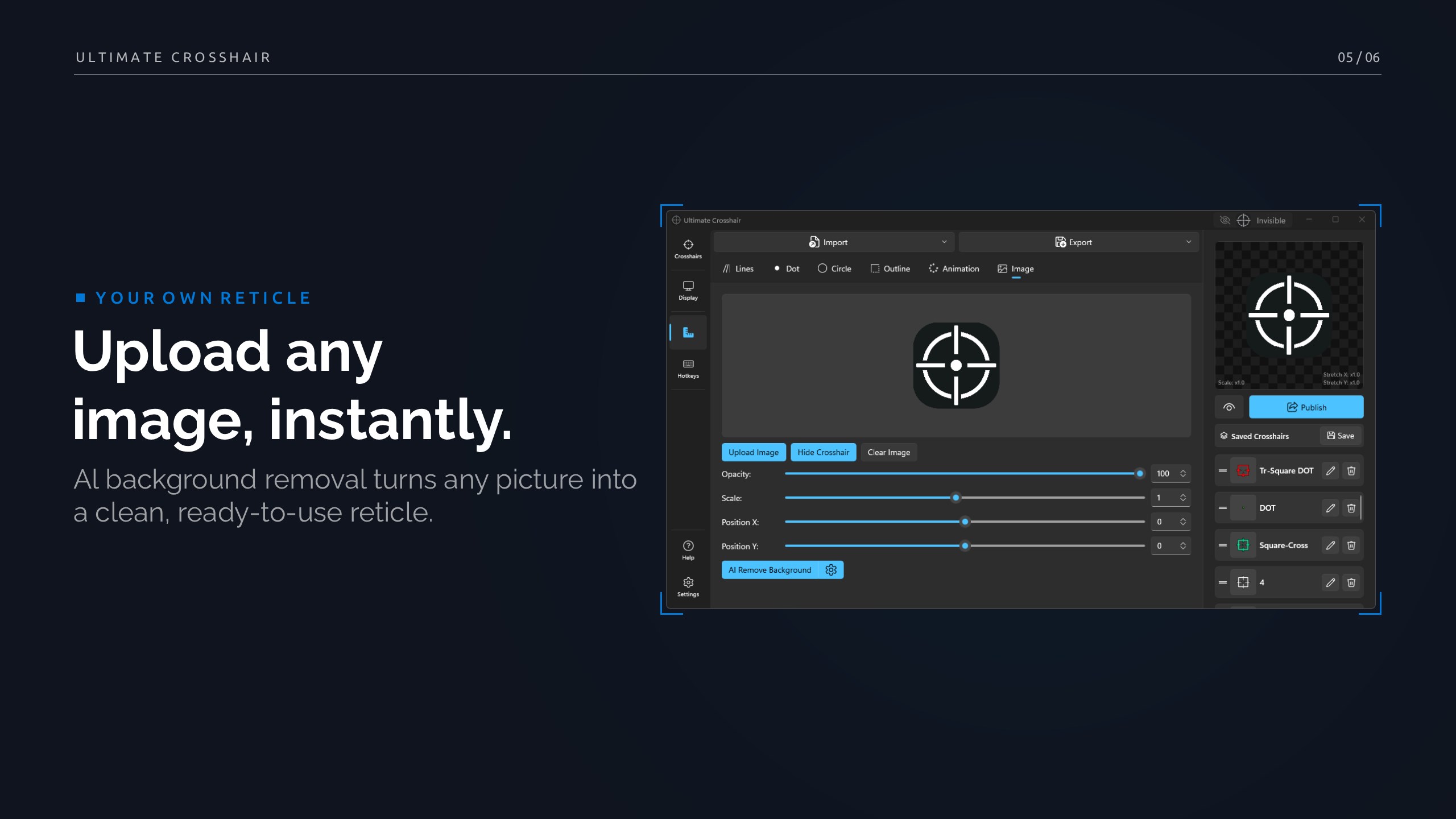
Ultimate Crosshair gives you a pixel-perfect gaming crosshair overlay designed for accuracy and minimal system impact. Customize every detail — lines, dot, circle, outline, blur, rotation and image-based reticles — then save, switch or import presets with a click. Use Fire and Aim animation effects that you can bind to keys for instant visual feedback. Built for all display modes and multi-monitor setups, the app runs quietly in the background with low CPU usage and a sleek dark-mode interface. Presets and diagnostics are optional and only shared with your consent. Key features • Fully customizable crosshairs — color, thickness, length, gap (offset), opacity and blur. • Optional circle mode with size and thickness control. • Outline (stroke) support: choose color, thickness and opacity. • Round or square line caps; optional triangular caps for unique styles. • Use built-in crosshairs or upload your own image as a reticle. • Save, export and import presets; switch designs instantly. • Fire & Aim animations with assignable global hotkeys. • Global key bindings: toggle, Fire, Aim and quick preset switching. • Multi-monitor & display-mode aware — works with fullscreen, borderless and windowed games. • Low CPU & VRAM footprint — optimized for smooth gameplay. • Sleek, modern dark-mode UI and accessible controls. • Opt-in telemetry and user-controlled diagnostics for privacy-first support.
Utilities · Windows · Free
Rating: 4.2 out of 5, based on 27 user ratings.