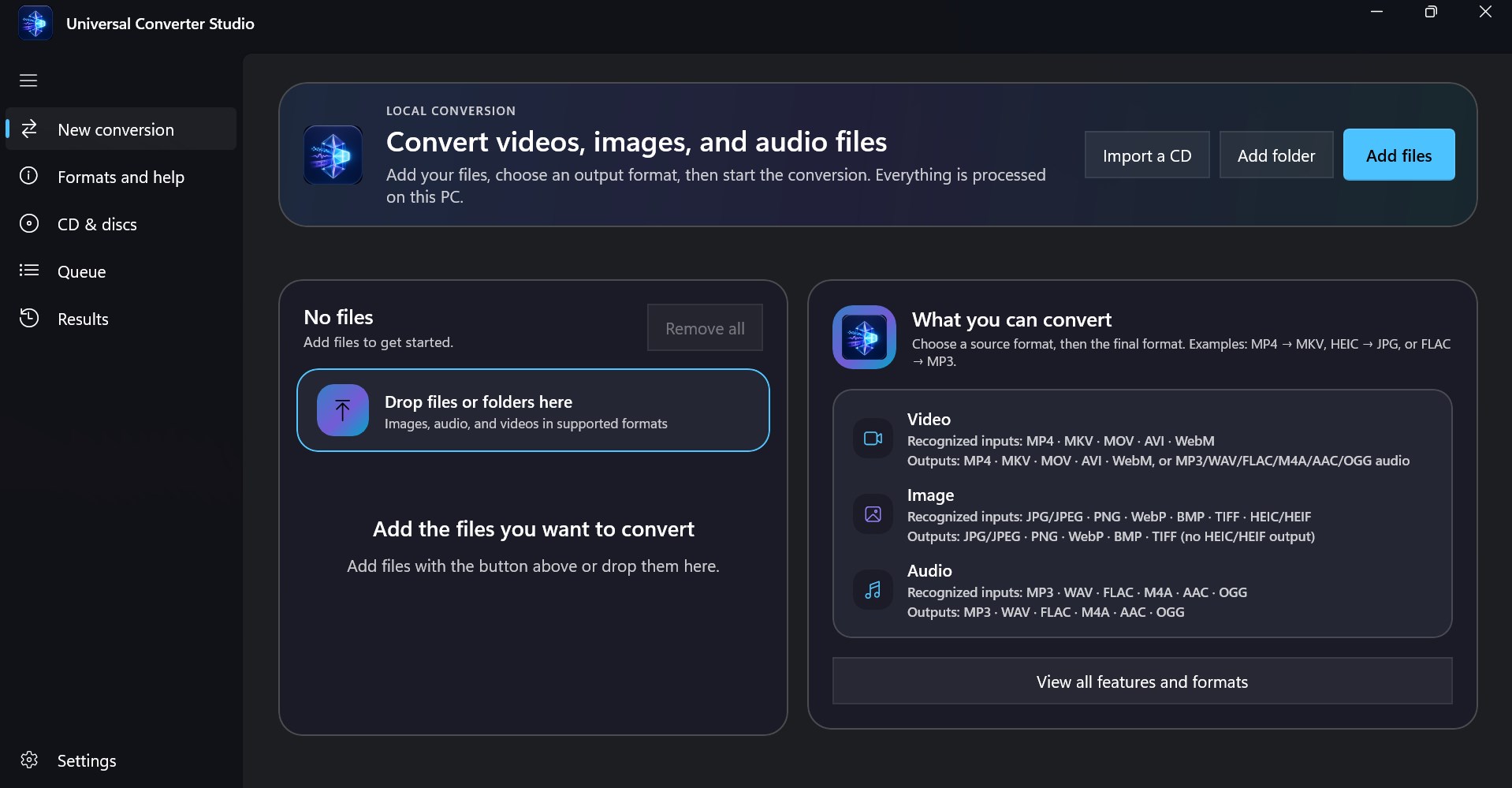
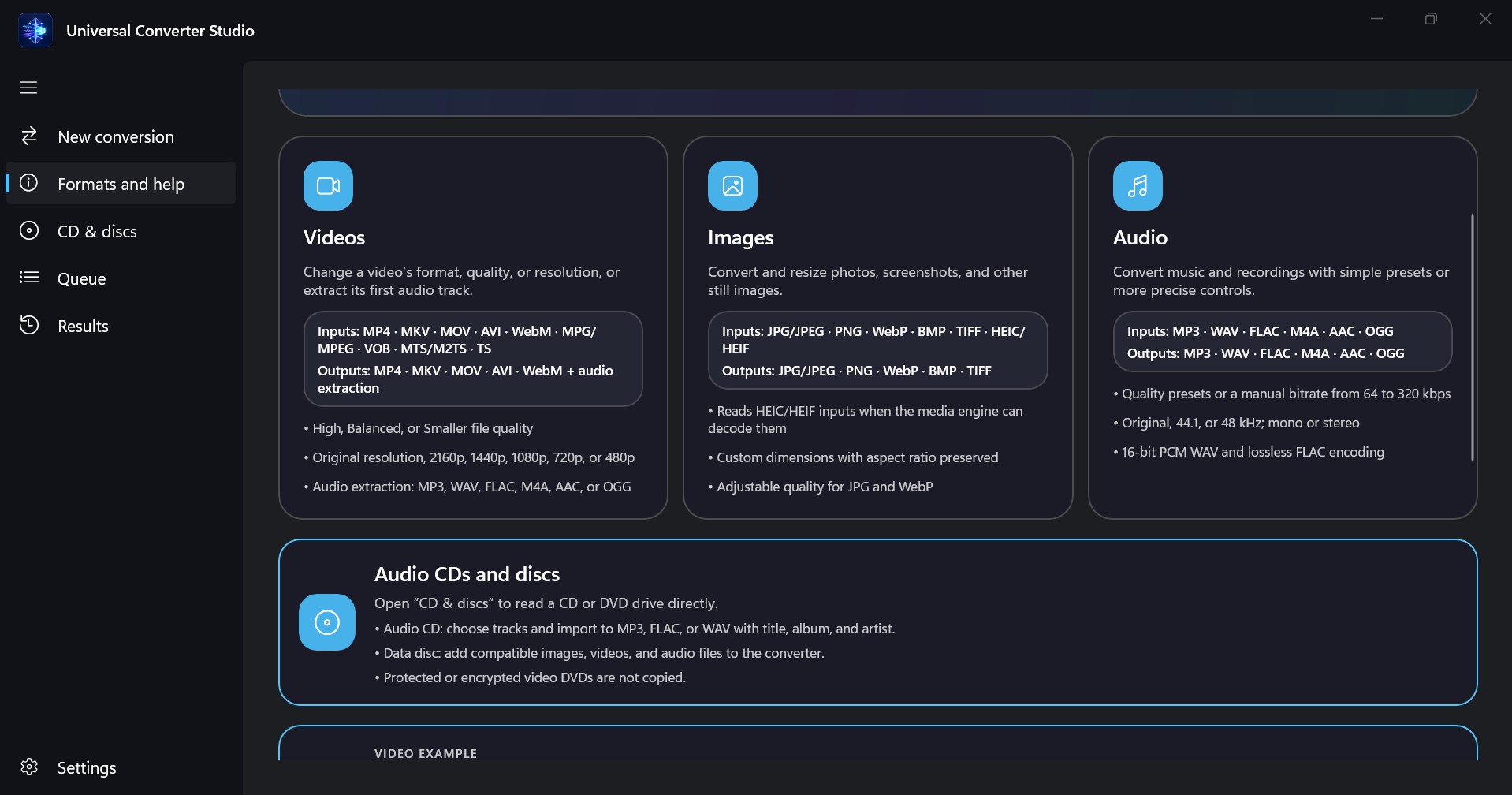
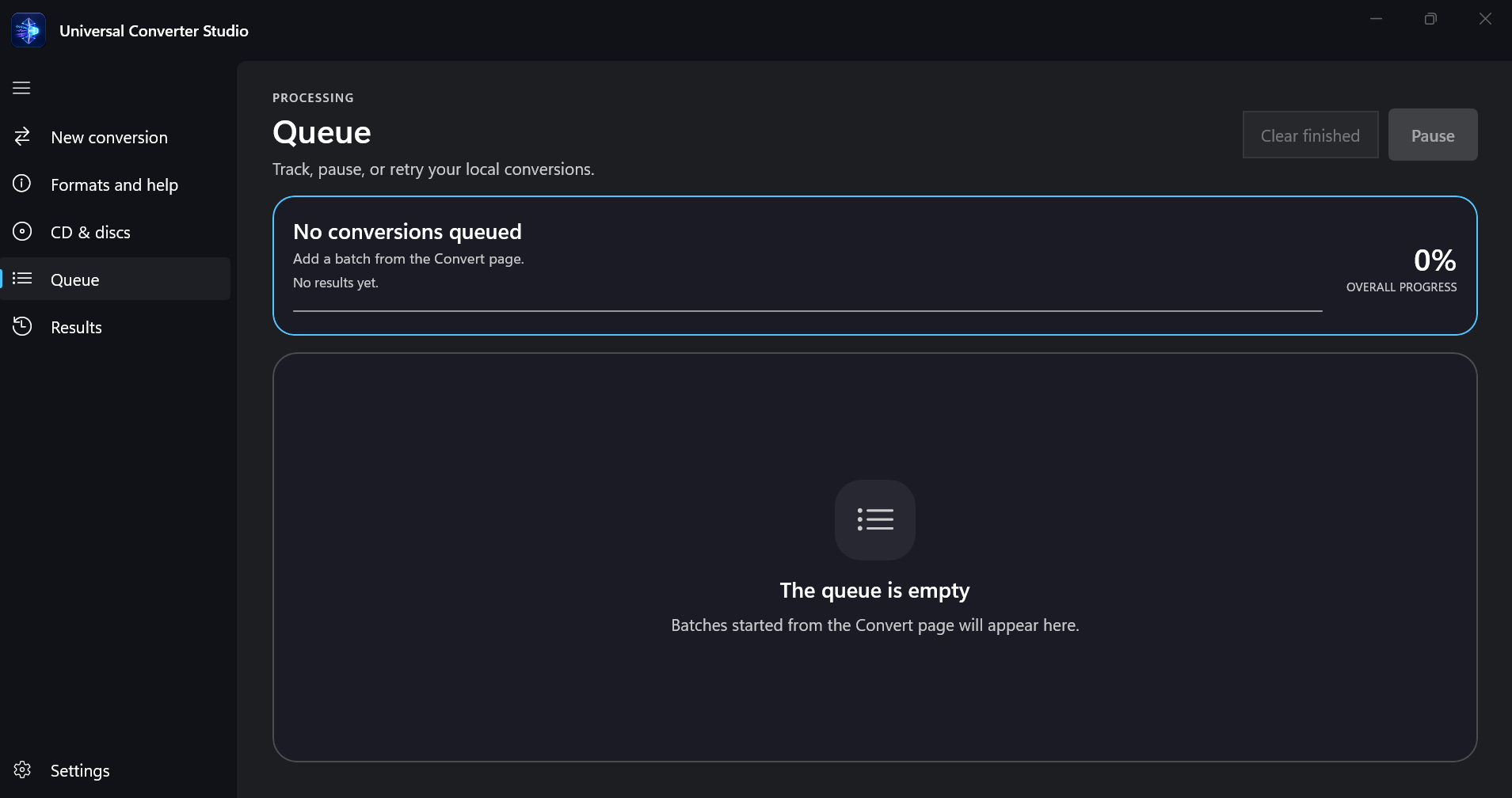
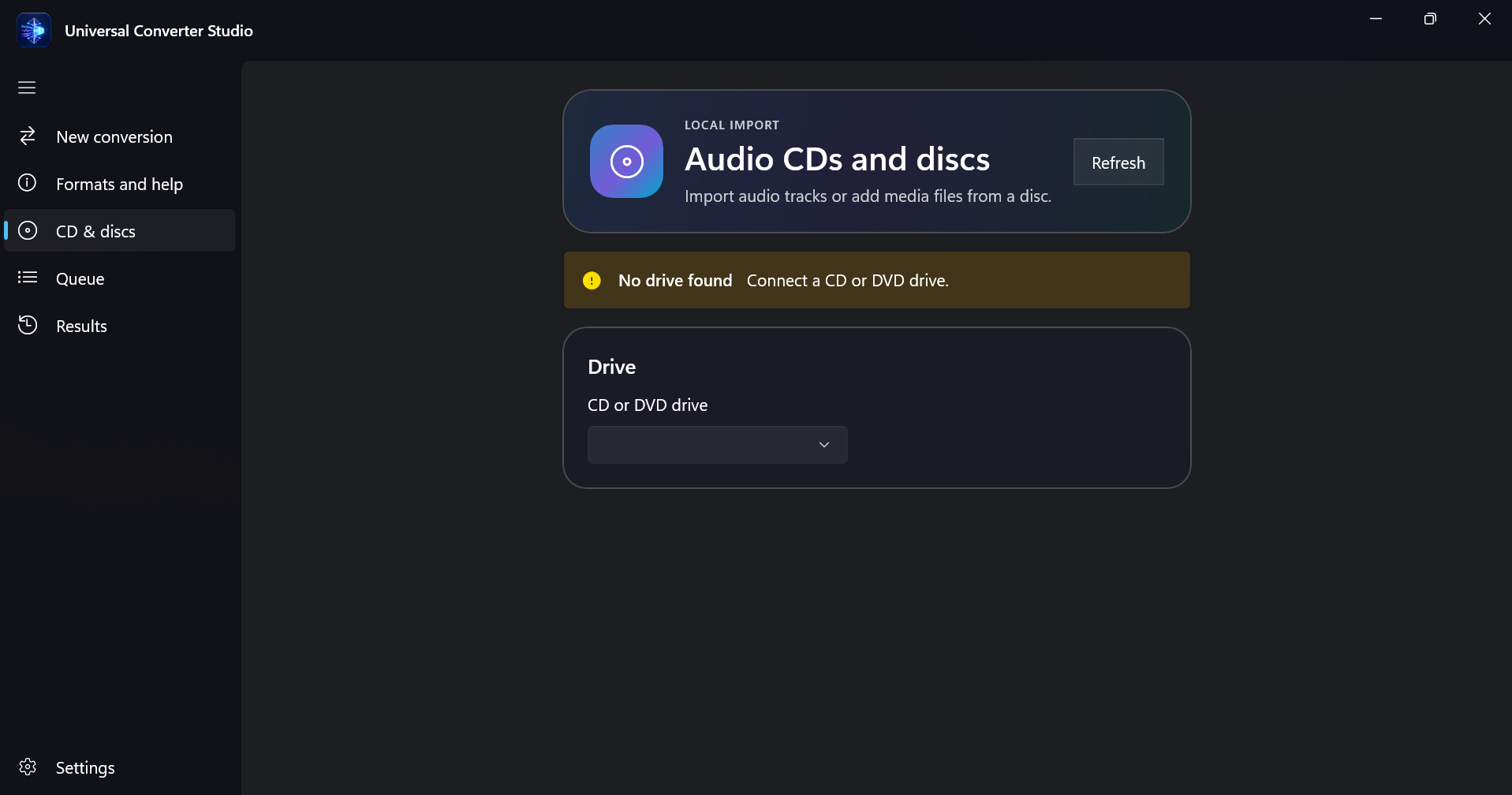
CONVERT YOUR FILES. KEEP THEM PRIVATE. Universal Converter Studio handles everyday image, audio, and video conversions directly on your Windows PC. Add files, folders, or mixed batches, choose the output, and follow every job in a clear queue. Nothing is uploaded. AUDIO CDS AND DATA DISCS Import tracks from unprotected audio CDs to MP3, FLAC, or WAV. Choose the tracks, MP3 quality, titles, album, artist, and destination folder. CD-Text is used when available, with no online lookup. You can also add supported images, audio files, and videos directly from a data CD or DVD. VOB, MPG, MPEG, TS, MTS, and M2TS files are accepted as video inputs. IMAGE CONVERSION Inputs: JPG/JPEG, PNG, WebP, HEIC/HEIF, BMP, and TIFF. Outputs: JPG/JPEG, PNG, WebP, BMP, and TIFF. Resize images while keeping their proportions and adjust JPG or WebP quality. HEIC and HEIF are input-only in this version. AUDIO CONVERSION Inputs and outputs: MP3, WAV, FLAC, M4A, AAC, and OGG. Extract the first audio track from a video or convert an audio CD to MP3, FLAC, or WAV. VIDEO CONVERSION Main inputs: MP4, MKV, MOV, AVI, and WebM. Additional inputs: MPG, MPEG, VOB, TS, MTS, and M2TS. Outputs: MP4, MKV, MOV, AVI, and WebM. Keep the original resolution or choose 2160p, 1440p, 1080p, 720p, or 480p. MP4, MKV, and MOV use H.264 + AAC; AVI uses MPEG-4 Part 2 + MP3; WebM uses VP9 + Opus. Hardware acceleration is used when available, with an automatic CPU retry if needed. SAFE BATCH PROCESSING Pause or resume the queue, cancel a job, retry a failure, and open completed files from local history. The app writes to a temporary file, validates the result, and then publishes it. Source files are never modified, moved, or deleted. Existing files are not silently overwritten. NO ACCOUNT. NO CLOUD. NO SUBSCRIPTION. There is no account, conversion server, advertising, or subscription. Settings, queue, history, and diagnostics remain on this PC. GOOD TO KNOW Universal Converter Studio is a converter, not a video editor, and it does not bypass disc protection. Subtitles, multiple tracks, MKV attachments, and HDR or Dolby Vision information are not preserved. Conversion cannot restore quality already lost in the source. Requirements: x64 PC running Windows 10 22H2 or later. A compatible CD/DVD drive is required for disc import.
Utilities · Windows · $1.89