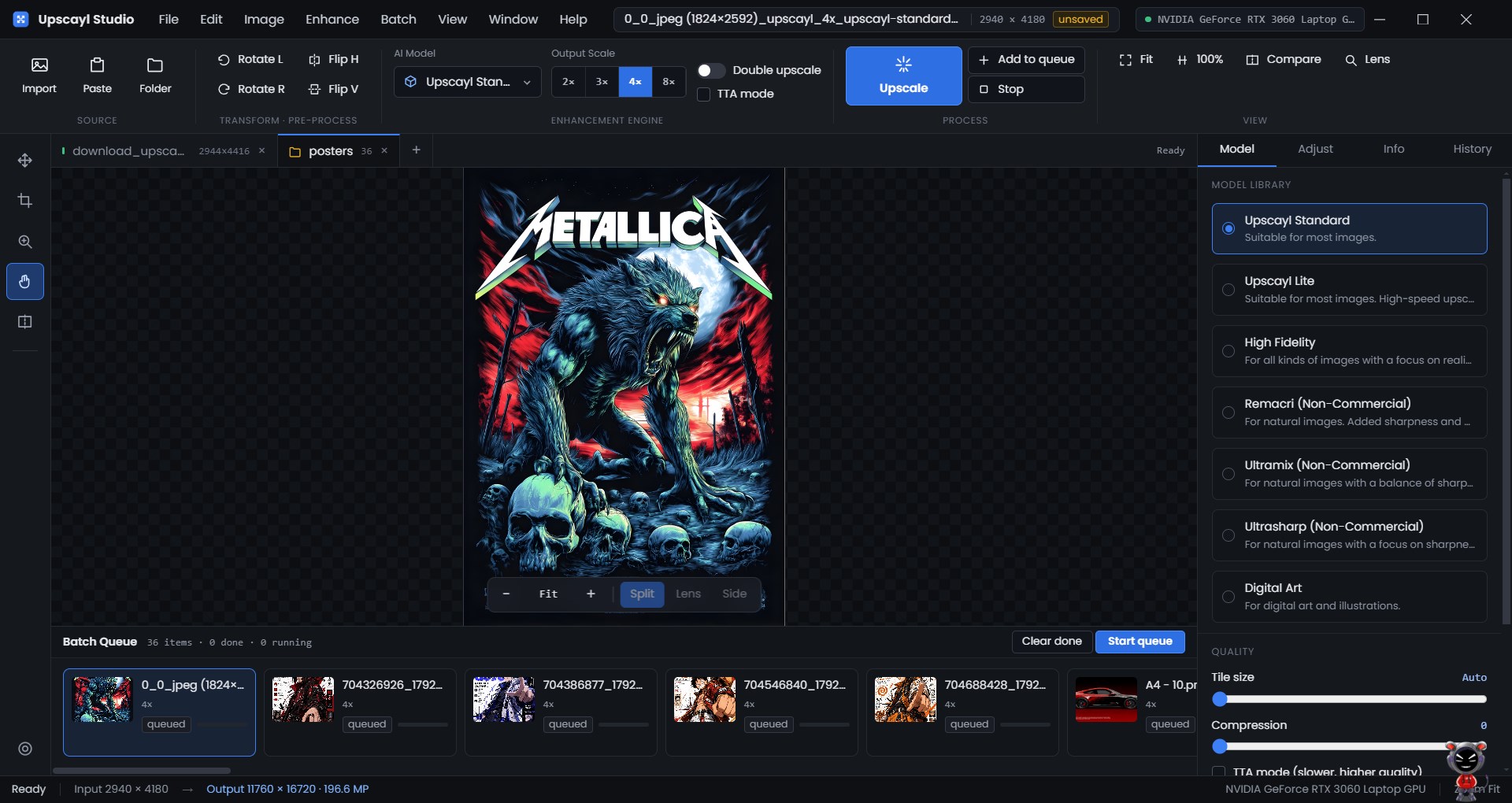
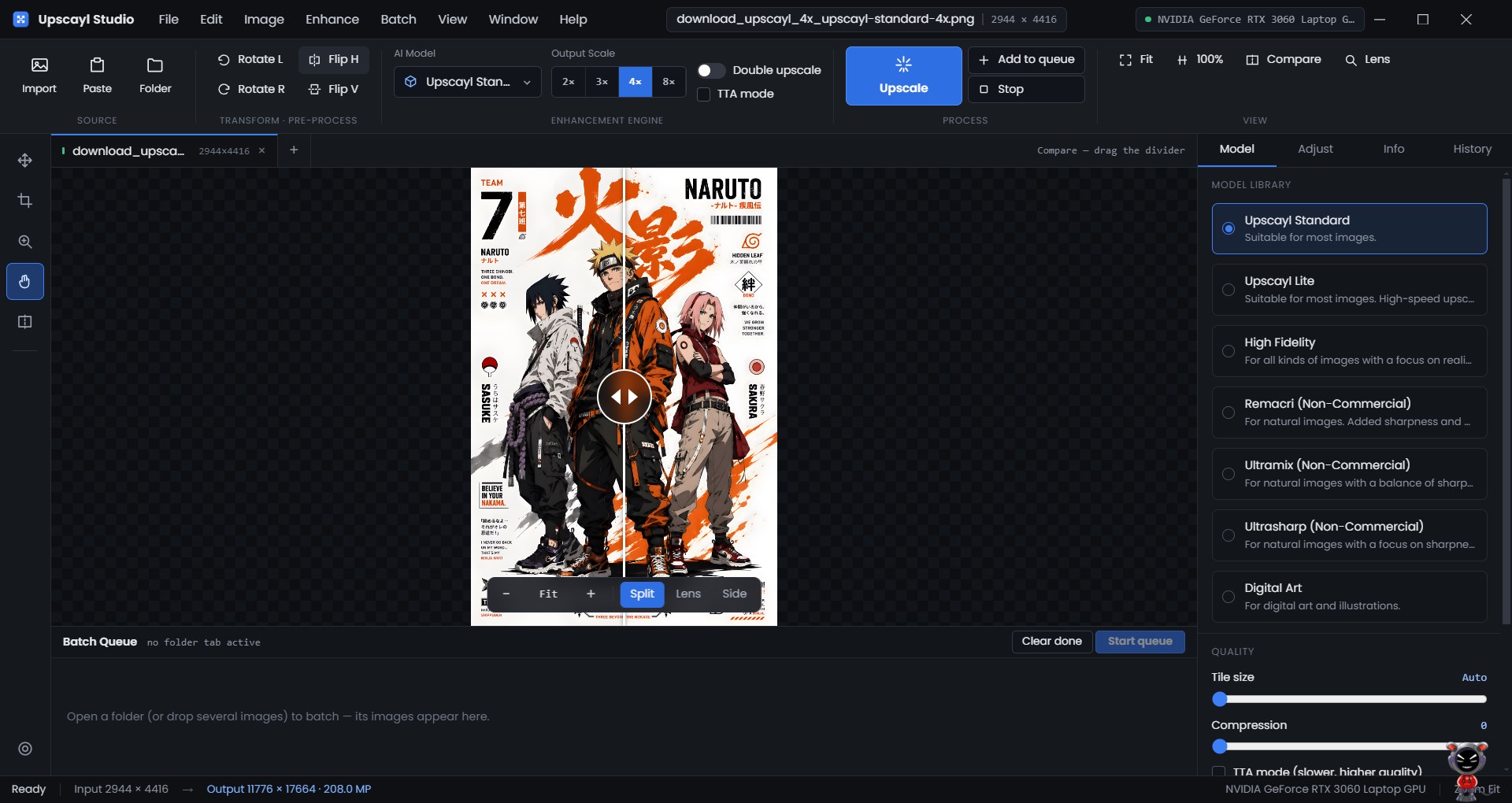
Upscayl Studio enlarges your images up to 4x — or 16x — using AI, entirely on your own PC. No uploads, no accounts, no subscriptions, no internet required. Old family photos, low-resolution artwork, product shots, game textures, screenshots: Upscayl Studio reconstructs detail that simple resizing can only blur. It runs the upscaling on your graphics card, so your images never leave your computer. SEVEN AI MODELS INCLUDED Each model is tuned for a different kind of image, so you can pick the look you want: • Upscayl Standard — the balanced all-rounder, best starting point • Upscayl Lite — faster, lighter on your GPU • High Fidelity — keeps fine detail close to the original • Remacri — sharp, textured results for photographs • Ultramix Balanced — a middle ground between sharp and smooth • UltraSharp — maximum crispness • Digital Art — built for illustrations, anime, and painted artwork You can also drop in your own NCNN models if you have a favourite. BATCH AND FOLDER PROCESSING Point Upscayl Studio at a whole folder and it works through every image in a visible queue, one after another, while you do something else. Stop and resume whenever you like. FULL CONTROL OVER OUTPUT • Save as PNG, JPG, JPEG, JFIF, or WebP • Set your own compression level • Set an exact output width and let the height follow automatically • Preserve original EXIF metadata • Choose which GPU to use if your PC has more than one • Double Upscayl for up to 16x on images that can take it BUILT FOR COMPARING The studio workspace gives you a proper canvas with a before/after preview, so you can judge a model at 100% zoom instead of guessing from a thumbnail. PRIVATE BY DESIGN All processing happens locally through a bundled AI engine. Your images are never uploaded, never stored on a server, and never used to train anything. The app works with no internet connection at all. FREE AND OPEN SOURCE Upscayl Studio is free software under the AGPL-3.0 licence, with the full source code available at https://github.com/OpenScaleOrg/upscayl. Available in 20 languages. REQUIREMENTS A Vulkan-capable GPU is strongly recommended. Integrated graphics will work but will be slower.
Photo & Video · Windows · Free