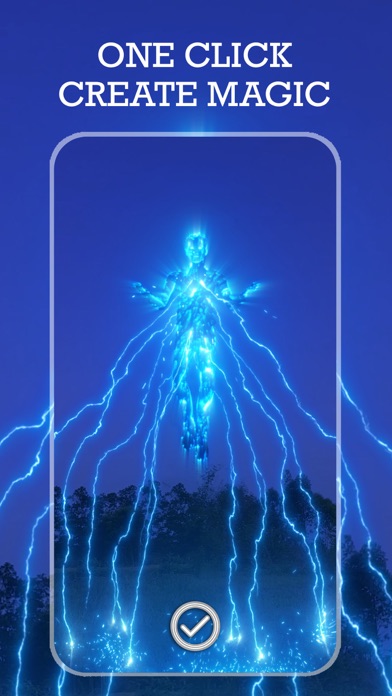
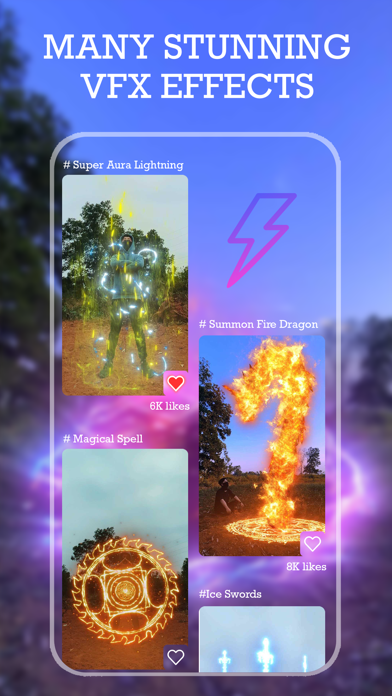
Turn any clip into a superhero movie scene. VFX Editor adds Hollywood-style special effects to your videos in seconds — no editing skills needed. Fire control, lightning balls, laser swords, magic circles, a planet in your hand… all the magic effects you want are in VFX Editor. HOW IT WORKS - Pick an effect, record with the on-screen guide, done - Or import a video you already have from your gallery - Adjust the effect's size, position, rotation and color - Save in HD and share to TikTok, Instagram, Facebook, X and more FEATURES - 240+ VFX templates: superpowers, fire, thunder, neon, laser beams, glitch, rain, snow, particles - Real-time camera guide, beginner friendly - Fast export straight to your photo library - New effects added regularly Whether you're just having fun or creating for social media, making a masterpiece has never been easier. VFX EDITOR PRO - Unlock all FX templates - Remove ads and watermark Subscription terms: - VFX Editor Pro is offered as a weekly or yearly auto-renewing subscription. - Payment is charged to your Apple ID account at confirmation of purchase. - The subscription renews automatically unless auto-renew is turned off at least 24 hours before the end of the current period. - Your account is charged for renewal within 24 hours before the end of the current period. - Manage or cancel your subscription in your App Store account settings after purchase. - Any unused portion of a free trial, if offered, is forfeited when you purchase a subscription. Privacy Policy: https://policy.cprmediatech.com/privacy_policy.html Terms of Use: https://policy.cprmediatech.com/term_of_use.html Questions or suggestions? Contact us at contact@cprcorp.com
Photo & Video · iPhone, iPad · Free
Rating: 4.6 out of 5, based on 1119 user ratings.