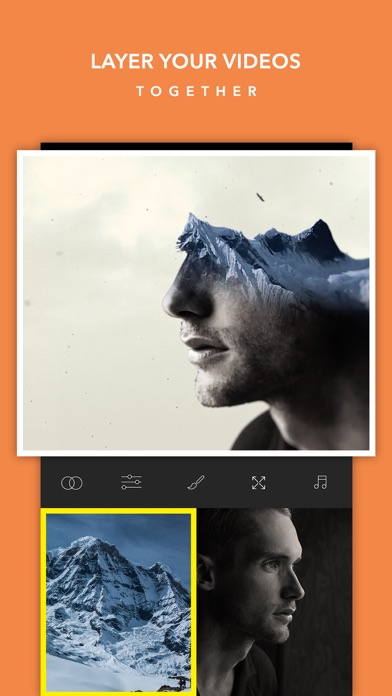
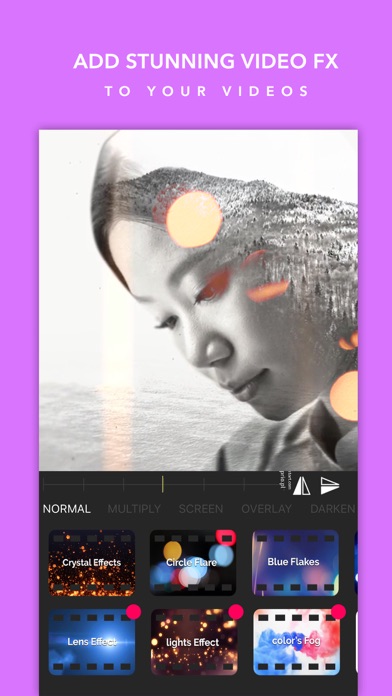
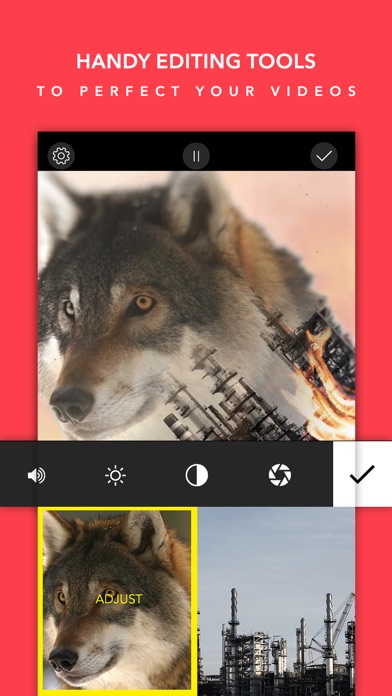
Create double exposure videos with ease. Add music, effects, do color corrections like a pro, then save and share We are excited about our easer tool that allows you to detail your blends and create something truly unique. 5 steps to create your master piece in easy steps: 1: Select your foreground and background videos 2: Select your desired blend mode and increase or decrease transparency 3: Adjust color, or brightness and contrast 4: Erase any unwanted areas 5: Add music from your phone Then save and share Just want to add one of our cool effects? Simply add the video and click on the foreground selector and go to Fx Gallery. That simple :)
Photo & Video · iPhone, iPad · Free
Rating: 3.3 out of 5, based on 155 user ratings.