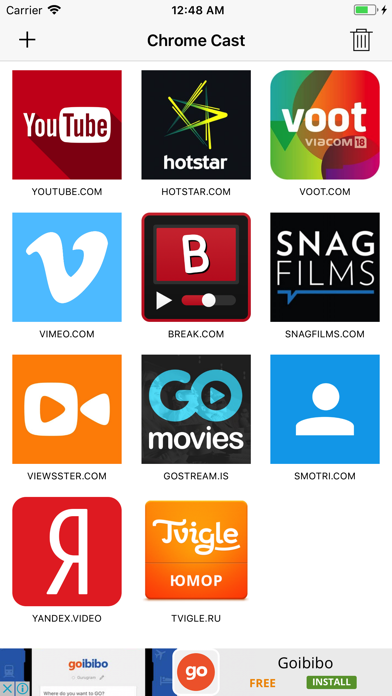
Video Casting for Cast Devices allow to streams Web videos to Cast Devices connected TV and control video playback from your iPhone, iPad,iPod device directly It supports more than 300+ popular video website. Just browse video from website and cast your favorite video to Chromcast in just one click How To: - in Video Casting for the Cast Device app, Open your favorite video website - Select Your Cast device and stream video on large Screen of your TV Feature: - Add Website shortcut for instant Access - More than 300+ popular video website supports - Video Playback control in app (Play, Push, Stop, forward and rewind)
Utilities · iPhone, iPad · Free