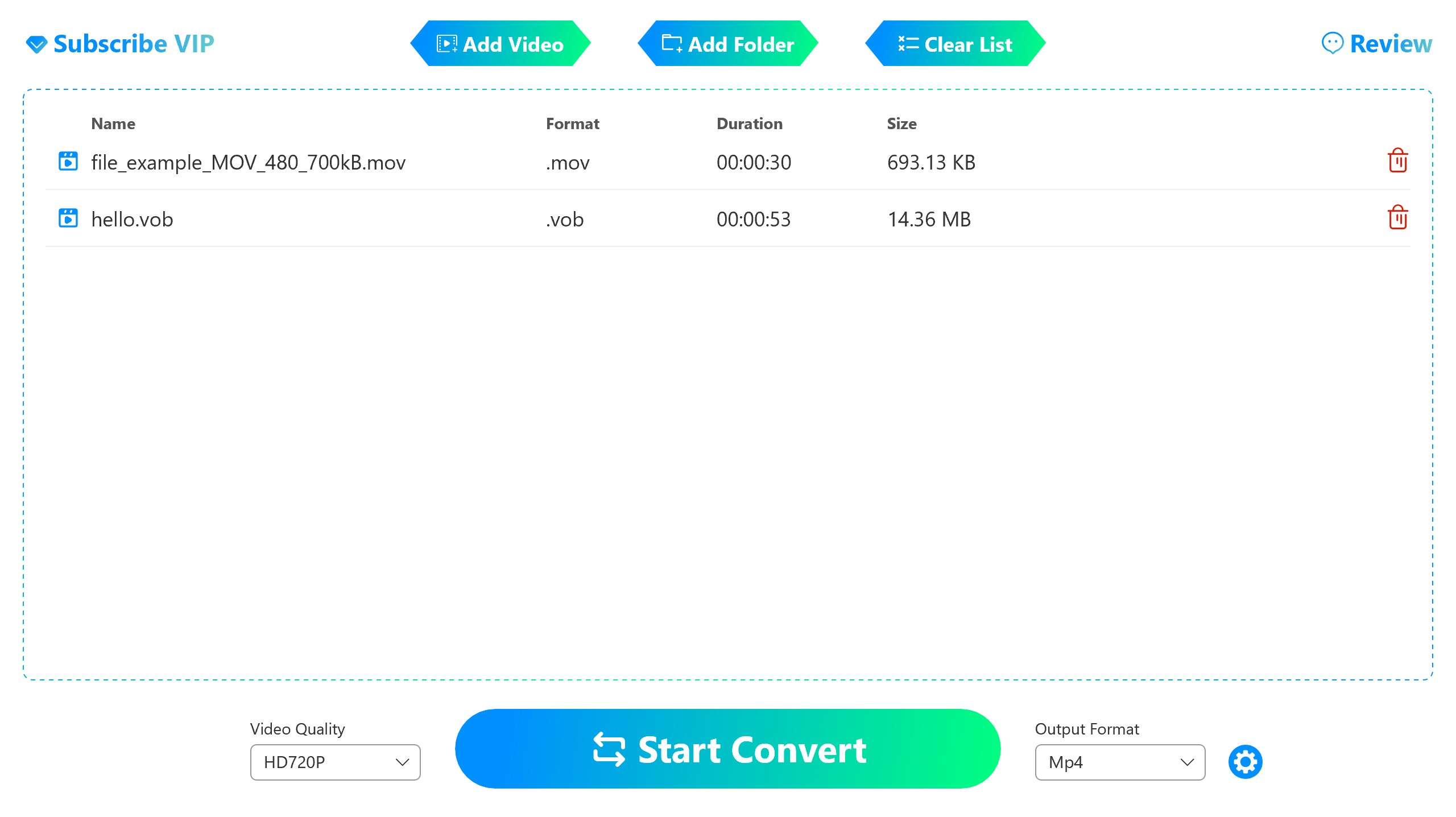
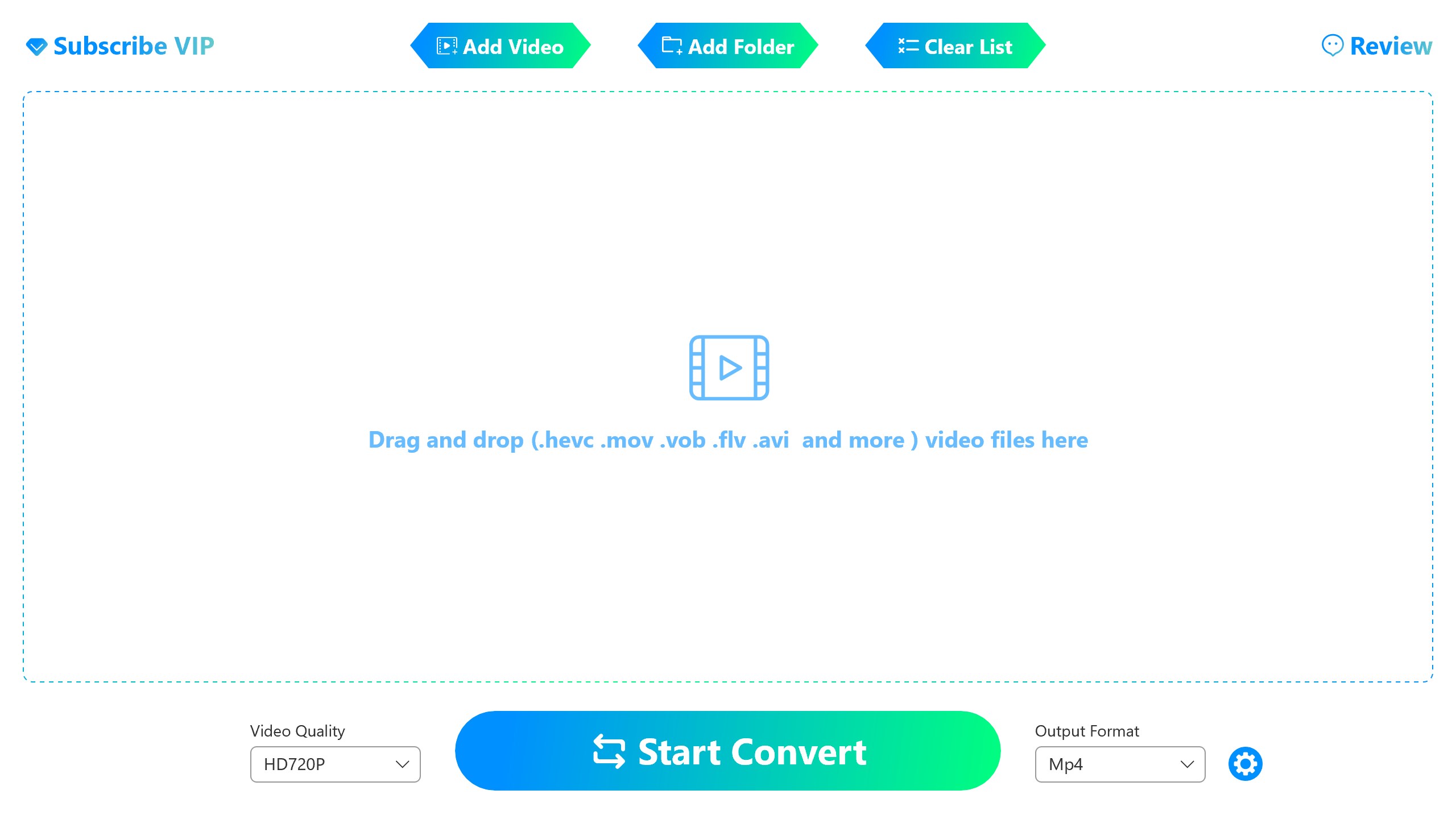
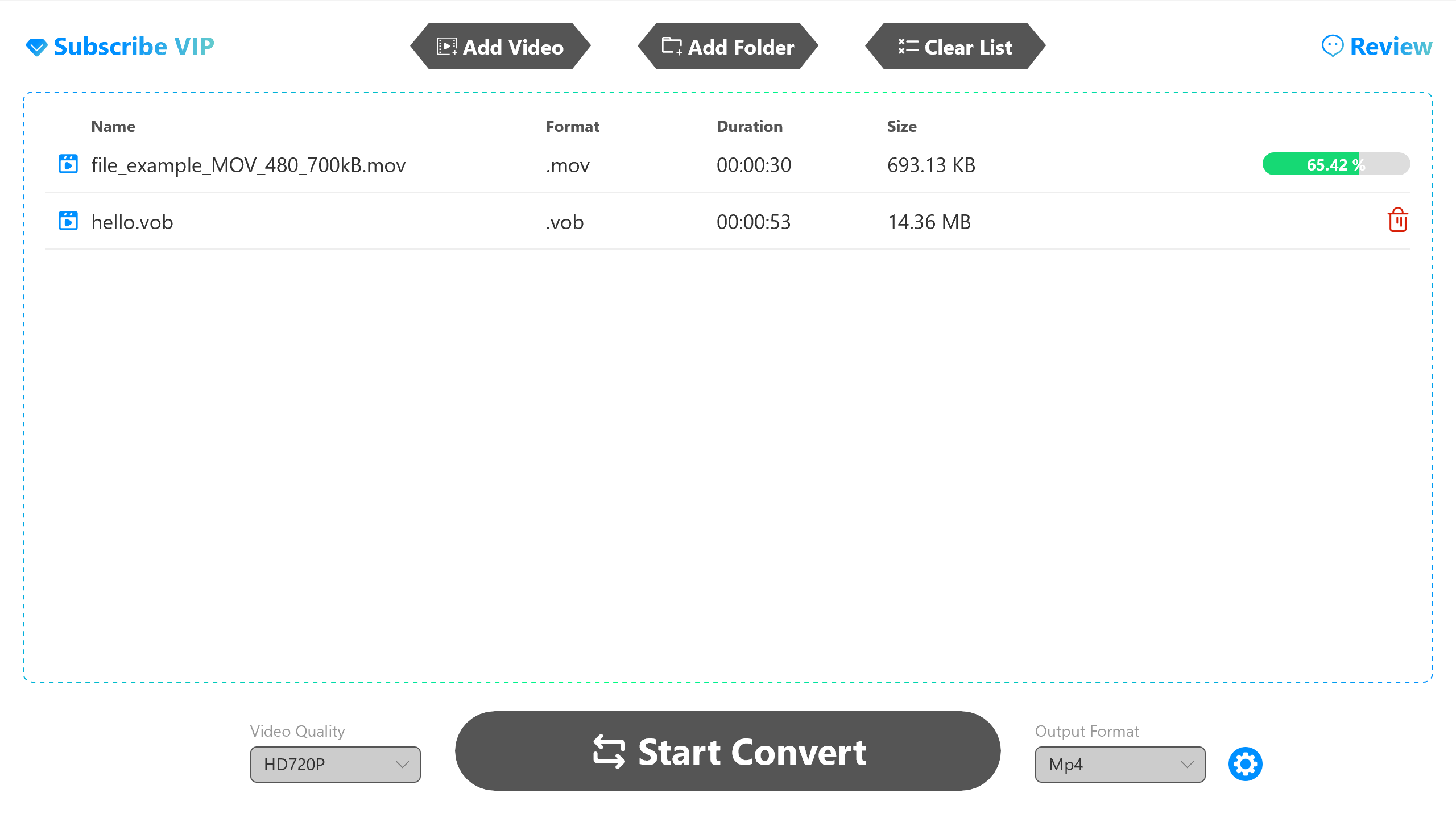
Video Converter Pro - HEVC Convert is an efficient and user-friendly tool designed to convert various video formats that are often incompatible with Windows media players. With this app, you can easily convert videos like `.hevc`, `.vob`, `.m4v`, `.rmvb`, `.flv`, `.mov`, and more into widely supported formats like `.mp4` and `.wmv` for smooth playback. 🎥 Key Features: 1. High-Quality Video Conversion 📺 Supports high-definition conversions, including 720p, 1080p, 2K, and 4K, ensuring your videos retain top-notch clarity after conversion. 2. Batch Conversion 🔄 Save time by converting multiple videos simultaneously, making it easier to manage large files. 3. Simple and Easy to Use 🖱️ The intuitive interface allows you to complete conversions with just a few clicks, no technical expertise required. 4. Customizable Output Paths 📂 Choose your desired output folder, so you can quickly locate your converted files. 5. Hardware Acceleration Support ⚡ Experience faster conversion speeds with hardware acceleration support for optimized performance. How to Use: 1. Add Videos: Click the "Add Video" or "Add Folder" button to select the files you want to convert. 2. Start Conversion: Hit the "Start Conversion" button to begin the process. 3. View Converted Files: Once the conversion is complete, the output folder will open automatically, or you can click the green play button to watch the video directly. Whether you're looking to convert a single file or batch process a whole folder, Video Converter Pro - HEVC Convert is the perfect solution for seamless video conversion. 🚀 Free❤❤❤ 1. Having 3 free conversion opportunities. 2. Only 3 videos converted at a time. 3. Under 10 minutes can be converted. VIP❤❤❤❤❤❤❤❤❤❤❤❤ 1. Unlimited usage. 2. Support batch conversion. 3. No limit on video duration. 4. Multiple video resolutions to choose from.
Utilities · Windows · Free
Rating: 4.5 out of 5, based on 130 user ratings.