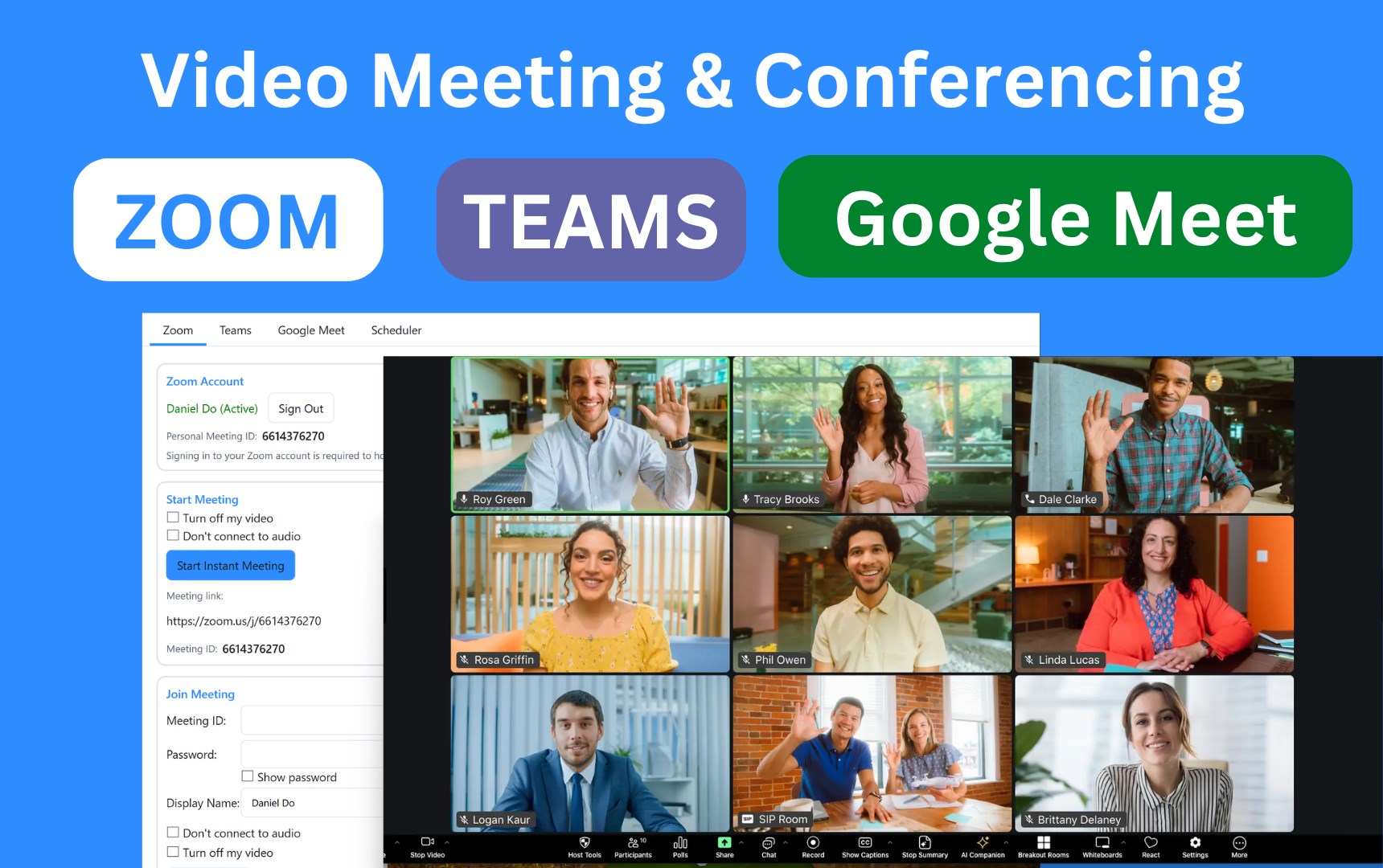
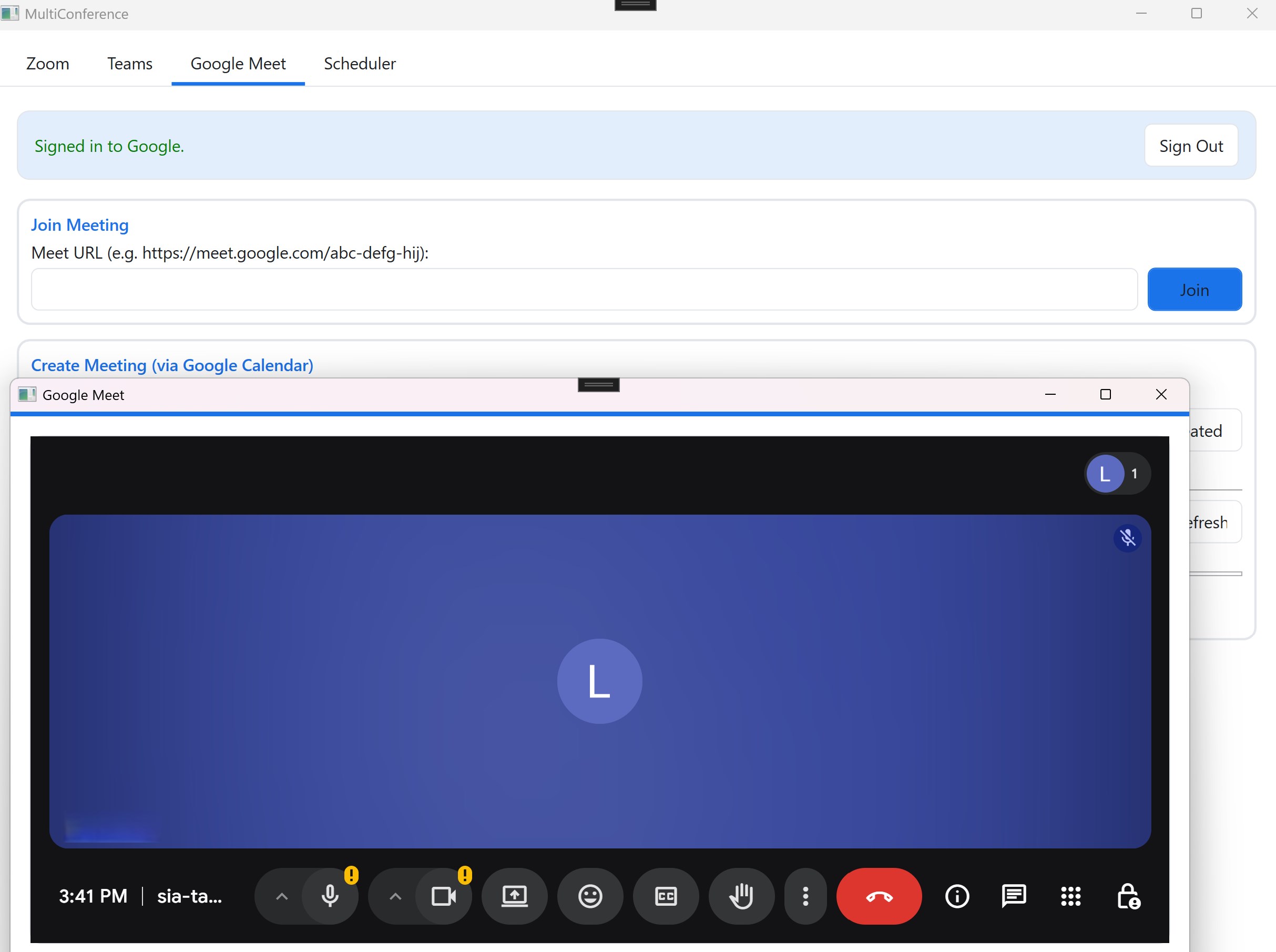
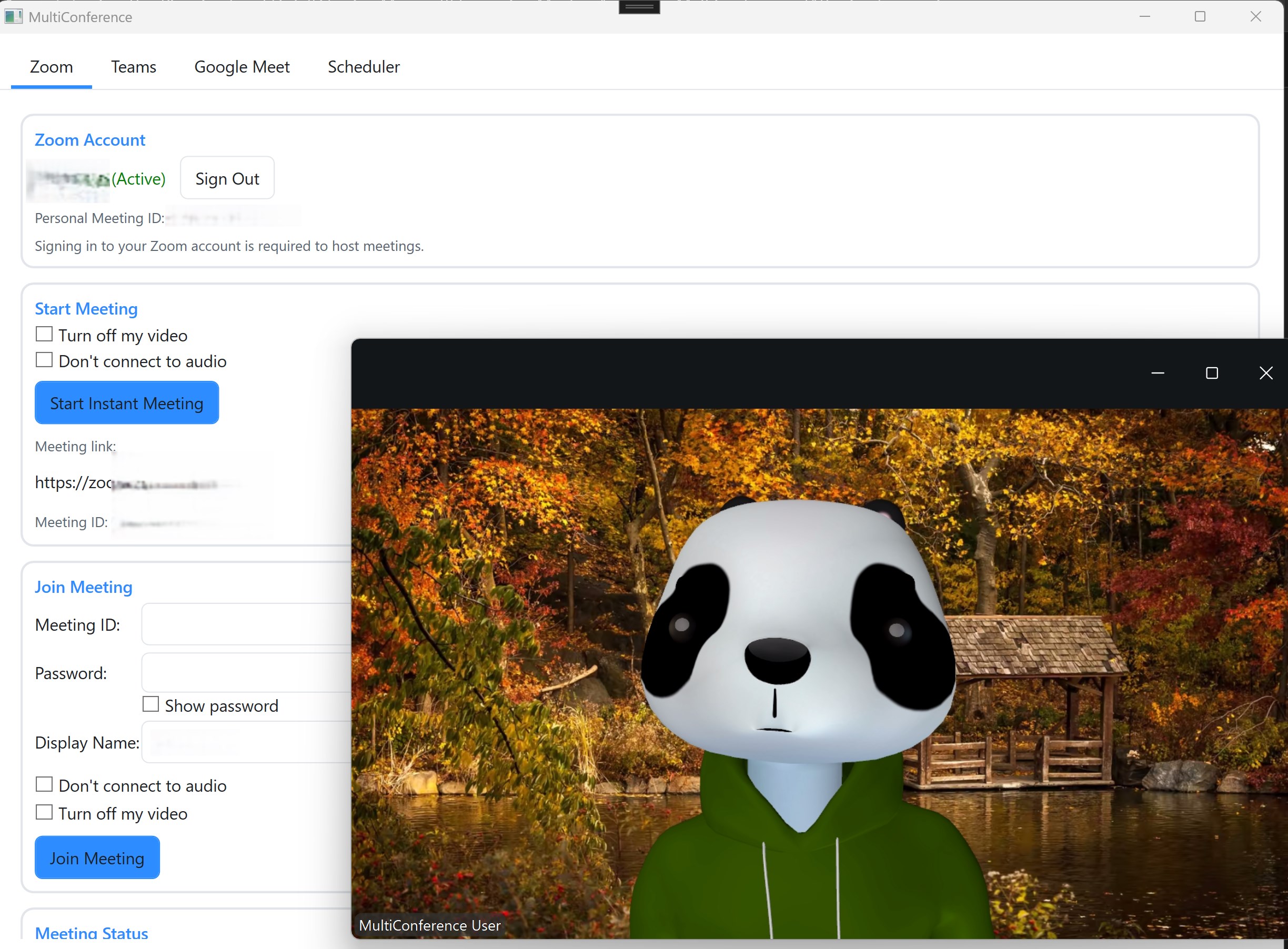
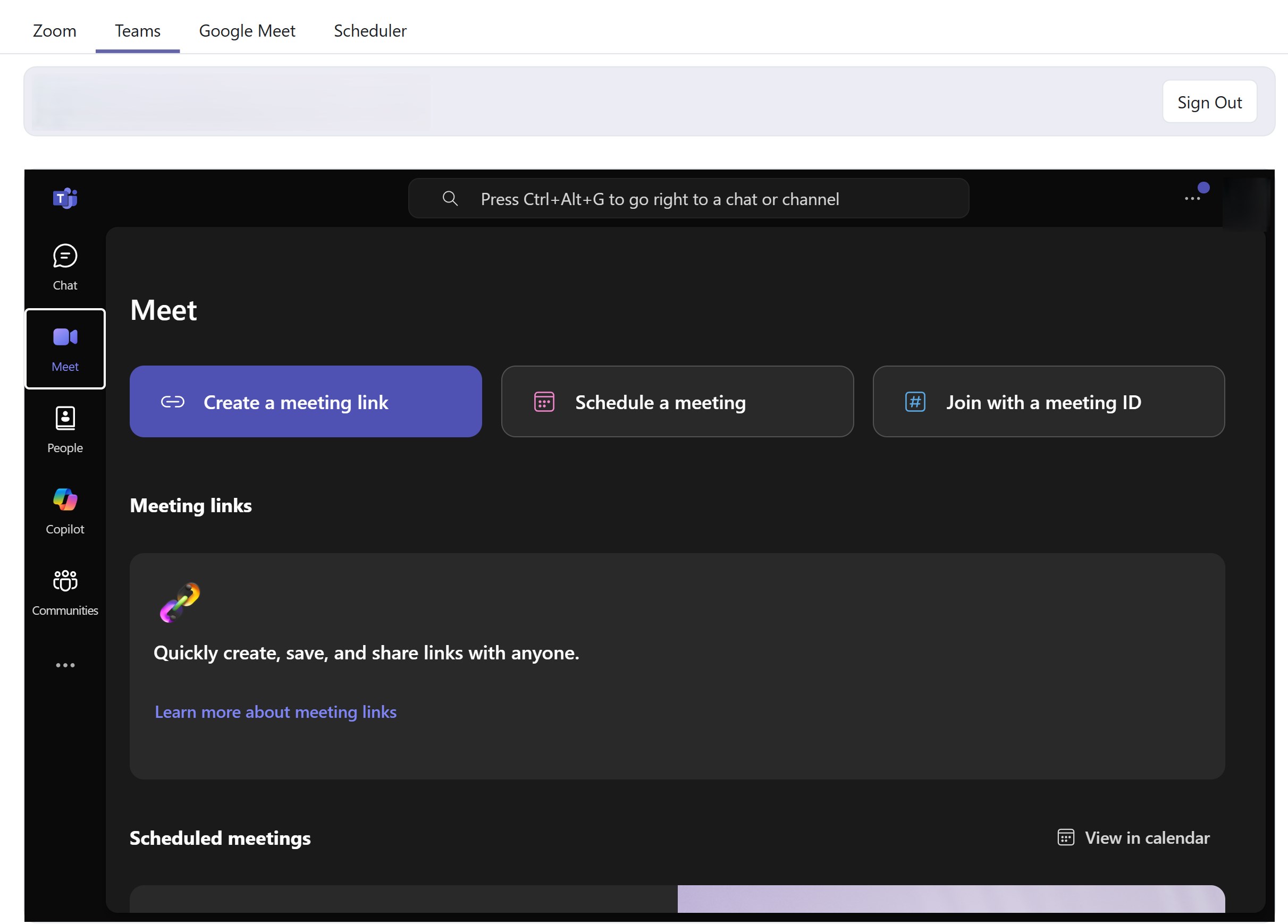
One Meeting is a unified meeting launcher that brings together Zoom, Microsoft Teams, and Google Meet into a single, easy-to-use Windows desktop application. Stop juggling multiple apps and browser tabs—launch and join all your video conferences from one central hub. Key Features ✅ Multi-Platform Support - Seamlessly connect to Zoom, Microsoft Teams, and Google Meet meetings without switching between different applications ✅ Smart Scheduler - Never miss a meeting again with built-in automatic meeting join functionality. Set your meetings to start at scheduled times and let the app handle the rest ✅ One-Click Join - Quickly join any meeting with a single click using meeting IDs, links, or scheduled events ✅ Unified Interface - Clean, intuitive design that puts all your video conferencing platforms in one place ✅ Automatic Meeting Launch - Schedule meetings in advance and have them automatically launch at the designated time ✅ Quick Access - Fast meeting entry for impromptu calls and scheduled conferences alike Supported Platforms Zoom - Full support for joining and starting Zoom meetings Microsoft Teams - Connect to Teams meetings and calls Google Meet - Join Google Meet video conferences Perfect For Remote workers managing meetings across multiple platforms Teams using different video conferencing tools Professionals who need quick access to various meeting platforms Anyone tired of switching between multiple meeting app Notes: This app cannot run on Windows S mode. Please switch out of S mode (https://support.microsoft.com/en-us/windows/switching-out-of-s-mode-in-windows-4f56d9be-99ec-6983-119f-031bfb28a307) before running the app Disclaimer: This app is an independent application and is NOT affiliated with, endorsed by, or officially connected to Zoom Video Communications, Inc., Microsoft Corporation, or Google LLC. Zoom, Microsoft Teams, and Google Meet are trademarks of their respective owners. This application serves as a launcher and interface to connect to third-party video conferencing services. Users must have valid accounts with the respective platforms (Zoom, Microsoft Teams, Google Meet) to use their services through this application.
Business · Windows · Free
Rating: 4.6 out of 5, based on 2899 user ratings.