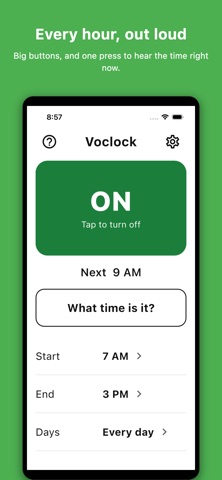
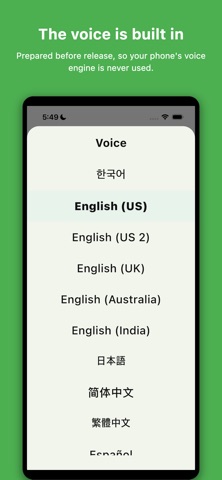
Know the time without looking at your phone. Voclock says the hour out loud, on the hour. Press "What time is it?" and it tells you the time right now. Made for when your hands are busy, your eyes are tired, or the screen is just too small to bother with. ■ Easy to see, easy to hear Large text, large buttons, and very few of them. Turn your phone's font size all the way up and the screen still works. Every button is labelled for VoiceOver, so it can be used by ear. ■ Four settings, and that is the whole app When it starts, when it stops, which days, and which voice. Nothing to download, nothing to set up, and it sounds the same on every phone. ■ What it does • Speaks the hour, every hour • "What time is it?" — press it and hear the time right now • Start and end times — silence while you sleep • Choose the days — weekdays, weekends, or any days you like • Three volume levels • Voices in Korean, English (US, UK, Australia, India), Japanese, Chinese (Simplified or Traditional), Spanish and French ■ No ads, nothing collected No ads, no purchases, no sign-in, no account. The only permission it asks for is the one that lets a notification make a sound. It works in airplane mode and sends nothing anywhere. Privacy policy: https://bonstandard.xyz/privacy_policy ■ One thing to know When your phone is in silent mode, iOS mutes every notification sound, including this one. Turn silent off to hear the hour. The "What time is it?" button works either way.
Utilities · iPhone, iPad · Free