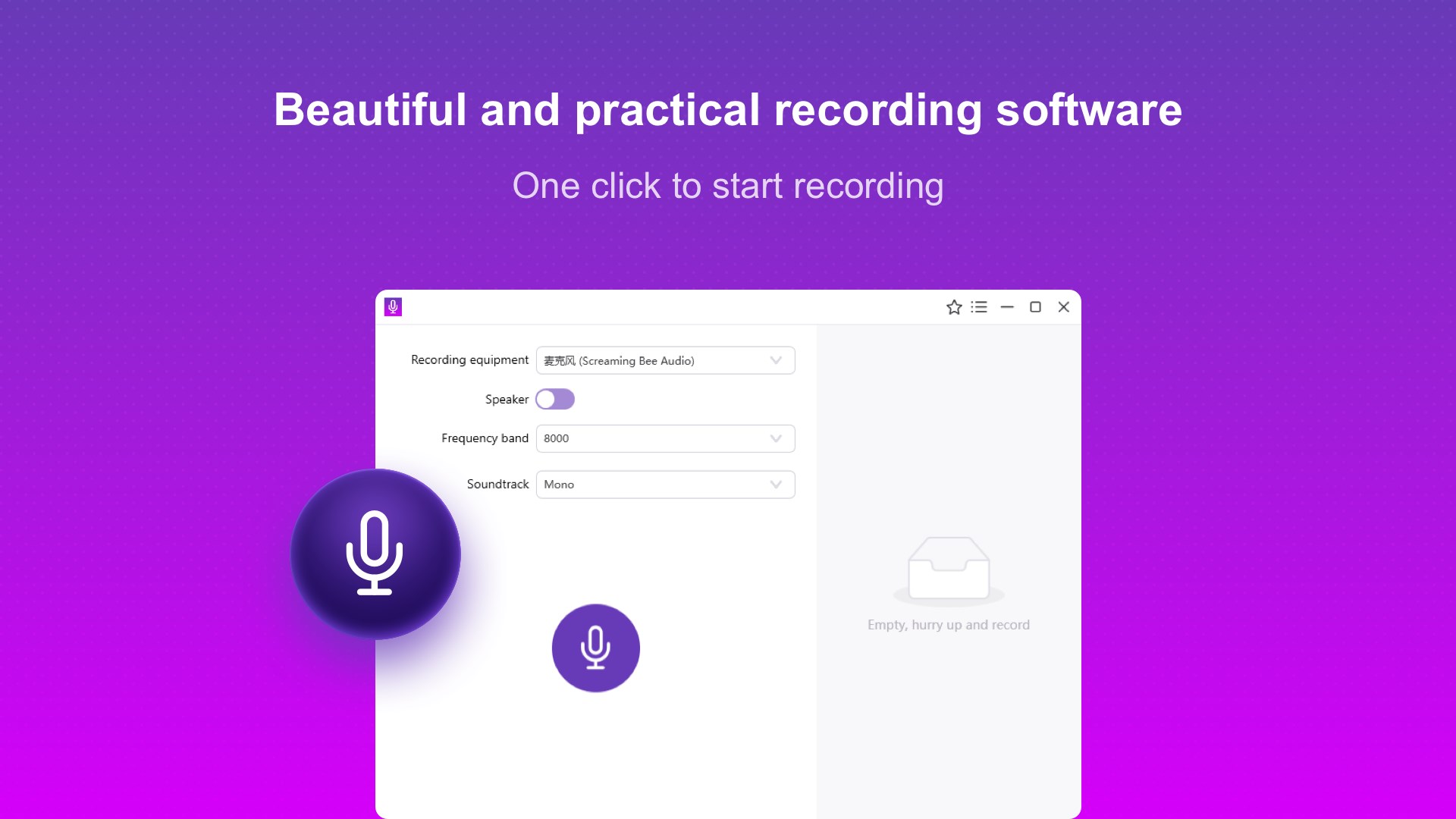
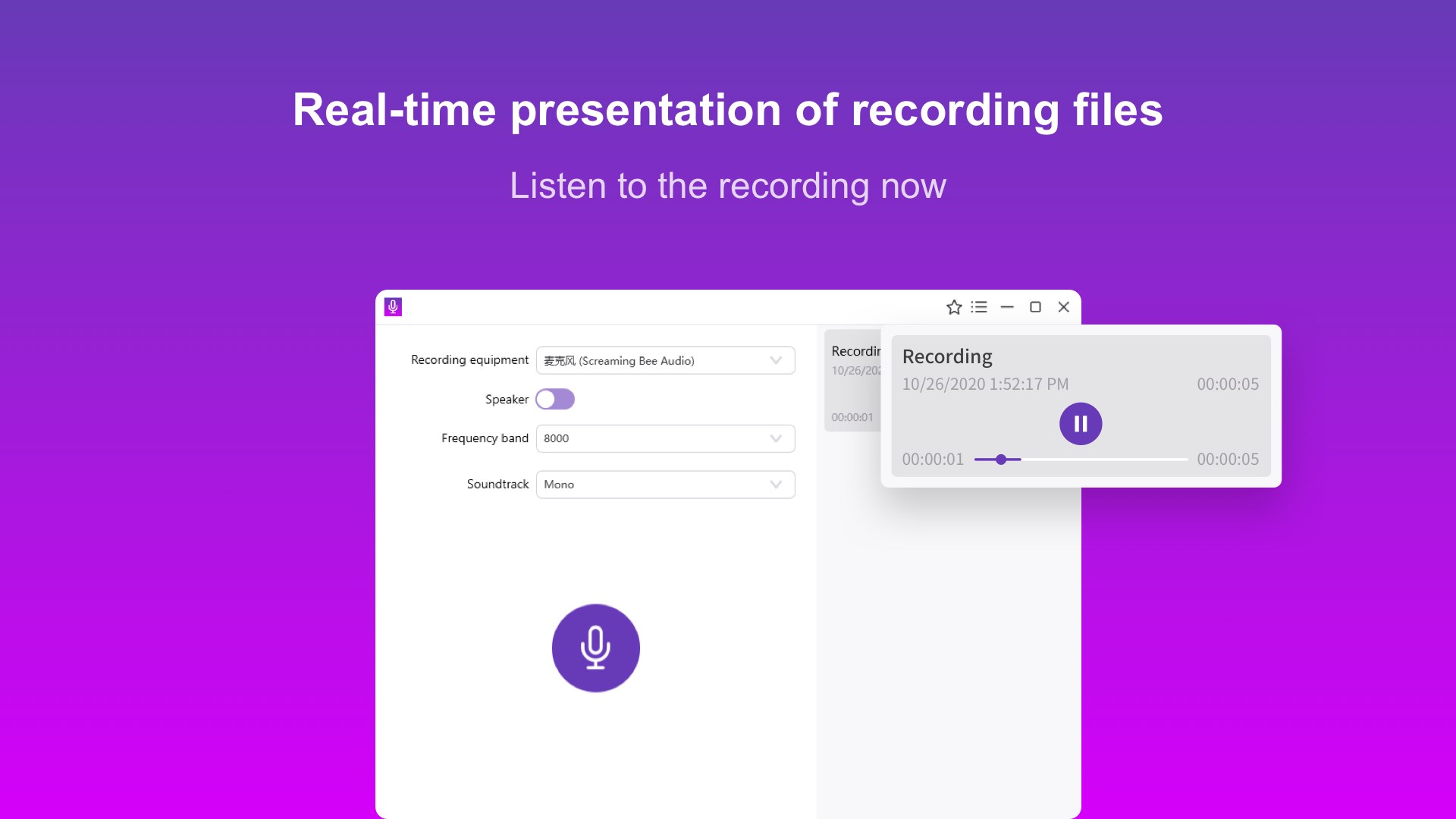
Record audio on your computer quickly and easily. Voice Recorder is a simple audio recorder for recording system audio, microphone input, meetings, calls, lectures, interviews, and everyday voice recordings. Whether you need audio recording for work, study, online communication, or personal use, you can start recording in just a few clicks. RECORD SYSTEM AUDIO Record system audio and sound playing on your computer. Capture computer audio from online meetings, classes, presentations, voice chats, calls, and other apps without complicated setup. MICROPHONE RECORDING Record your voice directly through your computer's microphone. Microphone recording is ideal for voice notes, lectures, interviews, speeches, presentations, and personal recordings. MEETING RECORDING Record work meetings, online meetings, classes, and lectures so you can listen back and review important conversations and information later. CALL RECORDING Capture audio from voice calls and online conversations on your computer. Call recording makes it easy to save important discussions for later reference. VOICE AND AUDIO RECORDING Use Voice Recorder as a simple sound recorder for everyday audio recording and voice recording. Capture system sound, computer audio, or microphone input with an easy-to-use recording interface. GREAT FOR: • Audio recording • Voice recording • Microphone recording • System audio recording • Meeting recording • Call recording • Lecture recording • Interview recording • Recording computer audio Whether you need audio recording software for meetings, calls, lectures, interviews, or everyday voice recording, Voice Recorder gives you a simple way to capture the audio that matters. Please follow applicable laws and obtain consent when required before recording calls or conversations.
Utilities · Windows, iPhone, iPad · Free
Rating: 4.1 out of 5, based on 313 user ratings.