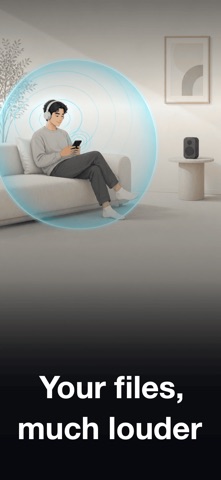
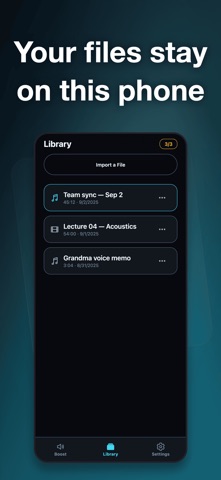
Some files are just too quiet. Volume Booster plays them much louder — a meeting recording, a lecture, a film with whispered dialogue — without the crackle that usually comes with turning things up. Your phone was already at maximum. HOW IT WORKS Import an audio or video file from Files. It opens at its original volume. Drag the boost up until it sounds right. A limiter stays on the whole way, so louder never turns into distorted. LOUDER HERE, NOT EVERYWHERE iOS does not let apps raise the phone's system volume. The boost applies to audio played inside this app, on the files you import — other apps are unaffected. Better to know that now than after you install. SHAPE THE SOUND • Bass boost for thin, distant recordings • EQ presets for speech, for music, and for quiet late-night listening • A custom equalizer you set band by band • Boost, bass and tone are remembered per file, so a track opens the way you left it WHILE YOU LISTEN • Background playback and lock-screen controls • Skip back and forward, or scrub anywhere in the file • A sleep timer that fades out and pauses • Rename, share or delete anything in your library WHAT IS FREE Importing and playing, background listening, lock-screen controls, bass, and the always-on limiter — at every level, for everyone. Pro raises the boost ceiling, lifts the library limit, unlocks every EQ preset, the custom equalizer and the sleep timer, and removes ads. IT STAYS ON THIS PHONE No account, no sign-up, nothing uploaded. Files you import are copied to your device and stay there. Terms of Use: https://zeroplay.io/docs/legal/terms-of-service Privacy Policy: https://zeroplay.io/docs/legal/privacy-policy
Music · iPhone, iPad, Android · Free
Rating: 4.8 out of 5, based on 101 user ratings.