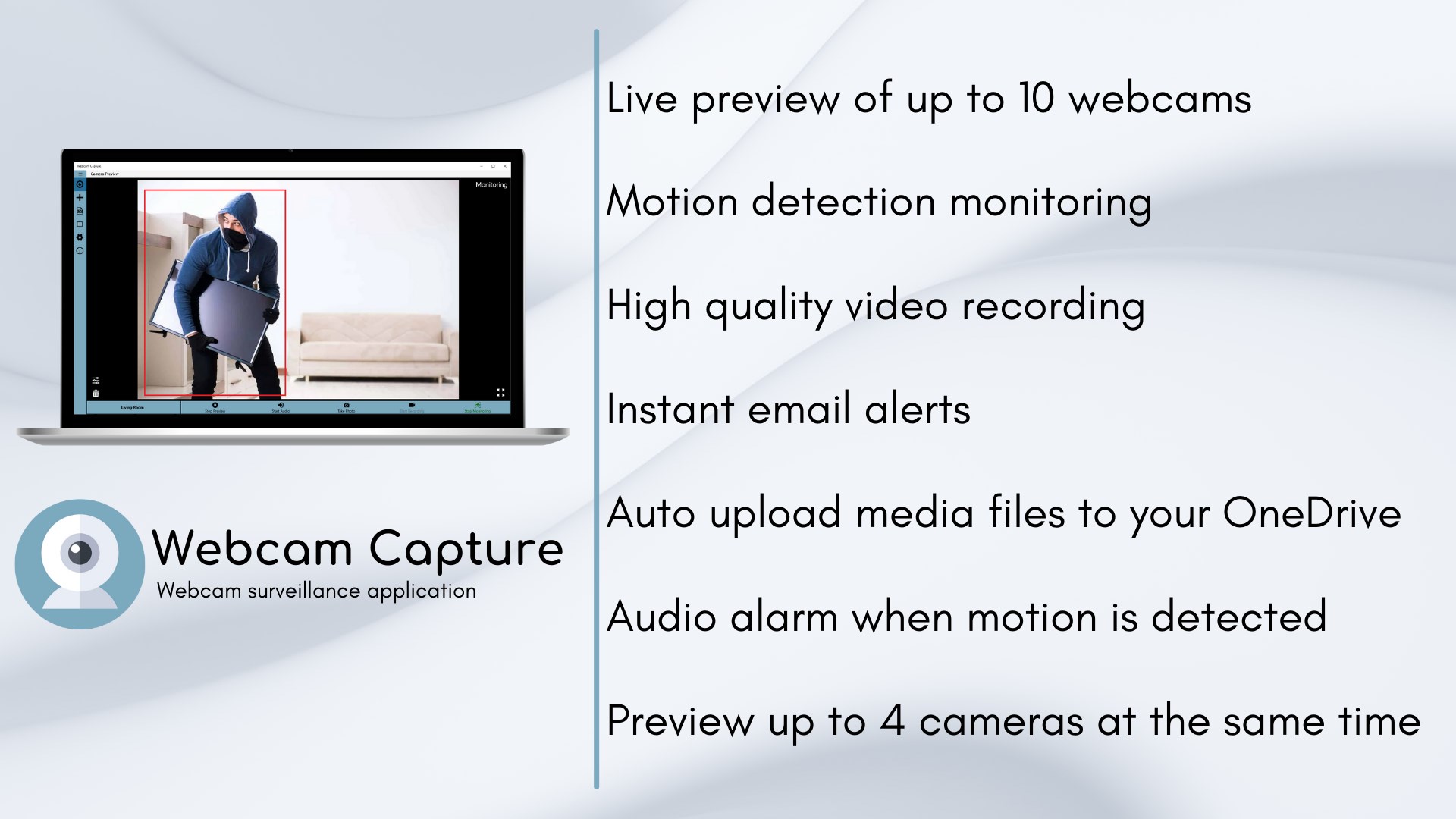
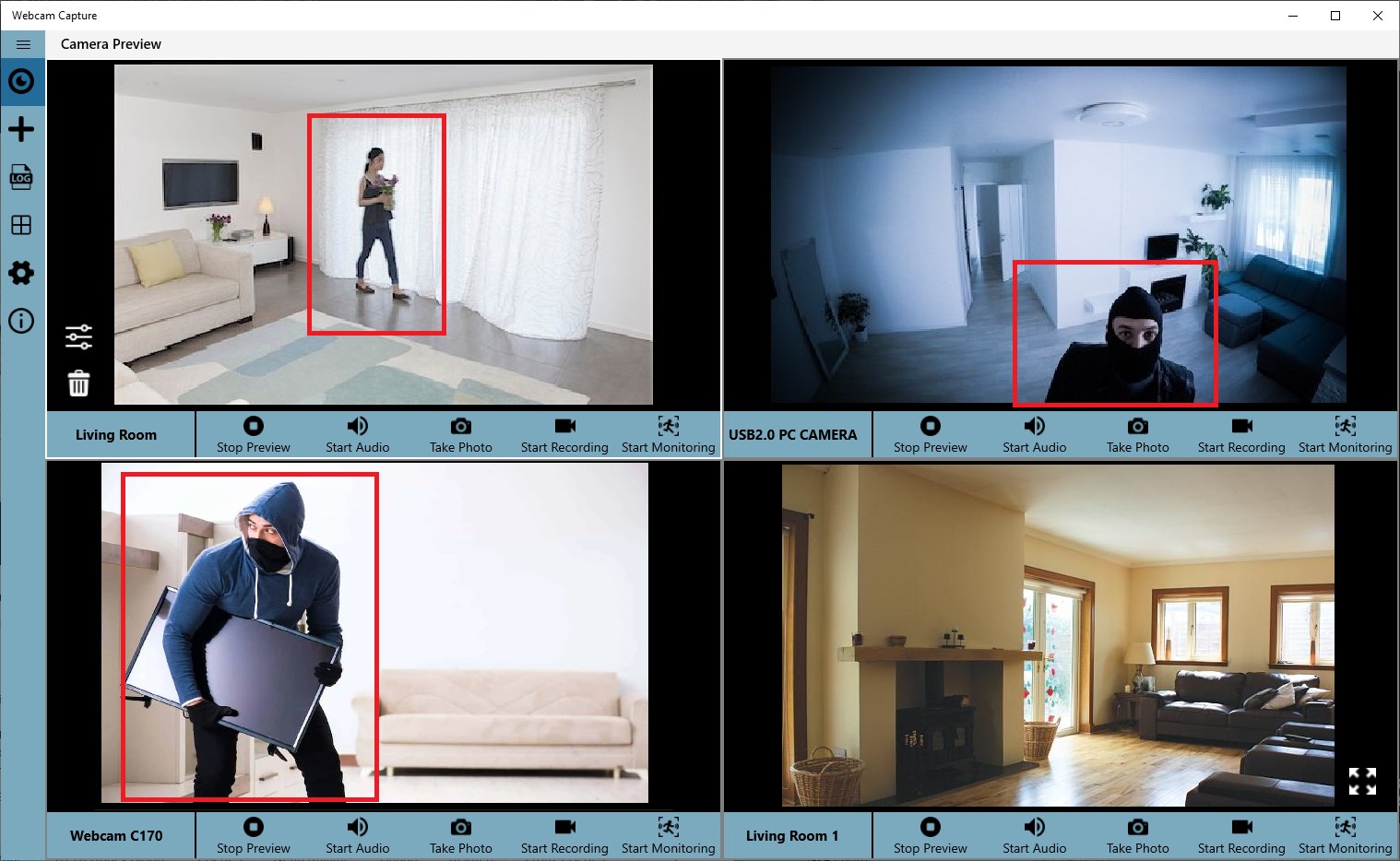
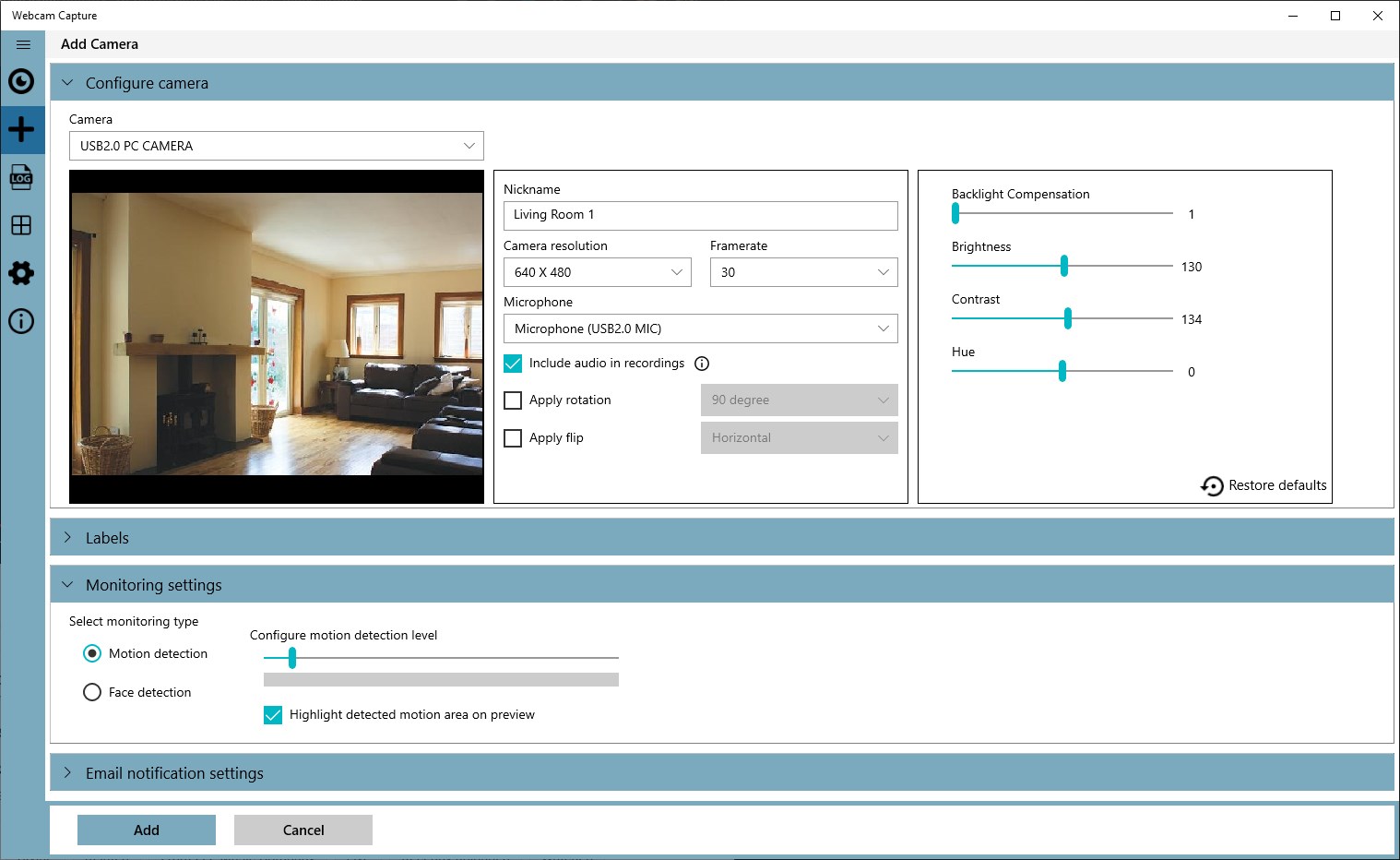
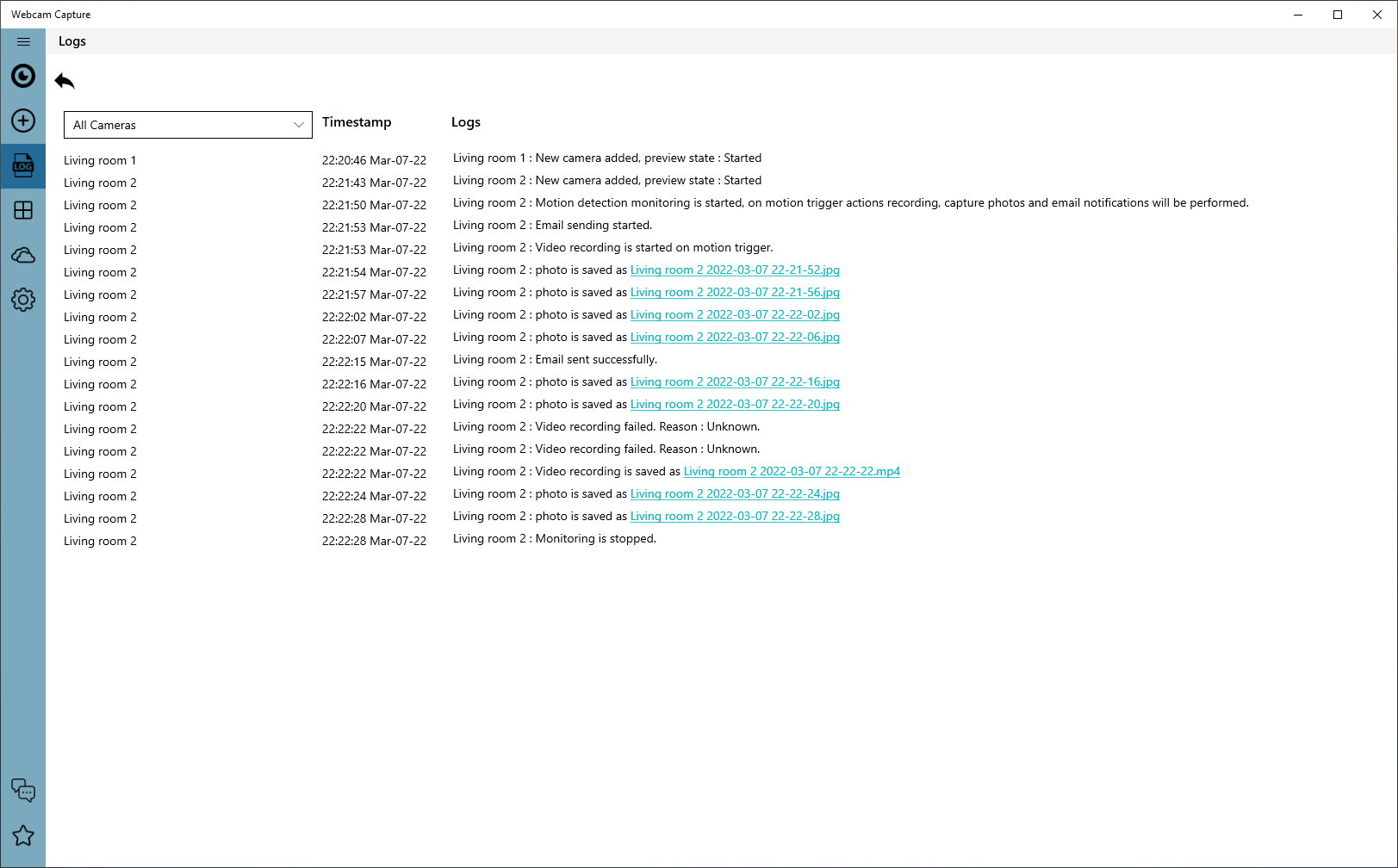
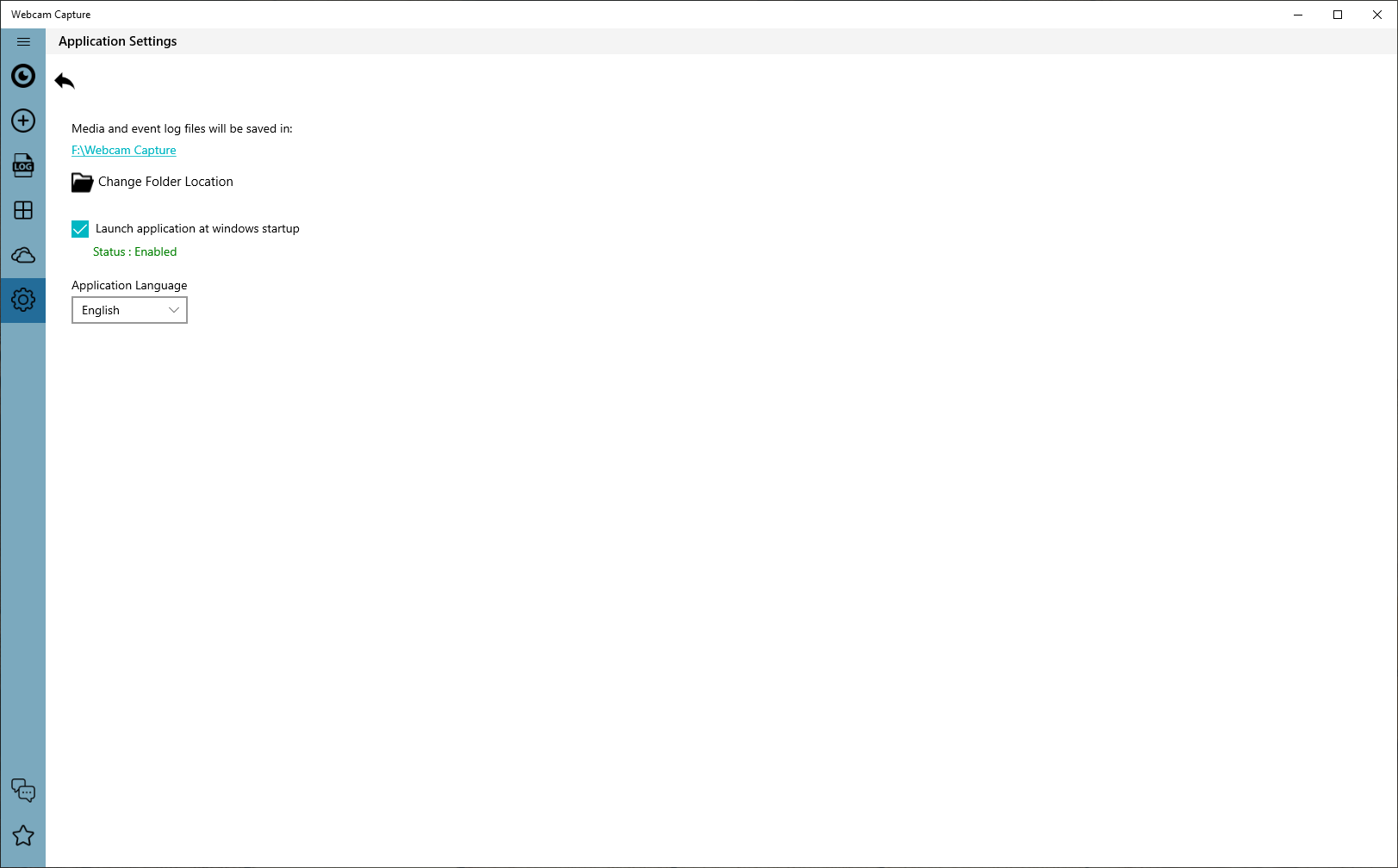
Turn your webcam into a motion-activated security camera. Webcam Capture watches for movement, records video, takes photos, and emails you a snapshot, right from your Windows PC. No extra hardware to buy. Set it up in minutes: add your camera, select Start monitoring, and walk away. When something moves, Webcam Capture reacts instantly. WHEN MOTION IS DETECTED, WEBCAM CAPTURE CAN: • Record video for as long as you choose, from 5 seconds to 30 minutes • Take photos automatically • Email you an alert with the photo attached • Sound an audio alarm (5 tones, adjustable volume and length) • Upload photos and videos to your OneDrive • Log every event, with links to the saved files MOTION AND FACE DETECTION • Adjustable motion detection level to reduce false alarms • Face detection mode: trigger actions only when a face appears • Highlight detected motion or faces on the live preview WATCH LIVE • Live preview in a window or full screen • View up to 4 cameras on one screen, or cycle between cameras automatically • Listen to live audio from the camera's microphone RECORD YOUR WAY • Choose resolution and frame rate, with or without audio • Stamp the date and time and your own text on the preview and recordings • Flip or rotate the image for any mounting position • Adjust brightness, contrast, exposure, focus, zoom, pan, tilt, and white balance (when your camera supports them) • Browse and filter recordings by camera, file type, and date RUNS IN THE BACKGROUND • Can start automatically when you sign in to Windows • Limit how often alert emails are sent, from every minute to every 10 minutes GREAT FOR • Home security: front doors, entryways, garages, and rooms • Baby monitor: check on your little one from another room • Pet camera: see what your pets do while you're out • Small offices and shops: keep an eye on your workspace after hours FREE AND PREMIUM Webcam Capture is free to download. The free version supports up to 2 cameras, with recording and monitoring on one camera at a time. Upgrade to Premium (monthly, 3-month, 6-month, or yearly plans) to get: • Up to 10 cameras • Recording and monitoring on all cameras at the same time • Video upload to OneDrive • No upgrade message on the preview • Fast, professional email support YOUR PRIVACY Recordings are saved to the Videos library on your PC. Photos and videos are sent to OneDrive or by email only when you turn those features on. REQUIREMENTS Works with built-in and USB webcams on Windows. A microphone is needed for audio. Email alerts and OneDrive upload need an internet connection. Available in English, Chinese (Simplified), French, German, Japanese, Portuguese, and Spanish.
Privacy & Security · Windows · Free
Rating: 4.2 out of 5, based on 361 user ratings.