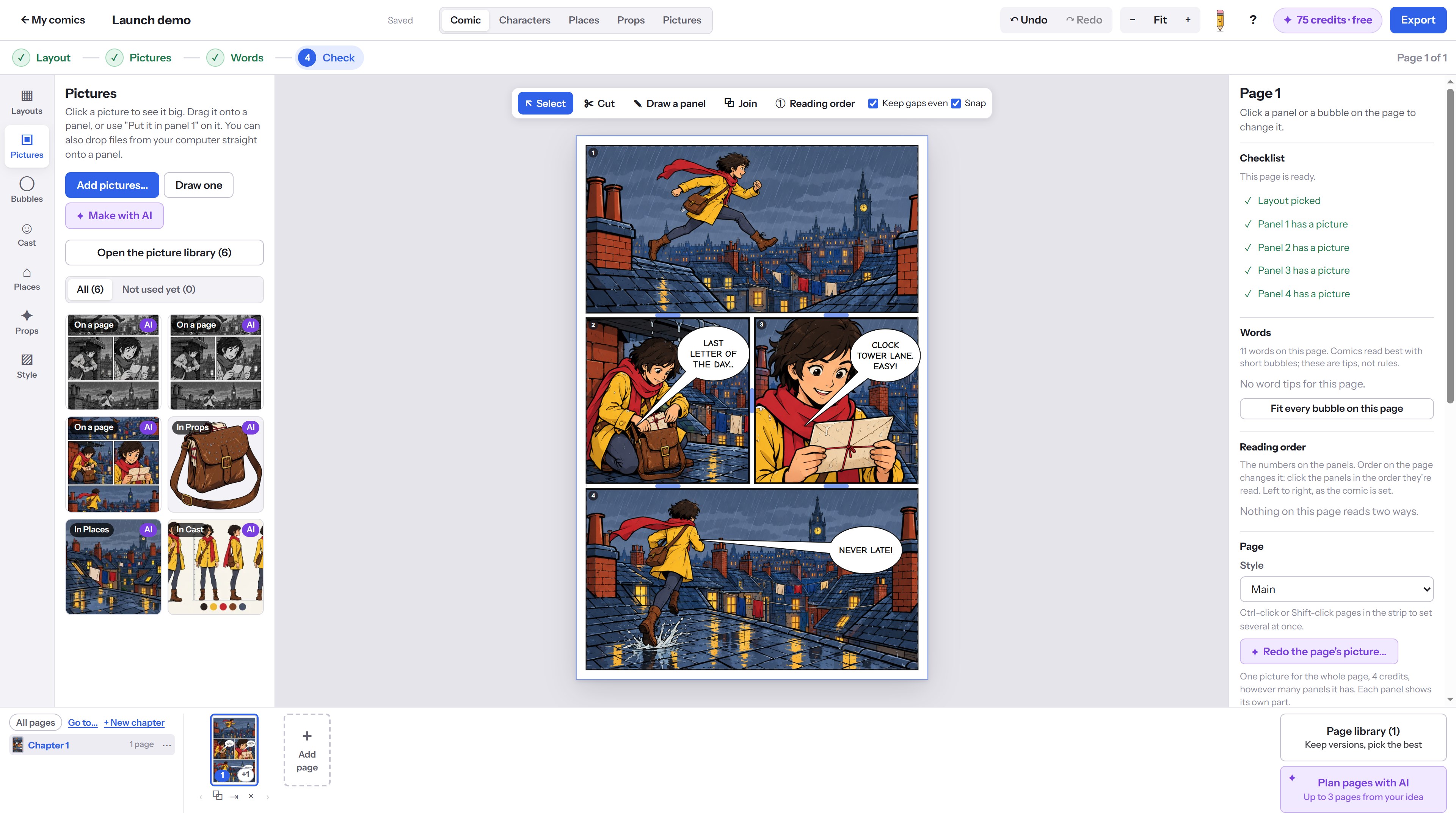
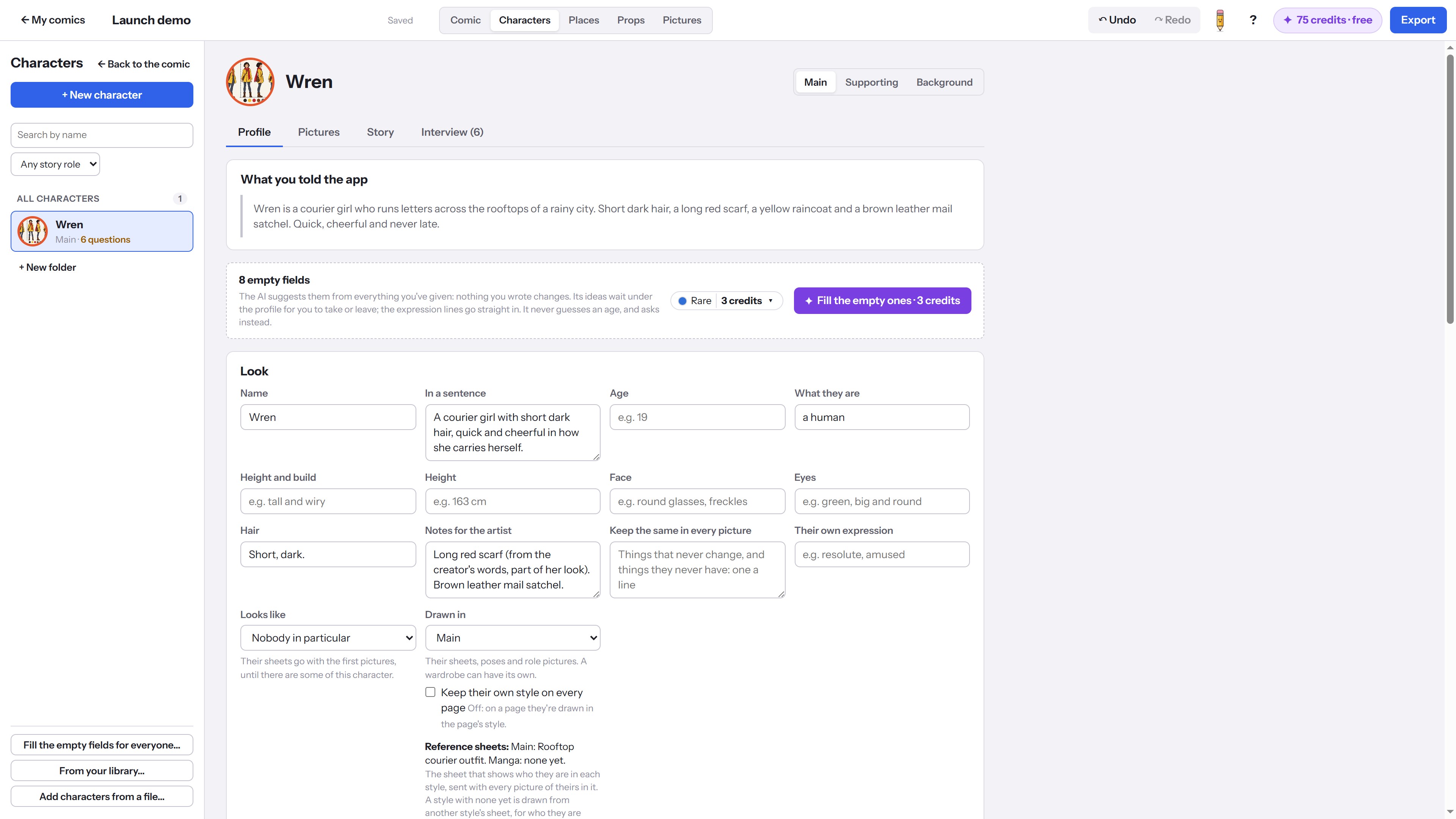
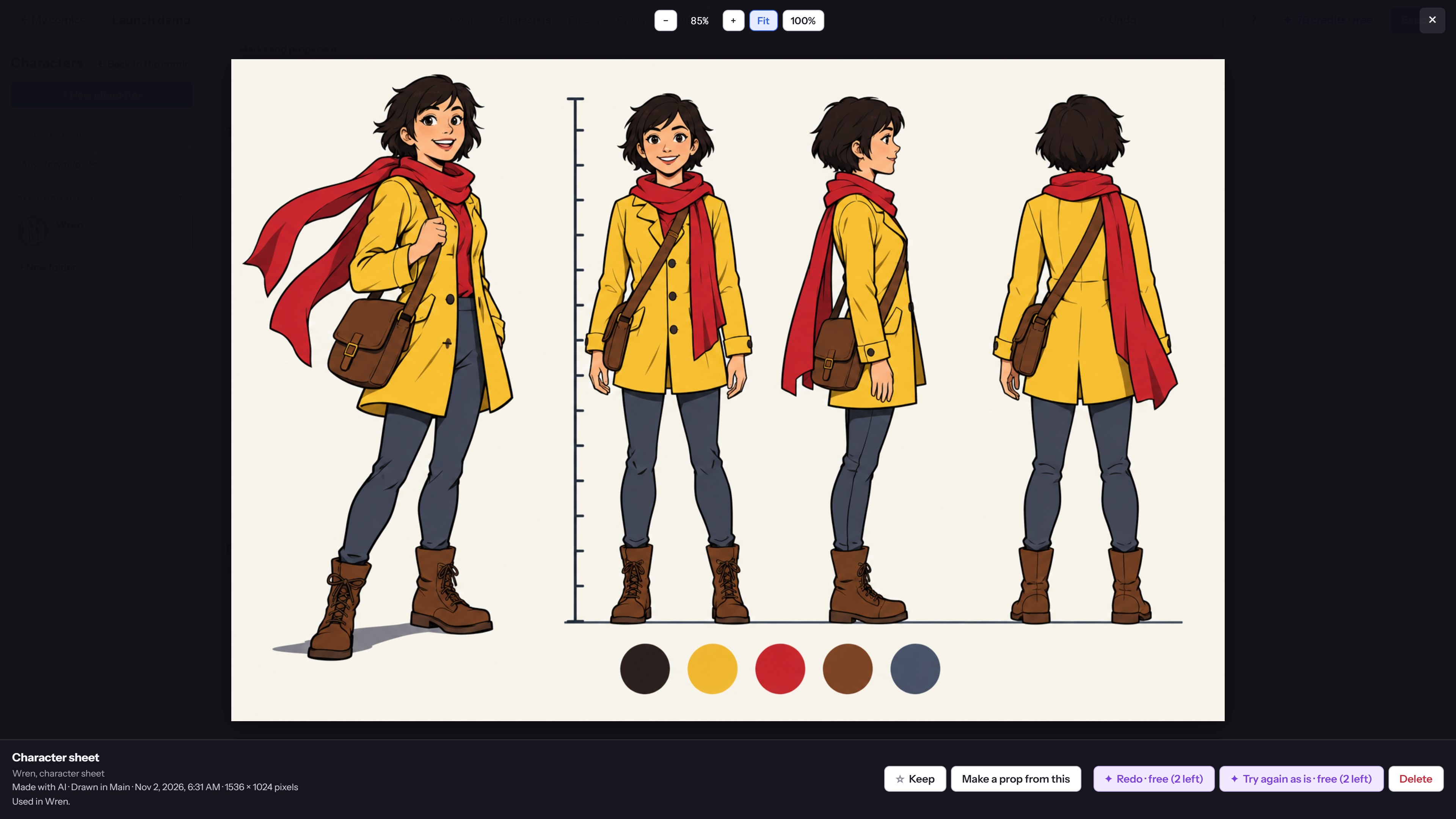
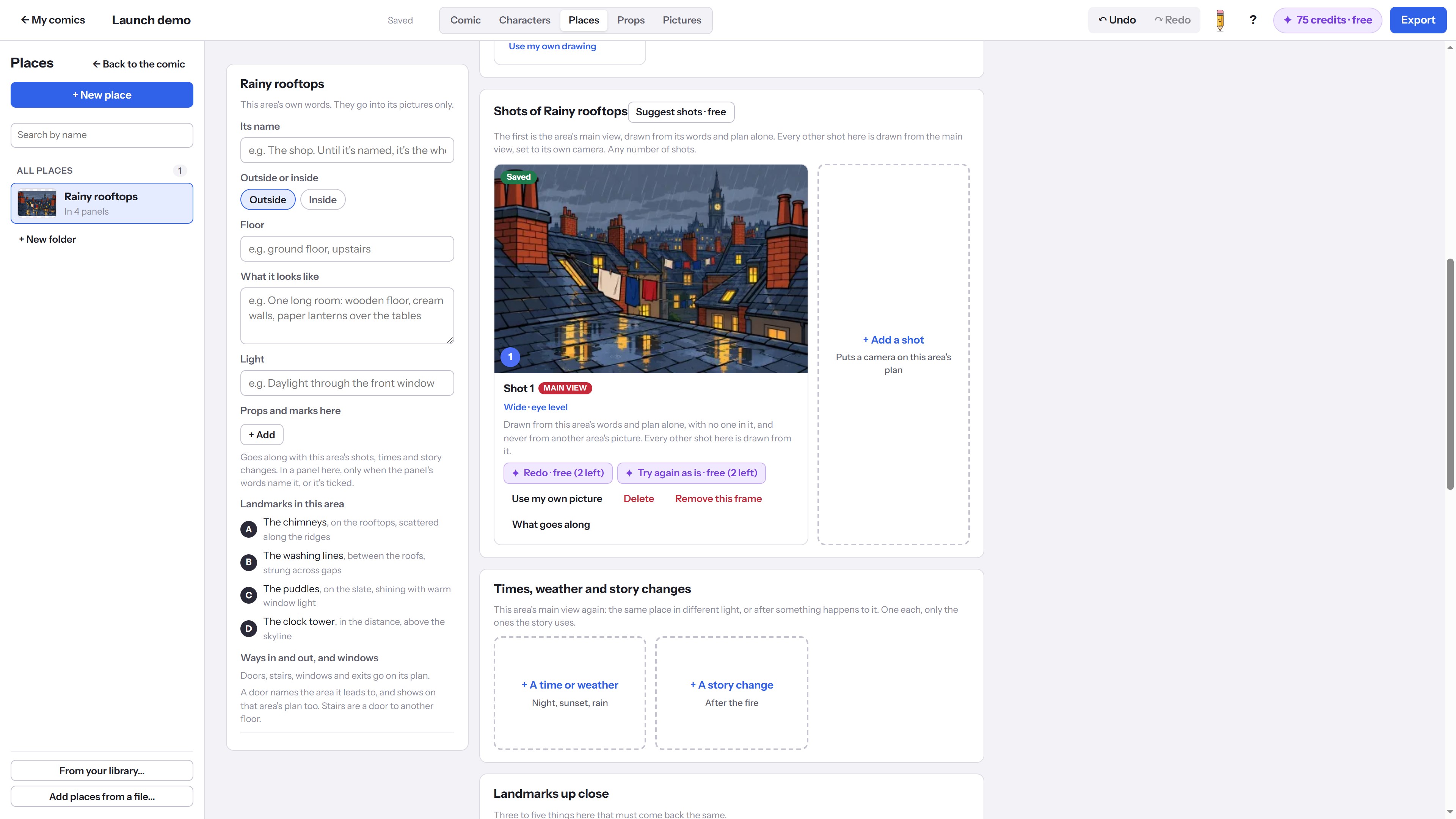
Weekly Comic Studio is a Windows app for making comics, manga and webcomics, one page at a time, with AI pictures that you direct. Describe a character in your own words, and the AI writes their profile and draws a character sheet. Do the same for the places and props in your story. Then plan a page: pick a layout, choose who is in each panel, where it happens and what they carry, write what happens, and add speech bubbles. "Draw this page with AI" paints the whole page as one picture, using your character sheets to keep your characters looking the same from panel to panel. Change a page's style, from full colour to black-and-white manga or a style of your own, and keep every version in the page library so you can pick the best one. New to comics? The pencil helper offers a step-by-step tour: your comic's style, a character and their cut-out, a place, a prop, then a page planned and drawn. You do every step yourself, and you can minimize the helper or turn it off at any time. Your first tour's AI steps are free, and each step says what it costs. The app is free. Credits are only for the AI tools, and every AI job tells you how many credits it uses before it starts. New accounts get free credits to try it, and more credits can be bought in the app. You can also bring in your own pictures from a file without using credits. Your comics are saved on your PC. When you use an AI tool, only what that job needs is sent to our service, as the privacy policy explains.
Photo & Video · Windows · Free