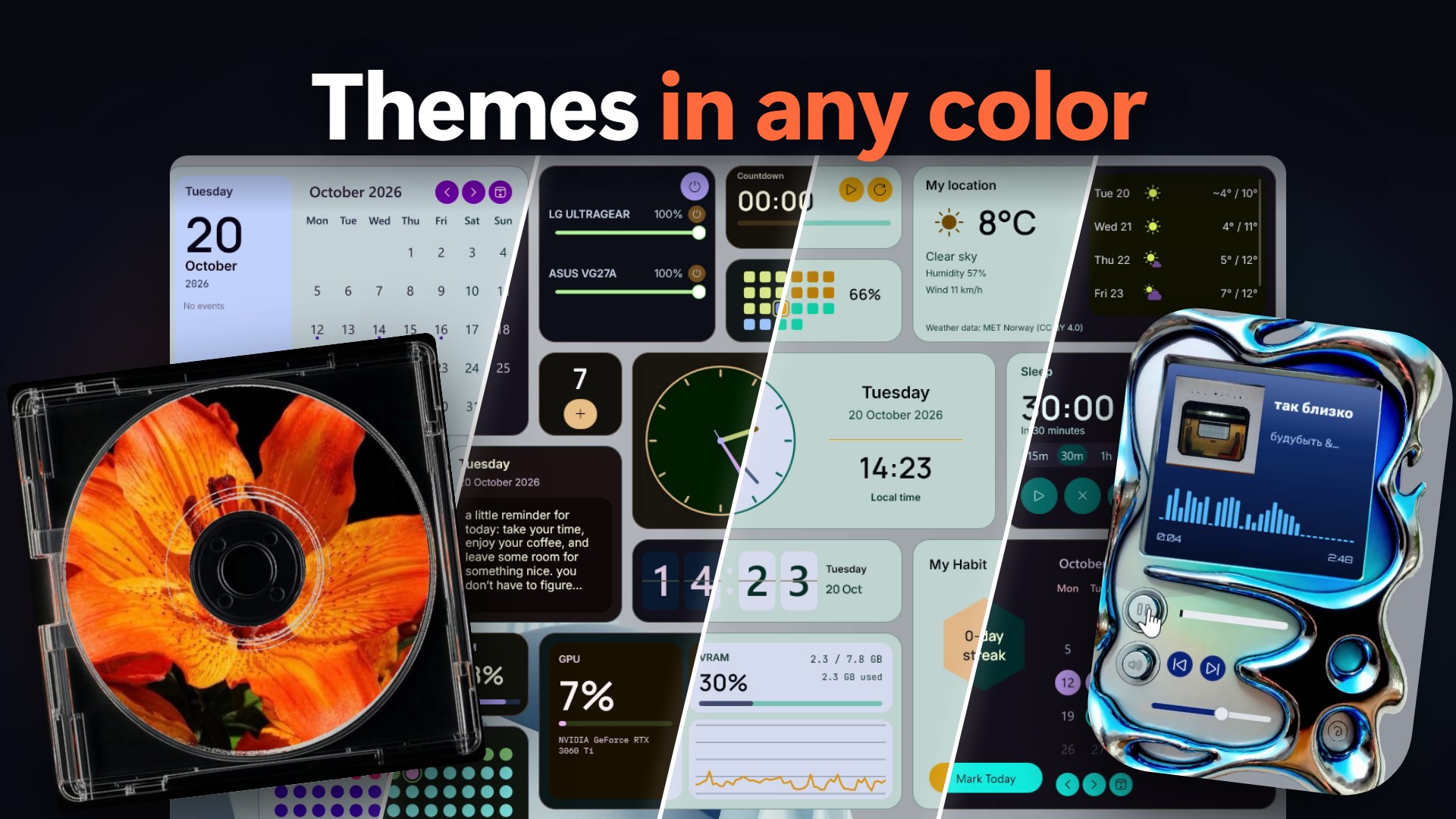
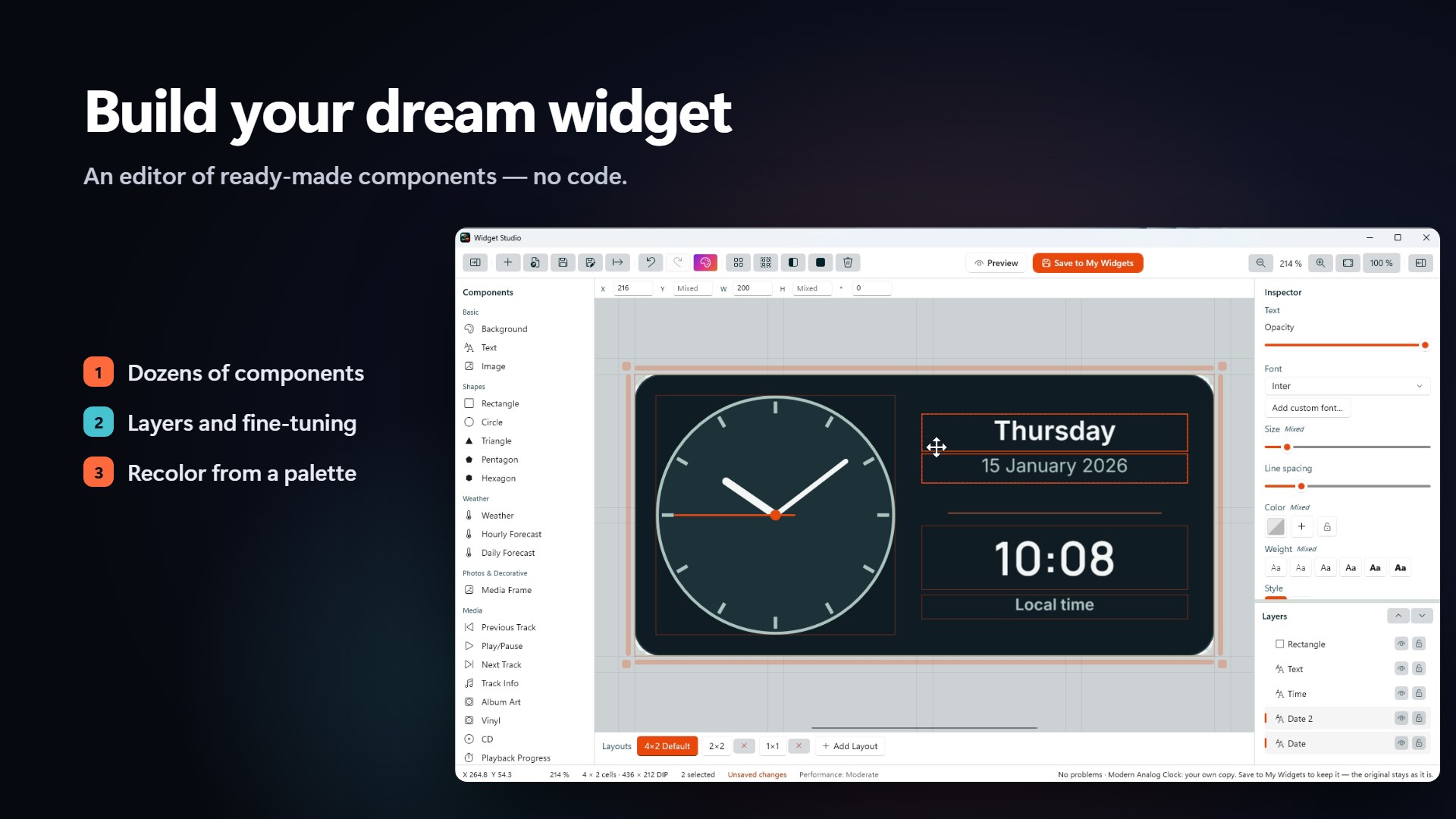
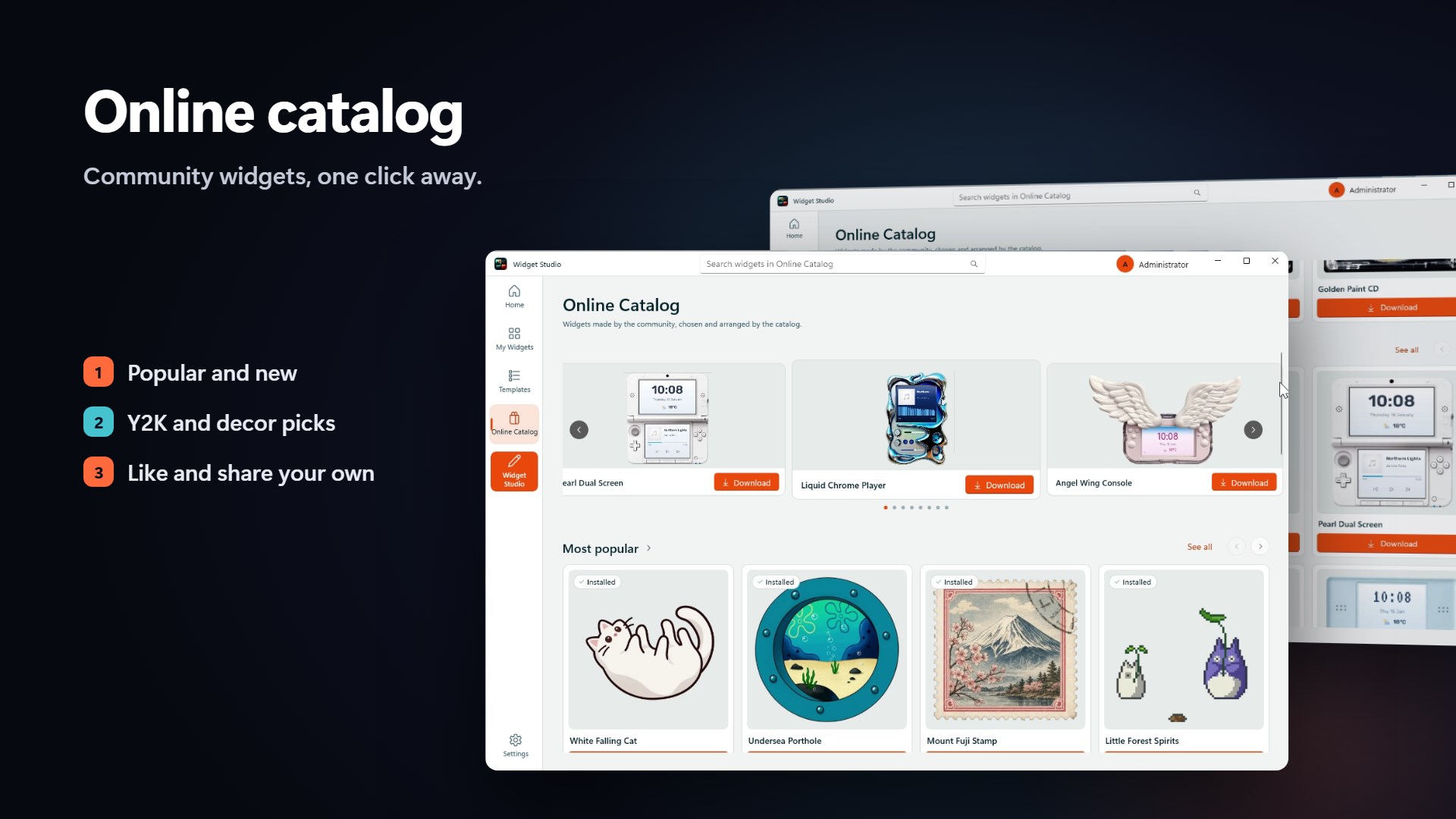
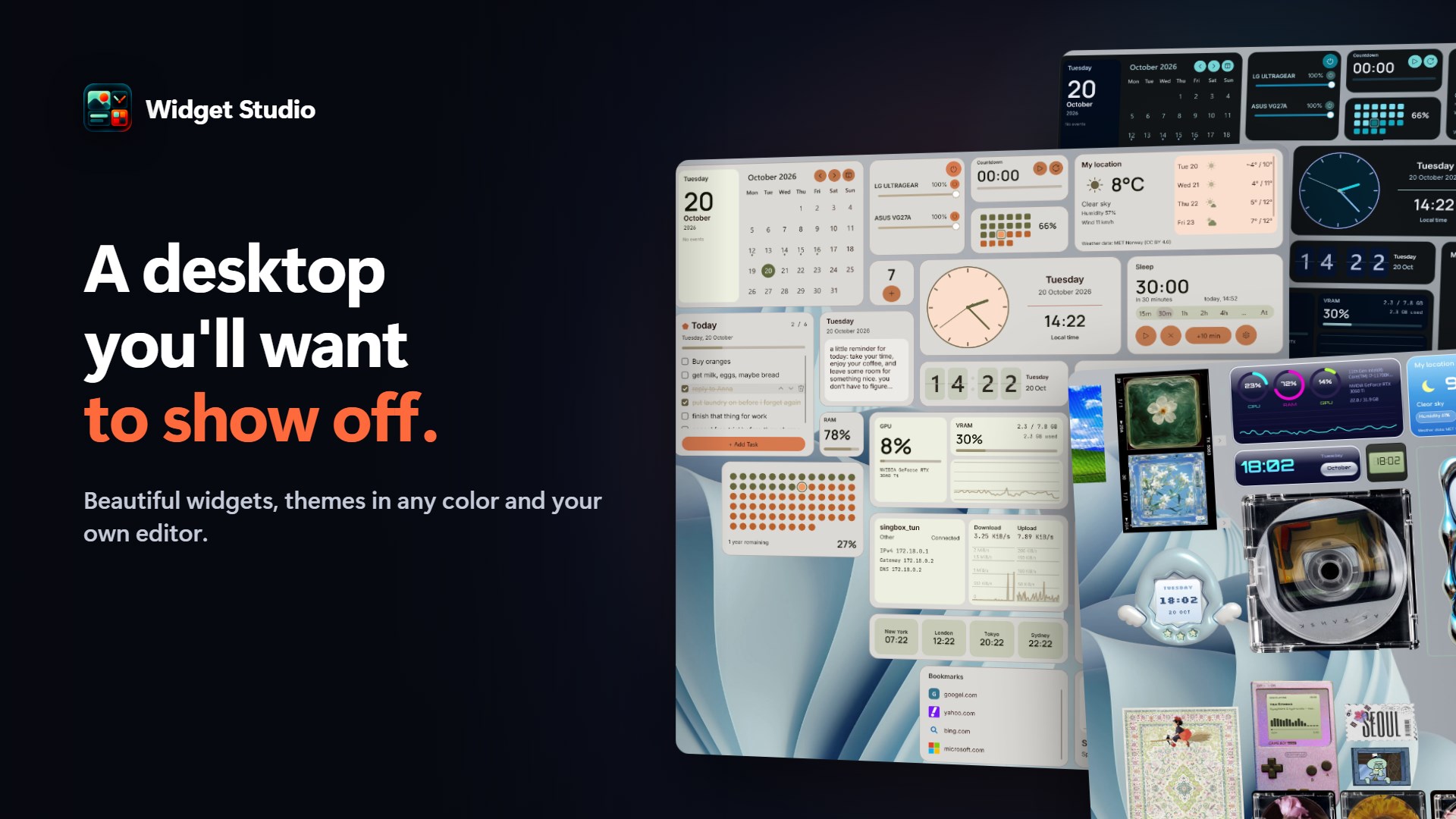
Widget Studio turns your desktop into something you'll want to show off. Place widgets on a handy grid and resize them by simply dragging. Every widget adapts to its new size on its own. Themes in any color. Pick a color and Widget Studio generates a whole theme from it, light or dark, for all your widgets at once. Y2K and pixel-art collection. A CD player, a Game Boy, a Tamagotchi, vintage stamps and dozens of other widgets in a nostalgic style. Smart player. Picks up the track and its cover art from your music app automatically. No-code editor. Build your own widget from ready-made components: clocks, weather, calendar, media, system stats, shapes, text and images. Layers, fine-tuning and one-click recoloring from a palette. Online catalog. Download community widgets, like them and share your own. Semi-transparent mode. Widgets stay out of your way and come back when you hover. Light and fast. Under 1% CPU, and the load adapts to your PC's power automatically. Make your desktop yours.
Productivity · Windows · Free