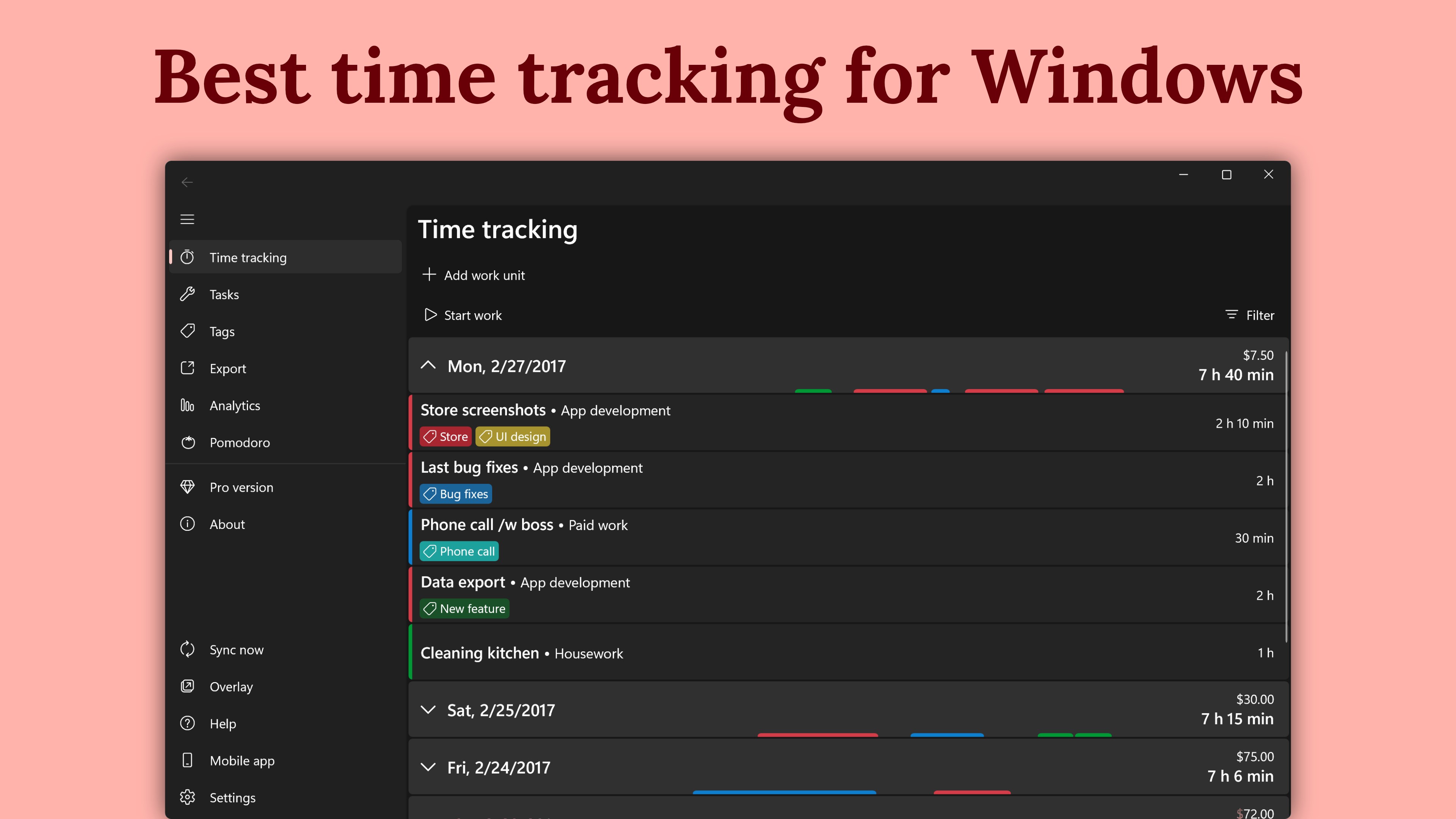
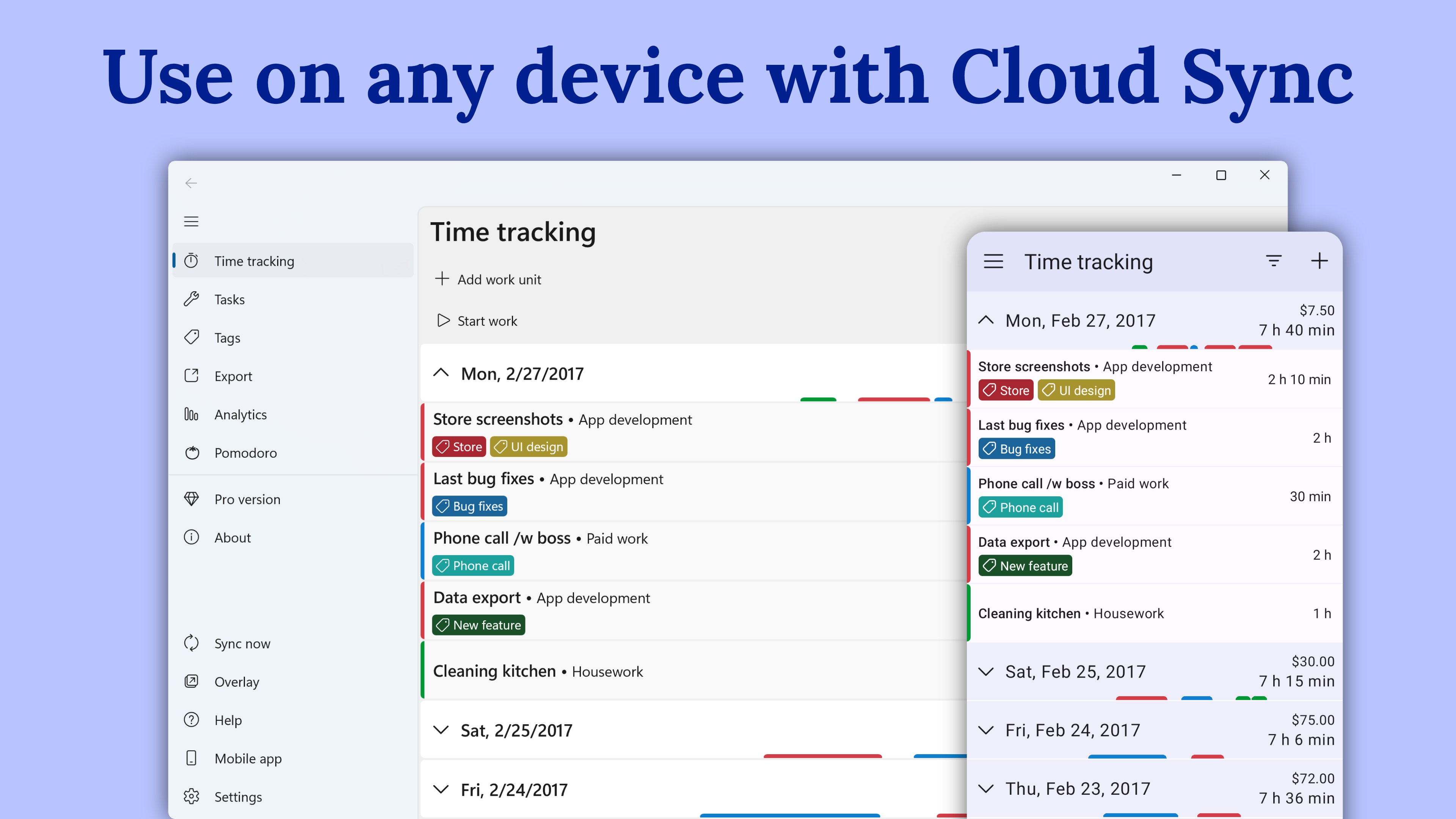
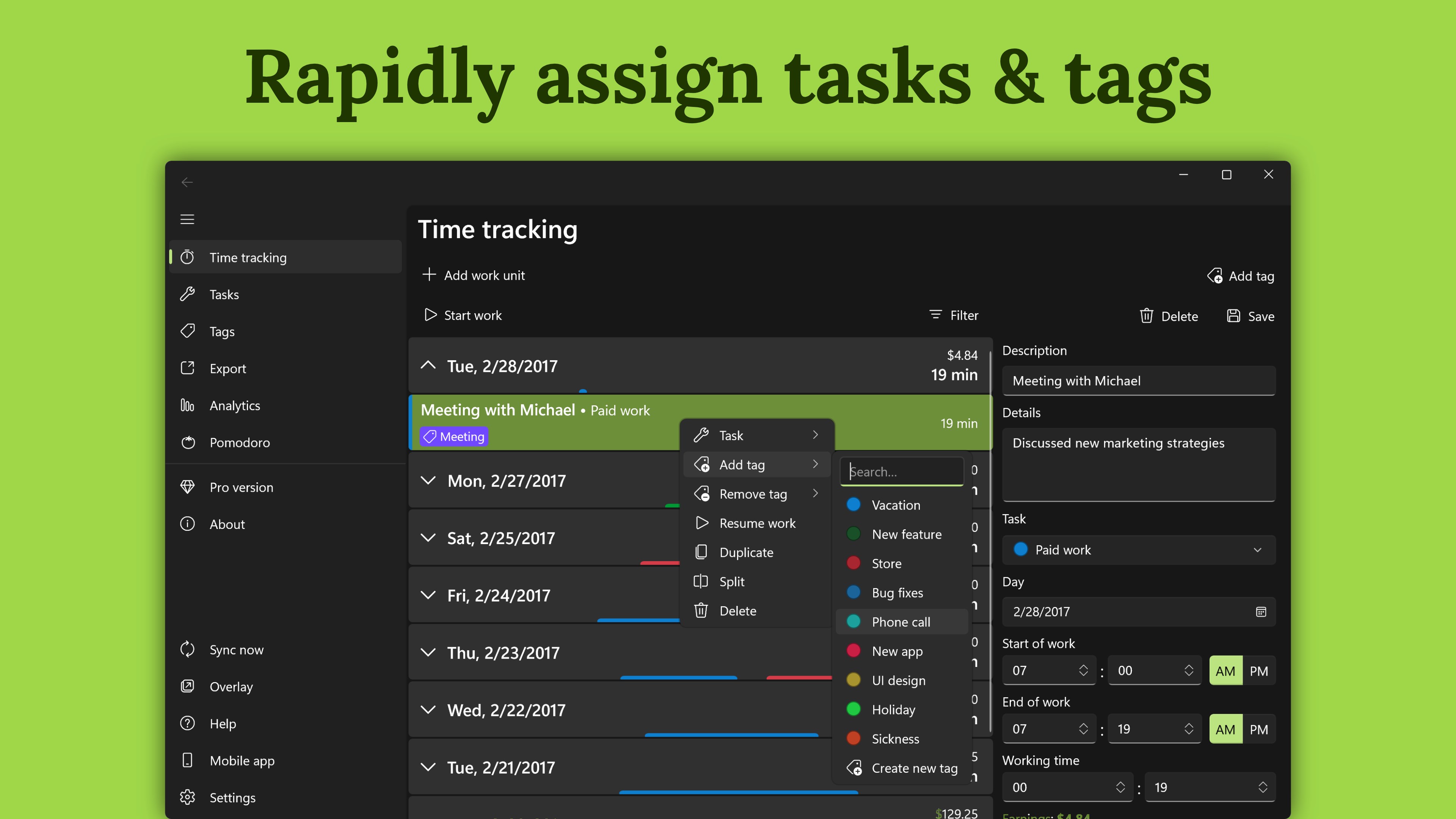
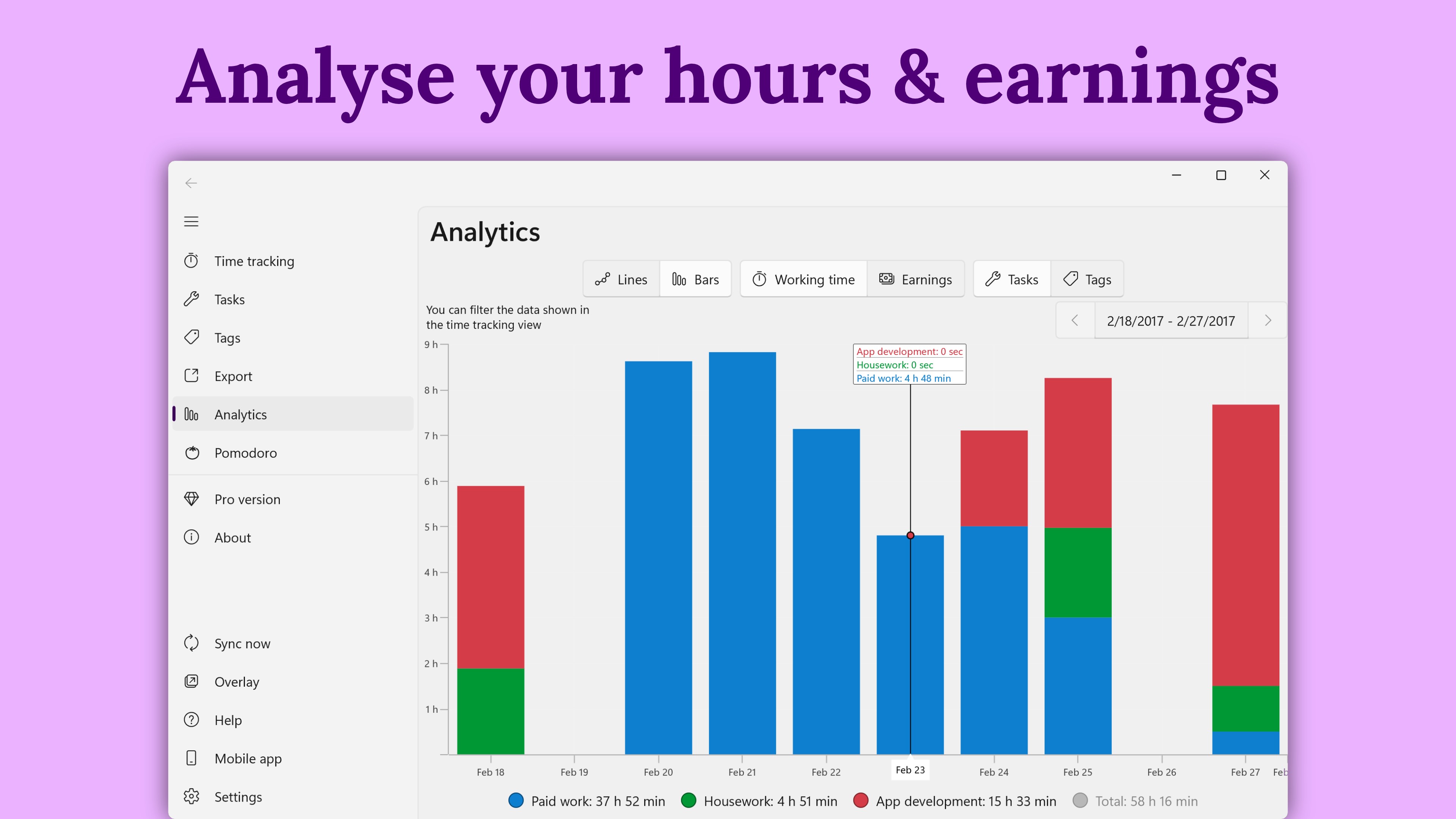
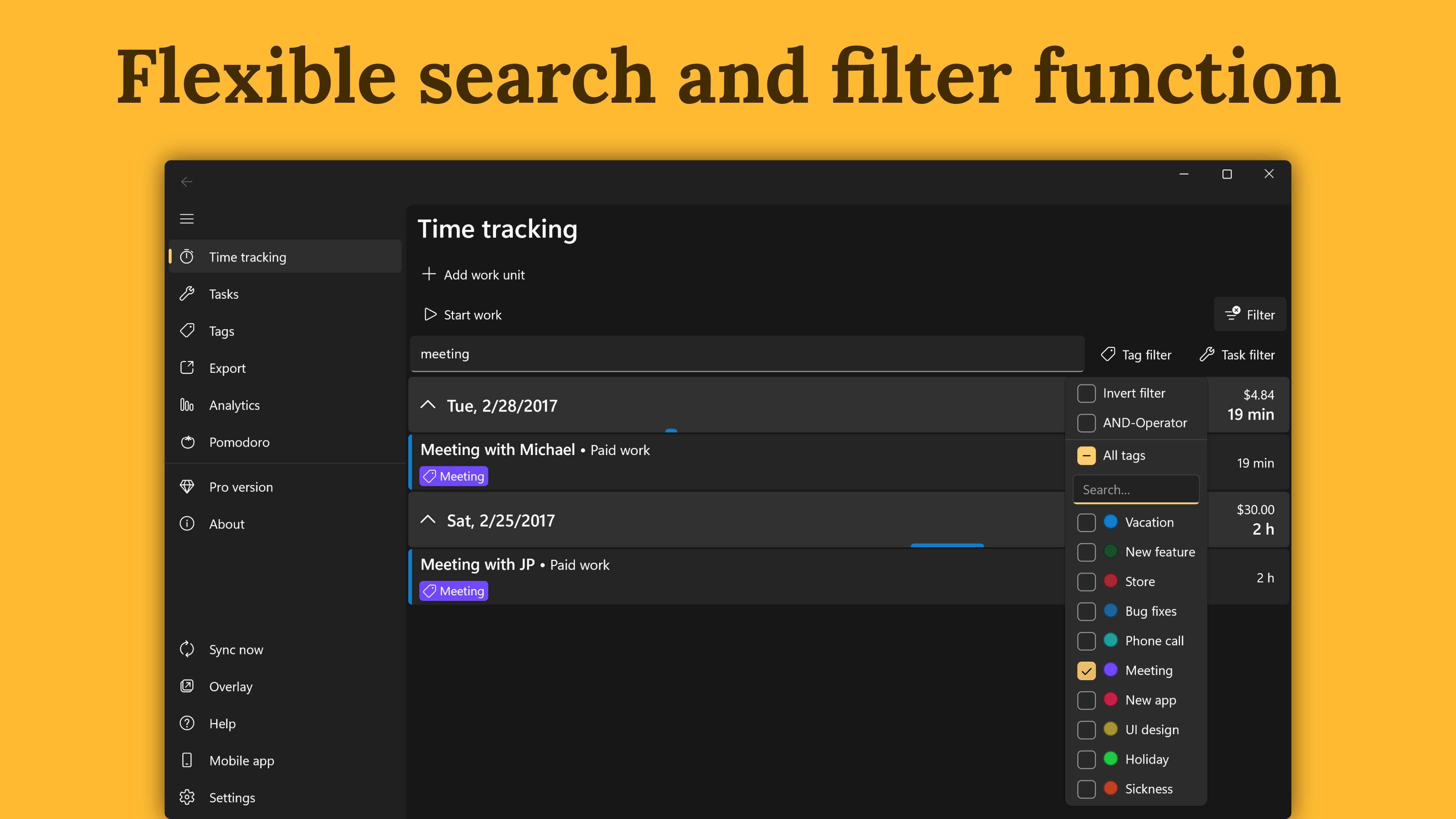
Keep an accurate record of every workday, turn your hours into useful timesheets, and export them for billing or personal records. WorkingHours is a flexible time tracker and work log for freelancers, hourly workers, employees, contractors, consultants and self-employed professionals. Start, pause and stop the timer as you work, or add entries manually. You can correct times anytime, record breaks, organize hours by task or project, and track rates, fees, overtime and earnings. Track and organize your work • Pause and resume the timer for breaks, with optional automatic break subtraction • Automatically split work sessions that continue past midnight • Add tasks, projects, tags, notes and descriptions • Auto-assign tags to projects or new entries • Record hourly rates and fixed lump-sum fees • Adjust time or earnings with tag-based plus, minus, multiply or divide rules • Search and filter entries to find the work you need Turn tracked time into useful records • Compare duration and revenue in charts and visual reports • Export timesheets to Excel or CSV with your choice of columns • Group exports by workday, week, month, task or tag • Create PDF invoices from your WorkingHours data through SubTotal • View and import appointments from system or Outlook calendars Stay in control while you work • Manage the timer from a mini window or overlay without opening the full app • Use inactivity detection to catch time you may have forgotten to stop • Run Pomodoro-style focus sessions for structured work intervals • Continue your work log across supported phone, tablet, laptop and desktop versions with optional sync through your own cloud storage Sync supports OneDrive, Google Drive, Dropbox, iCloud and WebDAV. No WorkingHours account or registration is required. WorkingHours is free to use. Some advanced features require WorkingHours Pro and can be tested with a 7-day trial after installation. WorkingHours Pro is a one-time purchase linked to your Microsoft account and unlocks Pro access on Windows. A separate Pro purchase may be required on other platforms.
Productivity · Windows · Free
Rating: 4.8 out of 5, based on 1079 user ratings.