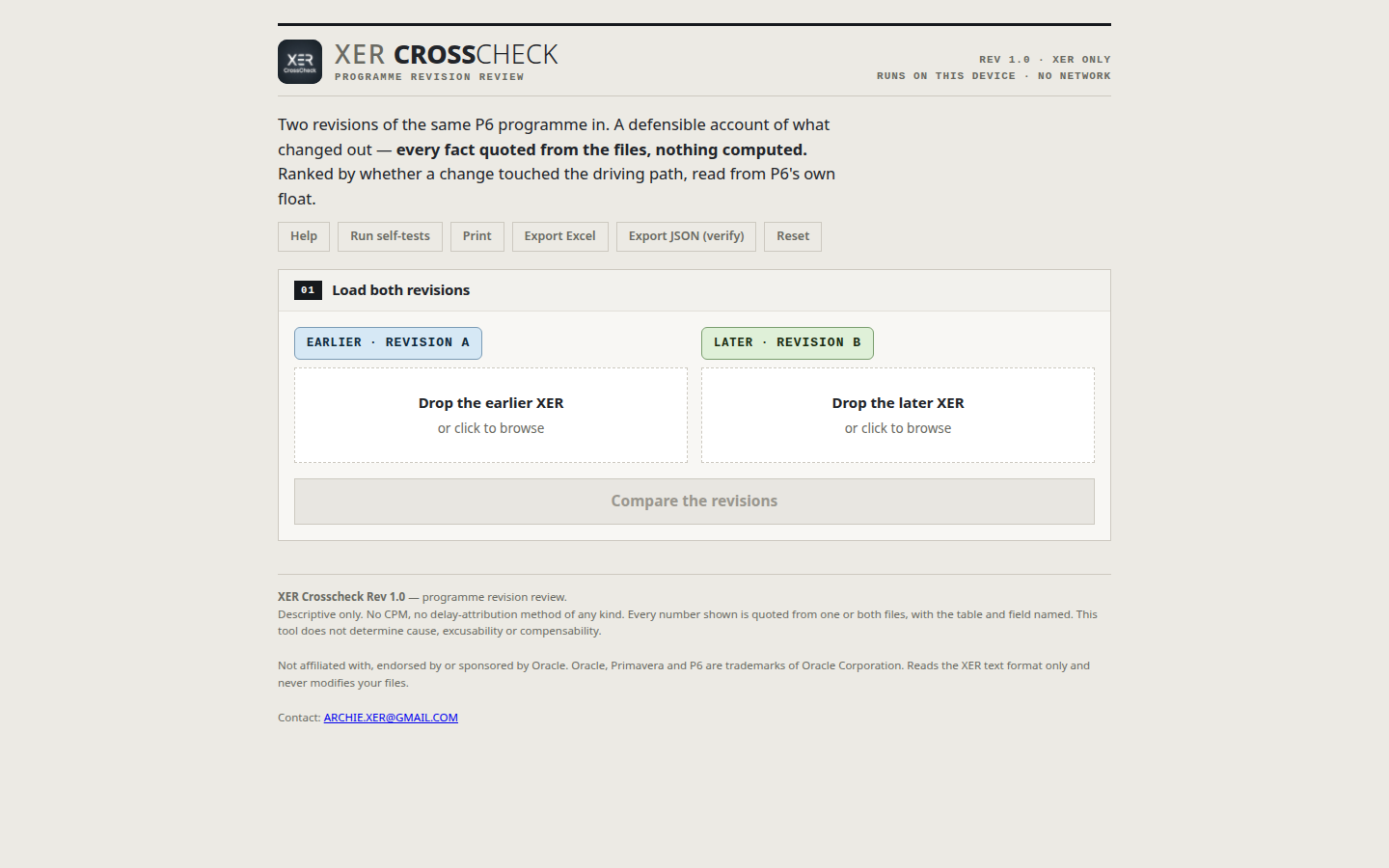
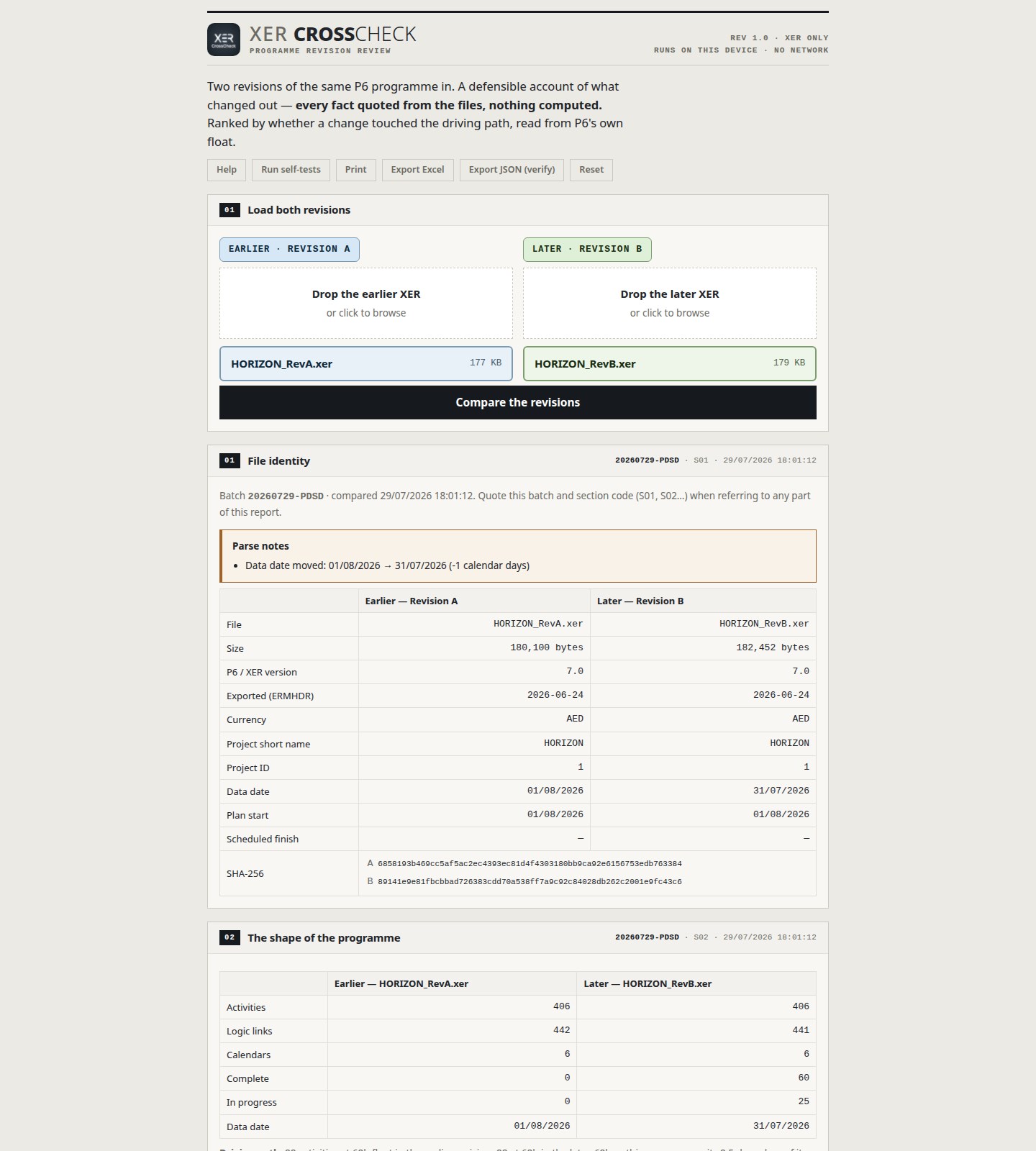
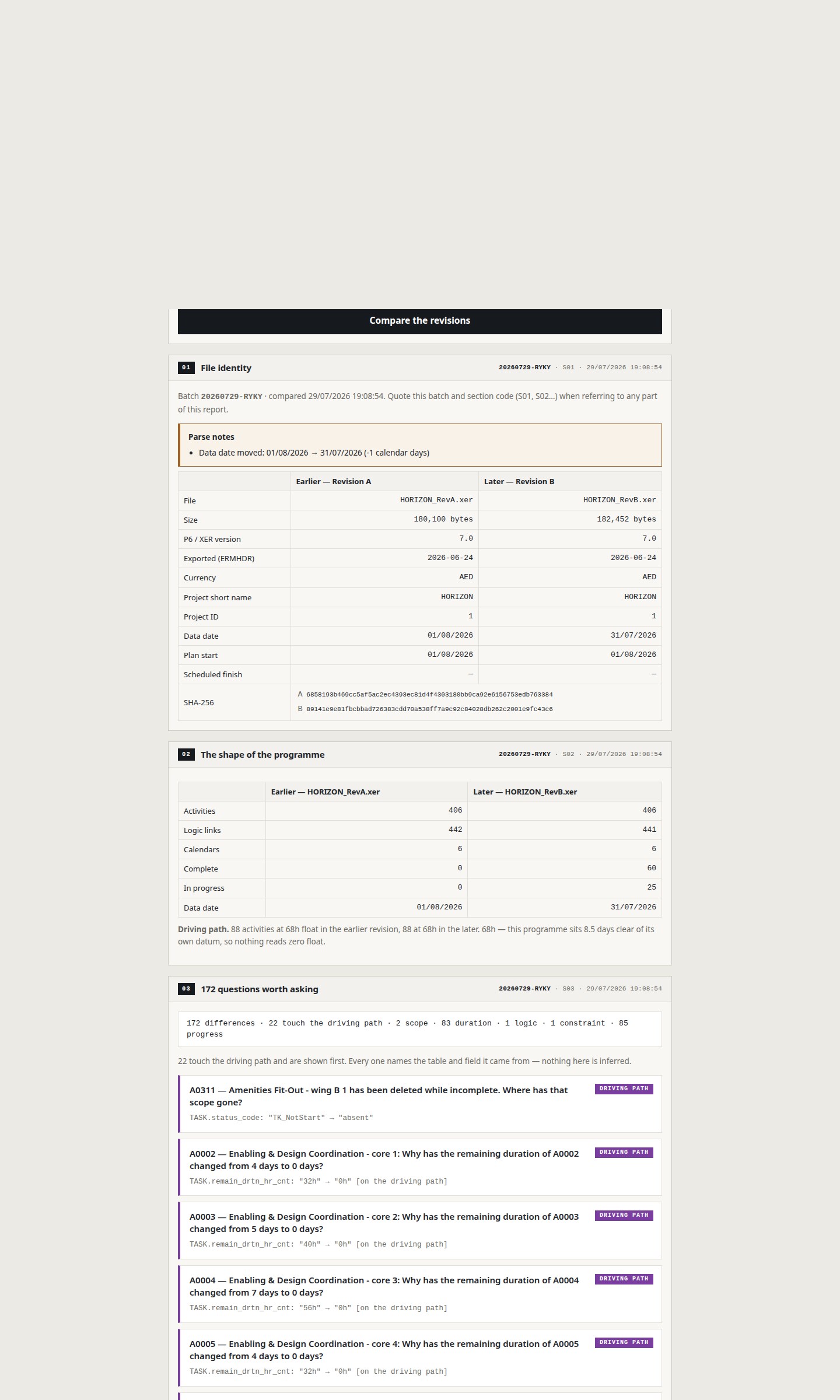
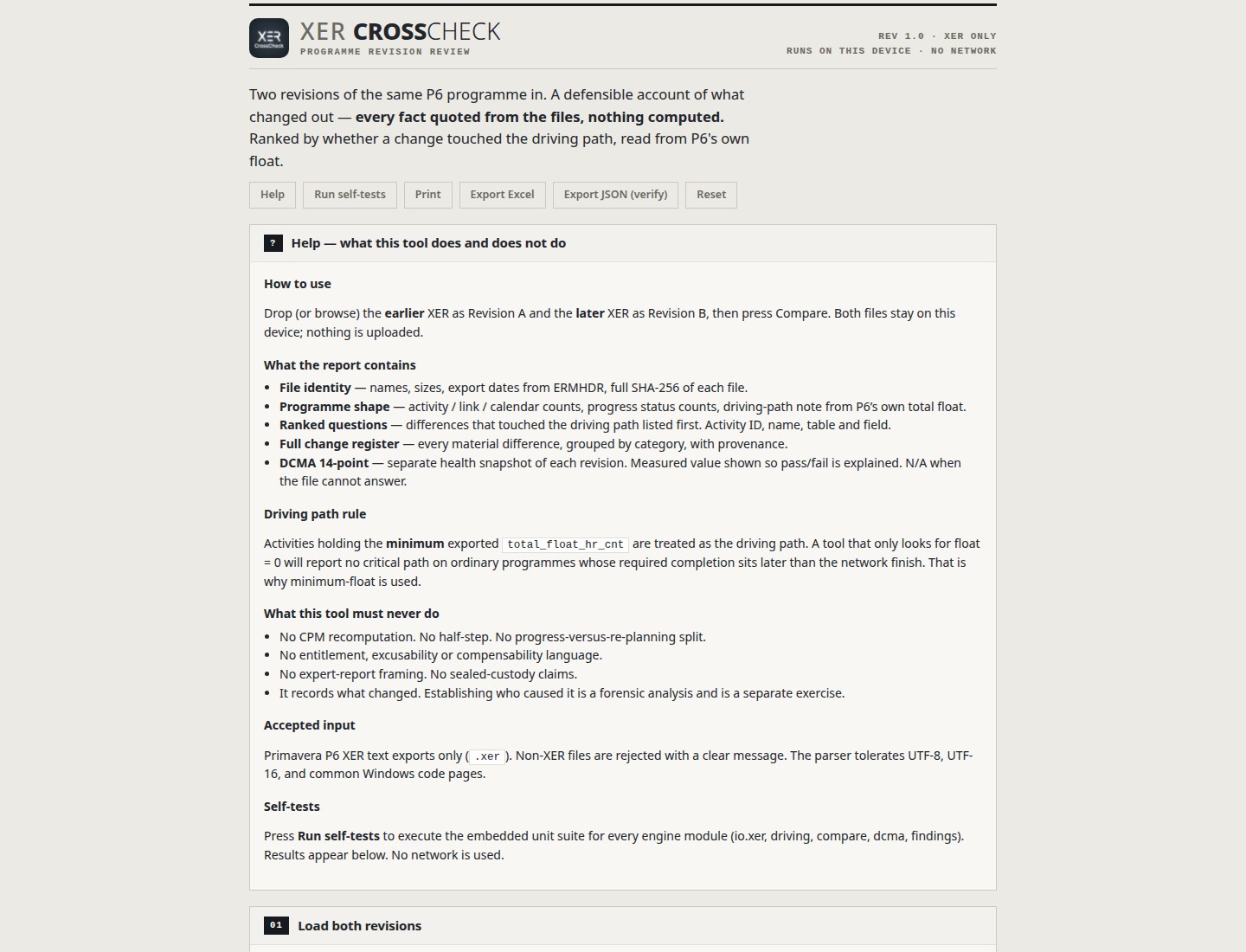
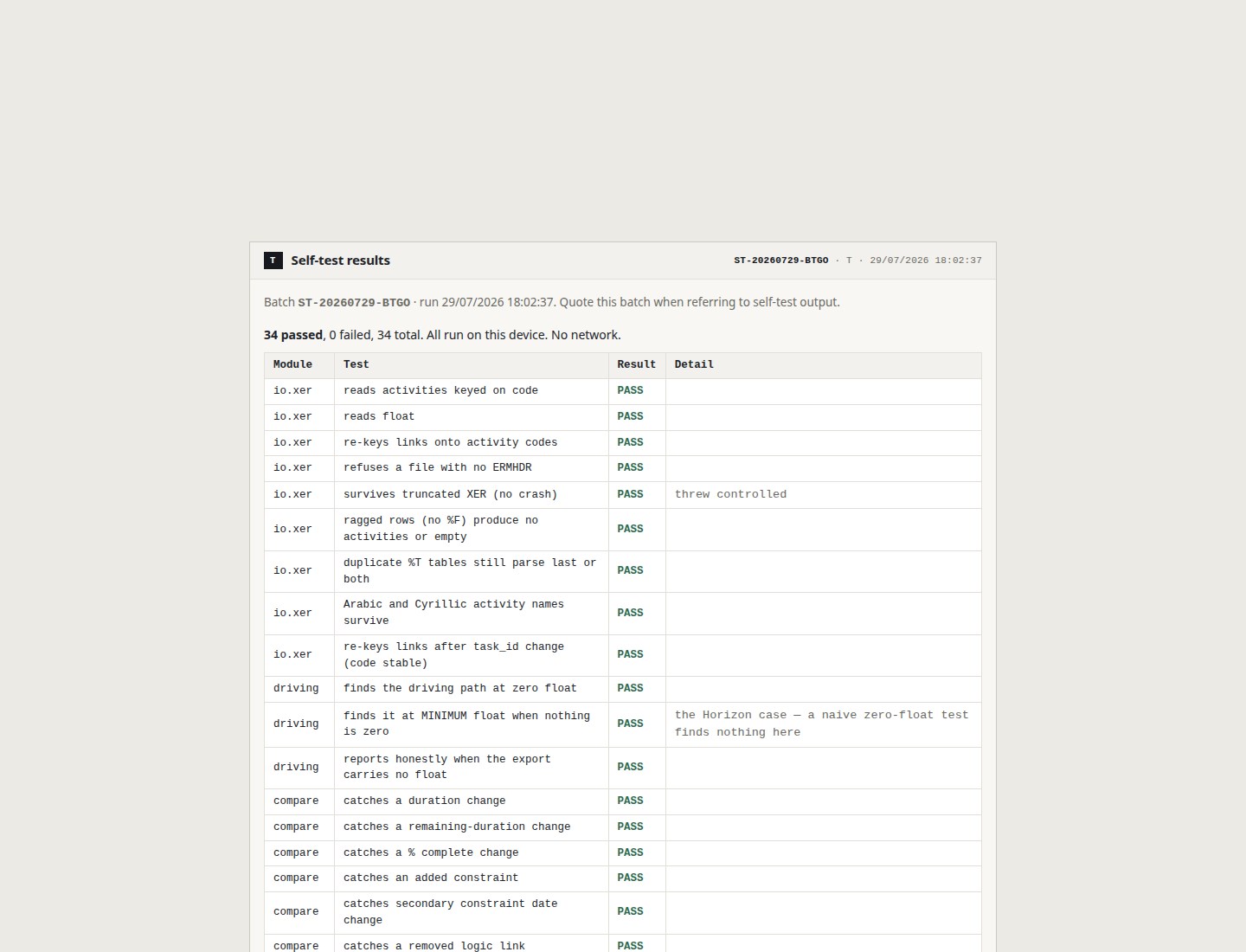
XER CrossCheck compares two Primavera P6 XER programme revisions on your PC. Drop the earlier file as Revision A and the later as Revision B, then press Compare. Nothing is uploaded — it all stays on the device. You get a structured report with section codes and a batch ID, so you can point to a specific part of the output on a call or from a screenshot. What the report covers • File identity — names, sizes, export dates, data dates, full SHA-256 of both files • Programme shape — activity, link and calendar counts, progress, and a driving-path note taken from P6’s own float • Ranked questions — differences that touch the driving path listed first, with evidence • Full change register — every material difference (e.g. 172 on the Horizon demo), with Activity ID, name, and table.field source • On-screen filters — All, Driving path, scope, duration, logic, constraint, progress. Filters only change what you see; they don’t delete anything. Excel still exports every line • DCMA 14-point — run on each revision side by side, with threshold, measured value, pass/FAIL, and a written reason for each check • Batch reference for your records Exports • Excel — multi-sheet workbook (Contents, Cover, Change register, Questions, DCMA, DCMA lists), UK-style dated filename, brand bar and support email on each sheet • JSON (verify) — batch record with both SHA-256 hashes so you can prove which files were used • Print — clean layout for paper or PDF What it does not do It records what changed. It does not recompute a critical path, does not split movement into “progress vs re-planning,” and does not decide cause, excusability or compensability. That’s a separate forensic job. XER text exports only. Non-XER files are rejected with a clear message. Not affiliated with, endorsed by or sponsored by Oracle. Oracle, Primavera and P6 are trademarks of Oracle Corporation.
Productivity · Windows · $36.49